
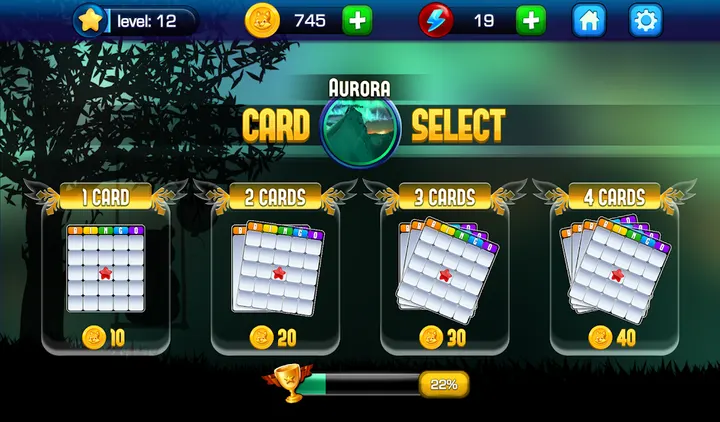
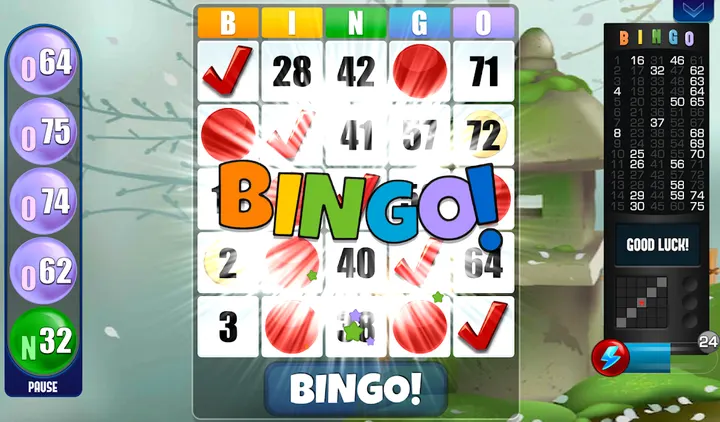
Absolute Bingo is a free bingo game for Android, available through Google Play only, with over 10 million installs on that store. Absolute Games released it on February 5, 2013, and the listing was last updated on March 26, 2026. Google Play shows a 4.7 rating from 339.2 thousand ratings.
Bingo without a connection
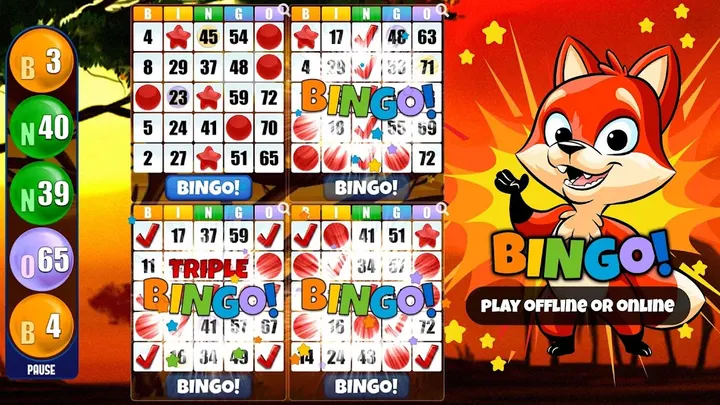
The main problem this game addresses is simple: playing bingo when no internet is available. The game runs offline, and online play is also supported. That suits a commute, a flight or a long wait at home.
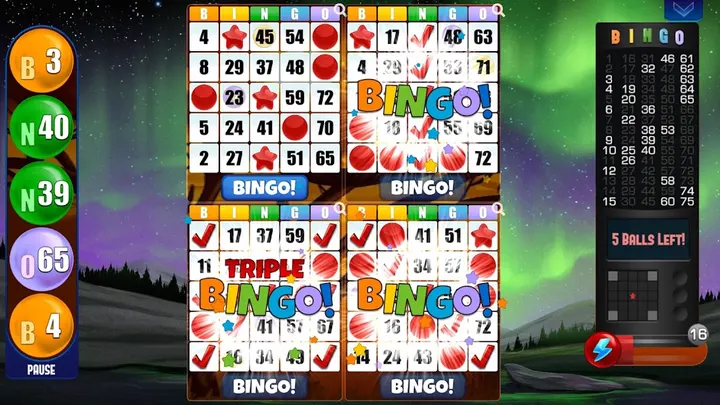
The game uses the American 75-number format on a 5x5 grid. You match five numbers across, down or diagonally and call bingo.
Eight cards, pause and speed controls
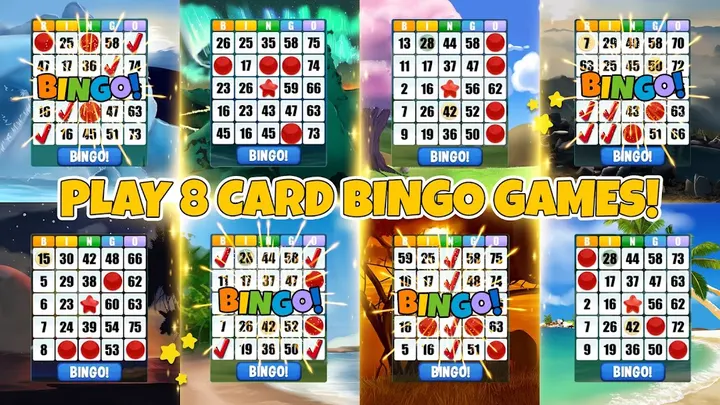
You can play up to 8 cards in a single room, which the developer lists as a newer addition. Double and triple bingo wins are part of the scoring. Higher levels unlock powerups.
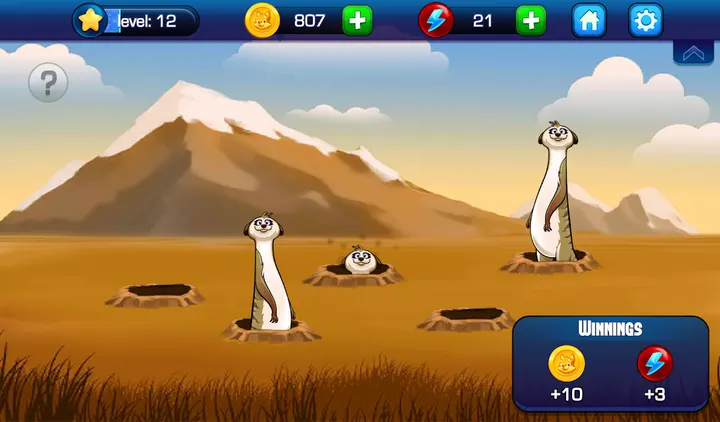
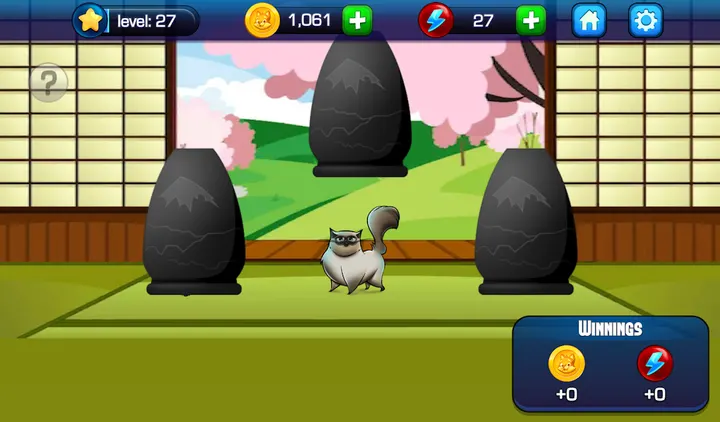
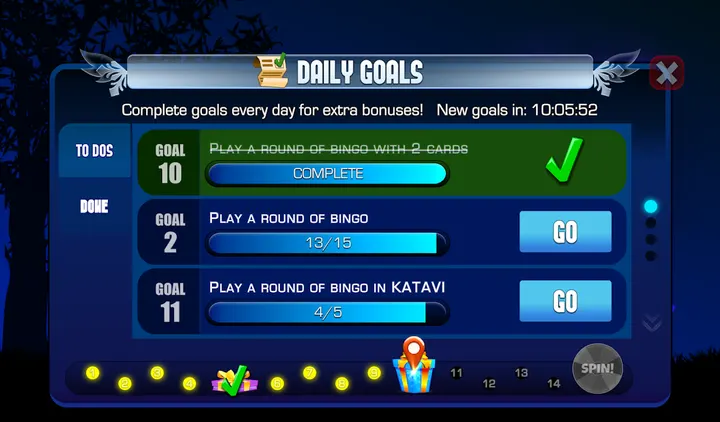
Two controls help with pacing. You can pause whenever you like, and you can speed the game up or slow it down. Free coins arrive every 4 hours, and the game also has bingo rooms and mini games.
What to check before installing
The game is free, but it carries ads and in-app purchases. Purchases use real money, and you can switch them off in your device settings. The content rating is Teen, and the game needs Android 6.0 or later.
The developer says the game does not offer real money gambling or real prizes. Success here does not imply future success at real gambling.
Absolute Bingo pros and cons
Pros
- Works offline as well as online
- Up to 8 cards per room
- Pause and adjustable game speed
- Free coins every 4 hours
- Rated 4.7 on Google Play by 339.2 thousand ratings
Cons
- Contains ads
- In-app purchases use real money
- Rated Teen, so not aimed at young children
- Update notes are not shown
Is Absolute Bingo safe?
Absolute Bingo is available through Google Play only. The publisher is Absolute Games: Bingo Games, with a developer website at absolutegames.com. No independent security review is available, so review the permissions on the store page and disable in-app purchases in device settings if you want to block spending.
How to install Absolute Bingo
- Press the Google Play button on this page.
- Check the listing in the Play Store and press Install.
- Open Absolute Bingo when the install finishes. Updates arrive through Google Play.