
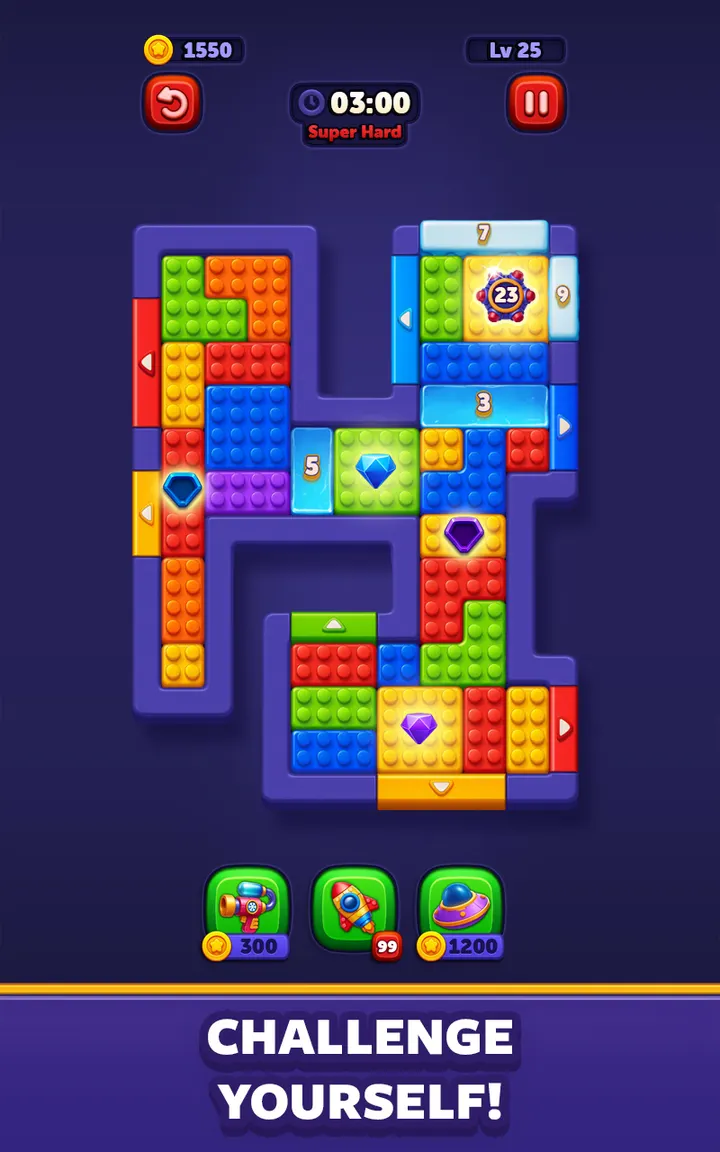
Block Out! suits players who like slow, careful puzzles and want something that works without a connection. It is a free color block game from Grand Games A.Ş., rated 4.4 on Google Play from 25.3 thousand ratings, with over 1 million installs.
Grand Games and a September 2026 release
The game comes from Grand Games A.Ş., which runs a site at grand.gs. It reached Google Play on September 7, 2026, and the latest update landed on October 27, 2026 as version 1264.
The package ID is com.grandgames.catblockjam. It sits in the games category with puzzle and everyone tags.
Sliding blocks to matching doors, with elevators in the way
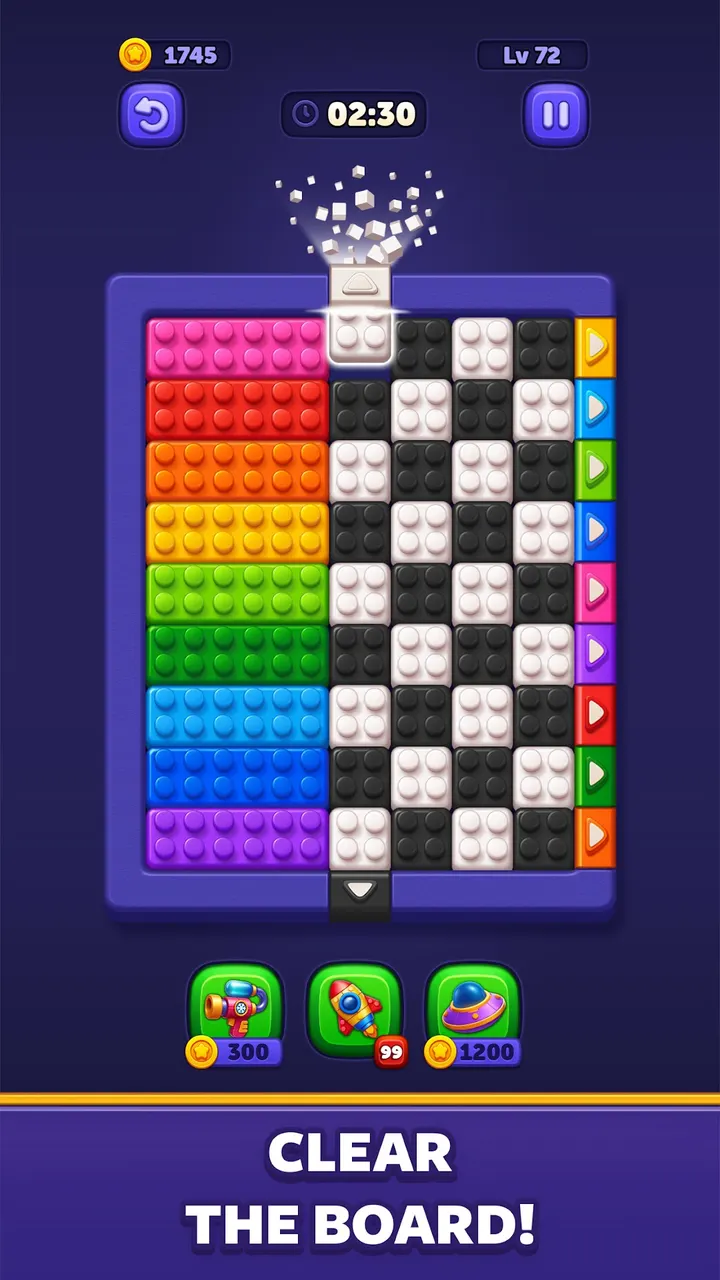
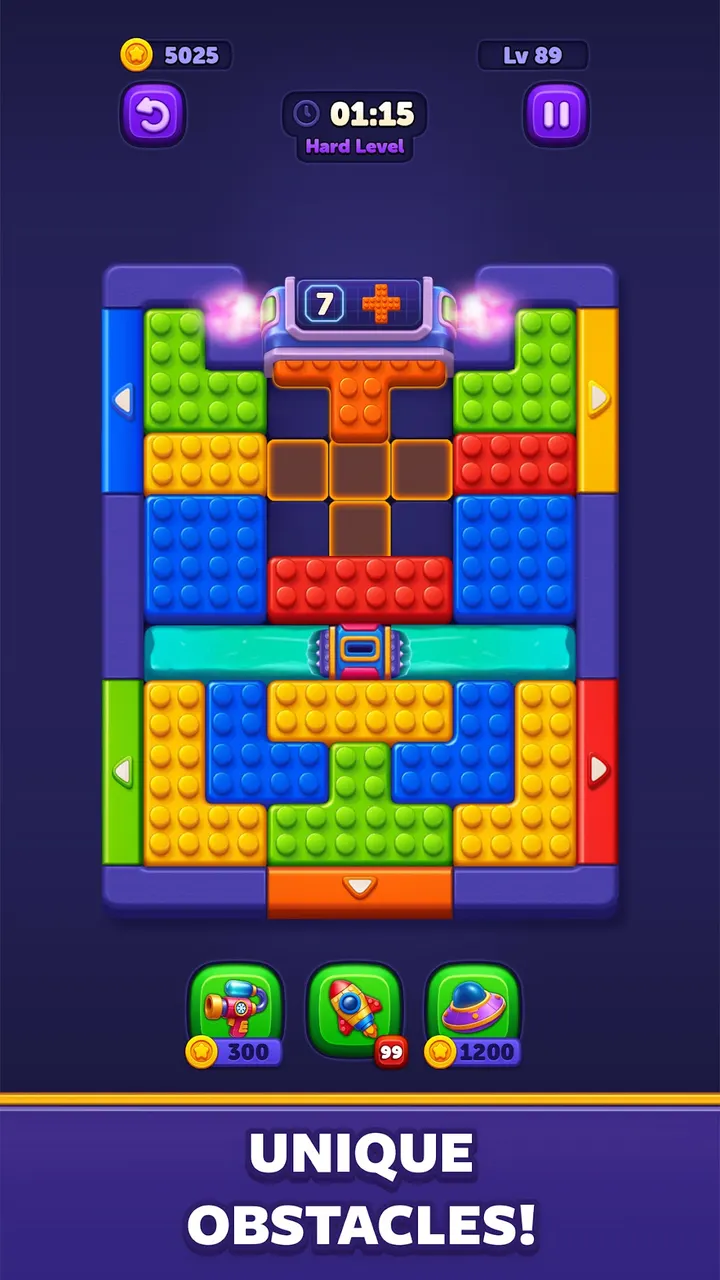
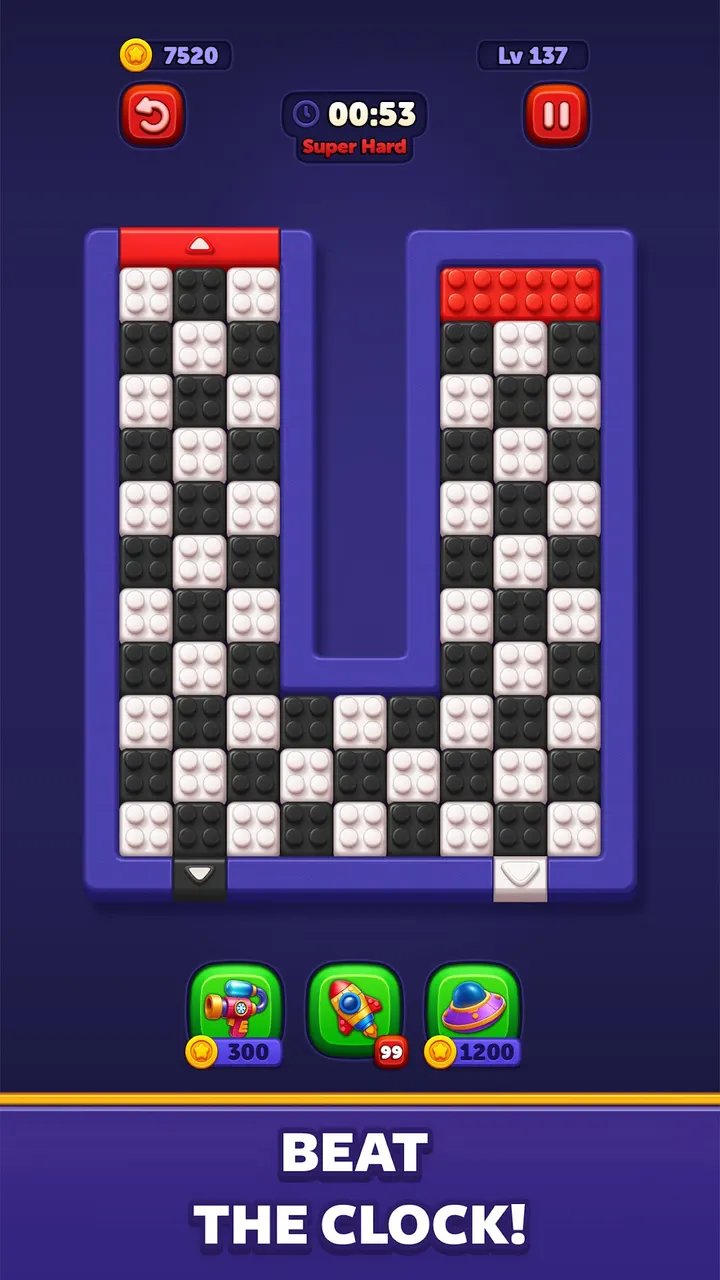
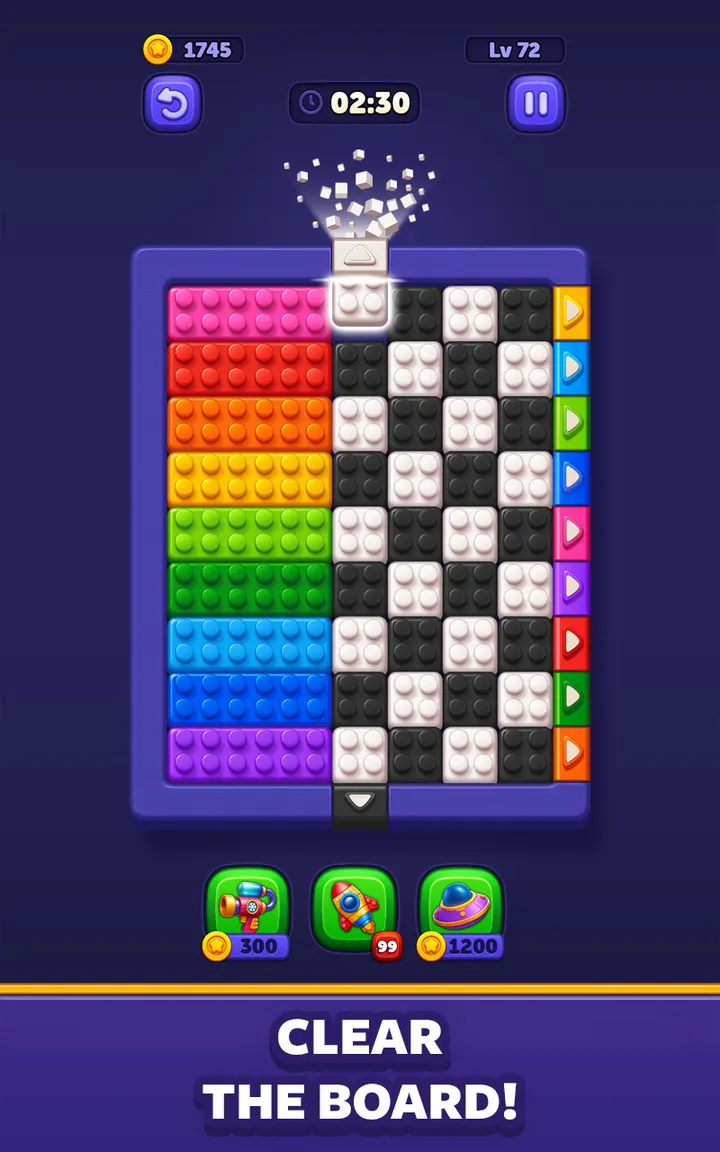
The core move is simple: slide each colored block toward the door that matches it and clear the board. Space is limited, so the order of moves matters more than speed, though faster completion helps unlock new challenges.
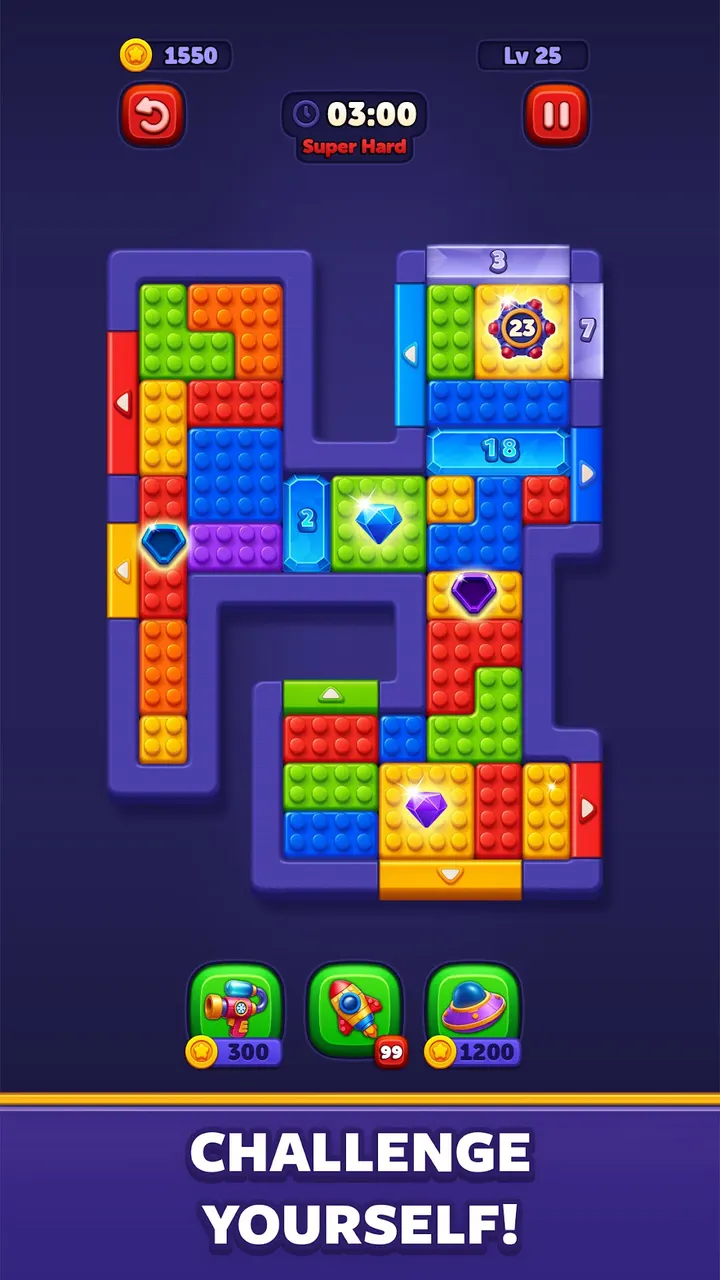
Levels add moving elevators and block generators, which change the layout and keep early solutions from working twice. The store page also lists an ad-free mode and offline play, so a level can be started without wi-fi.
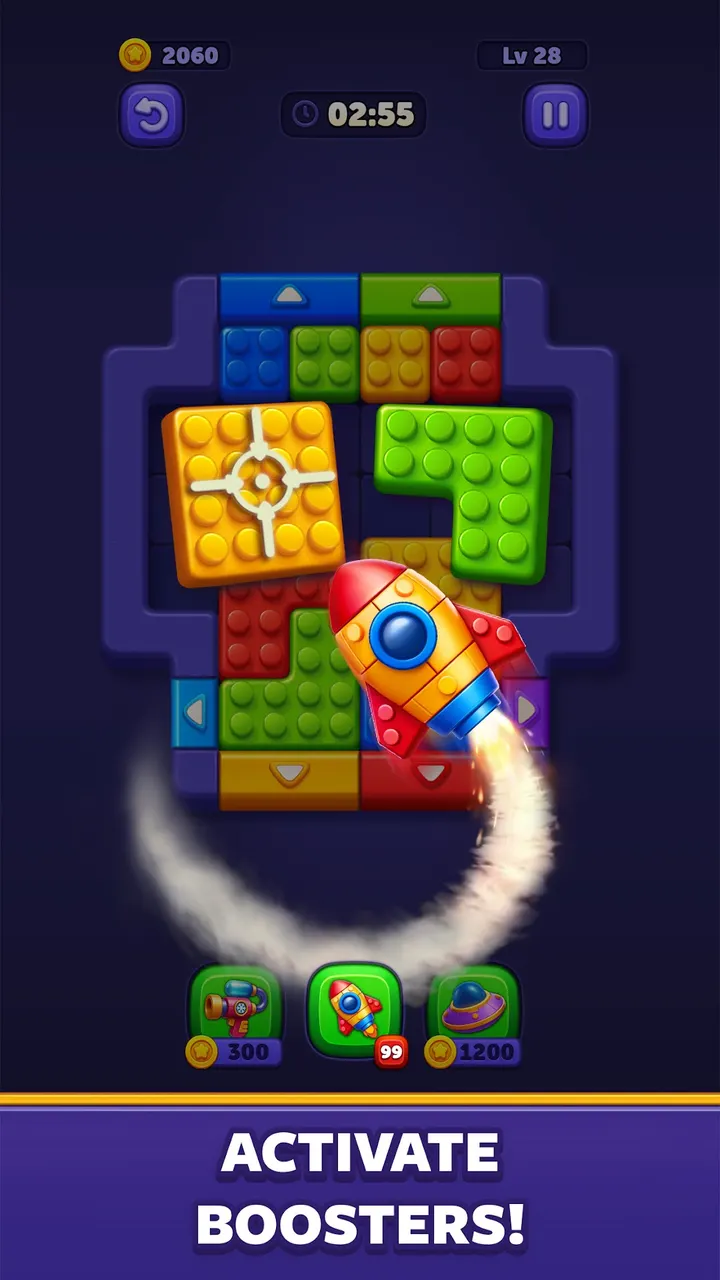
Eight screenshots show the bright, colorful look of the boards.
Android 8.0 and up, with ads and purchases
Block Out! needs Android 8.0 or newer. The content rating is Everyone, so it fits all ages.
The download is free, but the game contains ads and in-app purchases. That sits a little oddly beside the ad-free mode mentioned in the feature list, so expect some ads in the standard version.
Block Out! pros and cons
Pros
- Free to download, with a rating of 4.4 on Google Play
- Works offline, no wi-fi needed
- Moving elevators and block generators vary the levels
- Rated Everyone and runs on Android 8.0 and up
- Over 1 million installs on Google Play
Cons
- Contains ads
- Includes in-app purchases
- Ad-free play is listed as a feature, so the free version may not be fully ad-free
Is Block Out! safe?
Block Out! is published by Grand Games A.Ş. and is distributed through Google Play, which applies its own checks to listed apps. It is rated Everyone. Because it has ads and in-app purchases, keep purchase controls on if children play it.
How to install Block Out!
- Press the Google Play button on this page.
- Check the listing in the Play Store and press Install.
- Open Block Out! when the install finishes. Updates arrive through Google Play.


