

Chess - Play and Learn Online is the Android app from Chess.com, and it has over 100 million installs on Google Play. It is a free chess game that combines live matches, puzzles, lessons and computer opponents in one place. This page covers what the app does, how a session runs and where it sits among similar chess apps.
A Chess.com account behind 100 million installs
The app comes from Chess.com, a publisher that has been on Android since January 31, 2010 according to the release date on record. Google Play shows a 4.7 rating from about 3.5 million ratings, which is a large sample for a board game. The content rating is Everyone, and the app is free to install.
The store text describes a community of more than 200 million players and over 20 million games each day. Those are the publisher's own figures, but they explain why finding an opponent is rarely the hard part. The latest update on record is November 4, 2026.
From a one-minute bullet game to a daily puzzle set
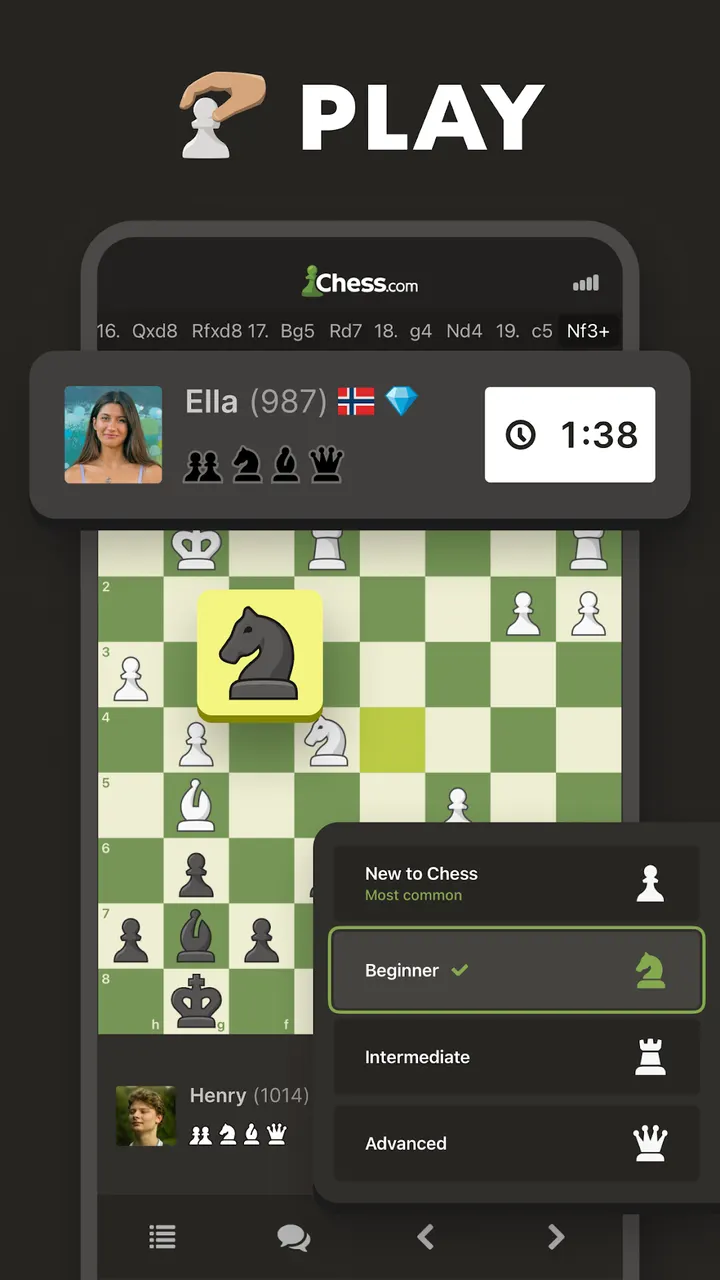
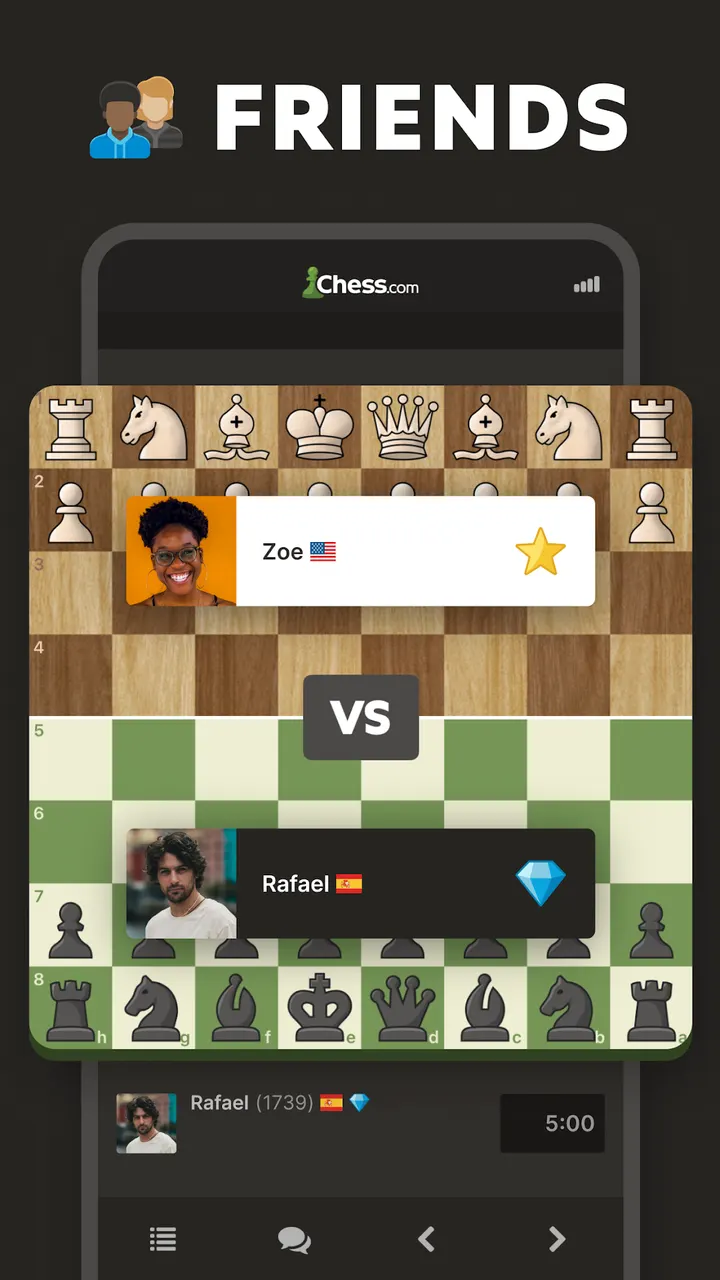
A typical session starts with a choice of mode. Real-time games run from one minute per game up to 30 minutes or longer, and daily correspondence games let you move at a slower pace. The two-player online mode with friends is free, and tournaments are open to strangers or friends.
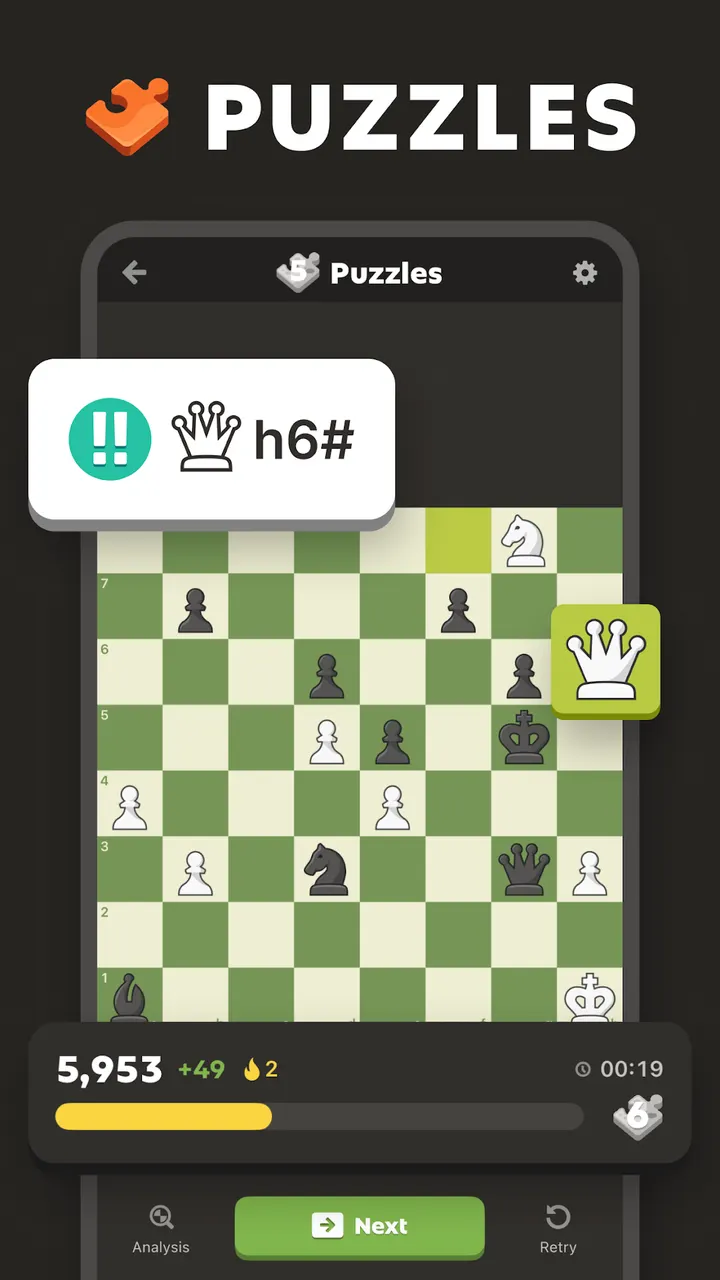
Variants are part of the menu: chess960 (Fischer-Random), blitz, bullet, blindfold, puzzle rush and puzzle battle. Players who want a break from opponents can try the library of more than 1,000,000 puzzles. Rated mode adjusts to your skill level, and Puzzle Rush adds a timer to chase a high score. Themes include checkmate in 1, 2 or 3, forks, skewers, sacrifices and endgames.
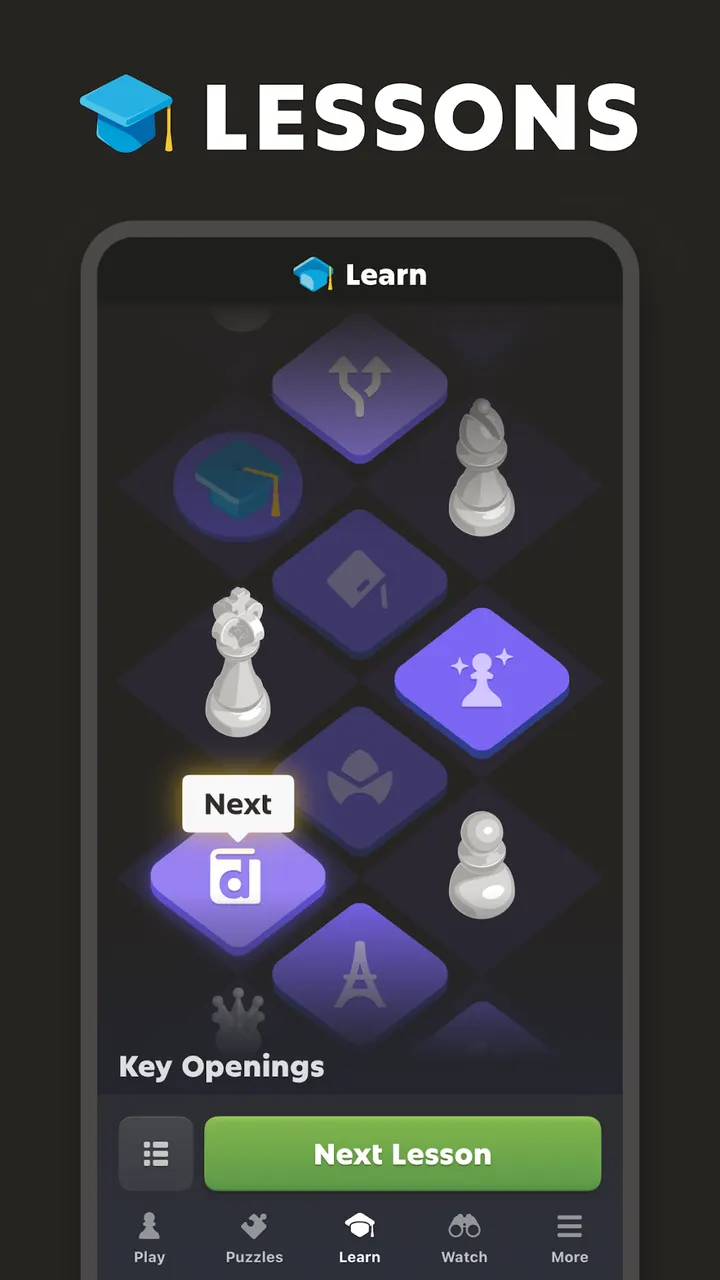
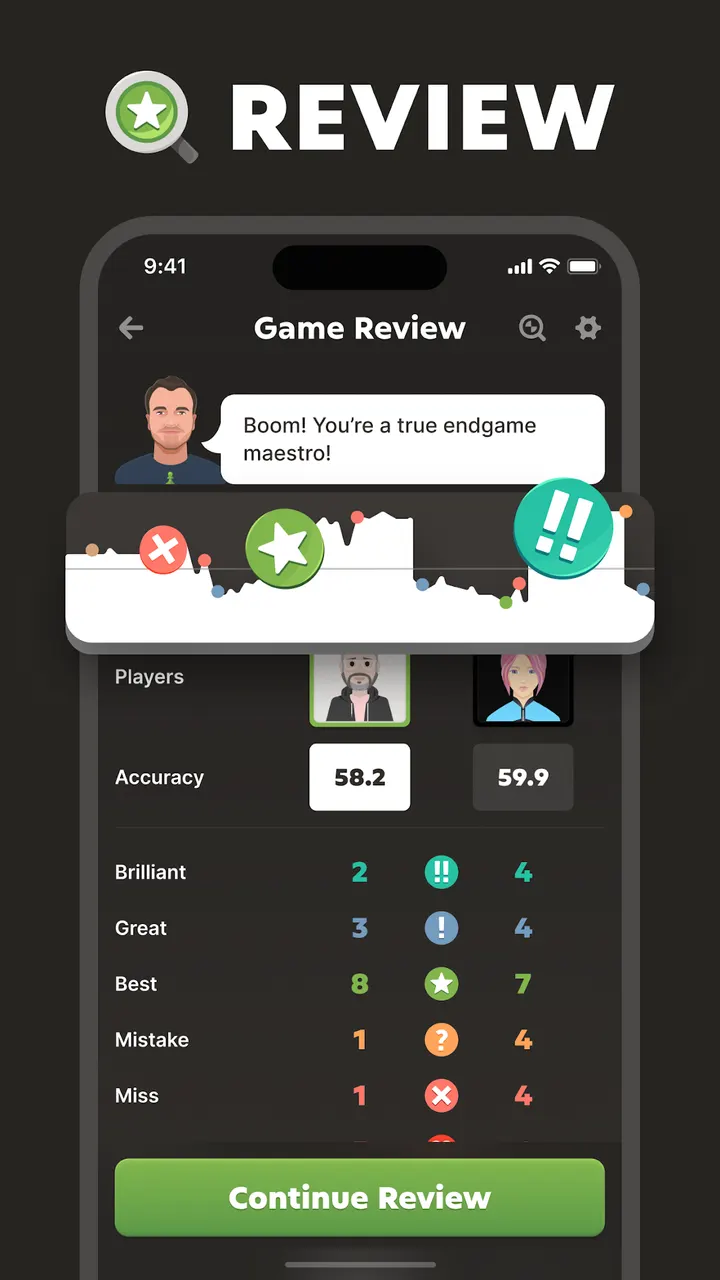
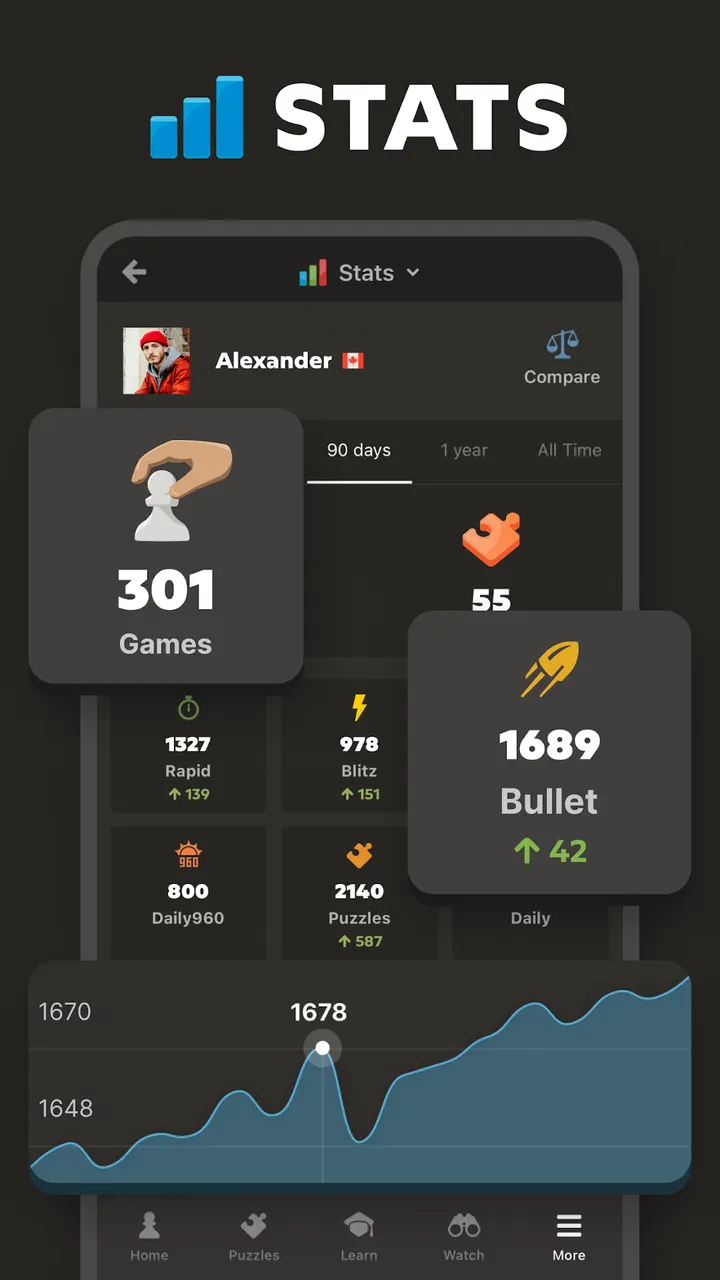
Learning sits next to play. The app lists hundreds of lessons and videos by masters, interactive puzzle tutorials and a coach that reviews your games and gives hints during play. You can also play the computer at a level you pick, with a timer, and analyze finished games offline. Board options include more than 20 themes and 3D pieces, and the app shows performance stats for games, puzzles and lessons.
How it sits next to Chess Clash and Chess Universe
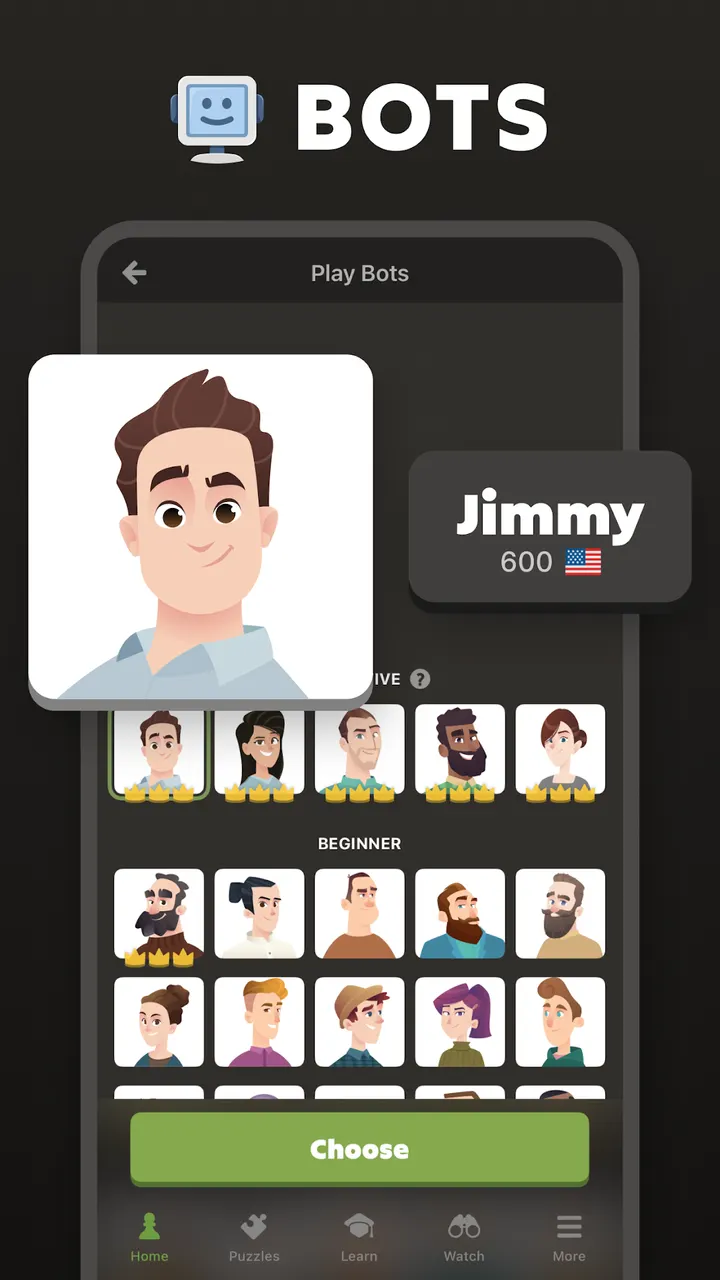
Alternatives in the same category include Chess, Chess Master, Chess Online & Offline, Chess Clash and Chess Universe. This app differs by combining online matchmaking, a coaching layer and a large puzzle set under one publisher account. The store text also mentions more than 100 bot opponents and offline play against the computer, so it works as a single-player trainer as well.
The trade-off is breadth. A player who only wants a quiet game against an engine may find the lessons, leaderboards and prompts more than needed. Those who want to study, play friends and track a rating in one app have less reason to switch.
Chess - Play and Learn Online pros and cons
Pros
- Free two-player online mode for playing friends
- More than 1,000,000 puzzles, including timed Puzzle Rush
- Time controls from one minute to 30 minutes or longer, plus daily games
- Variants such as chess960, bullet and blindfold
- Lessons, a coach and game review in the same app
Cons
- Contains ads
- Includes in-app purchases
- Online features depend on a Chess.com community, so offline play is limited to computer games and analysis
Is Chess - Play and Learn Online safe?
The app is published by Chess.com and listed on Google Play under the package com.chess. It is rated Everyone. It contains ads and in-app purchases, so check purchase prompts before confirming anything. Install it from the official store listing only.
How to install Chess - Play and Learn Online
- Press the Google Play button on this page.
- Check the listing in the Play Store and press Install.
- Open Chess - Play and Learn Online when the install finishes. Updates arrive through Google Play.


