
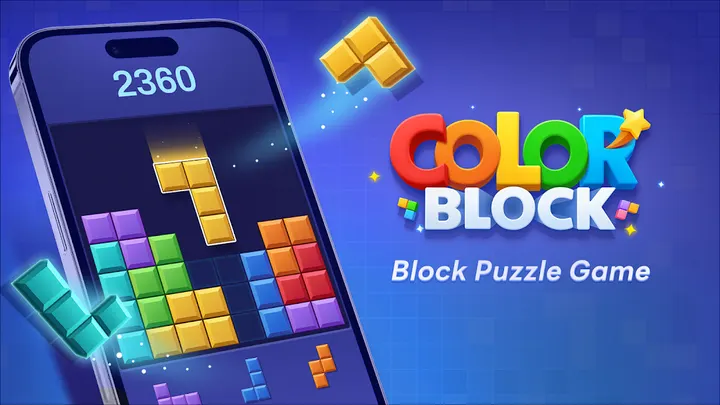
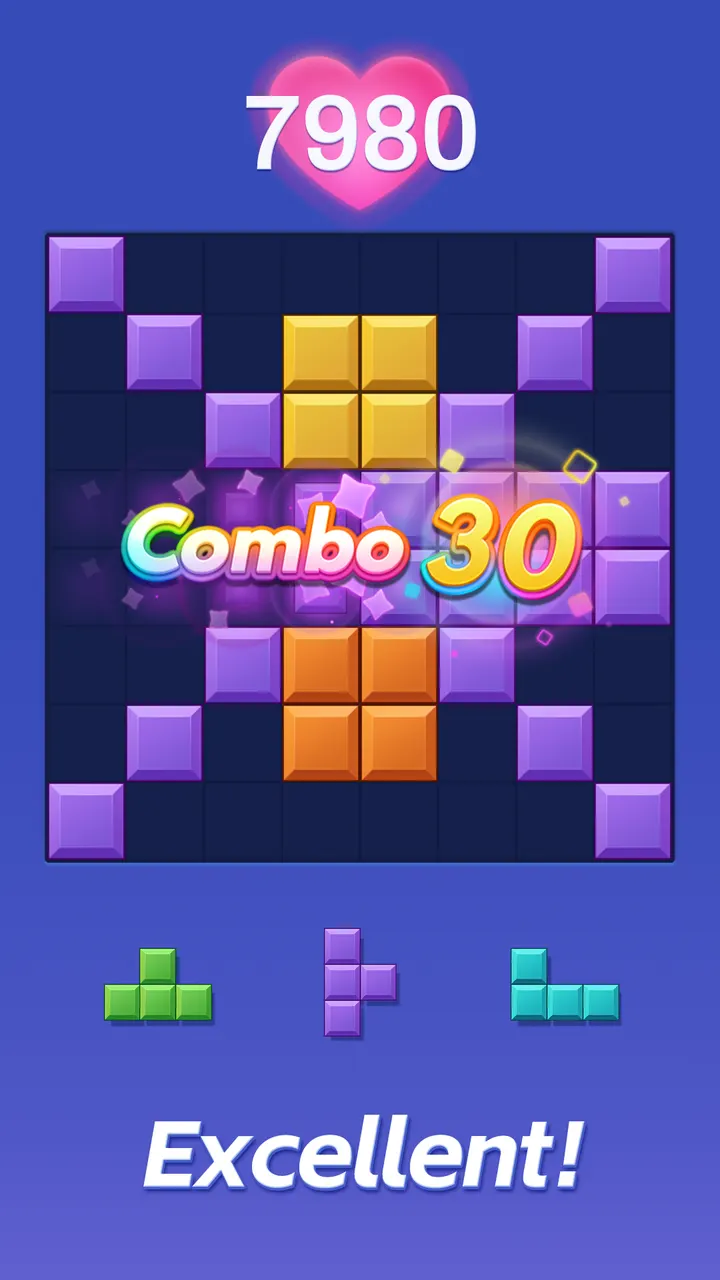
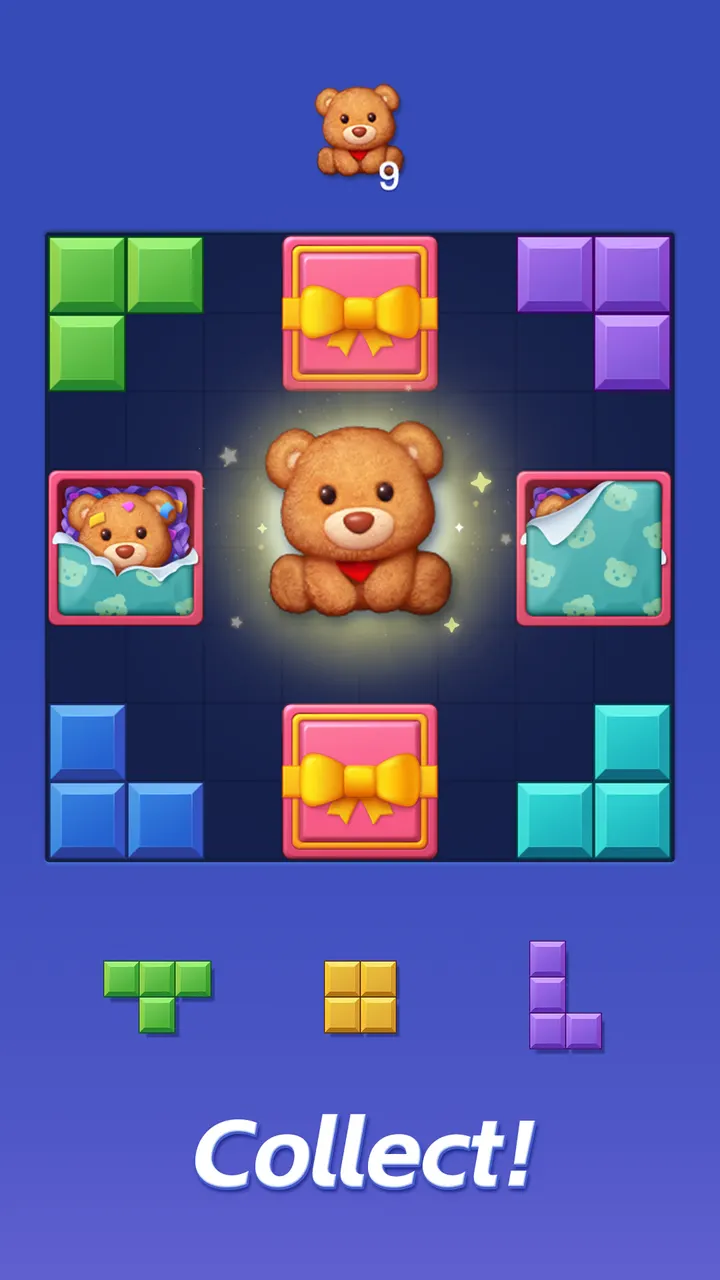
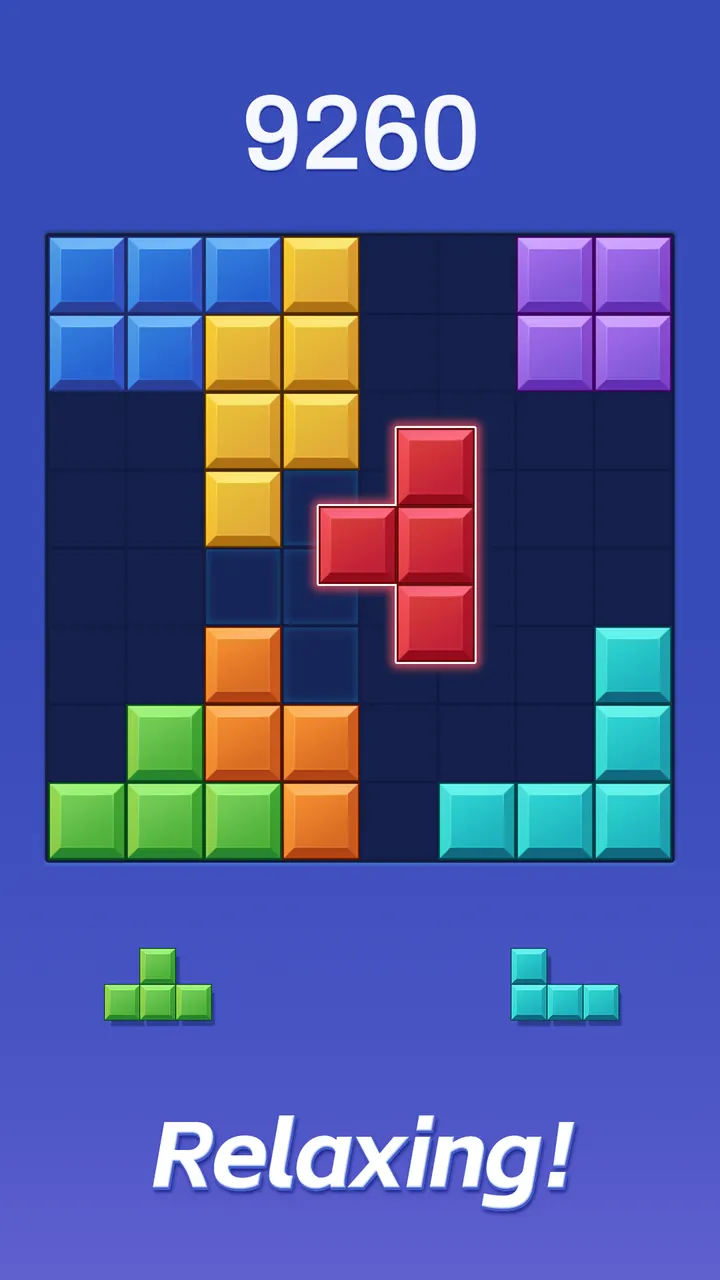
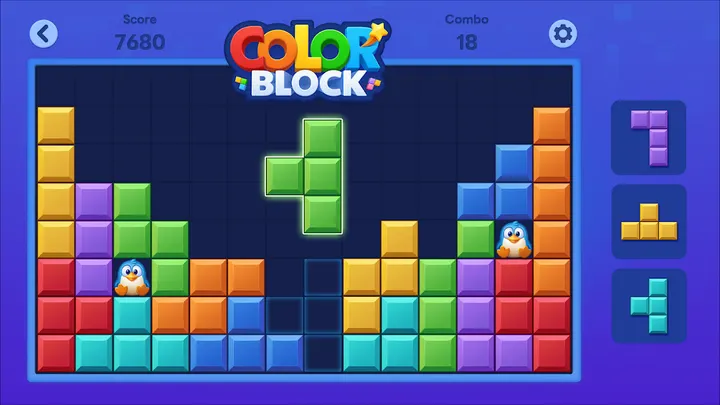
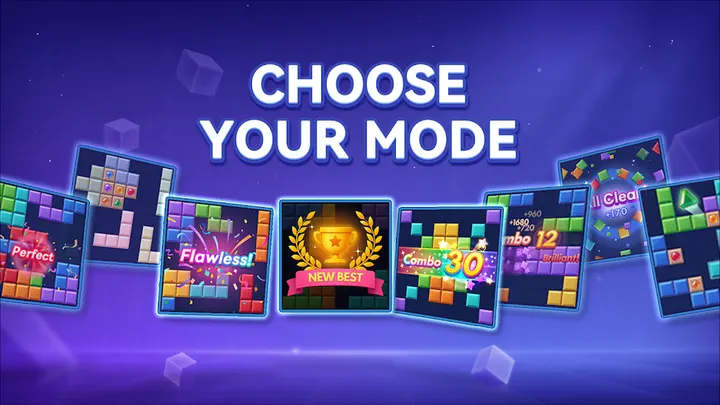
You have ten minutes on a train and no signal. Color Block works in that gap: it plays offline, has no timer, and asks you to drop shapes onto a grid and clear lines. It comes from the developer Ivy, runs on Android 7.0 or newer, and is listed on Google Play as version 5.8.4.
First steps after install: drag, drop, no rotation
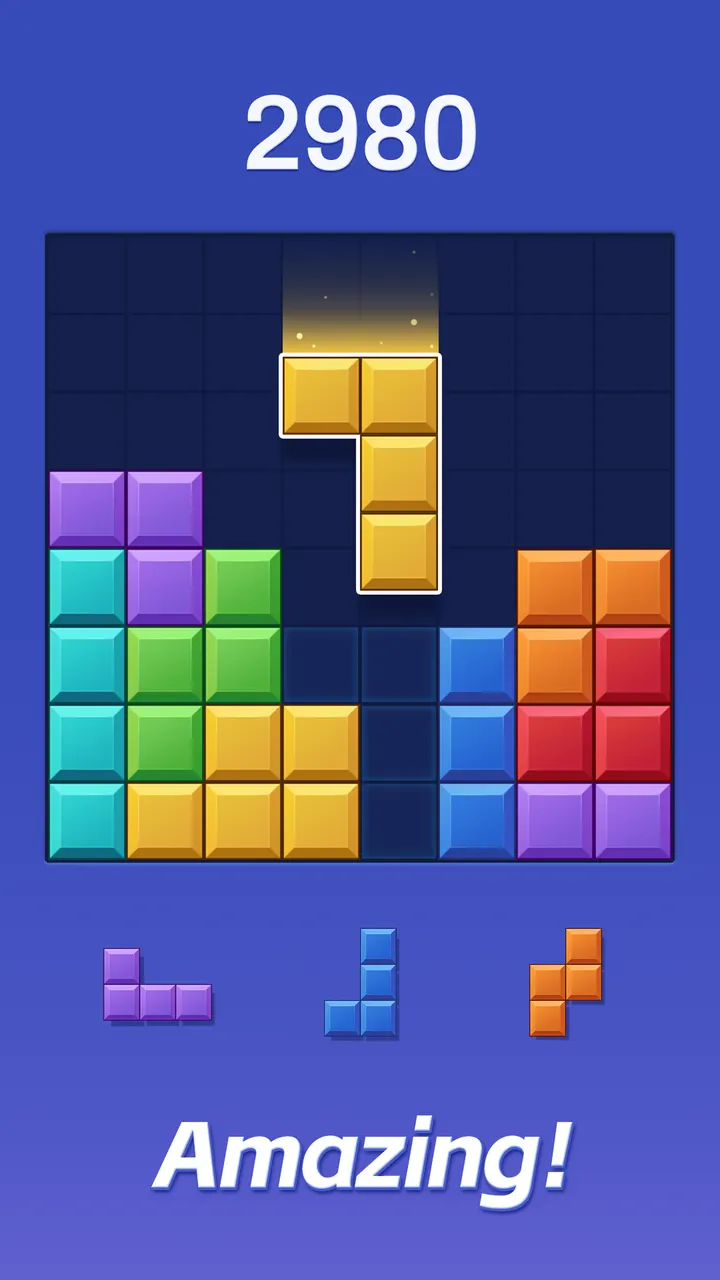
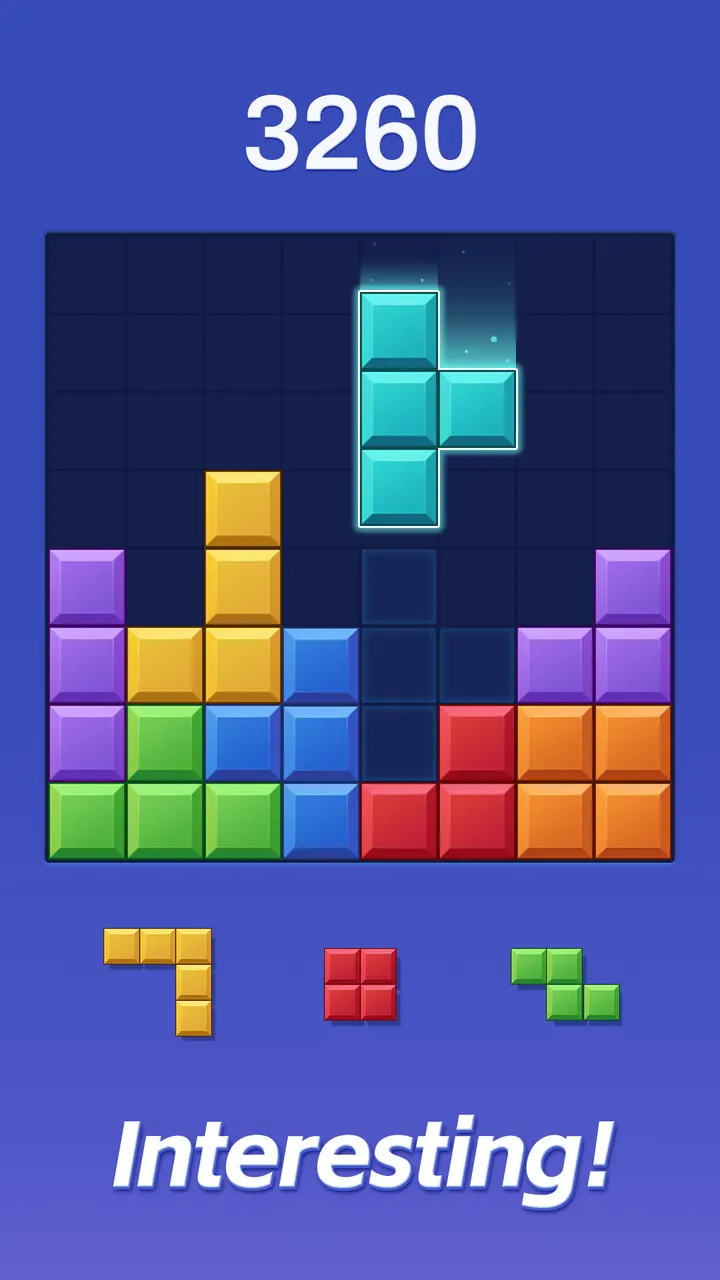
The opening minutes are simple. You drag blocks onto the board and fill complete rows or columns to clear them. Blocks cannot be rotated, so each placement needs a little thought about what space is left.
There is no time limit, so you can set the pace yourself. Keeping the board tidy raises your score, which gives a clear reason to avoid scattering pieces early on. Because offline play is supported, you can start a session without a connection.
What it does well: light, quiet and open-ended
Ivy lists smooth controls, polished animations and relaxing background music as core parts of the game. The puzzle supply is described as endless, and the game is called lightweight and battery-friendly, which suits short sessions on an older phone.
Google Play shows a 4.3 rating from about 82.2 thousand ratings and over 50 million installs. The game first appeared on April 16, 2019, and the latest update is dated November 3, 2026. The developer also mentions regular updates with new events and challenges.
The content rating is Everyone, so it fits a mixed household of players.
Who should pick an alternative
Color Block is a pure line-clearing puzzle. If you want a story-driven match experience, Gardenscapes or Royal Kingdom fit better. For a 3D building sandbox, Block Craft 3D is the closer match.
Players who prefer rhythm and reflexes can look at Geometry Dash Lite, Tiles Hop Music & Ball Game or Amaze GO!. The game also shows ads and sells in-app purchases, which may put off anyone wanting an uninterrupted session.
Color Block pros and cons
Pros
- Plays offline, so it works without Wi-Fi or mobile data
- No time limit on any round
- Rated 4.3 on Google Play from about 82.2 thousand ratings
- Lightweight and described as battery-friendly
- Free to download with an Everyone content rating
Cons
- Contains ads
- Offers in-app purchases
- Blocks cannot be rotated, which some players may find restrictive
- Requires Android 7.0 or newer
Is Color Block safe?
Color Block is distributed through Google Play under the package name com.puzzlegames.puzzlebrickslegend, published by Ivy. It carries an Everyone content rating. Ads and in-app purchases are present, so check purchase settings if children use the device.
How to install Color Block
- Press the Google Play button on this page.
- Check the listing in the Play Store and press Install.
- Open Color Block when the install finishes. Updates arrive through Google Play.


