
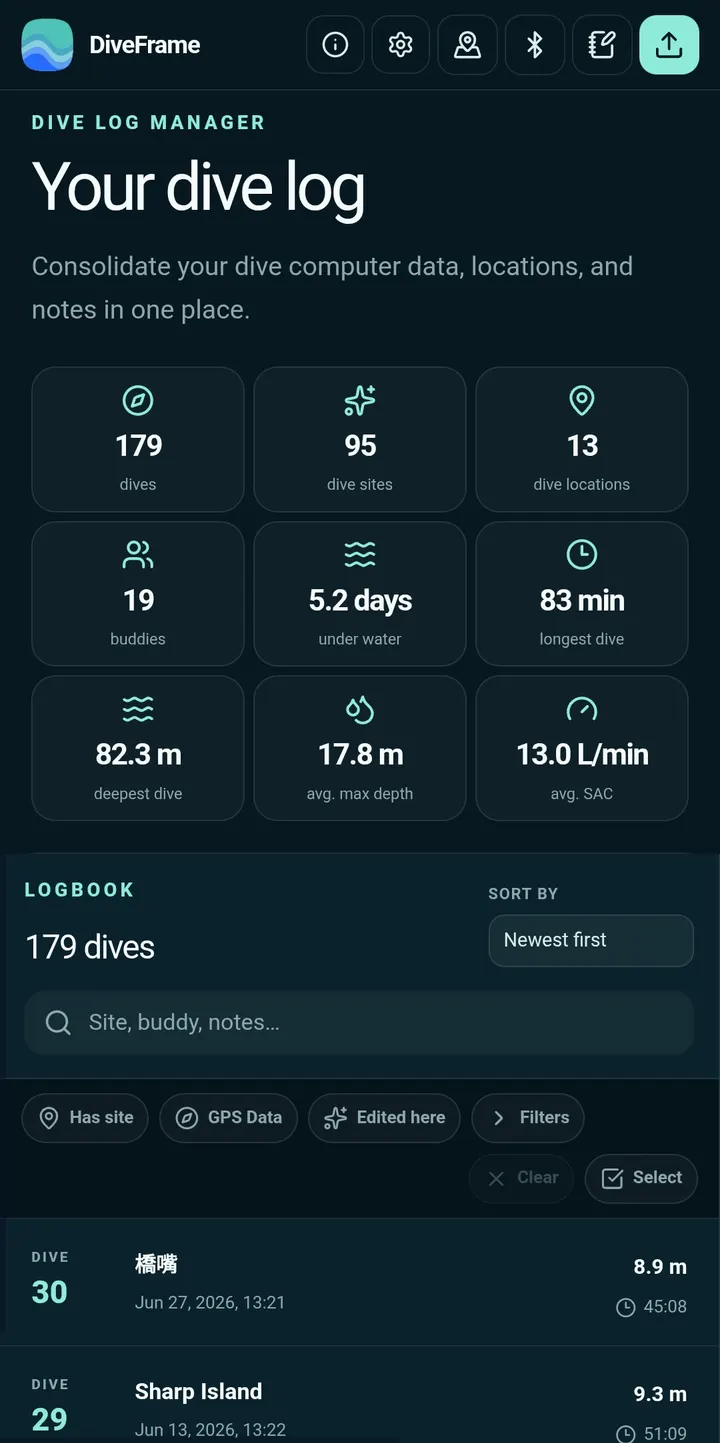
You surface from a dive, the Shearwater is still on your wrist, and you want the profile in a logbook that does not need an account. DiveFrame, from developer fishese, is built for that. It keeps dive data on the phone and works offline, and this page covers what it costs, what it does and how it is maintained.
Free, ad-free and GPL-licensed
DiveFrame is free and carries no ads. Its source code is public on GitHub under the GPL-3.0-or-later licence, so anyone can check how the logbook handles their dives.
No account is needed and there is no cloud logbook, so your dive records are not tied to a login. The app also shows no sign of in-app purchases.
Importing Shearwater, Subsurface and Garmin dives
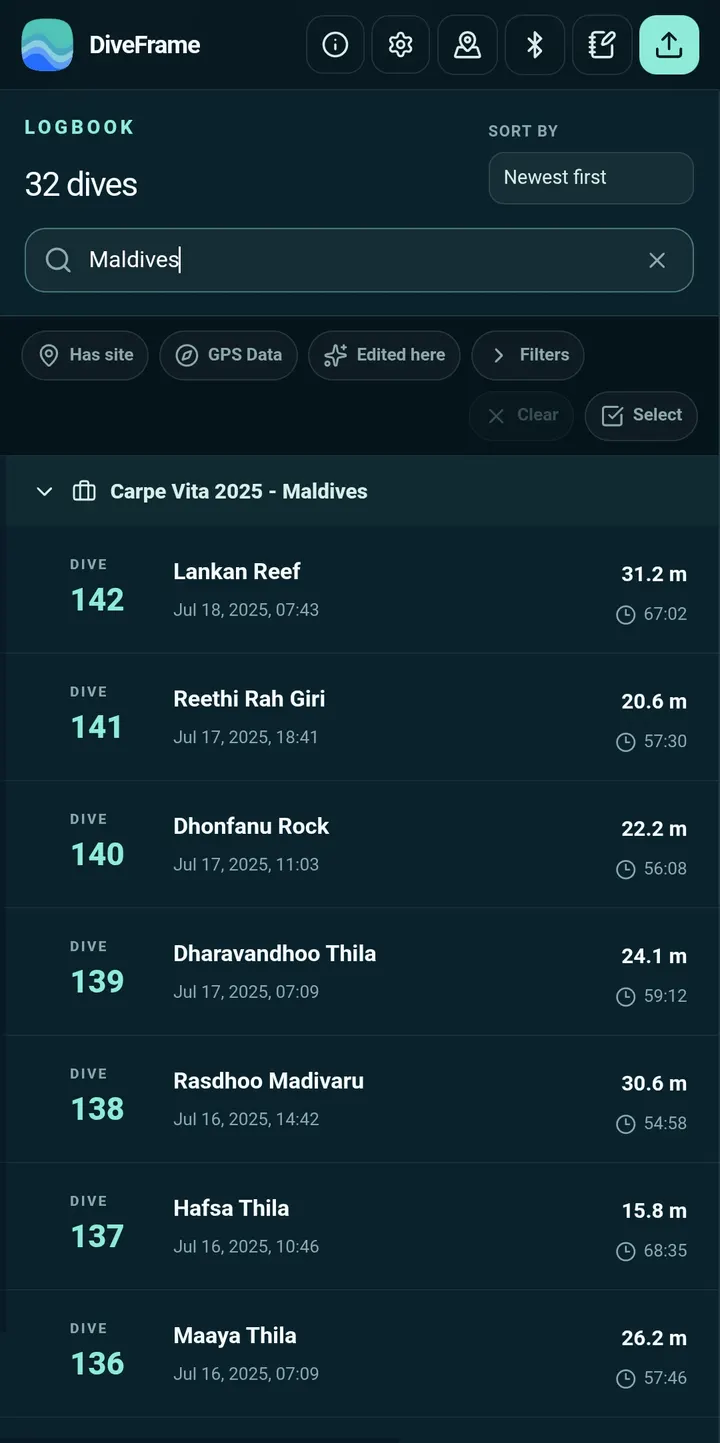
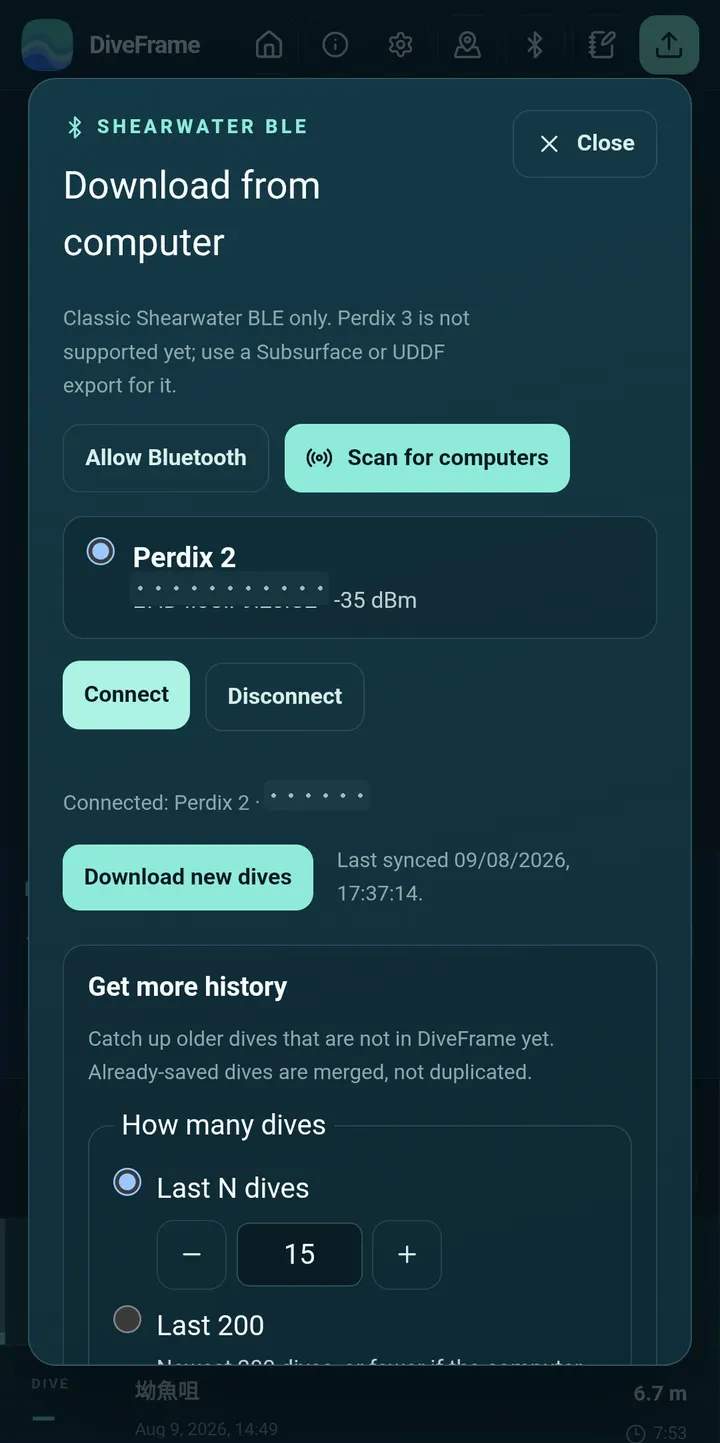
Import is the core of the app. DiveFrame reads logs from Shearwater Cloud Desktop, Subsurface, UDDF, Garmin Dive, Suunto and FIT files. On Android it can also download classic Shearwater dives over Bluetooth without Google services.
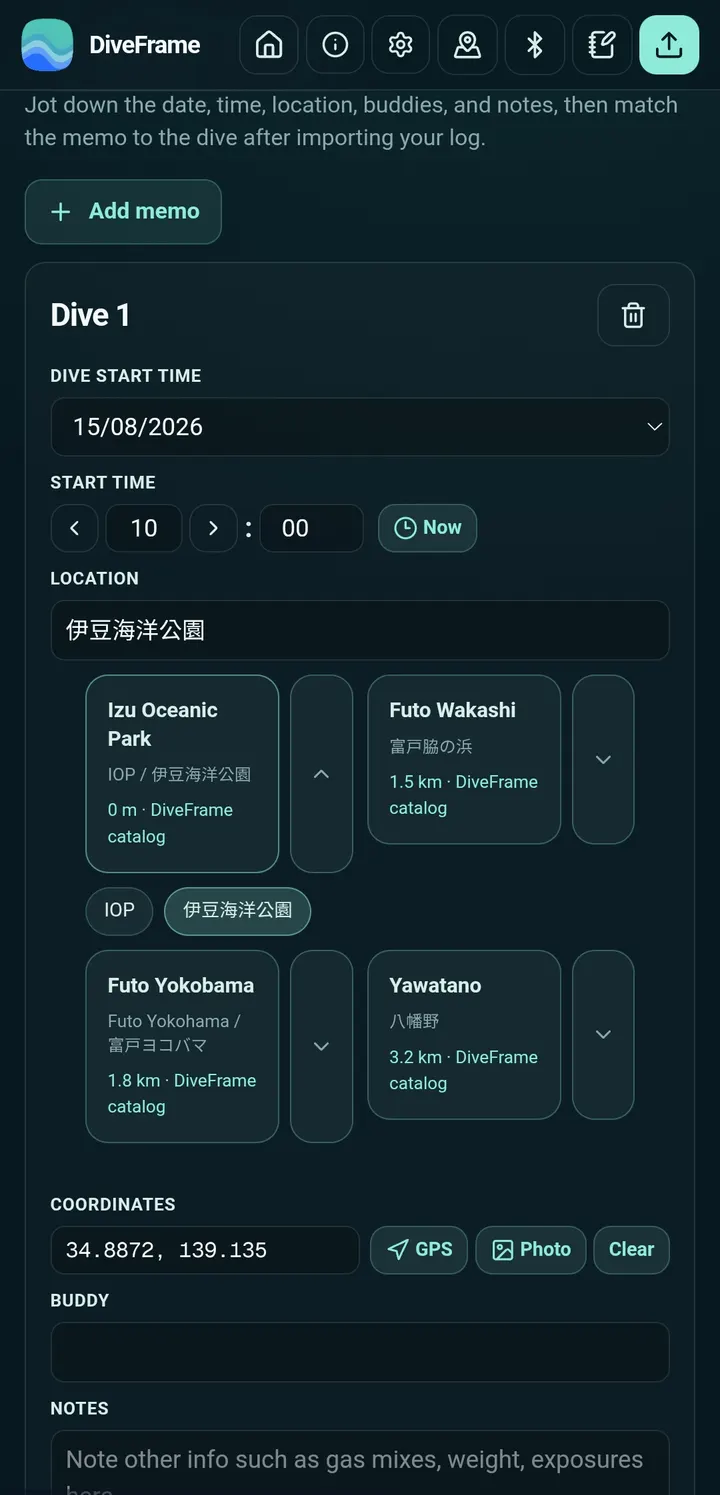
If the same dive arrives from two sources, you can merge the matches while keeping profiles, GPS, notes, photos and source details. Pre-import memos can be written first and are matched to dives with similar start times.
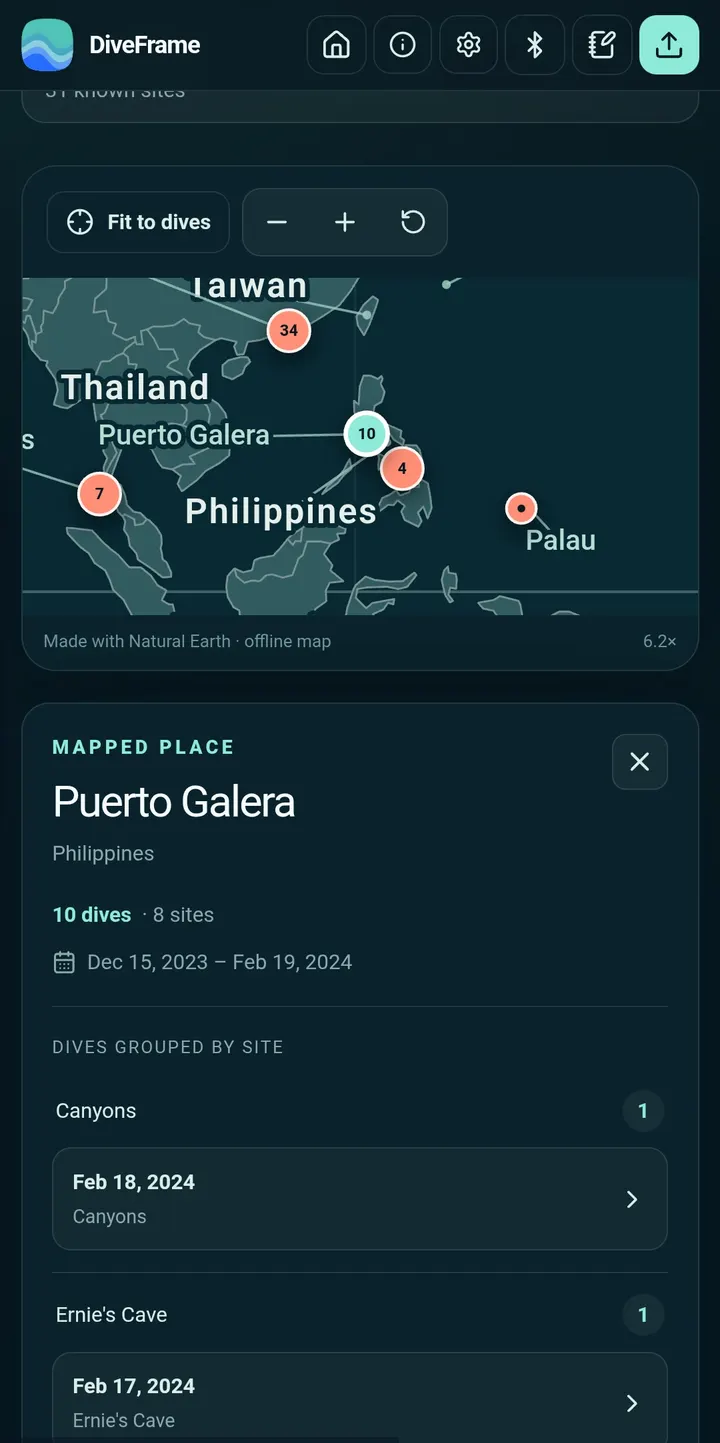
For organizing, an offline Places Dived map groups dives by site. A bundled dive-site catalog can be searched by place name and alias.
Sharing images and exporting backups
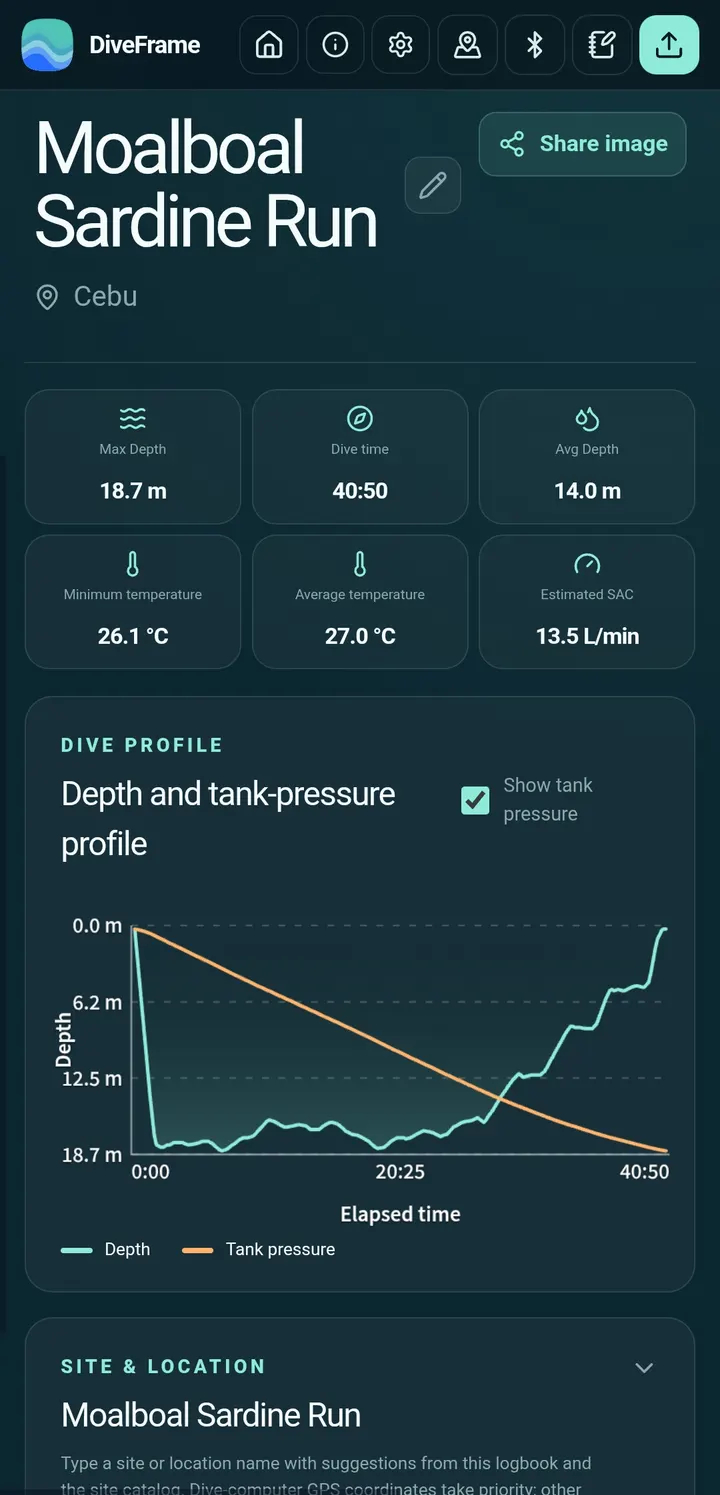
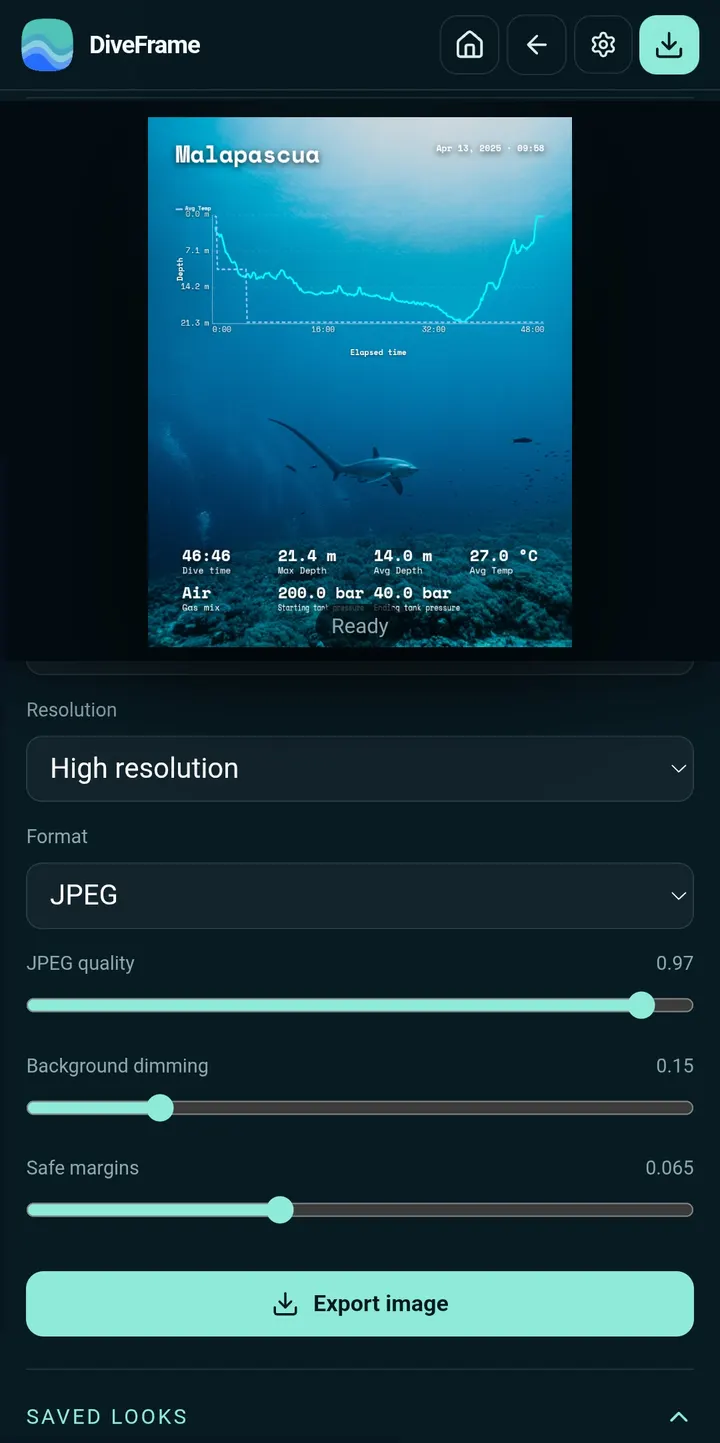
DiveFrame can create shareable dive images showing profiles and gas statistics, with four layouts to choose from.
For backups, the app exports a complete Subsurface logbook or a password-protected local backup. That matters because dive data lives only on the device.
Update checks and version 1.0.31
The current version is 1.0.31, dated October 25, 2026, which is both its release and latest update date. It runs on Android 7.0 or newer and takes up 12.8 MB.
We store the unmodified APK along with its checksum and signature details, so you can compare the file you download against them before installing.
DiveFrame pros and cons
Pros
- Free with no ads and no listed in-app purchases
- Open source under GPL-3.0-or-later, with code on GitHub
- Imports from Shearwater Cloud Desktop, Subsurface, UDDF, Garmin Dive, Suunto and FIT
- Bluetooth download of classic Shearwater dives without Google services
- Password-protected local backup and full Subsurface export
Cons
- Dive data stays on the device, with no cloud logbook to restore from
- Bluetooth download is described for classic Shearwater dives on Android only
- Version 1.0.31 has no published changelog
Is DiveFrame safe?
The APK is kept unmodified, and its SHA-256 checksum is 88293544164d7123767f0653c678b060946c8b655aba0000ce925d5a9f52f676, so you can compare it against the file you downloaded. DiveFrame is open source under GPL-3.0-or-later, with code at https://github.com/fishese/diveframe. It carries no ads, and the logbook stays on the device, with no account or cloud copy.
How to install DiveFrame
- Download the APK with the button on this page and wait for it to finish.
- Compare the file with the SHA-256 checksum shown here if you want to confirm it arrived intact.
- Open the file on your phone and allow installs from this source when Android asks.
- Finish the install, then open DiveFrame from your app drawer.


