



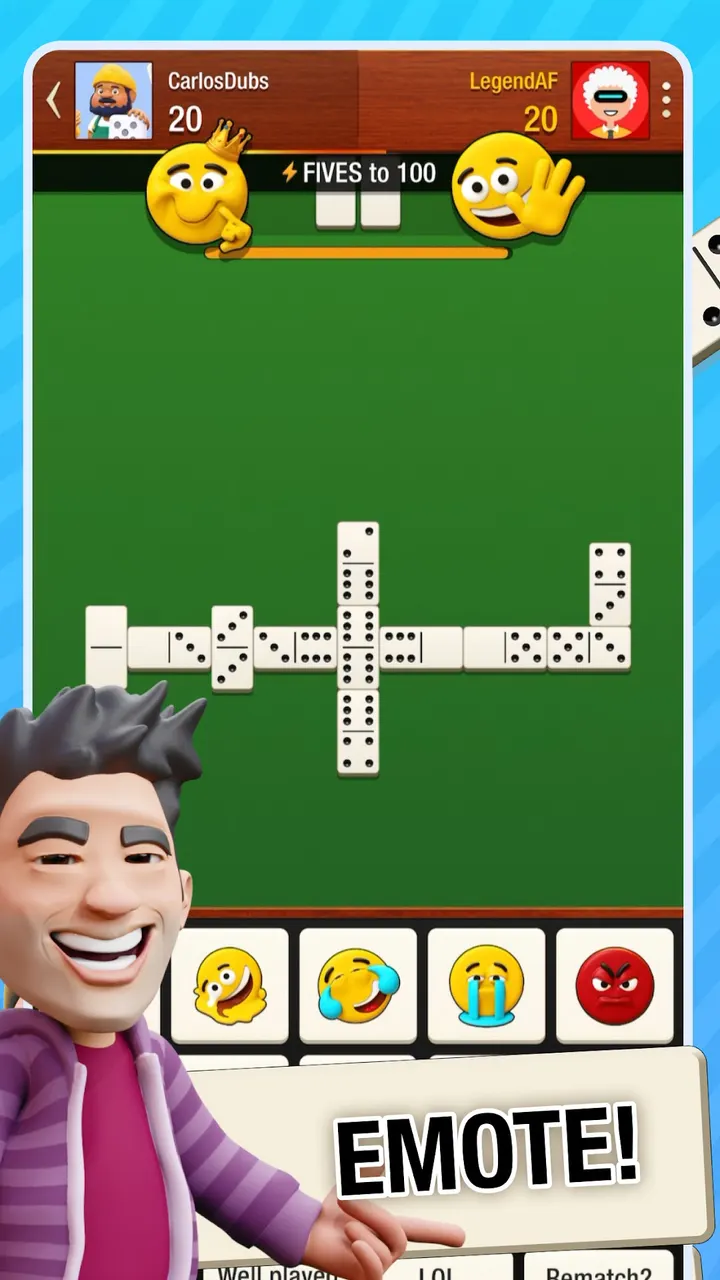
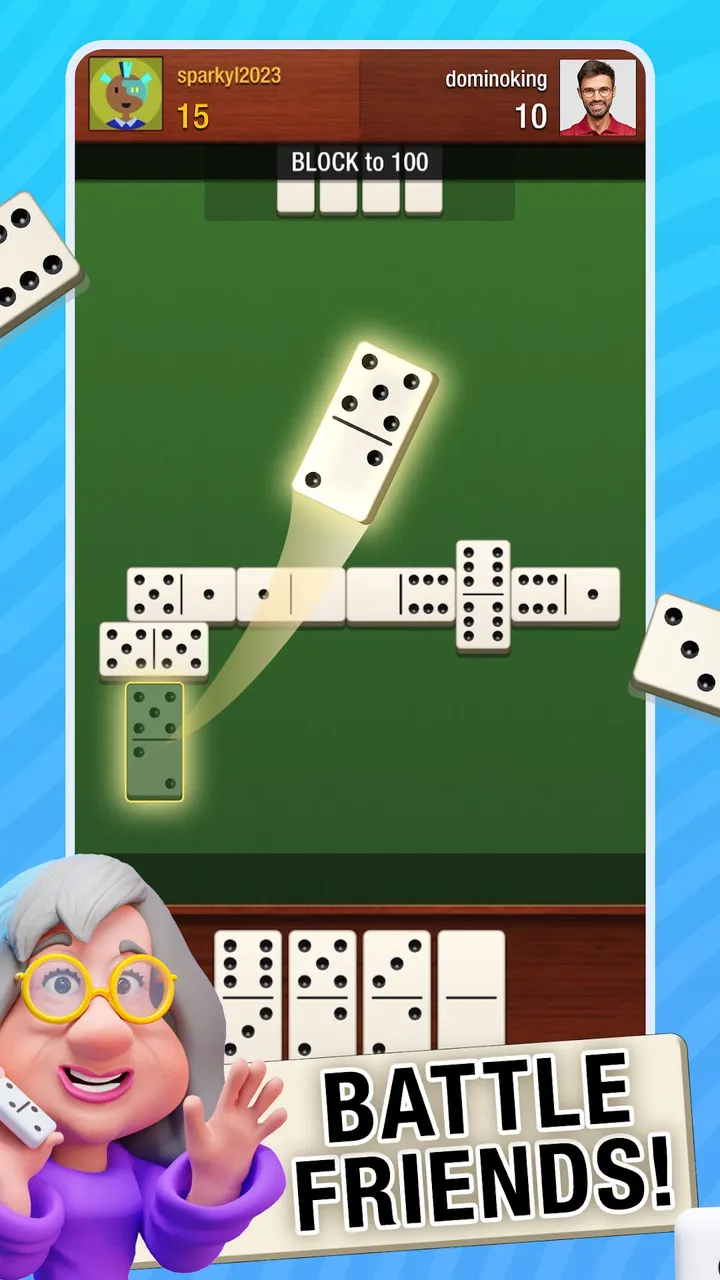
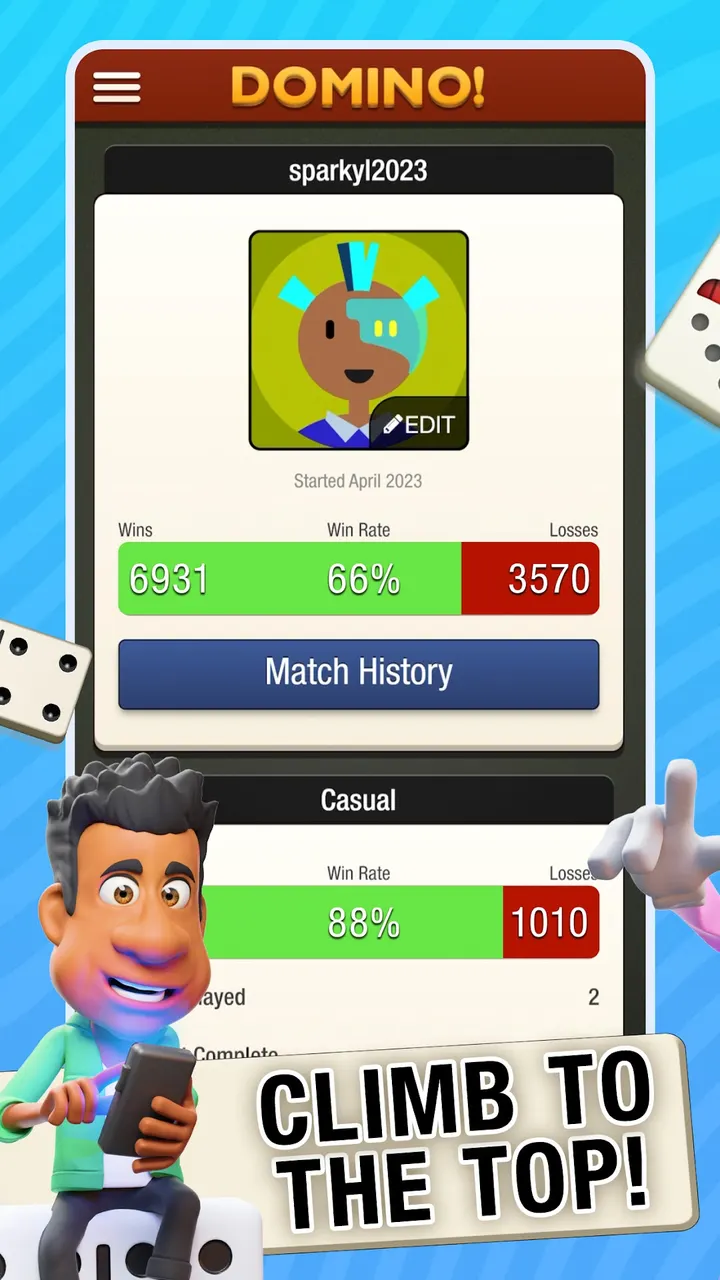
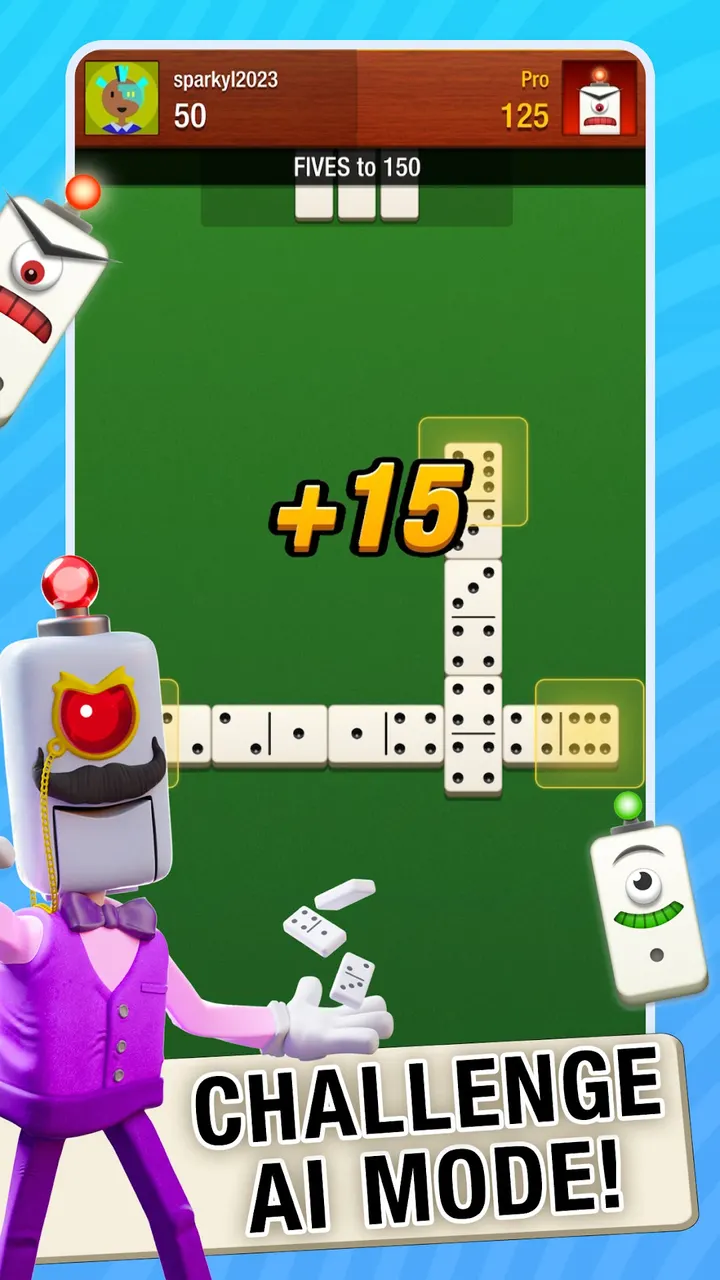


You have ten minutes on a commute and want a game against a real person, not a bot. Domino! Multiplayer Dominoes from Flyclops LLC is built for that kind of short, repeatable session. It is free on Google Play, rated Everyone, and has over 5 million installs there.
Who the Fives, Block and Draw player is
This game suits people who already know dominoes and want opponents on demand. The store description names Fives, Block and Draw, so the main variants are covered. The rules are familiar, and the interface is described as intuitive.
It also fits players who like to keep several matches going. The developer says you can run an unlimited number of games at once, either in real time or at your own pace. Push notifications flag your turn, and in-game chat lets you needle your opponent.
Turn-based or real-time, your choice
Each game can be played at your own pace or live. In turn-based mode, push notifications tell you when it is your move, so a match can stretch across a day. If you want speed, the app shows who is online now and lets you start a faster game.
Opponents can be Facebook friends, contacts or random players. In-game chat is included. The developer calls it the world's largest dominoes community.
Ads, purchases and Android 8.0
Domino! costs nothing to start, though ads appear between games and in-app purchases are part of the setup.
Your phone needs Android 8.0 or later. Version 102.4.3 was updated on November 3, 2026, and this dominoes game has been around since December 13, 2013.
Domino! Multiplayer Dominoes pros and cons
Pros
- Covers Fives, Block and Draw dominoes
- Turn-based or real-time play in the same app
- Unlimited simultaneous games
- Free to install, with a 4.7 Google Play rating
- Updated November 3, 2026 after a release in 2013
Cons
- Contains ads
- Includes in-app purchases
- Requires Android 8.0 or later
- Opponent matching relies on an online community
Is Domino! Multiplayer Dominoes safe?
Install it from Google Play, where the publisher is Flyclops LLC and the package ID is com.flyclops.domino.android. Nothing is given here about licensing or how data is handled, so read the permissions and privacy information on the Google Play page before you install.
How to install Domino! Multiplayer Dominoes
- Press the Google Play button on this page.
- Check the listing in the Play Store and press Install.
- Open Domino! Multiplayer Dominoes when the install finishes. Updates arrive through Google Play.