

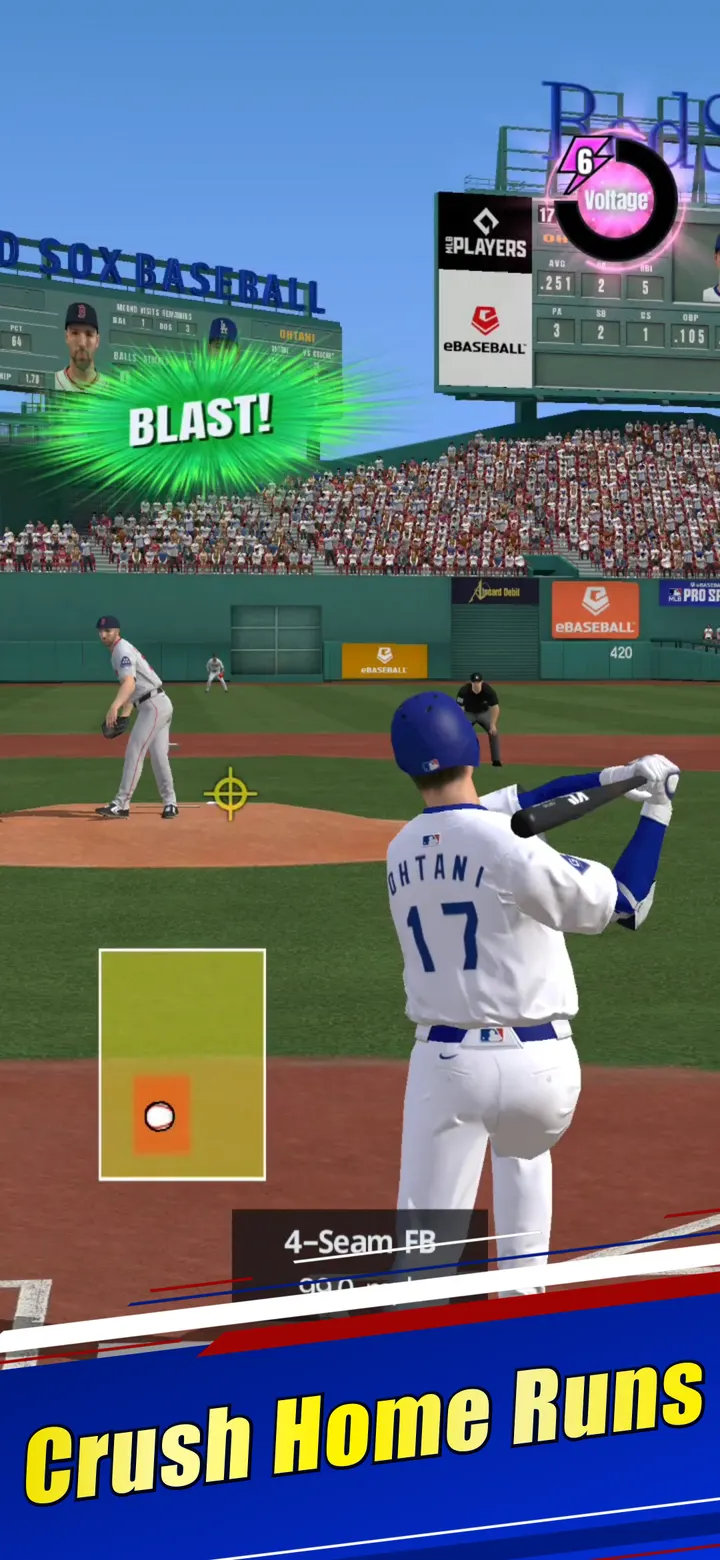
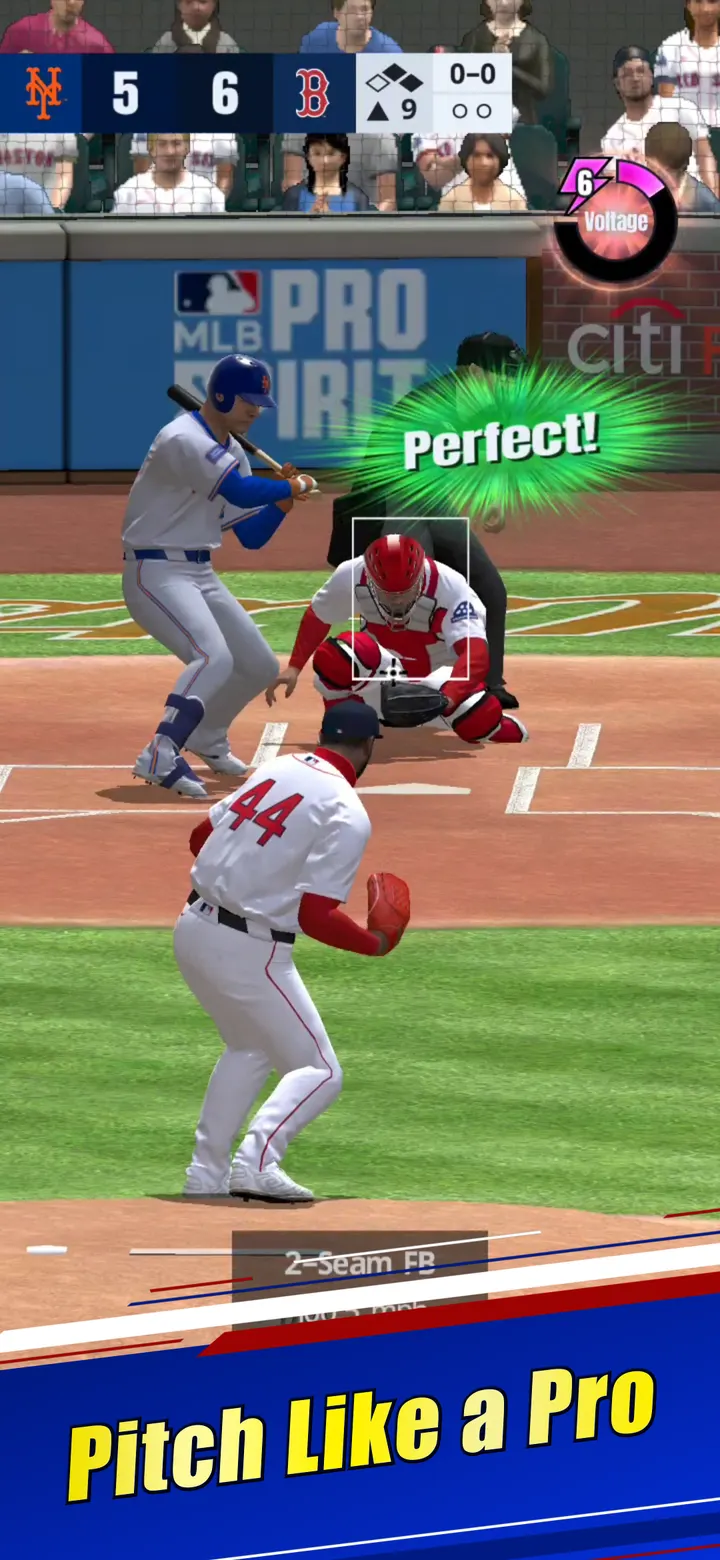

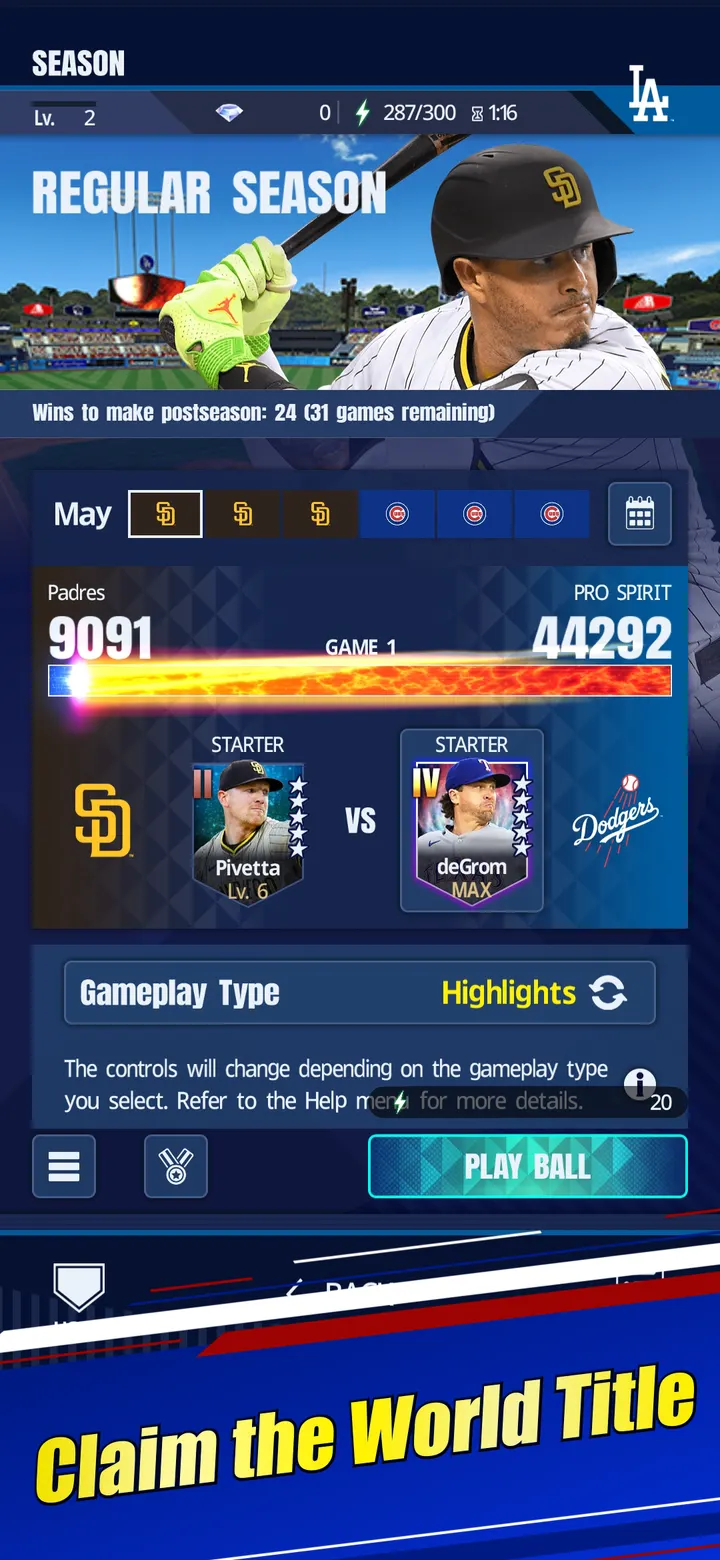
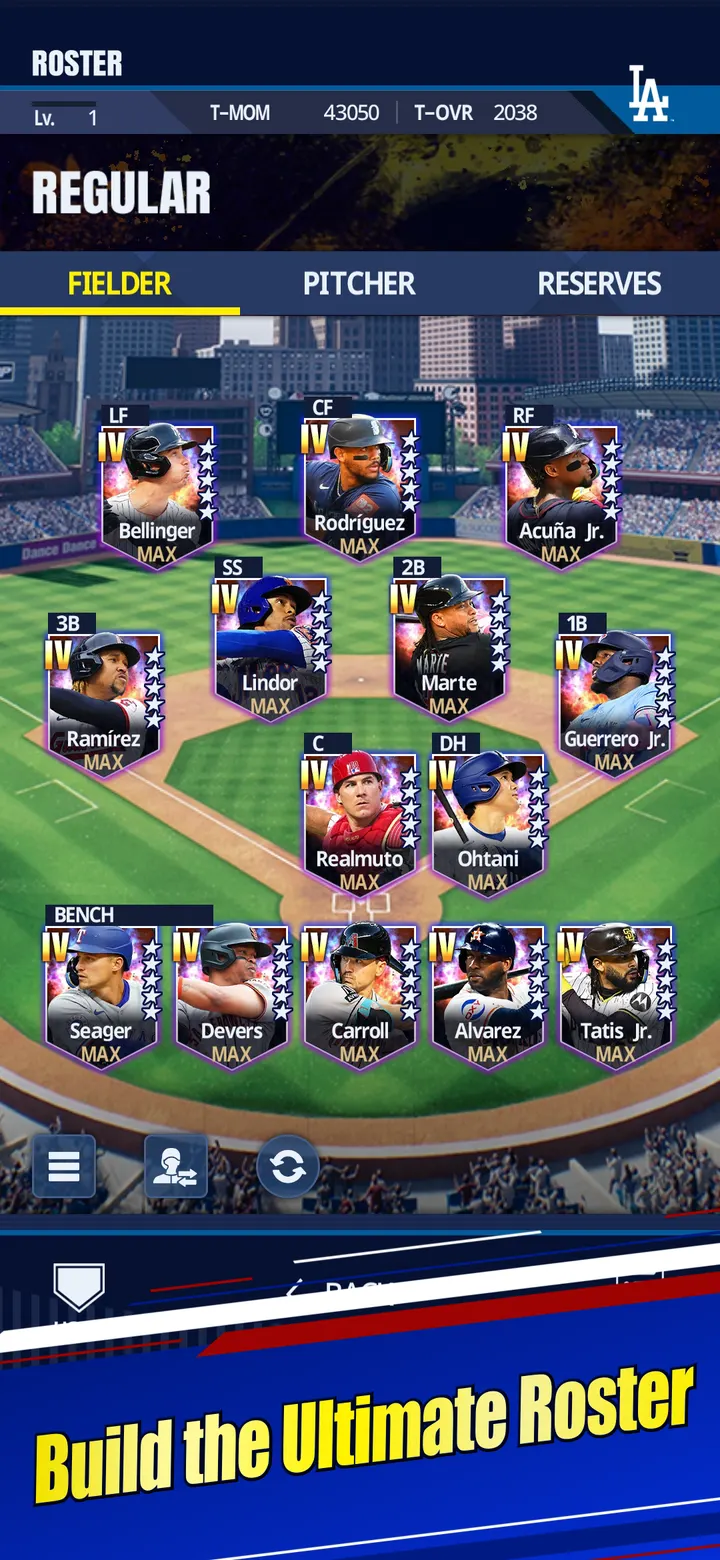

Homerun Clash and Baseball Clash lean toward quick, stylized batting, while eBaseball from KONAMI aims at licensed MLB teams, players and stadiums. Google Play lists it under baseball games and sports, rated Everyone. The current version is 5.0.0, and it requires Android 10 or later.
Free to install, with ads and purchases
eBaseball is free to download. Google Play also flags it as containing ads and in-app purchases, so spending is optional but present. The store text calls it a free-to-play game and adds that an internet connection is required to play.
Google Play shows over 1 million installs and a 4.4 rating from about 8.6 thousand ratings.
Arcade, a 52-game season and ranked online play
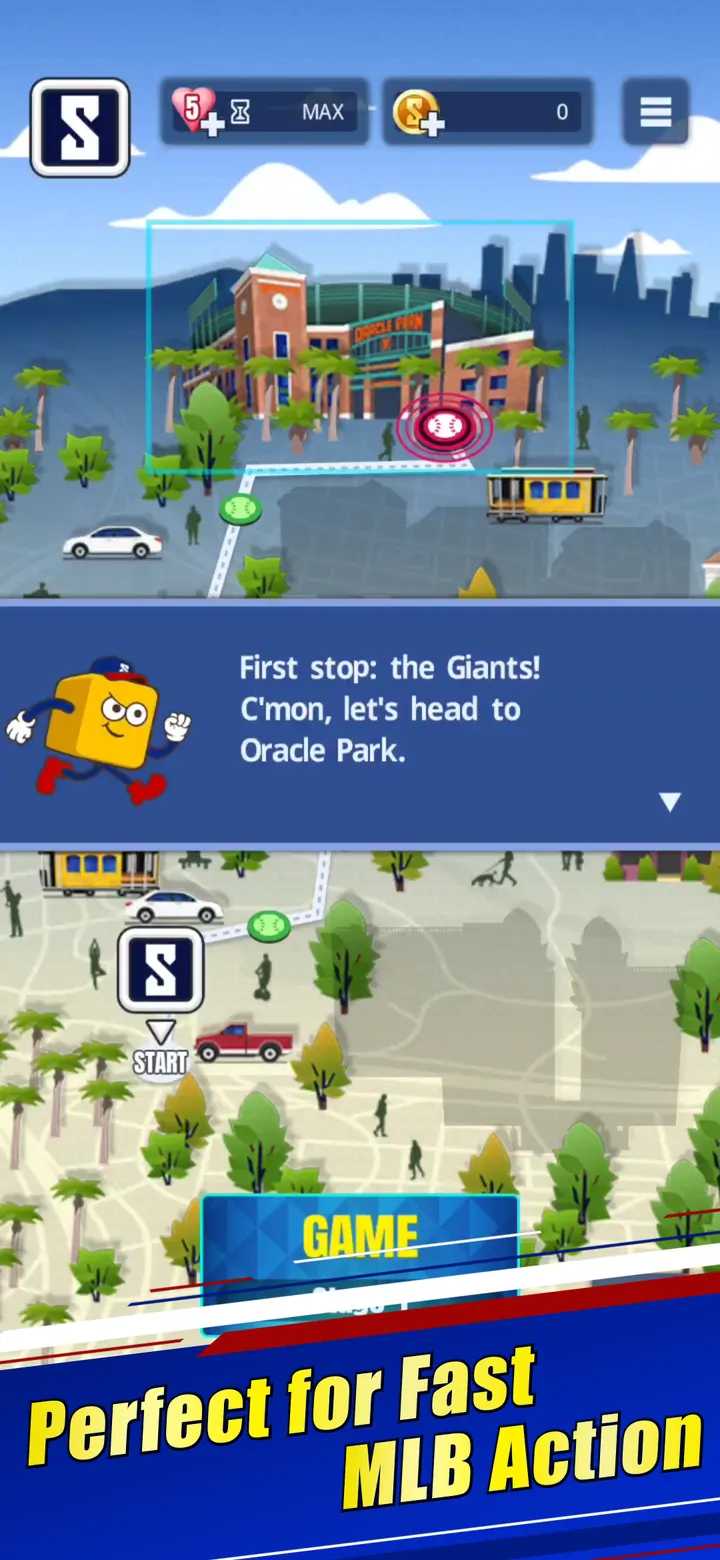
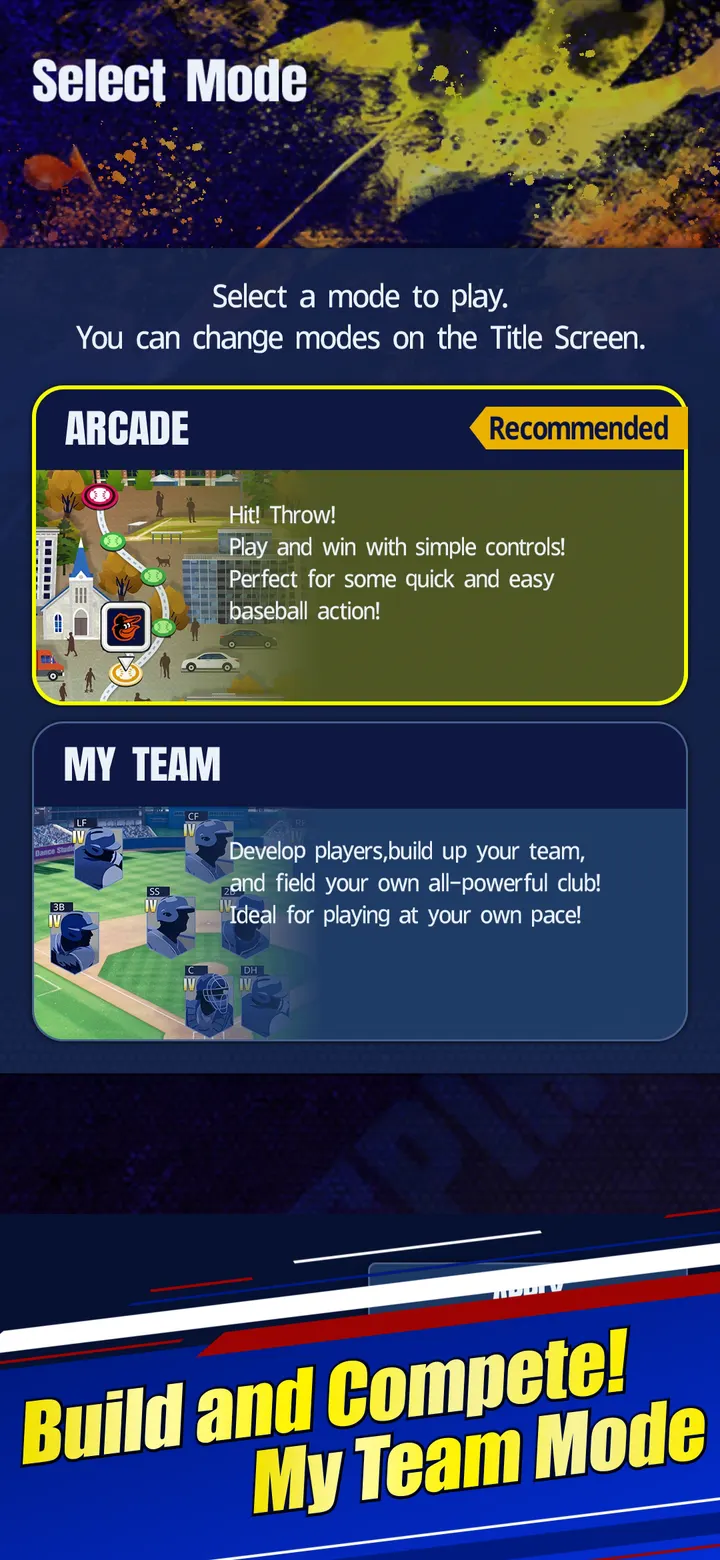
Arcade mode is built for short sessions, with home runs and a tour of all 30 MLB stadiums. Season mode runs 52 games toward the World Series, and you can play every game or simulate them. Online mode has real-time matches against other players, casual games with friends and Ranked Games.
Auto League lets you build a roster and compete in simulated matches. Weekly Limited Time Events add exclusive rewards. Real players from all 30 teams appear, and Shohei Ohtani is the cover athlete.
The developer says the game uses a baseball simulation engine refined for over 30 years.
Release history and the 5.0.0 build
eBaseball first appeared on October 21, 2024. The latest build is version 5.0.0 (package jp.konami.mps), last updated on October 5, 2026.
eBaseball pros and cons
Pros
- Official MLB licence covers all 30 teams and their stadiums
- Free to install
- Arcade, Season, Online, Auto League and weekly events give several ways to play
- Google Play shows a 4.4 rating from about 8.6 thousand ratings
Cons
- Contains ads, according to Google Play
- Includes in-app purchases
- Requires an internet connection to play
- Version 5.0.0 has no published changelog
Is eBaseball safe?
eBaseball comes from KONAMI, which lists the game on its own site at konami.com. The content rating is Everyone, and the listing discloses ads as well as in-app purchases, so spending is optional rather than required. Before installing, look over the permissions the store lists for version 5.0.0.
How to install eBaseball
- Press the Google Play button on this page.
- Check the listing in the Play Store and press Install.
- Open eBaseball when the install finishes. Updates arrive through Google Play.


