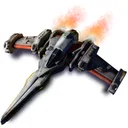
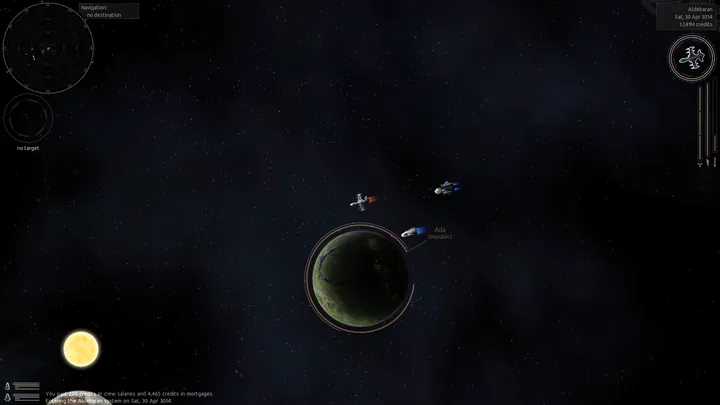
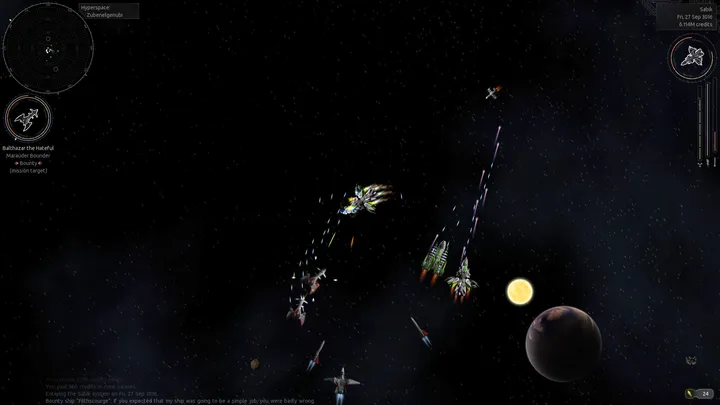
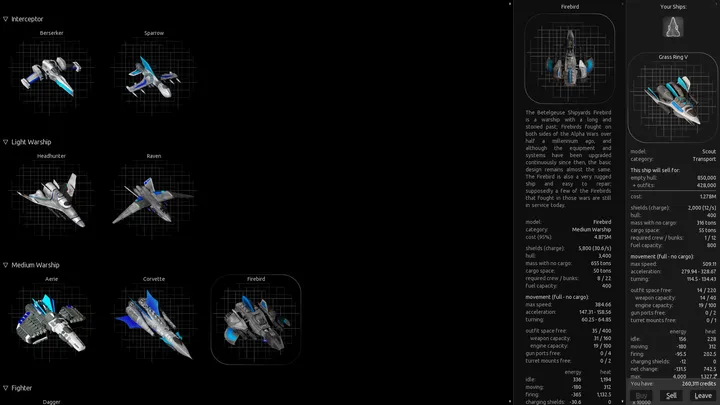
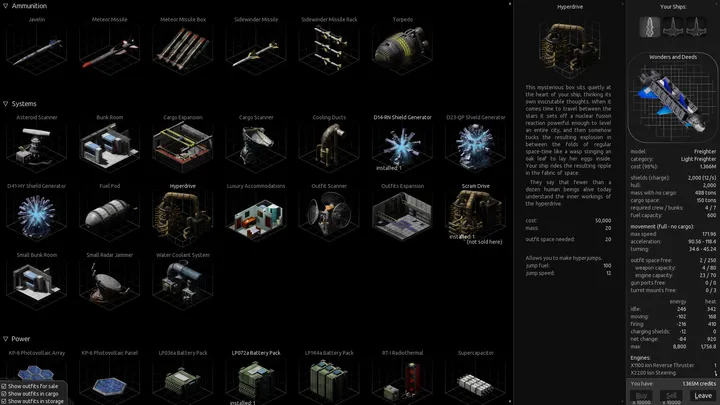
Where Nethack and Dungeon Crawl Stone Soup send you into dungeons, Endless Sky puts you in a spaceship. It is a sandbox-style space exploration game with combat and strategy elements, filed under RPG and action games. Version 0.11.2 for Windows is free.
Who a space sandbox with no fixed path suits
Endless Sky suits players who like to pick their own goals in outer space. You fly a ship, fight, and decide how to build up your fleet. People who want a scripted, linear story will find the sandbox format loose.
Shops, cloaking and mouse flight in 0.11.2
The shop screen now has a dropdown for choosing how many items to buy, sell, or move. Your cloak state is saved, so landing cloaked, quitting, and relaunching keeps you cloaked on takeoff. There is also a preference to control the ship with the mouse, which received several fixes in this release.
A new setting adjusts text alignment in paragraphs globally.
345.7 MB, GPL-3.0 and no price
The installer is 345.7 MB, a moderate download for a game of this kind. It costs nothing and uses the GPL-3.0 license, with source code kept on the endless-sky GitHub organization. The release came out on June 27, 2026.
What's new in 0.11.2
Version 0.11.2 is a stable bug-fix release. Reloading from the main menu after dying no longer crashes, and the Successor wormhole works when you are hostile to the Successors.
Endless Sky pros and cons
Pros
- Free with no price attached
- GPL-3.0 open-source license
- Open-ended sandbox play with combat and strategy
- Shop dropdown simplifies bulk buying and selling
- Cloak state now persists in save files
Cons
- 345.7 MB download
- Sandbox structure gives little guidance
- Mouse ship control is a preference that needed further fixes
Is Endless Sky safe?
The download goes to the official GitHub server, and TopDown APK does not host the file. The game is published by the Endless Sky project under the GPL-3.0 license, with its code public on GitHub. Check that the file you get comes from the endless-sky repository.
How to install Endless Sky
- Press the download button to get the official file.
- Run the installer you saved and confirm the Windows security prompt if the publisher matches.
- Follow the setup steps, then start Endless Sky from the Start menu.