

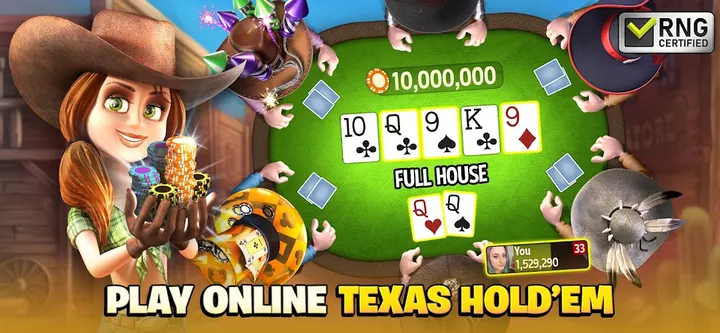






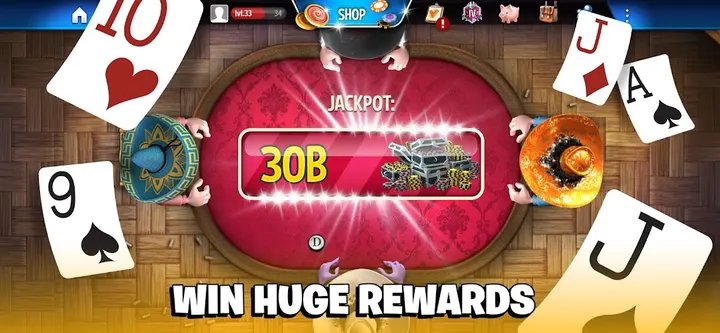
Zynga Poker and WSOP Poker lean on a casino-table look, while Governor of Poker Card Games from Playtika places Texas Hold'em in a Wild West setting. It is free, rated Teen, and Google Play lists over 10 million installs. The game first came out on September 28, 2014.
Free chips, ads and in-app purchases
The game is free to play, with ads and in-app purchases for anyone who wants extra chips. The store text says new players start with 30,000 chips, gold and an avatar hat, then collect more chips every few hours and spin a bonus slot machine.
Cash games, Blackjack 21 and Chuck A Luck
Texas Hold'em is the core, played in cash games, Sit & Go tournaments, Spin & Play, Heads Up Challenge, Dash Poker and Flash Poker. Ultimate Governor pits you against a character named Foxy. Blackjack 21 runs at live multiplayer tables with six decks, and the dealer stands on 17.
There are also dice games, slots and Chuck A Luck, where a dice roll moves a character across a board for rewards. Team play, missions and live events add social goals, and rings, hats, avatars and pins track progress on the leaderboard. The developer says it uses standard RNG methods and no pay-to-win.
Version 11.4.2 and device requirements
The current version is 11.4.2, updated on October 27, 2026. It needs Android 7.0 or newer. Google Play shows a 4.3 rating from about 392.9 thousand ratings. Playtika runs a site at governorofpoker.com.
Governor of Poker Card Games pros and cons
Pros
- Free to install, with 30,000 starting chips per the store text
- Many poker formats, including Sit & Go and Heads Up Challenge
- Blackjack 21 with live multiplayer tables
- 4.3 rating on Google Play from about 392.9 thousand ratings
- Updated October 27, 2026 and runs on Android 7.0 or newer
Cons
- Contains ads
- In-app purchases are included
- Teen rating and a stated 21+ audience
- Version 11.4.2 comes without a published changelog
Is Governor of Poker Card Games safe?
Playtika publishes this Wild West poker game under the package ID com.youdagames.gop3multiplayer. Ads and in-app purchases are built in, and the Teen content rating fits the casino-style tables, Blackjack and slots. Look over the permissions screen before you install.
How to install Governor of Poker Card Games
- Press the Google Play button on this page.
- Check the listing in the Play Store and press Install.
- Open Governor of Poker Card Games when the install finishes. Updates arrive through Google Play.


