

Happy Color is a color-by-number game with over 100 million installs on Google Play, which puts it among the most widely used coloring apps on Android. X-FLOW released it on January 23, 2018, and it still gets updates; version 2.24.1 arrived on October 23, 2026. It is free to install, rated Everyone, and runs on Android 7.0 or newer.
A library of more than 50,000 pictures
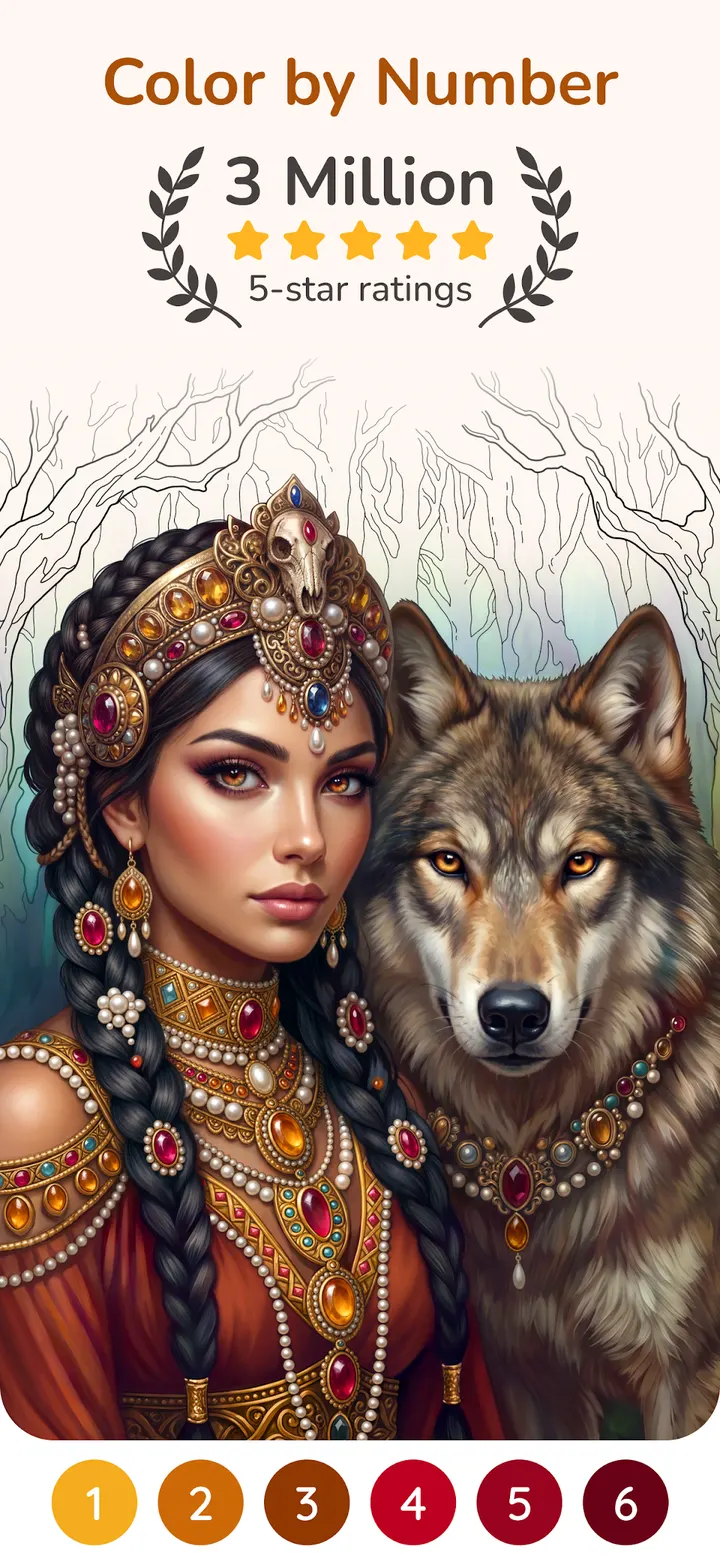
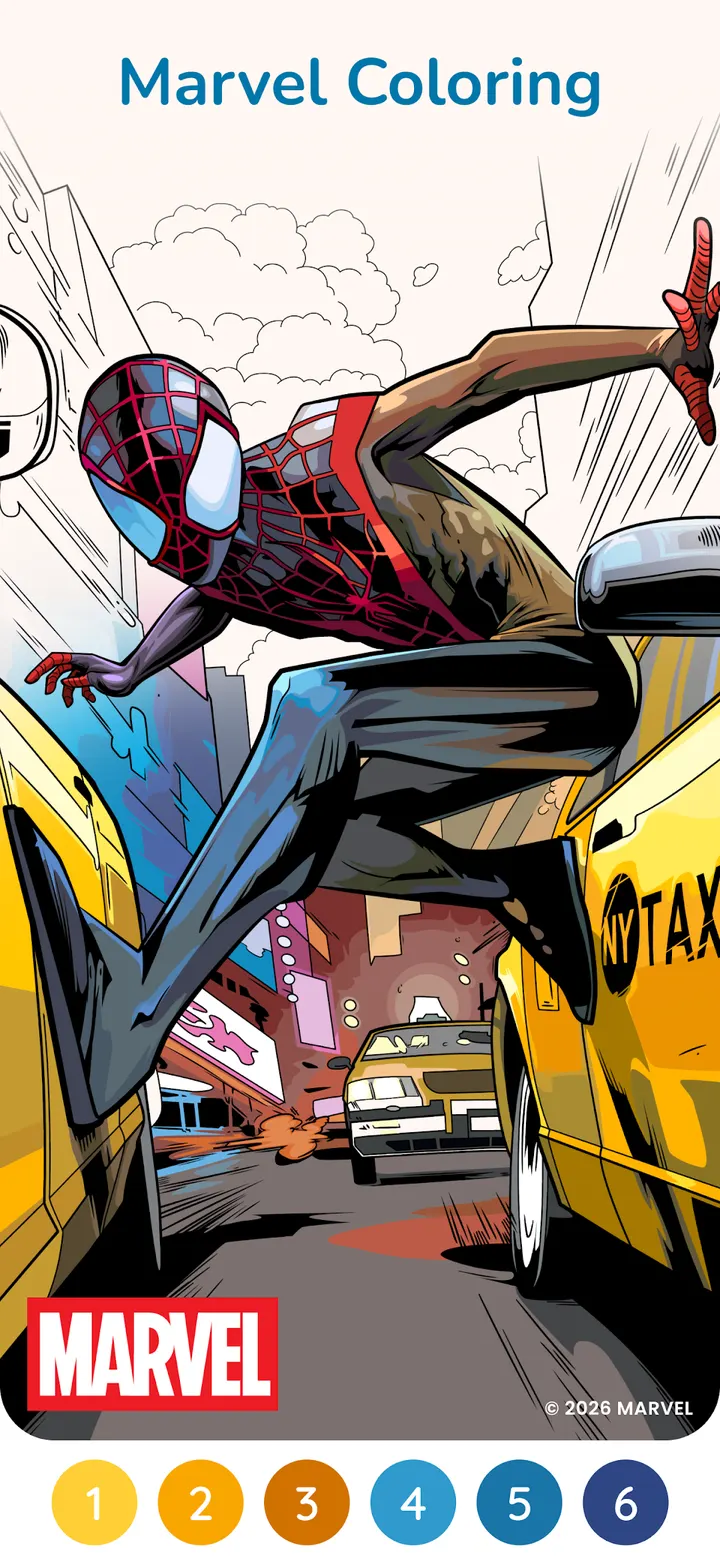
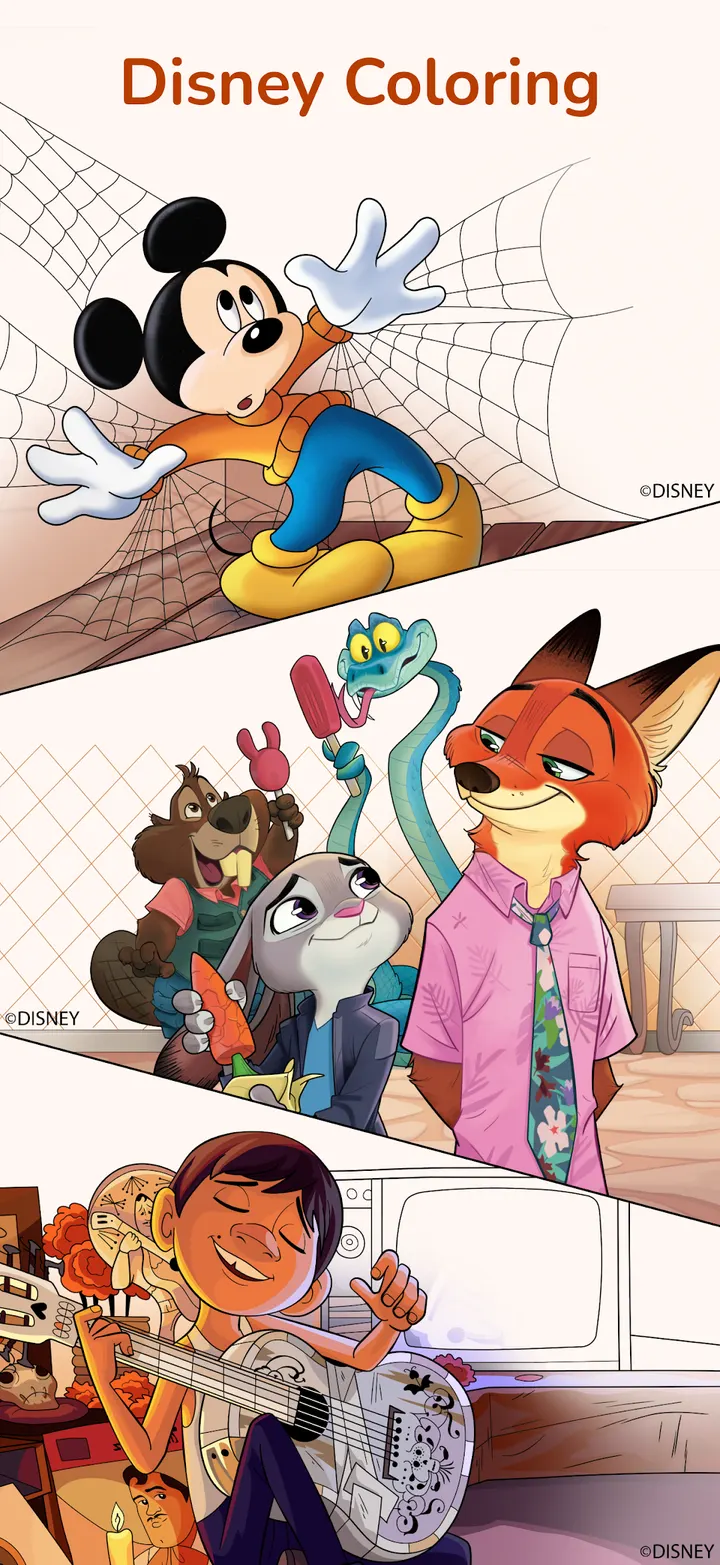
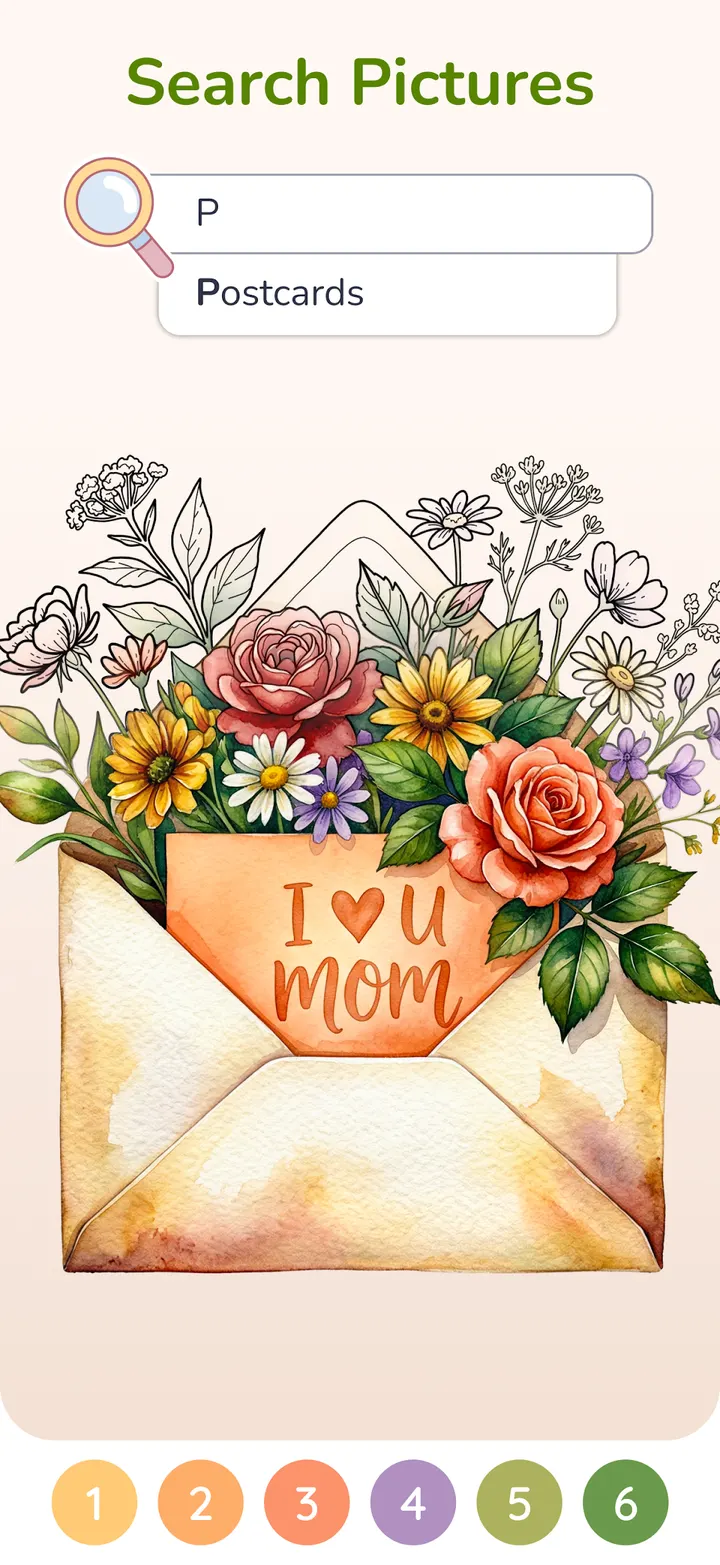
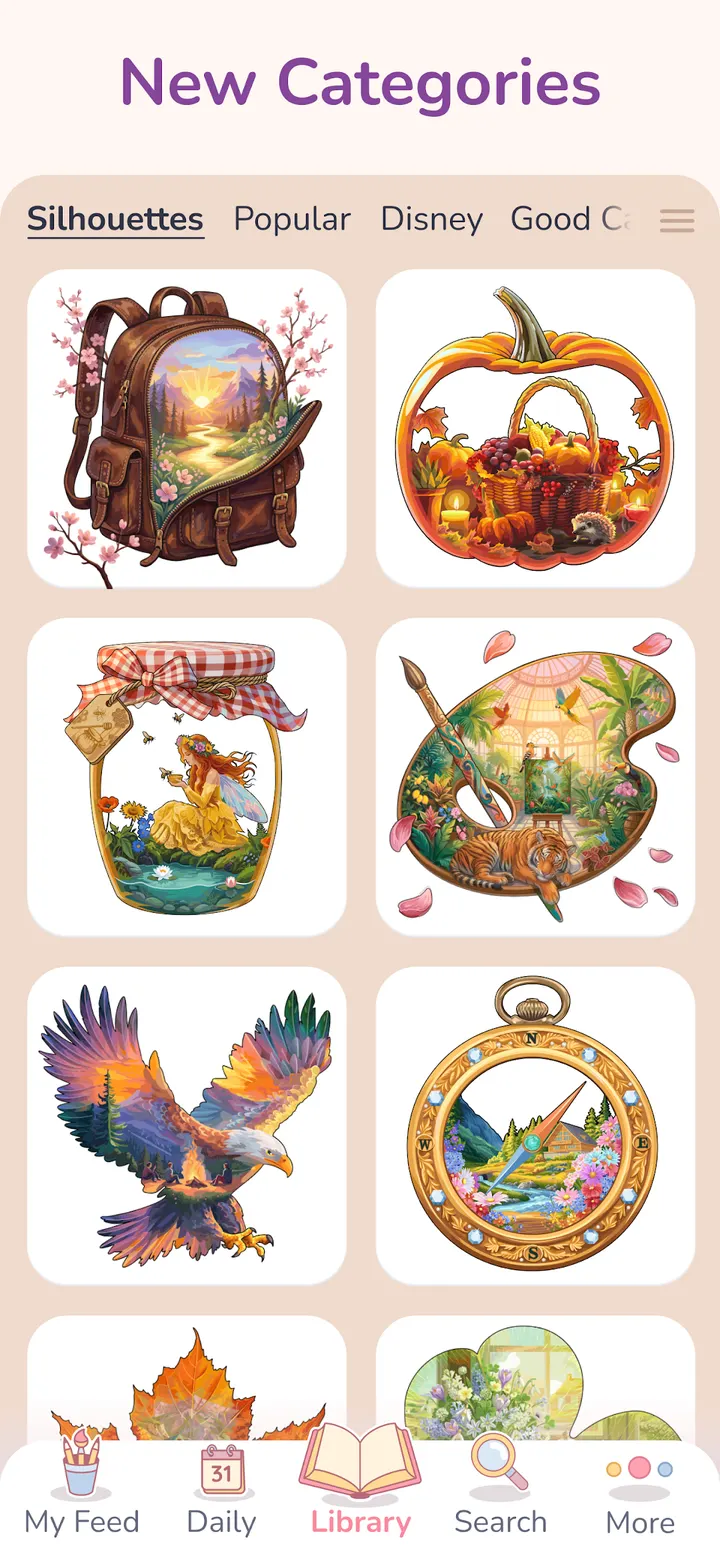
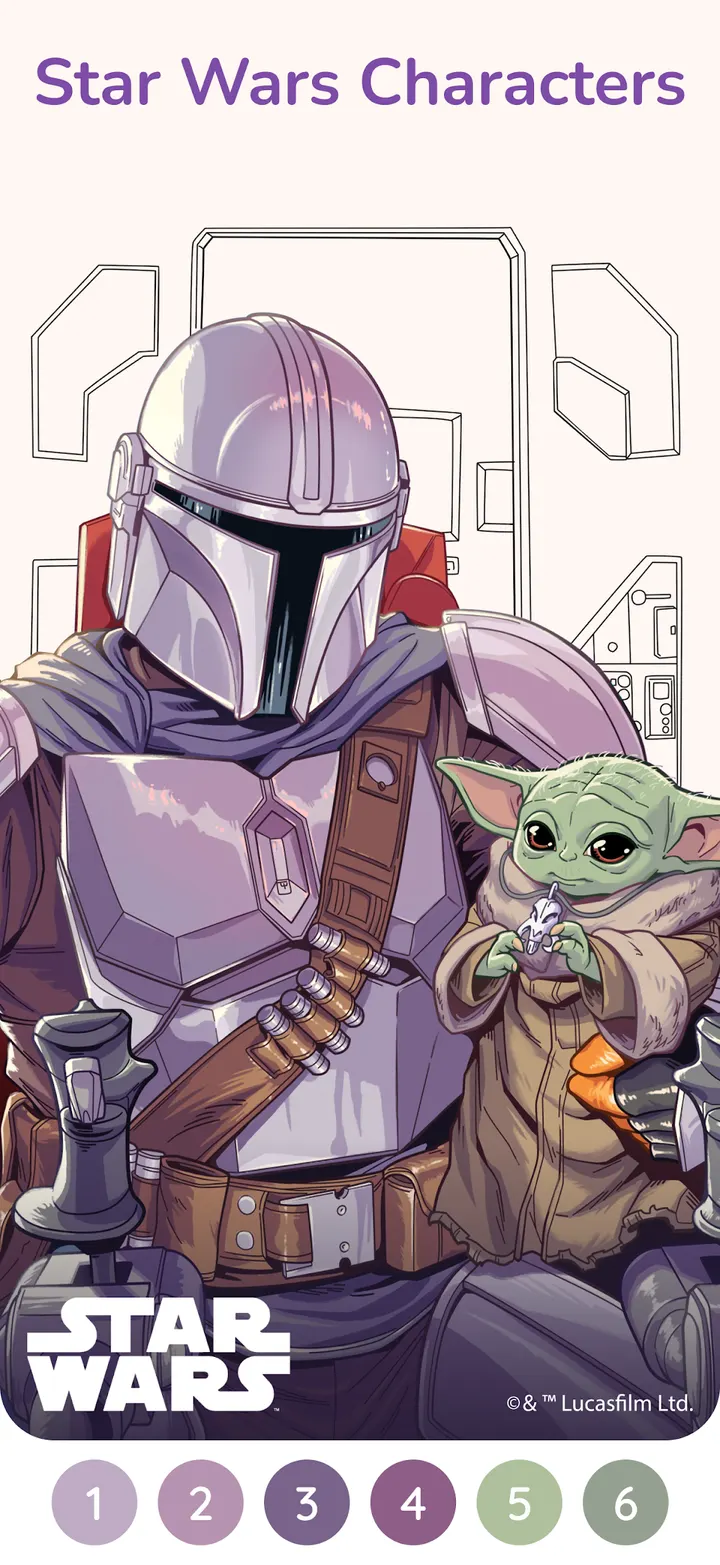
The defining point of Happy Color is the size of its catalog. The developer puts the library at over 50,000 pictures, and all of them are free to color. Content includes Disney titles such as The Lion King and Toy Story, Marvel heroes including Spider-Man and Iron Man, and franchises like Star Wars and Godzilla.
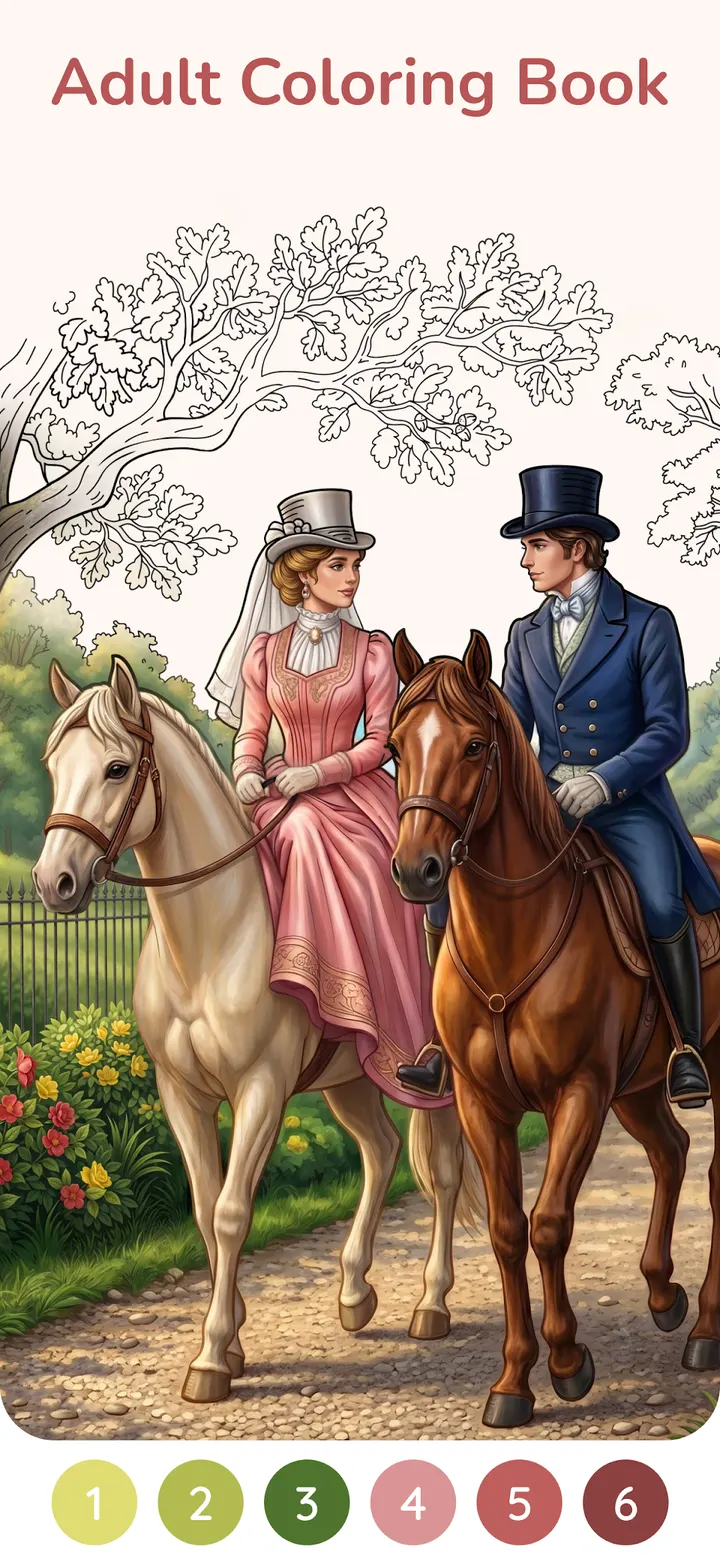
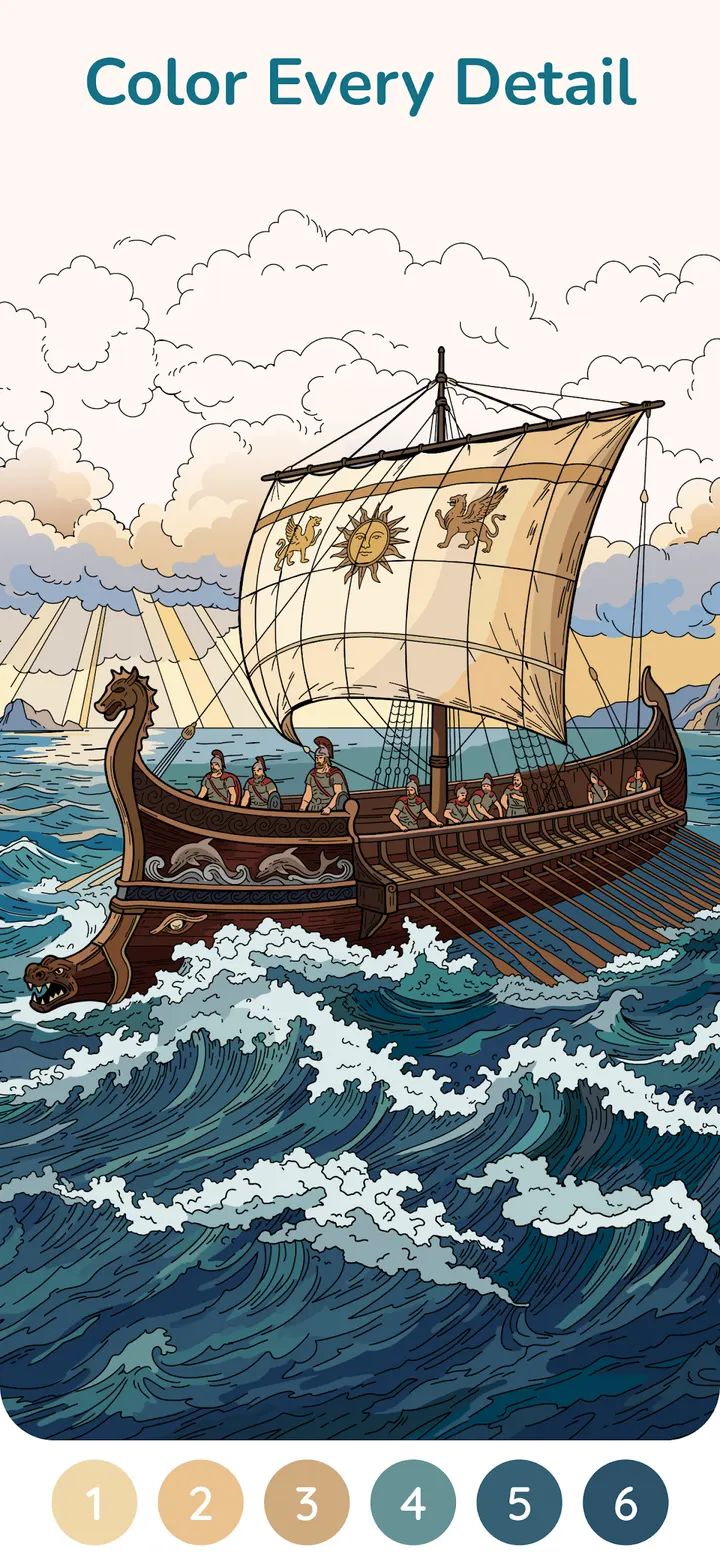
More than 100 artists create hand-drawn pictures made for the app. Pictures run from quick and simple to highly detailed, so the same app covers a five-minute break and a longer sitting.
Google Play shows a 4.6 rating from about 3.9 million ratings. That is a large sample for a casual game, and it points to steady use over several years.
What a session looks like in My Studio
You pick a picture, then fill numbered areas with the matching colors until the artwork appears. Beyond the classic format, the developer lists visual puzzles, pixel art and optical illusions that reveal something as you color.
My Studio is the personal side of the app. You can sort finished pictures into albums, and the app tracks how long you have been coloring, how many pictures you have completed and which achievements you have earned.
Progress and personal settings can be backed up and carried across devices. If you switch phones or use a tablet as well, you can continue where you stopped.
How it sits next to Gardenscapes and Royal Kingdom
Most of the alternatives on the list are different kinds of games. Gardenscapes and Royal Kingdom are puzzle games built around goals and progression, Geometry Dash Lite and Tiles Hop are rhythm and reflex games, and Block Craft 3D is a building game.
Happy Color has no timer, no failure state and no competition in the description. The pull is the artwork itself, particularly the licensed Disney and Marvel material. If you want challenge or levels, the others fit better. If you want a quiet, low-pressure way to pass time, this is the closer match.
The app includes ads and in-app purchases, which is worth knowing before you settle in for long sessions.
Happy Color pros and cons
Pros
- All 50,000+ pictures are free to color
- Licensed Disney, Marvel, Star Wars and Godzilla artwork
- Albums and stats in My Studio keep finished work organized
- Progress can be backed up and used across devices
- Rated 4.6 on Google Play from about 3.9 million ratings
Cons
- Contains ads
- Offers in-app purchases
- Needs Android 7.0 or newer
- Colouring by number has little challenge for players who want goals or levels
Is Happy Color safe?
Happy Color is published by X-FLOW, whose website is xflowgames.com, and it is distributed through Google Play. The content rating is Everyone. The app shows ads and sells in-app purchases, so check purchase settings on shared devices. Install it only from the official store page.
How to install Happy Color
- Press the Google Play button on this page.
- Check the listing in the Play Store and press Install.
- Open Happy Color when the install finishes. Updates arrive through Google Play.


