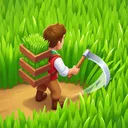


Klondike Adventures is a free simulation game from VIZOR APPS LTD. that mixes farm building with expeditions, mini-games and a story about Kate and Paul building their dream farm. It is rated Everyone and needs Android 7.0 or newer.
Expeditions are what set Klondike apart from a plain farm
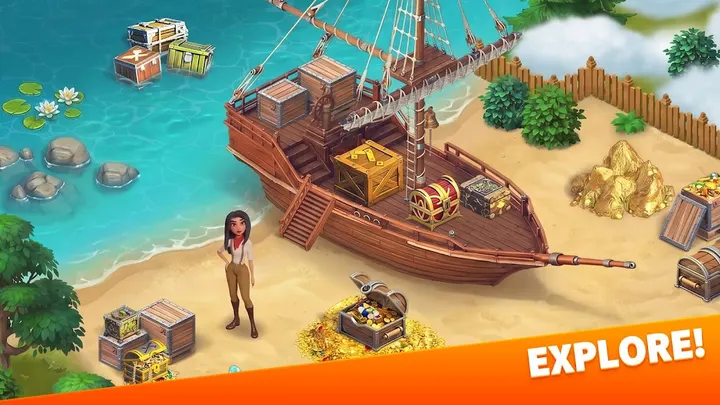
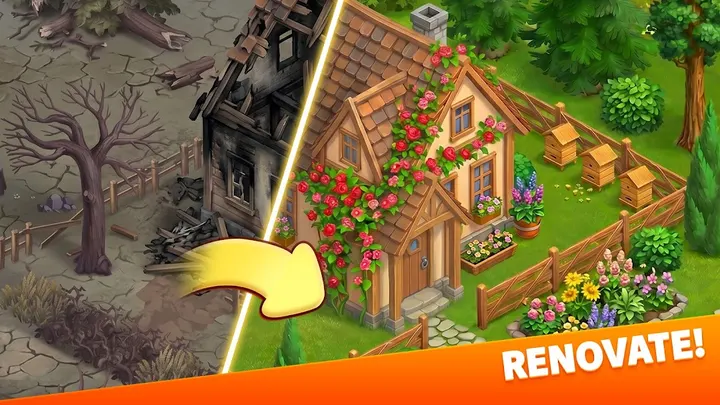
The farm is the base, but the game keeps sending you away from it. Themed locations and events lead you to ruins and other distant places, where the aim is to find treasures. Kate and Paul carry the story of rebuilding a farm.
The game first released on April 2, 2018, and version 2.153 was updated on October 29, 2026. It needs Android 7.0 or newer.
A session between the barn and the mini-games
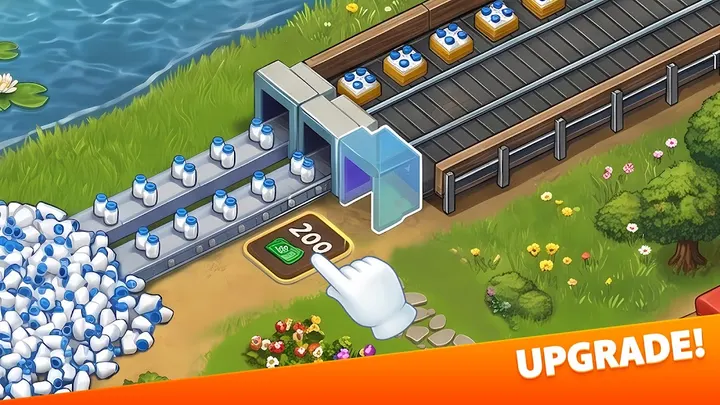
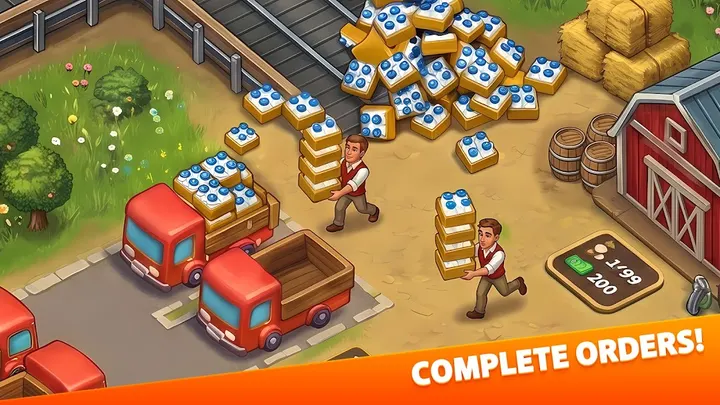
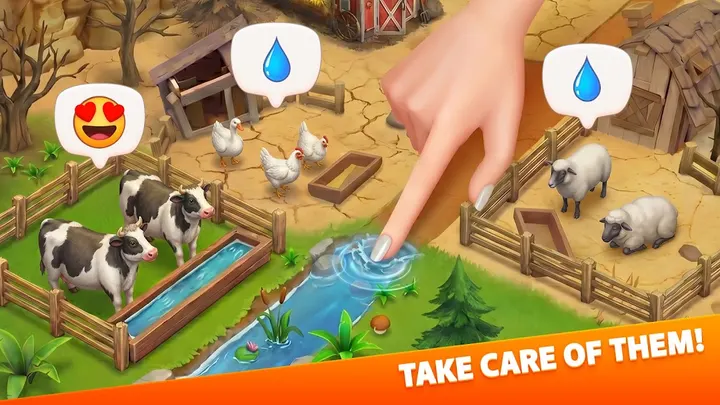
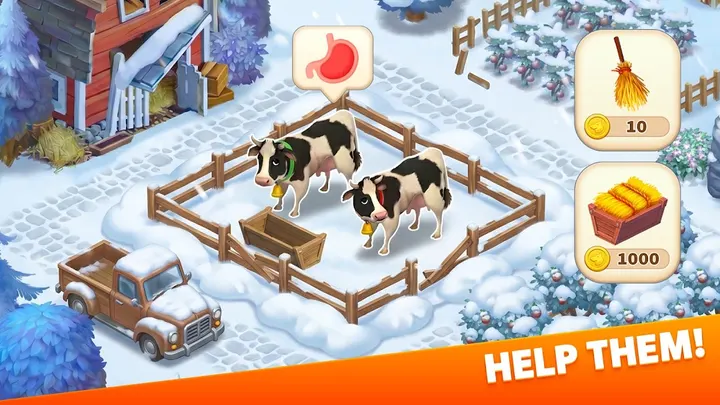
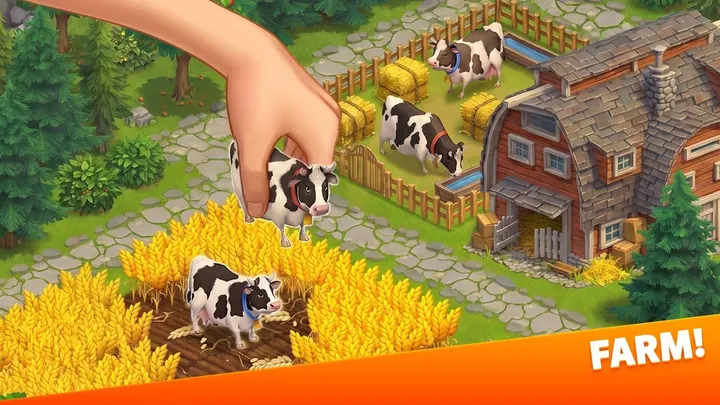
A typical visit covers the farm chores: planting and harvesting crops, tending animals, putting up buildings and filling orders. You can also landscape the territory and trade with neighbors to open new locations.
Mini-games sit on the farm and in other locations, and they fill the gaps between expeditions. They pay out gifts and prizes. An internet connection is required, since the game also runs competitions.
Klondike next to Hay Day, Township and FarmVille 2
Alternatives include Township, Little Farm Story, Farm Heroes Saga, Farm Land, Hay Day and FarmVille 2. No ranking is made here. What sets Klondike apart is the mix of farm management, scheduled themed events and treasure expeditions, plus a cast of named characters with their own storylines.
Klondike Adventures pros and cons
Pros
- Free to download, with a 4.6 rating on Google Play
- Expeditions and themed events give the game a goal beyond the farm
- Mini-games fill the time between expeditions
- Named characters with story arcs, including Kate and Paul
- Runs on Android 7.0 and newer
Cons
- Contains ads
- In-app purchases for some resources
- Needs an internet connection to play
- The publisher's terms limit downloads to people 18 or older, despite the Everyone rating
Is Klondike Adventures safe?
Klondike Adventures comes from VIZOR APPS LTD. (vizor-games.com). The game is free to start but shows ads and sells in-app purchases, so it helps to require a password for purchases in the store settings, especially if kids play. The content rating is Everyone.
How to install Klondike Adventures
- Press the Google Play button on this page.
- Check the listing in the Play Store and press Install.
- Open Klondike Adventures when the install finishes. Updates arrive through Google Play.


