





This page suits players who like role-playing games that keep progressing while the phone sits in a pocket. MapleStory, published by NEXON Company, is an idle take on the Maple series, rated Everyone 10+ and free to install from Google Play.
Auto battle is the whole idea
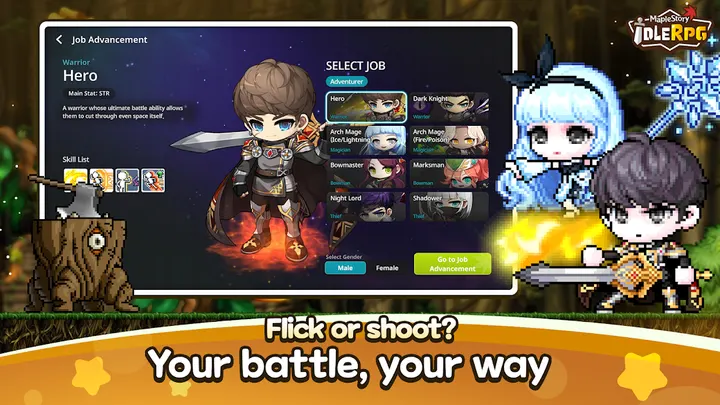
The defining trait is automatic growth. Your character fights and levels up without constant input, so progress continues during school, work or time away from the screen.
The game was released on October 22, 2025, and version 1.18.0 was updated on November 2, 2026. It needs Android 7.0 or later and at least 4GB of RAM, and devices below either mark are not supported.
A session built around companions and bosses
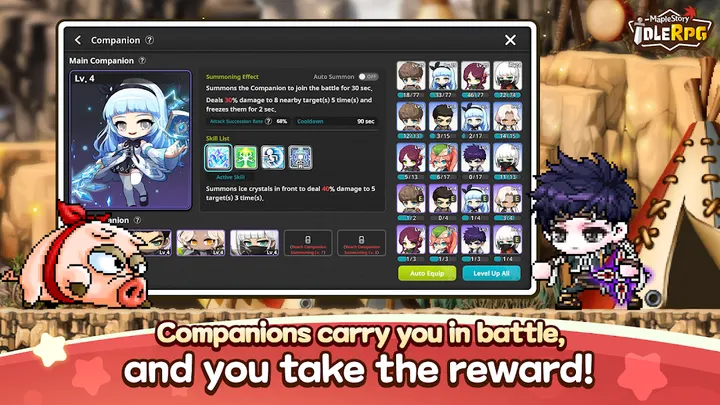
A typical visit starts by checking what the character gained while idle, then adjusting the team. Companions can be collected, and the mix you pick shapes your battle style.
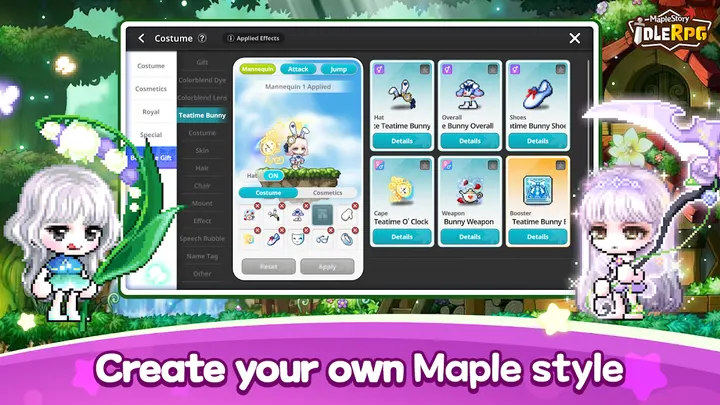
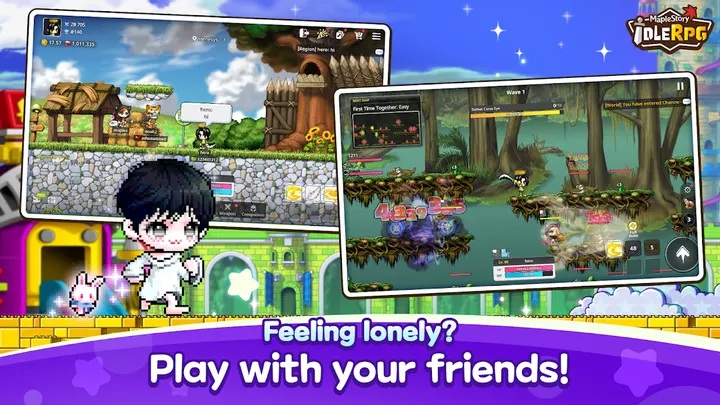
Active play comes in growth dungeons, where you learn a boss's attack patterns and clear the run. A PVP arena covers competitive play, and cosmetic outfits give a place to spend time on appearance. A one-year anniversary event with gifts and 1000% EXP is listed too.
How it sits next to the alternatives
The related titles here, such as Gardenscapes, Royal Kingdom, Geometry Dash Lite and Block Craft 3D, lean toward puzzle, rhythm or building play. MapleStory is the one built around character levels, bosses and PVP.
It is a better fit if you want a progression RPG that runs itself. Players who prefer short, hands-on puzzle sessions may find the alternatives closer to what they want.
MapleStory pros and cons
Pros
- Auto battle keeps the character growing while you are away
- Companion collection lets you shape a battle style
- Boss dungeons and a PVP arena add active play
- Free to install, rated 4.5 on Google Play from 120.2 thousand ratings
- Camera, storage and notification permissions are optional and do not affect gameplay
Cons
- Contains ads
- Offers in-app purchases
- Requires Android 7.0 and 4GB of RAM, which excludes older phones
Is MapleStory safe?
MapleStory comes from NEXON Company and is distributed through Google Play, which has over 5 million installs for it. The app requests camera, storage and notification permissions, all optional, and denying them does not affect gameplay. It contains ads and in-app purchases, so check purchase settings on shared devices.
How to install MapleStory
- Press the Google Play button on this page.
- Check the listing in the Play Store and press Install.
- Open MapleStory when the install finishes. Updates arrive through Google Play.


