

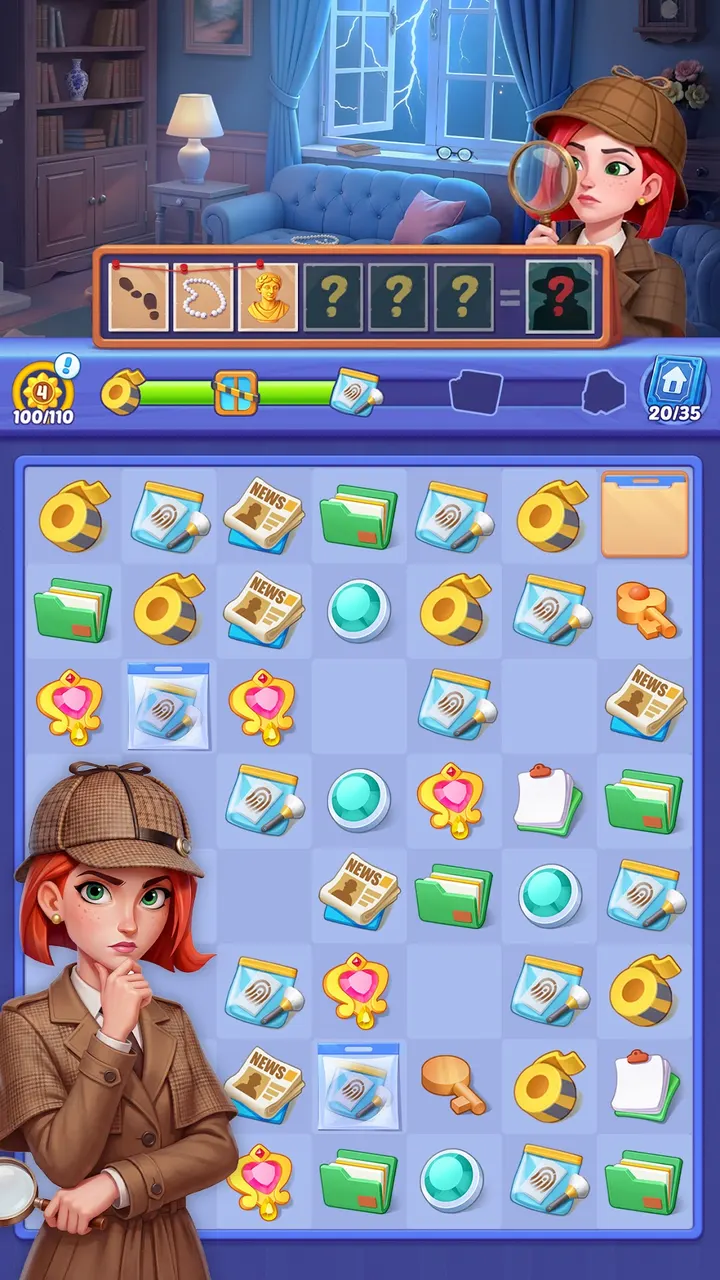
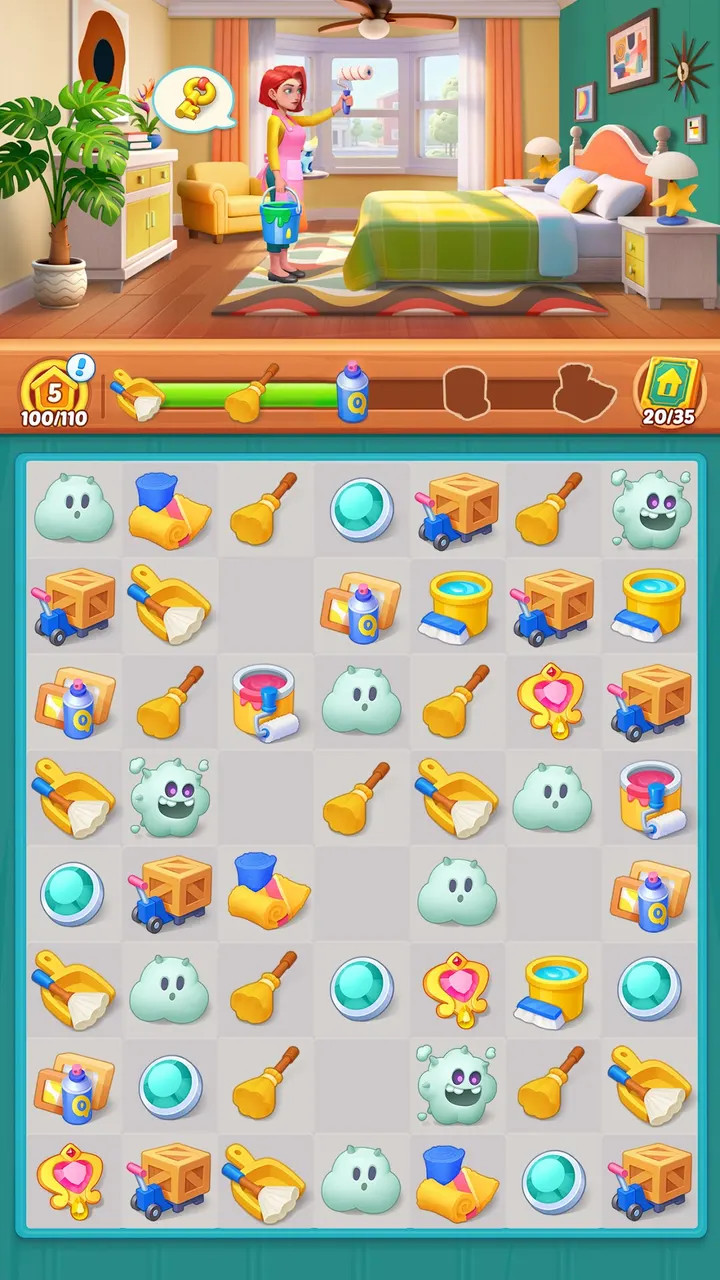
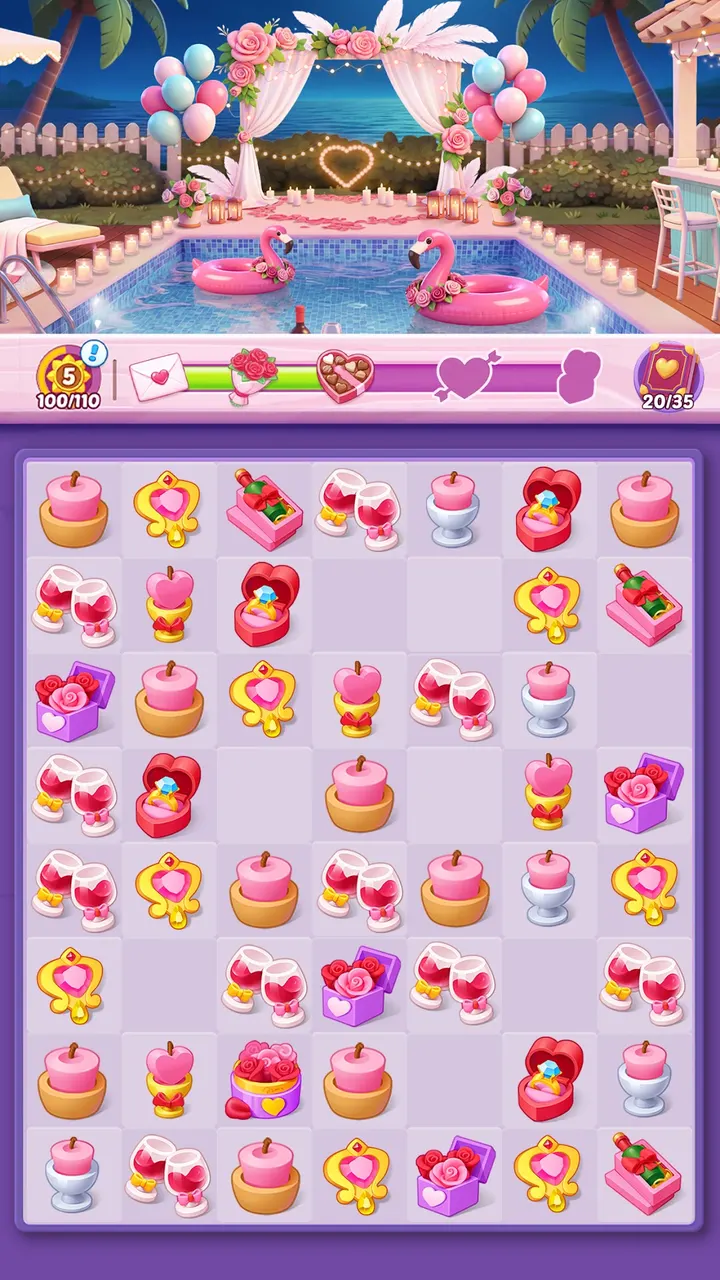
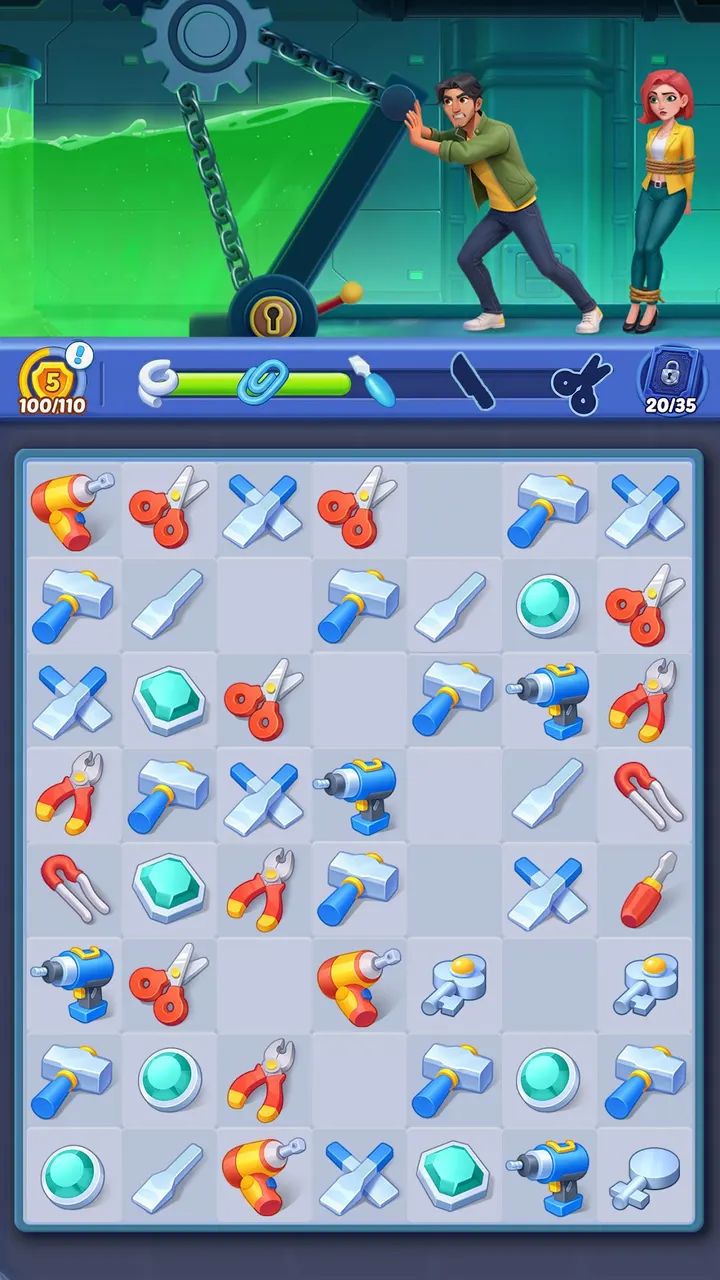
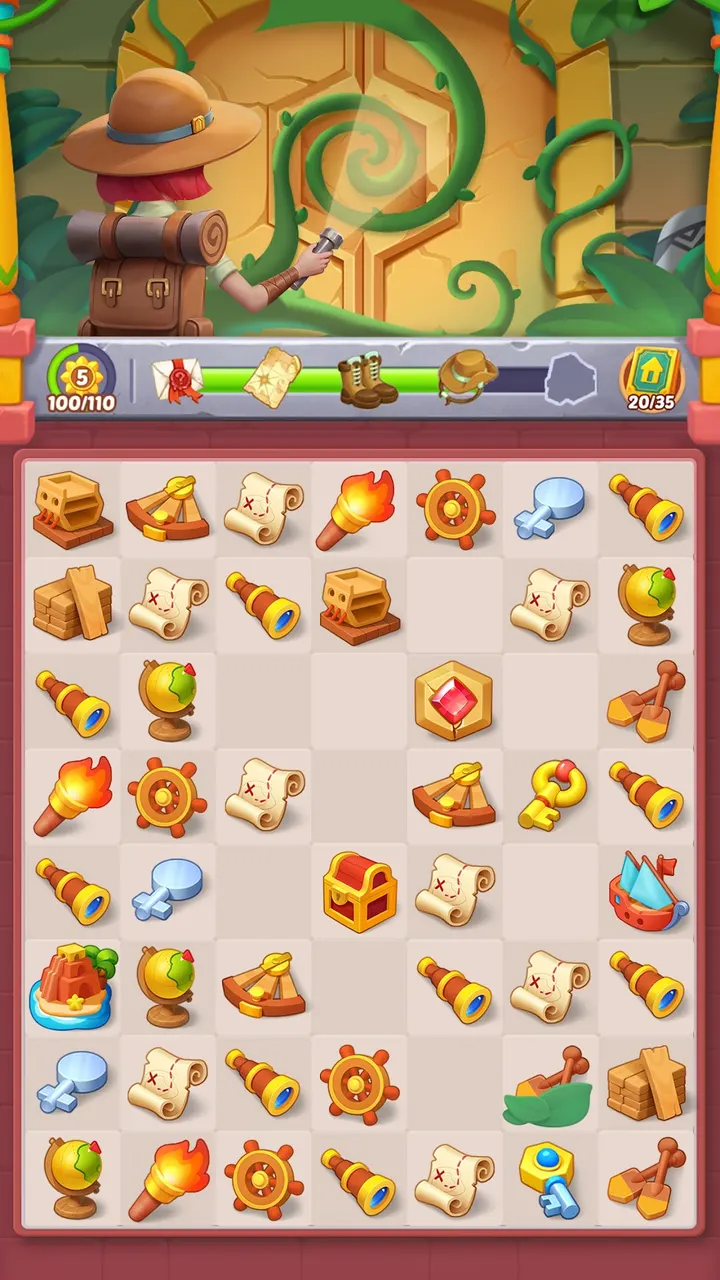
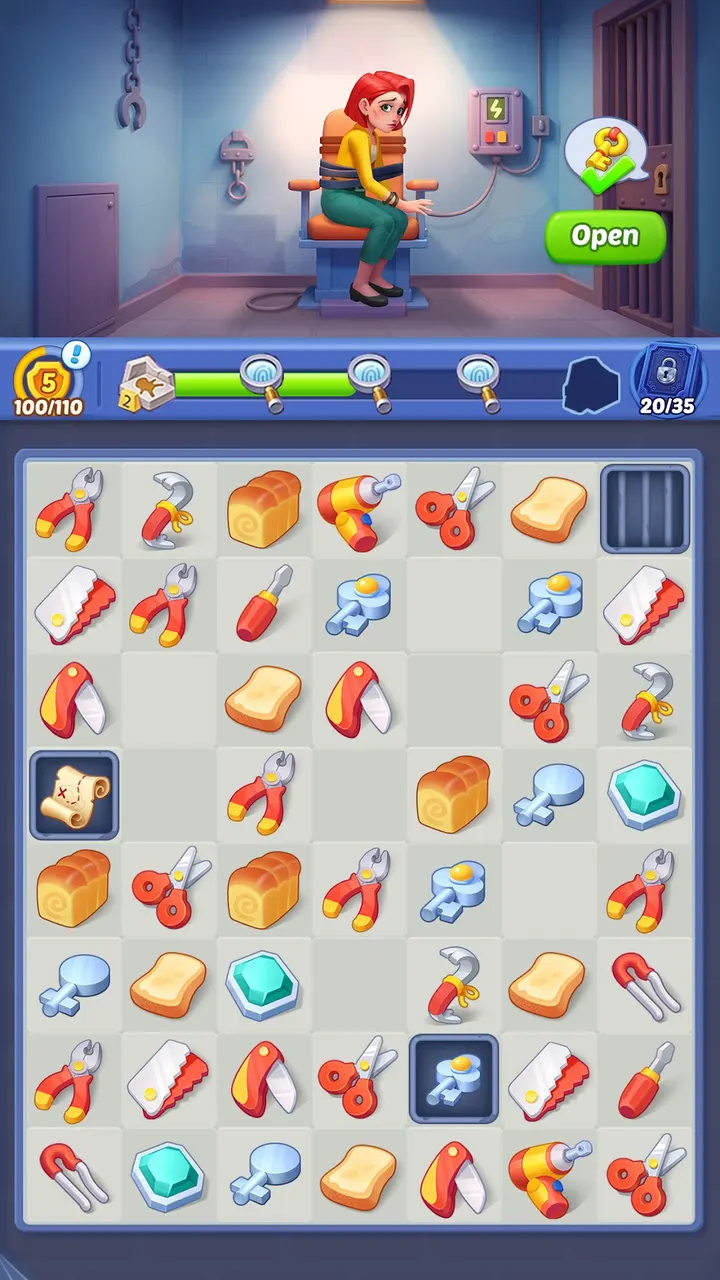
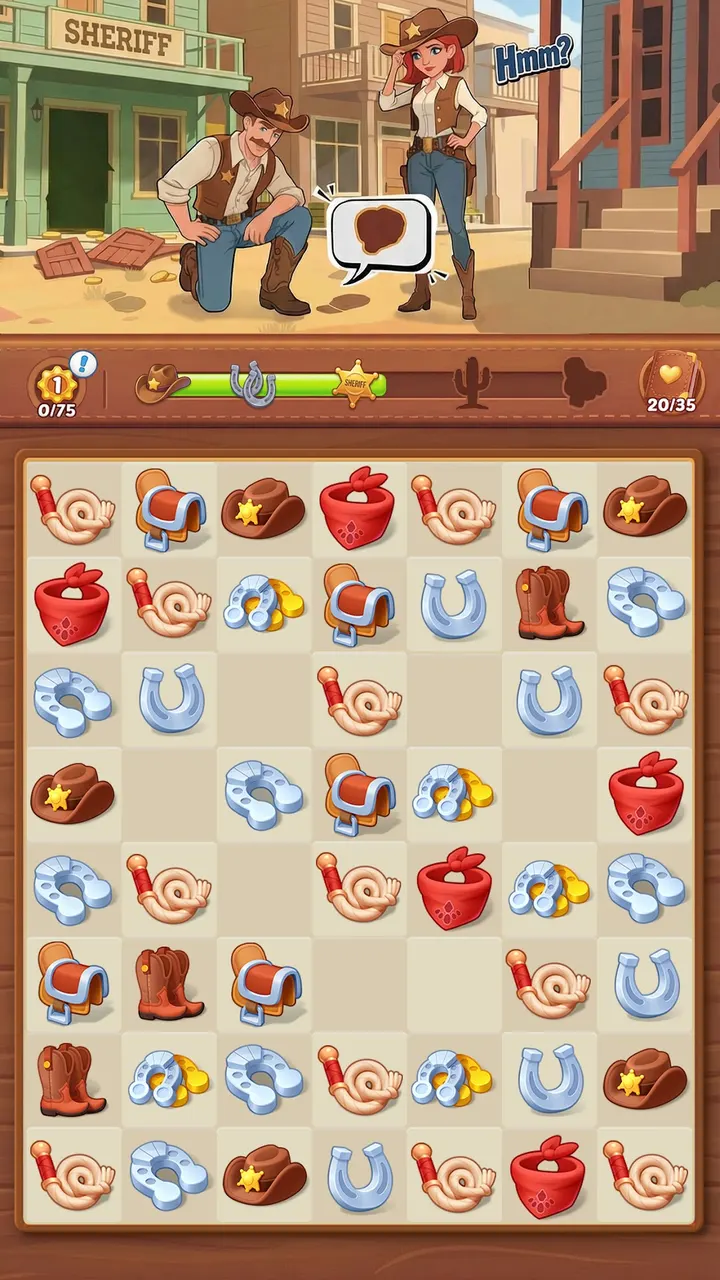
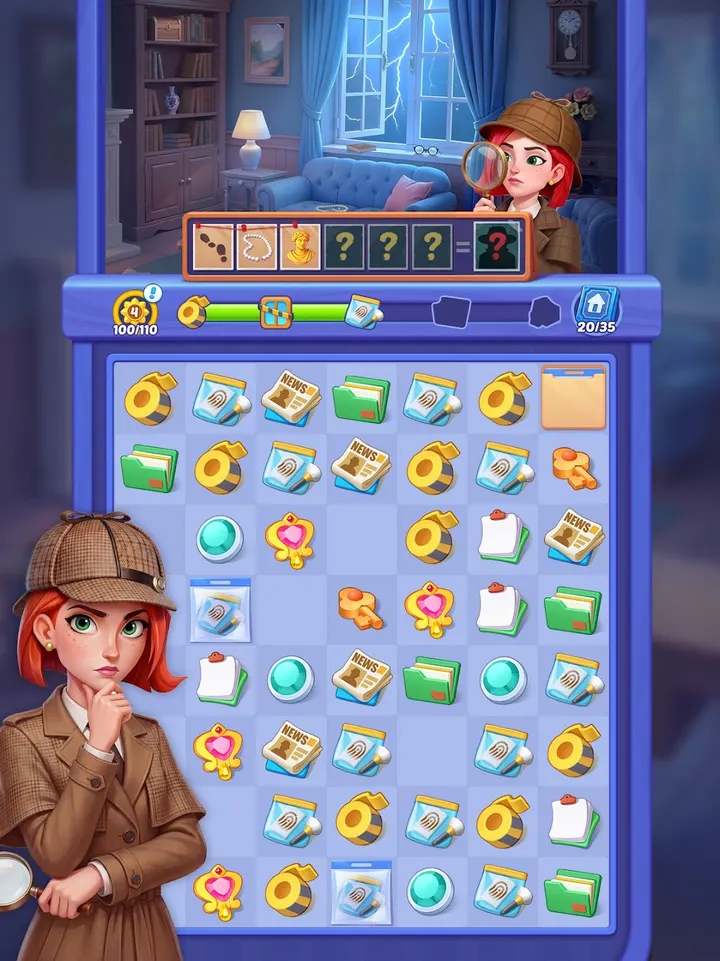
Mystery Town suits players who like slow, tidy puzzle games with a story running underneath. It is a free Android merge game from Cedar Games Studio, installed through Google Play, where it has over 5 million installs and a 4.8 rating from 71.8 thousand people.
Who the missing-uncle story is for
The plot follows Aurora as she looks into her uncle's sudden disappearance. Characters appear along the way, and the game keeps asking who can be trusted. If you want a puzzle game with a thread to follow, this one gives you one.
It is rated Everyone and carries no ads, which makes it a calm pick for short sessions. It needs Android 7.1 or newer.
How merging and rebuilding work in practice
You drag identical items together to upgrade them into better tools. Those tools fill orders, and finished orders pay for repairs to buildings. Your own house is the first project, and the work then spreads across the rest of the town.
The game lists hundreds of levels and more than 500 objects to discover. New themed adventures arrive on a weekly basis, with cooking among them. Case chapters have you hunt for clues and catch culprits, and the settings range from a dusty mansion to a foggy harbor.
Costs and limits to know before installing
The download is free and the game shows no ads. It does include in-app purchases, so spending is possible, though the listing does not describe what they sell.
The core loop is repetitive by design: merge, fill orders, repair, repeat. Players who want fast action or deep strategy may find the pace too gentle.
Mystery Town pros and cons
Pros
- Free to install with no ads
- 4.8 Google Play rating from 71.8 thousand ratings
- Story with Aurora and a missing uncle gives the merging a goal
- Weekly themed adventures and over 500 objects
- Rated Everyone and runs on Android 7.1 or newer
Cons
- Contains in-app purchases
- Repetitive merge-and-order loop that favors relaxed play
- Story and town progress depend on finishing orders, so pace is set by the game
Is Mystery Town safe?
Mystery Town is distributed through Google Play, and the developer is Cedar Games Studio, which links a website, terms of service and a privacy policy. It is rated Everyone and shows no ads. In-app purchases are present, so check purchase settings if children play.
How to install Mystery Town
- Press the Google Play button on this page.
- Check the listing in the Play Store and press Install.
- Open Mystery Town when the install finishes. Updates arrive through Google Play.


