
You have ten spare minutes on a train and want a card round that finishes before your stop. Phase 10 on Android is built for that: a rummy-inspired game from Mattel Game Studios HK Limited, the company behind UNO. It is free and rated Everyone, and Google Play lists over 10 million installs.
Who a ten-phase card race suits
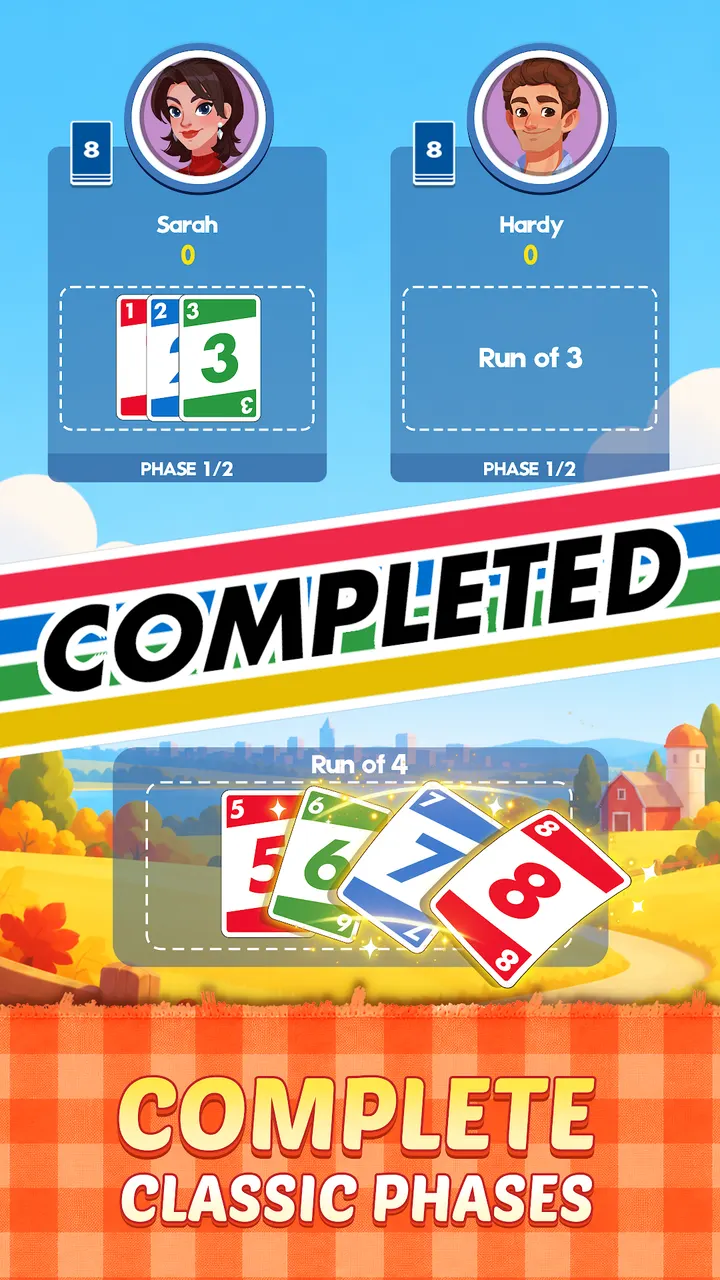
The game fits players who like rummy-style rules and short sessions. You race through ten Phases, each asking for a set, a run or cards of one color, then lay them down and try to empty your hand. Anyone who completes a Phase moves on, and the others repeat it next round.
It also works for families, since the card game dates back over 40 years and the app keeps the classic format.
Journey mode, daily puzzles and online rounds
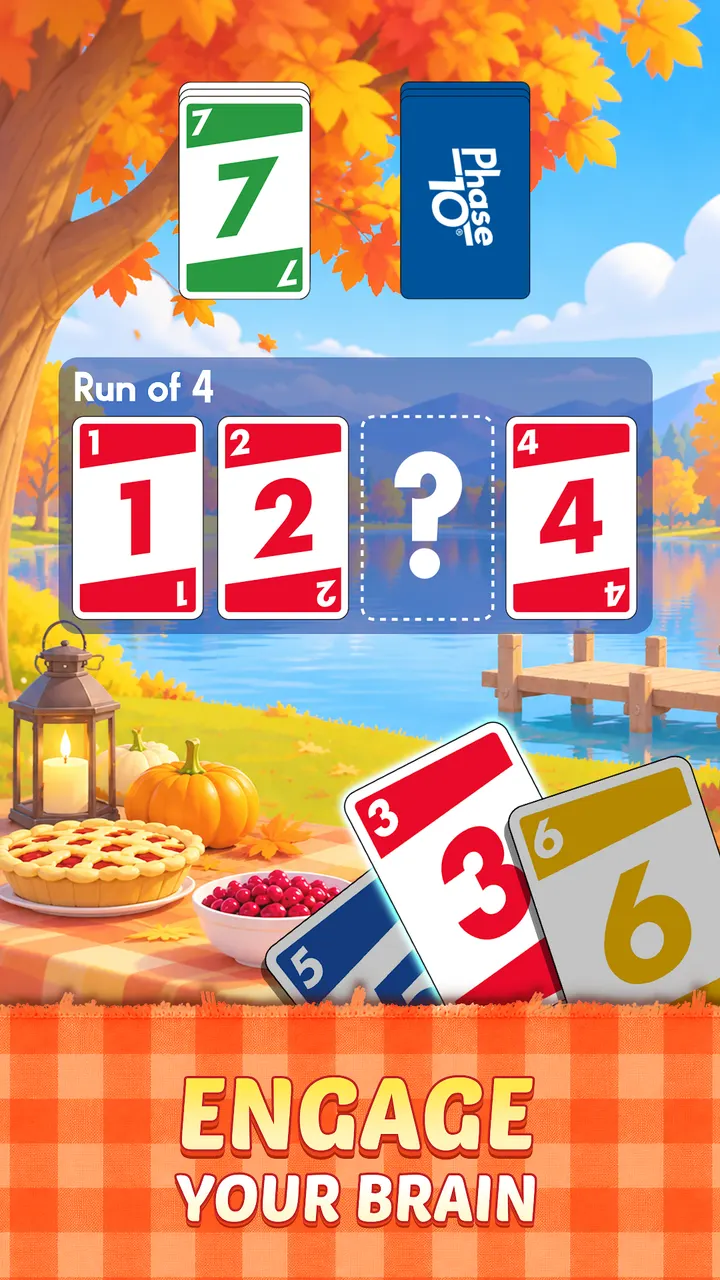
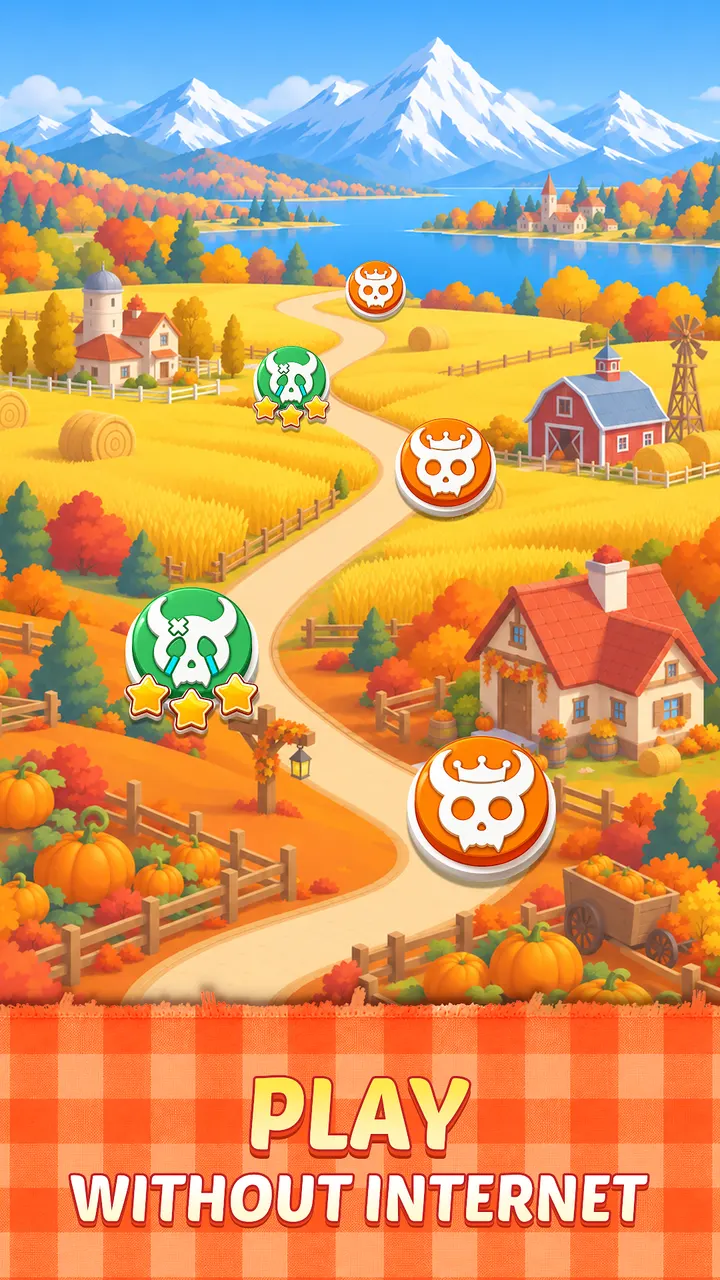
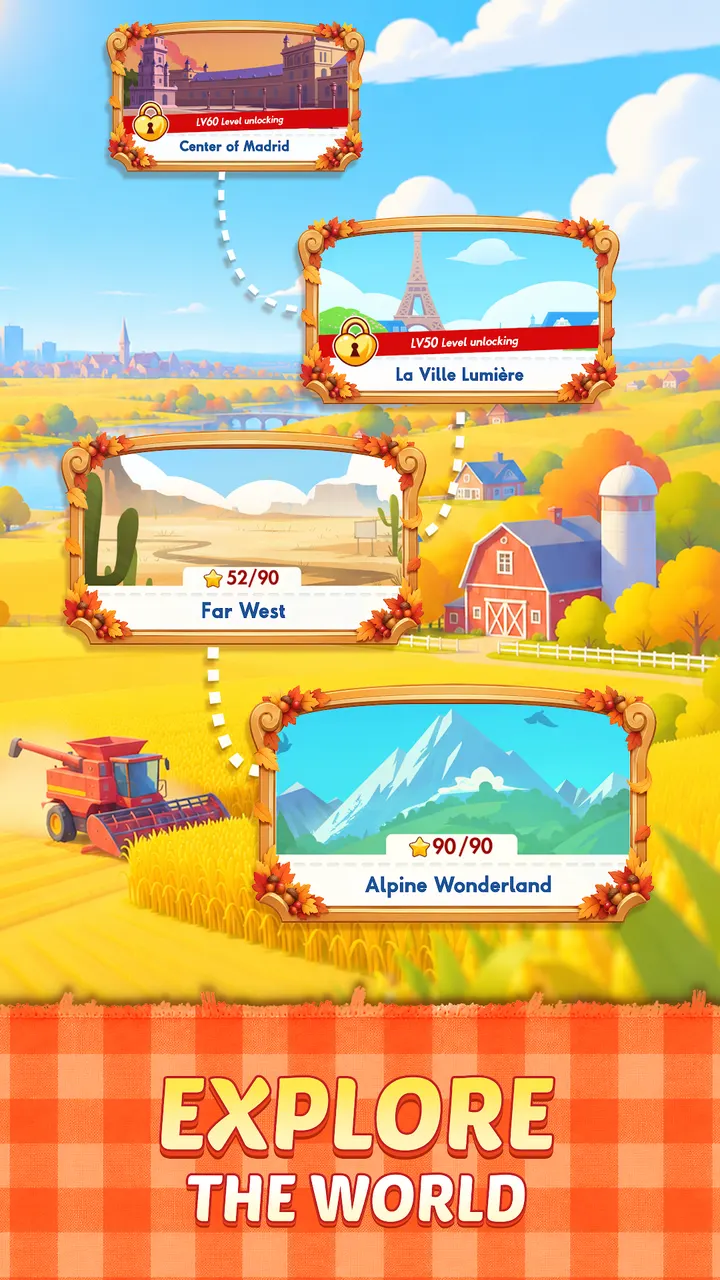
Journey mode is the part you can play offline. It uses solitaire-style challenges, Power-Ups and rewards, and the levels take you through places such as a Pacific paradise and ice-capped mountains. Daily Challenges add new puzzles on every level.
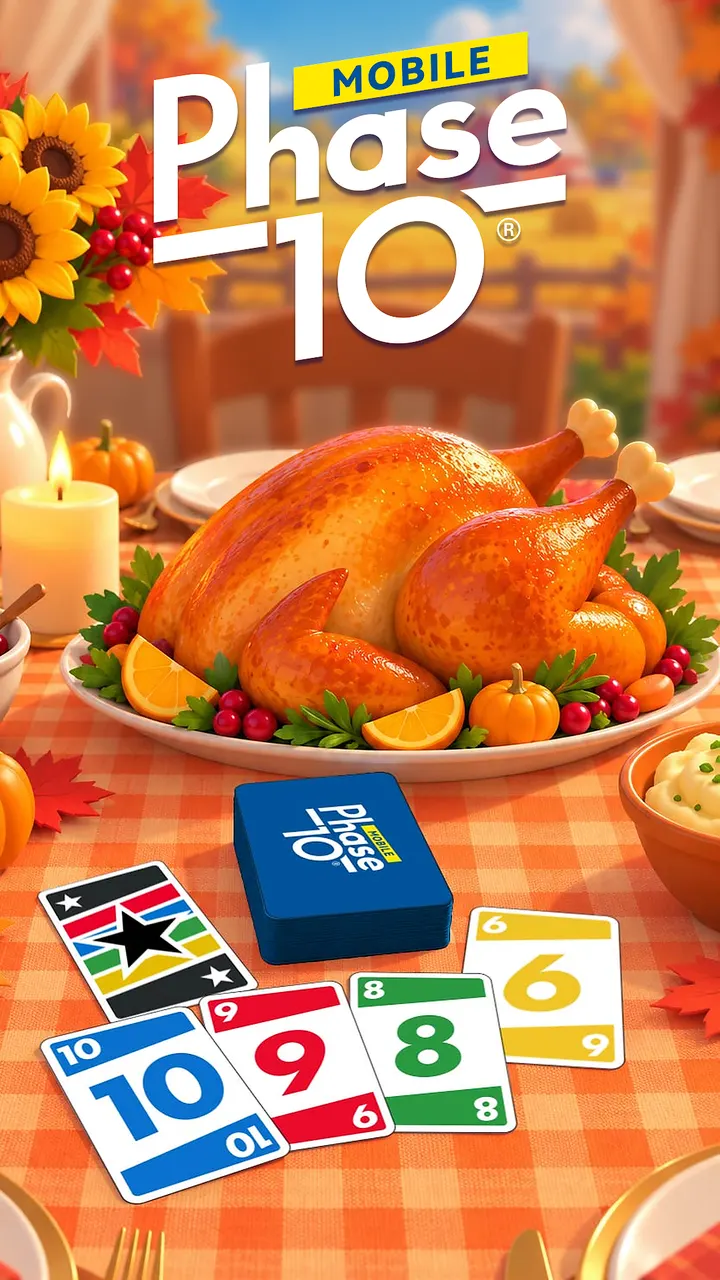
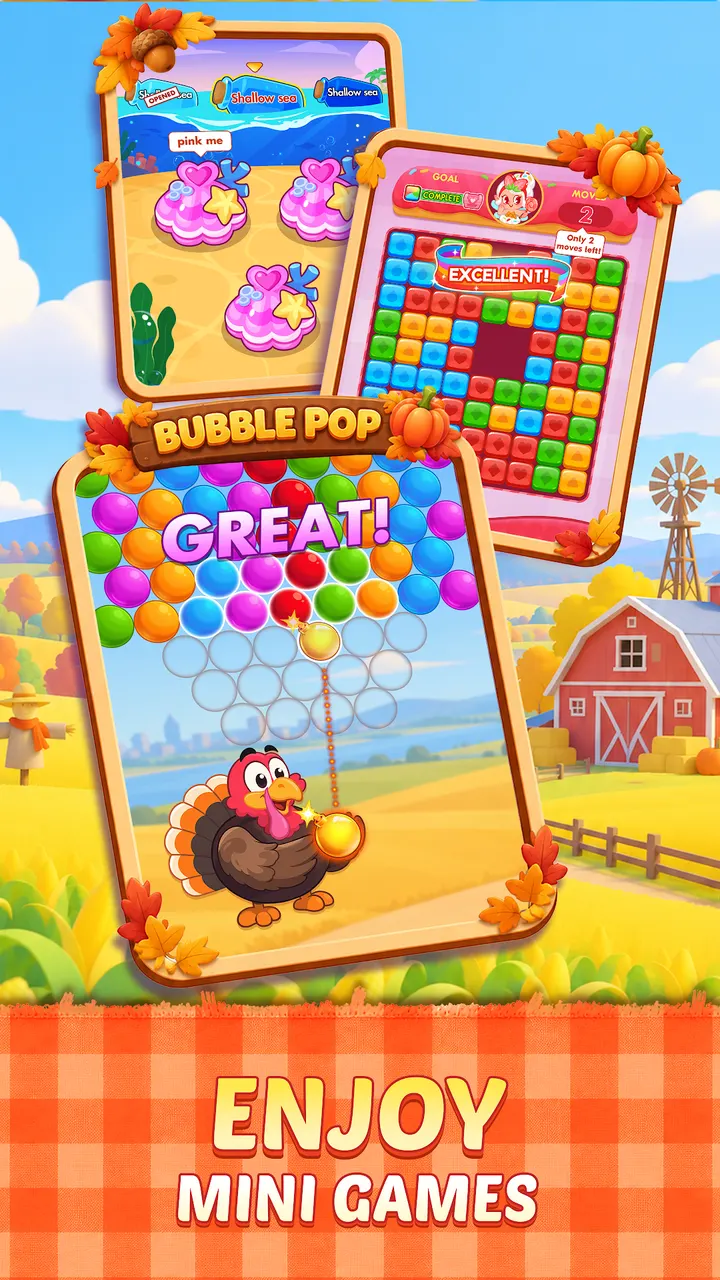
Online games let you compete against other players for coins. Each month brings a themed event. The current one is a Thanksgiving bubble shooter where you pop bubbles to collect ingredients and cook meals, plus a timed animal rescue that can earn a mystery chest.
Ads, purchases and device requirements
The game is free but contains ads and in-app purchases. Version 1.15.8128 needs Android 6.0 or newer. Google Play shows a 4.7 rating from about 638.2 thousand ratings, and the page carries 8 screenshots of the game.
Phase 10 pros and cons
Pros
- Free to play with a classic rummy-style Phase format
- Journey mode works offline
- Daily Challenges add fresh puzzles on every level
- A new themed event arrives every month
- Google Play rating of 4.7 from about 638.2 thousand ratings
Cons
- Contains ads
- In-app purchases are included
- Online play and events need a connection, and the event content is seasonal
Is Phase 10 safe?
Phase 10 is published by Mattel Game Studios HK Limited under the package com.mattel163.phase10, and it is distributed through Google Play. It is rated Everyone. It contains ads and in-app purchases, so check purchase settings on shared devices.
How to install Phase 10
- Press the Google Play button on this page.
- Check the listing in the Play Store and press Install.
- Open Phase 10 when the install finishes. Updates arrive through Google Play.


