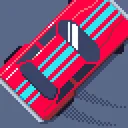



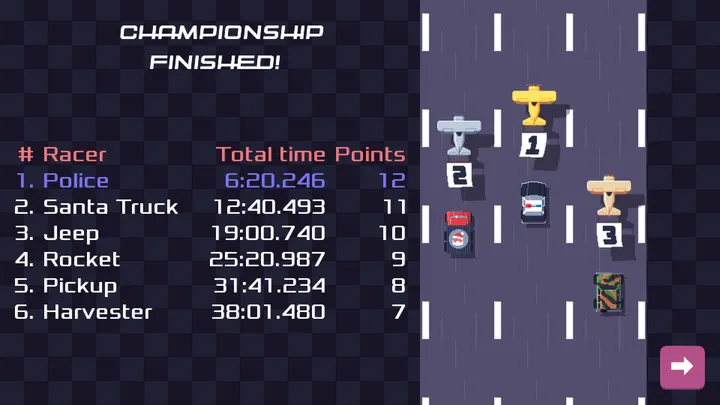
Pixel Wheels is a free, open-source top-down racing game for Android, written by Aurélien Gâteau and released on July 7, 2019. The current build is version 1.0.1, updated on December 22, 2025. It is a small download for a complete racer, at 28.1 MB.
A retro racer without ads or a price tag
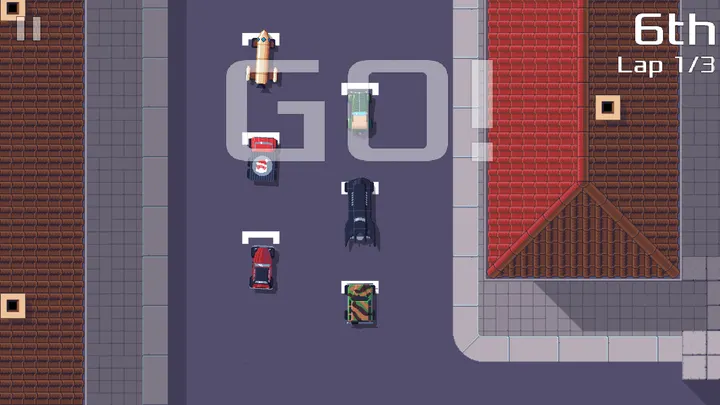
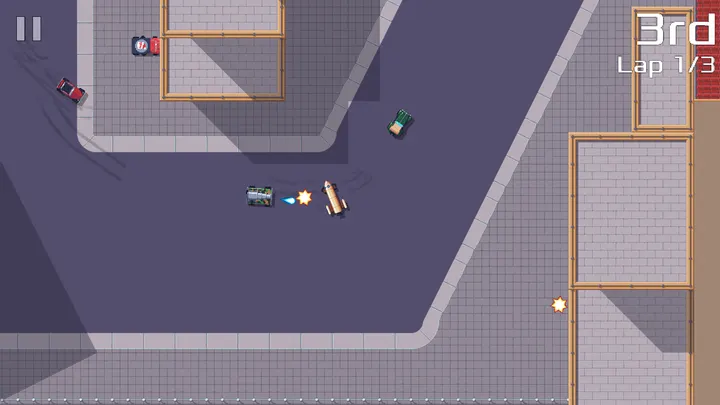
Many mobile racers lean on ads or purchases. Pixel Wheels goes the other way: it costs nothing and shows no ads. You will find it among our pixel-art and offline games, where you race top-down on retro tracks and grab bonuses to climb the order or hold back rivals.
The source code is public on GitHub under GPL-3.0-or-later, so anyone can read how it is built.
Bonuses decide the race on each track
You race for first place on several tracks, viewed from above in a retro pixel style. Pick-ups on the course let you improve your position or slow your rivals down, so the lead can change late.
What to check before installing
The app needs Android 4.4 or newer and takes up about 28.1 MB. Its package ID is com.agateau.tinywheels.android. The APK is stored unmodified, and its SHA-256 checksum is 61a50936e728518ce90e7191f8454a98ff24a80b866fa58292a0b474d2dabcd1. A Windows version also exists.
Pixel Wheels pros and cons
Pros
- Free to download and play
- No ads
- Open source under GPL-3.0-or-later
- Runs on Android 4.4 and newer
- Small 28.1 MB package
Cons
- Only one feature, the top-down racing itself
- Version 1.0.1 has no published changelog
- No Google Play rating or install count yet
Is Pixel Wheels safe?
The APK is the unmodified file, and its SHA-256 checksum is 61a50936e728518ce90e7191f8454a98ff24a80b866fa58292a0b474d2dabcd1, so you can compare it with your download. Aurélien Gâteau develops the game, and its code is open under GPL-3.0-or-later, so anyone can inspect it. No ads are shown.
How to install Pixel Wheels
- Download the APK with the button on this page and wait for it to finish.
- Compare the file with the SHA-256 checksum shown here if you want to confirm it arrived intact.
- Open the file on your phone and allow installs from this source when Android asks.
- Finish the install, then open Pixel Wheels from your app drawer.