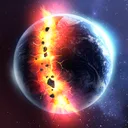

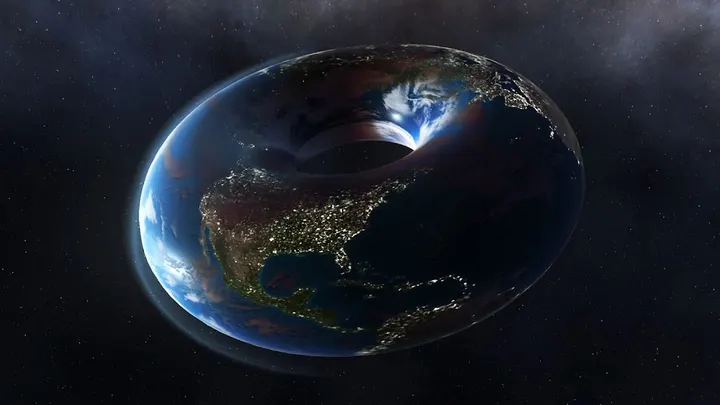
You have ten spare minutes and want to watch a planet break apart under a barrage of lasers and meteors. Solar Smash, from Paradyme Games, is built for exactly that kind of short, noisy session. It is a free Android physics sandbox with over 100 million installs on Google Play and a rating of 4.6 from about 1.7 million ratings.
First steps after installing Solar Smash
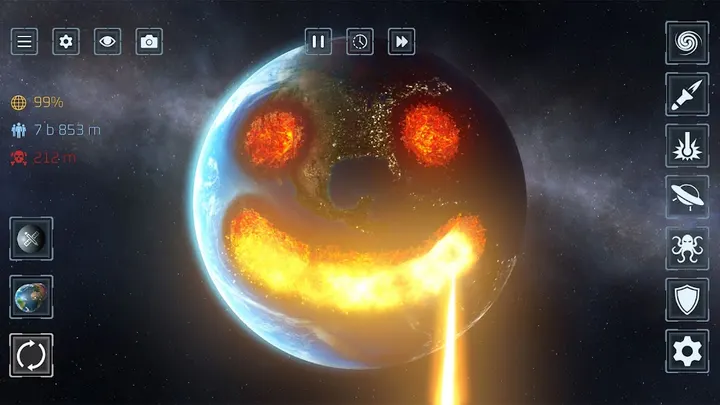
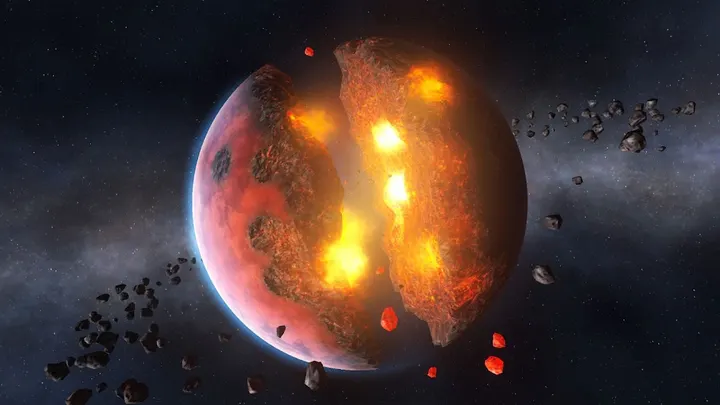
The game opens onto two modes, Planet Smash and Solar System Smash. Planet Smash is the quicker entry point: pick a target planet or moon and choose from more than 50 weapons, including lasers, nukes, black holes, railguns and orbital ion cannons. Defensive options such as shields and satellites are in the same list.
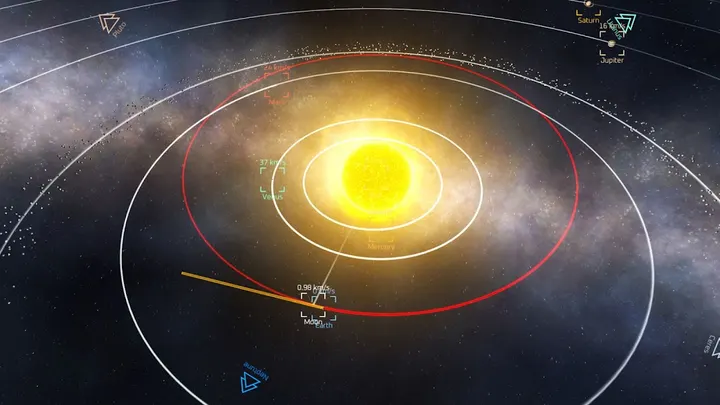
Solar System Smash is slower and more experimental. You pick one of three star systems, Earth's own among them, or build a system of your own and set the orbits of its planets. Version 2.7.5 runs on Android 7.0 or newer, and the game is rated Everyone 10+.
Where the physics sandbox earns its installs
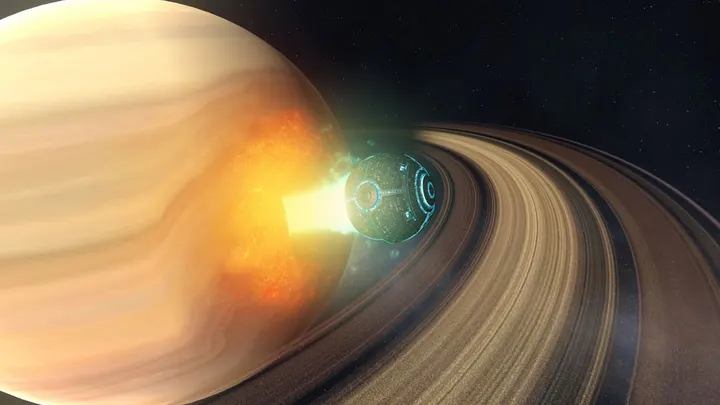
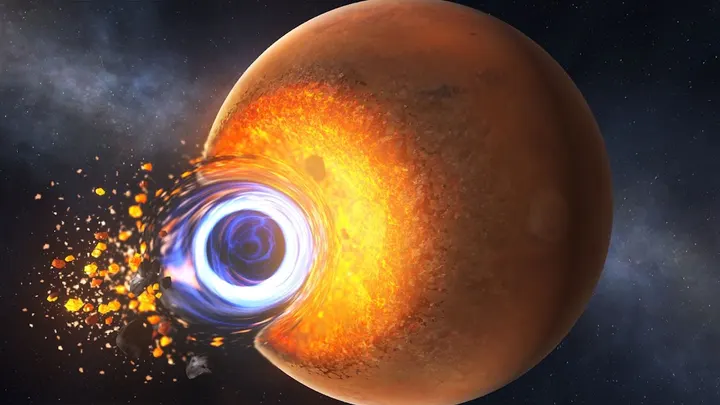
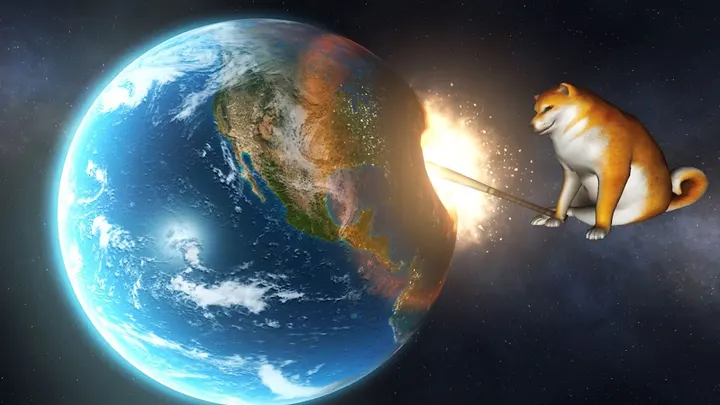
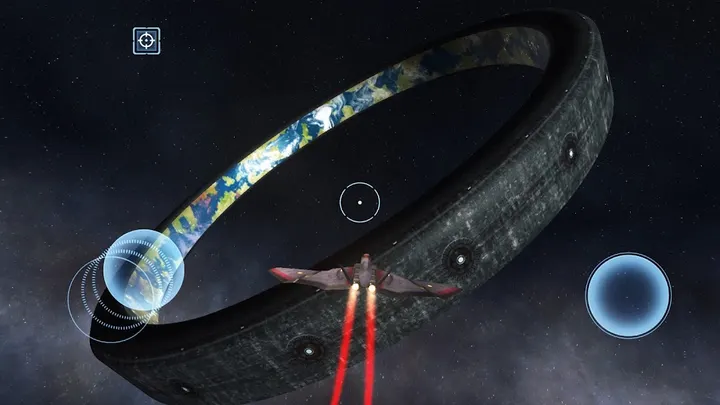
The appeal is the range of ways to wreck a world. Weapons run from small meteors to supernovas, and some targets are unusual, such as ring worlds and giant moons with planetary force fields. The game also lists UFOs, battleships, giant monsters and space shibas among the tools.
The second mode leans on gravity and orbital behavior. You can send bodies into collision courses or drop a black hole to disrupt an orbit. The developer describes the physics as scientifically accurate, and the space imagery credits NASA sources. Controls are described as simple enough for beginners, and the store page shows 8 screenshots of the results.
Who should pick a different game instead
Solar Smash has no levels, builds or puzzles to complete. Players who want structured progress may prefer Gardenscapes or Royal Kingdom, which are listed as alternatives. Those who like construction over demolition could try Block Craft 3D, while Geometry Dash Lite suits anyone who wants a rhythm-based challenge.
The game also carries a warning about flashing lights. People with photosensitive epilepsy or similar conditions should be careful with it, as the developer advises.
Solar Smash pros and cons
Pros
- Free to install, with over 50 weapons in Planet Smash
- Solar System Smash lets you build your own star systems and set orbits
- Rated 4.6 on Google Play across about 1.7 million ratings
- Runs on Android 7.0 and newer
- Rated Everyone 10+, with a clear flashing-light warning
Cons
- Contains ads
- Offers in-app purchases
- Flashing lights may be unsuitable for photosensitive players
- Sandbox format with no stated goals or level structure
Is Solar Smash safe?
Solar Smash is published by Paradyme Games and distributed through Google Play, where it has over 100 million installs. It is free, with ads and in-app purchases. The developer warns that flashing lights may affect people with photosensitive conditions. Install it only from the official store page.
How to install Solar Smash
- Press the Google Play button on this page.
- Check the listing in the Play Store and press Install.
- Open Solar Smash when the install finishes. Updates arrive through Google Play.


