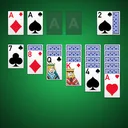

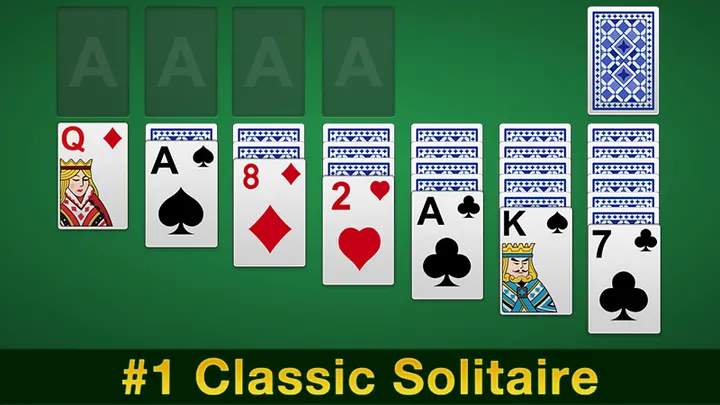
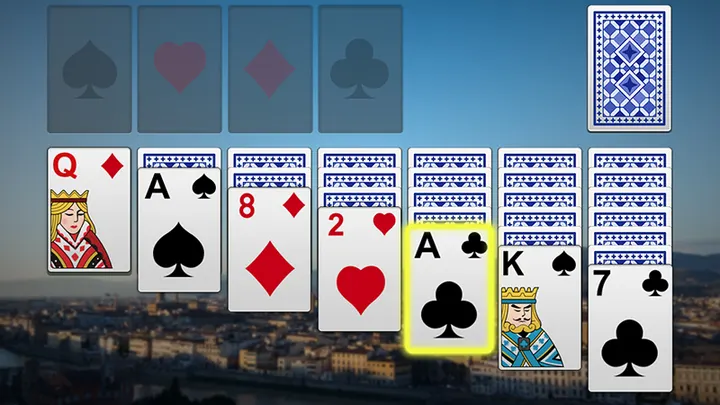
You are waiting for a train with no signal, and a quick hand of Klondike sounds right. Solitaire from Mouse Games (package com.smilerlee.klondike) needs no network, so it runs fine in that spot. It has over 10 million installs on Google Play and a 4.5 rating from 233.6 thousand ratings.
Offline Klondike with unlimited undos and hints
The defining trait here is how forgiving the game is. Undos and hints are both unlimited and free, and the app also describes smart hints and automatic hints. You can also turn on an option that deals only winnable hands.
The game is free, rated Everyone, and has no in-app purchases. It does show ads.
A typical session: pick Draw 1 or Draw 3, then play
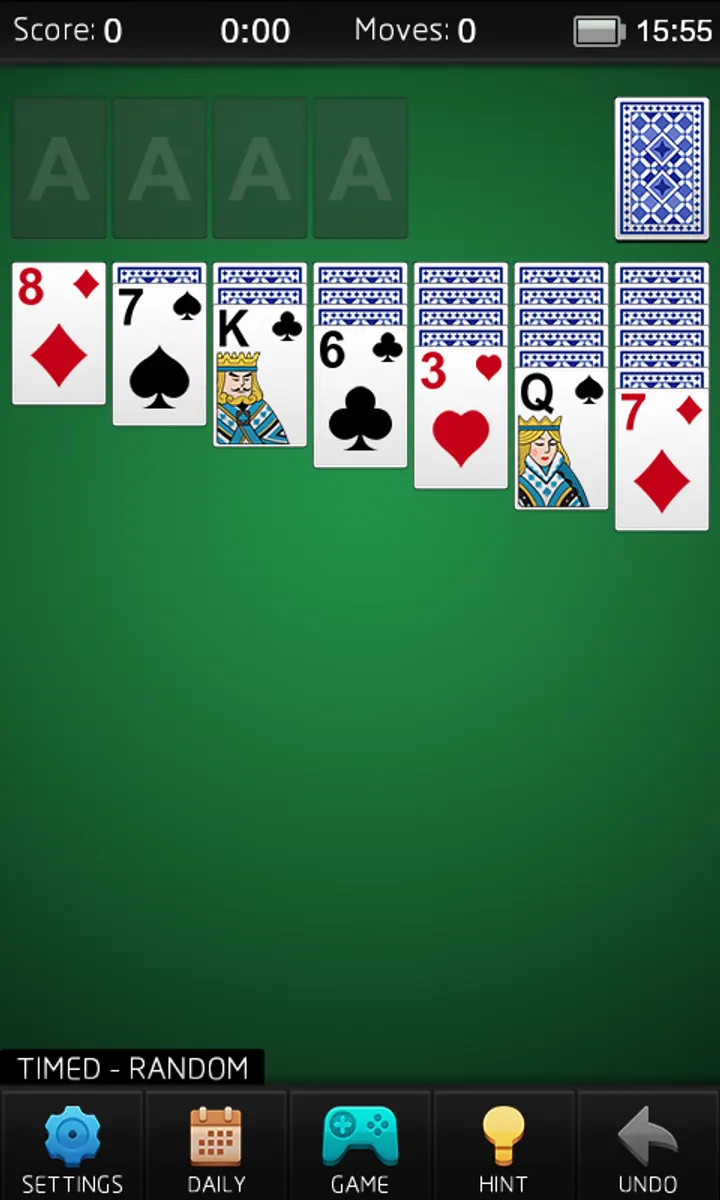
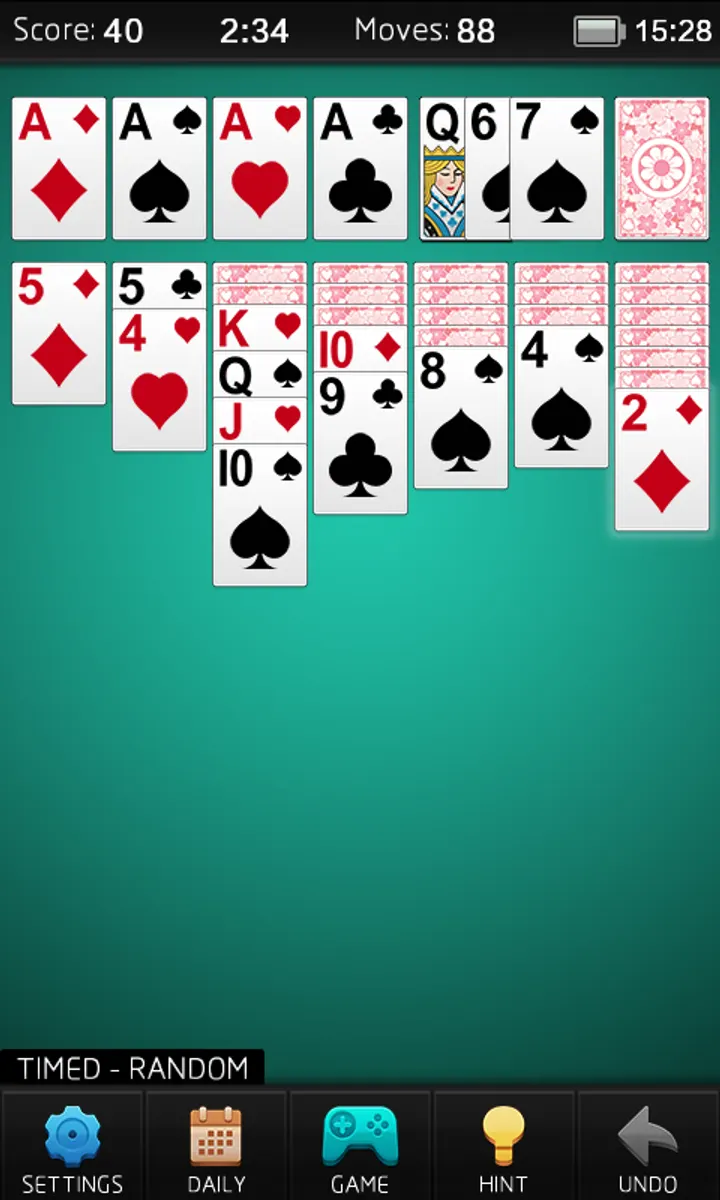
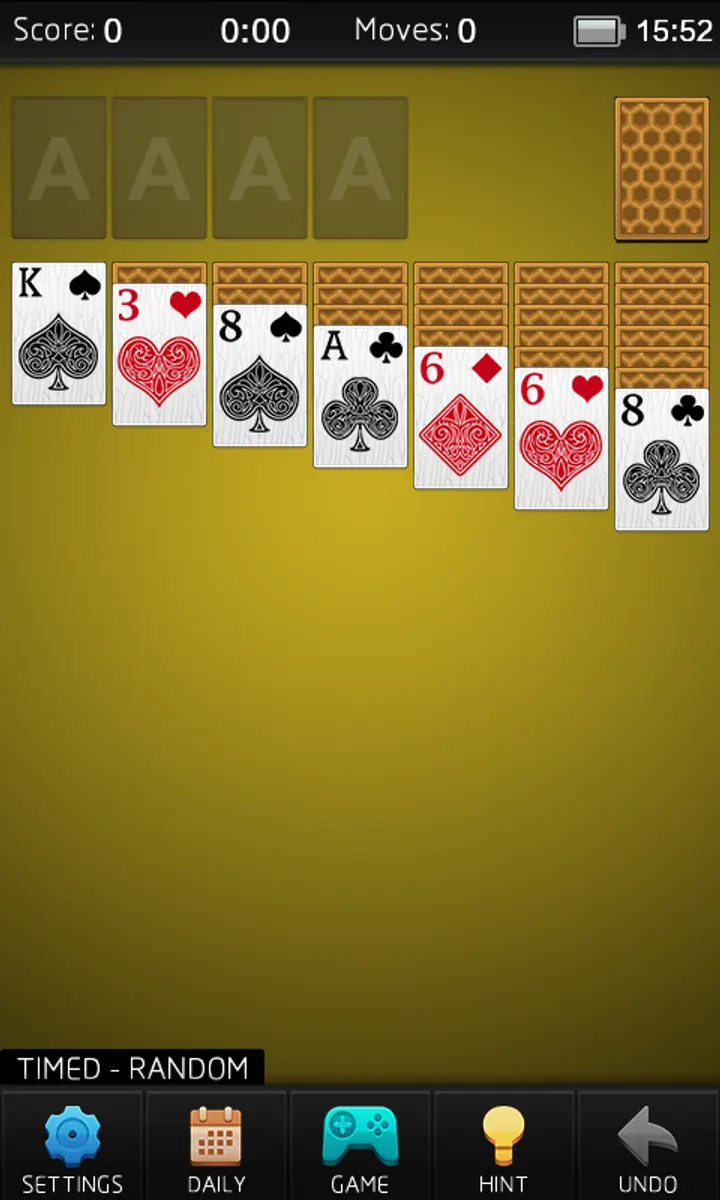
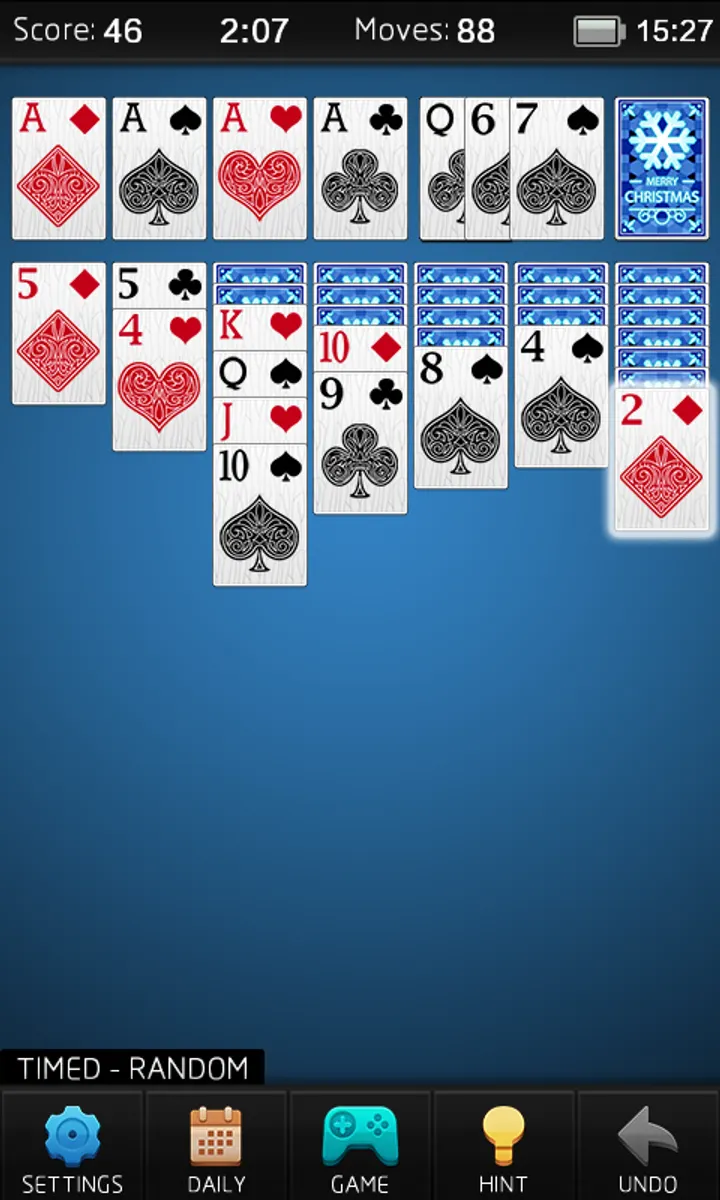
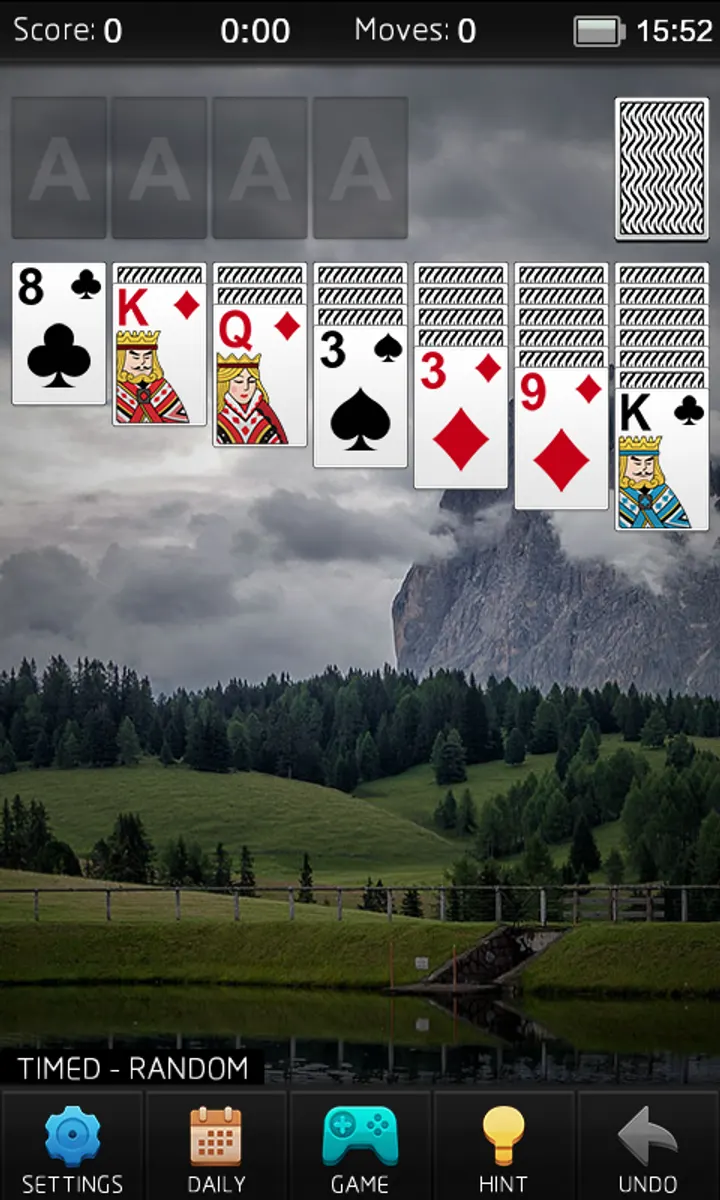
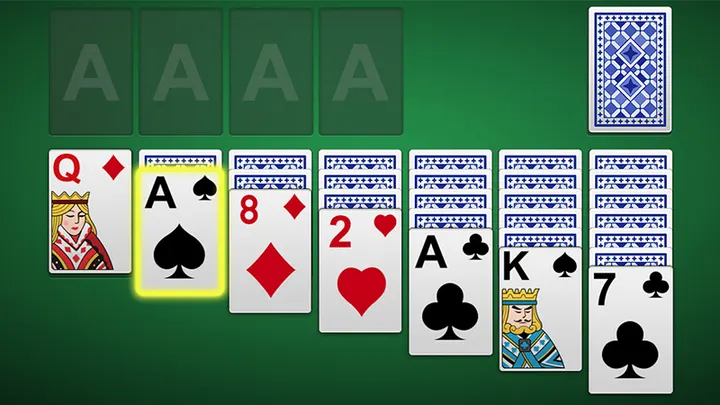
You start by choosing Draw 1 card for an easier game or Draw 3 cards for the traditional harder one. Timed and untimed modes are available, and scoring can follow Vegas rules, including a cumulative Vegas total. Once the board is clearly solved, auto complete finishes the remaining moves.
Between games there is a Daily Challenge, high scores and personal statistics. Card faces, card backs and backgrounds can be changed, and sound can be switched off. The app supports phones and tablets as well as multiple windows, which helps if you run it beside another app.
How it differs from Gardenscapes and Royal Kingdom
Gardenscapes, Royal Kingdom and Amaze GO! are listed as alternatives, and they sit in a different corner of the games category. Solitaire has one job: a single classic card game with no story or progression layer. Geometry Dash Lite and Tiles Hop are action and rhythm picks.
This app suits people who want one familiar game on an old device too. It asks for Android 4.0 or newer, and version 5.9 was updated on December 29, 2025.
Solitaire pros and cons
Pros
- Free to play with no in-app purchases
- Draw 1 and Draw 3 modes
- Unlimited undos and hints
- Works with no network connection
- Customizable card faces, backs and backgrounds
Cons
- Shows ads
- Covers only one card game, so there is little variety
- Visual style is classic rather than flashy
Is Solitaire safe?
The app is published by Mouse Games and distributed through Google Play, where it holds a 4.5 rating across 233.6 thousand ratings. It is rated Everyone and has no in-app purchases, though ads are present. Install it from the Google Play listing and check the permissions your device shows.
How to install Solitaire
- Press the Google Play button on this page.
- Check the listing in the Play Store and press Install.
- Open Solitaire when the install finishes. Updates arrive through Google Play.


