

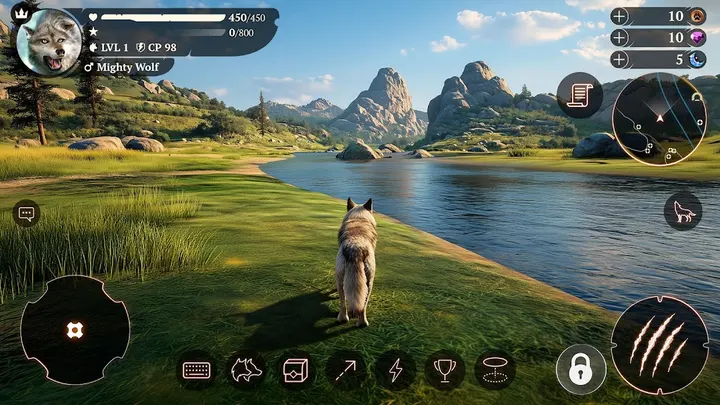
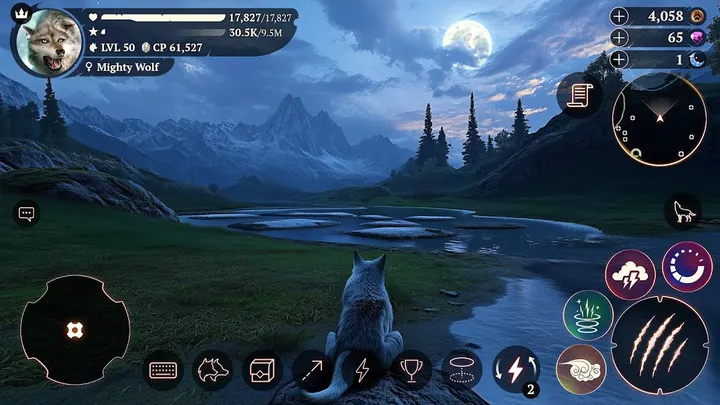

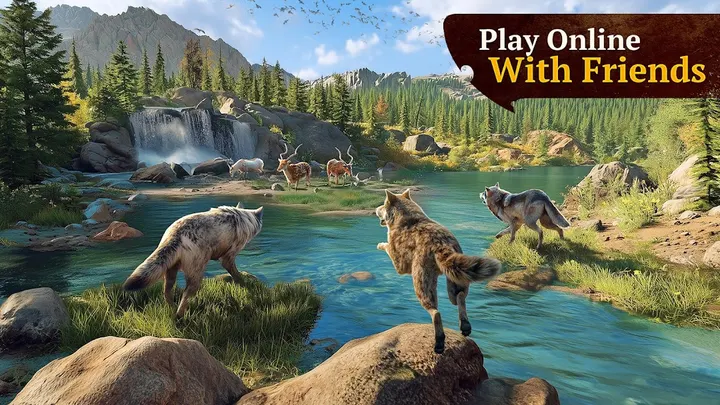


The Wolf puts you in the paws of a wolf in an animal RPG that mixes hunting, quests and an online multiplayer side. It is rated Teen and has been out since January 17, 2017. Version 5.0.4 is current and runs on Android 6.0 or newer.
Free to play, with ads and purchases
Playing costs nothing up front, but the game carries ads and in-app purchases, so some progress or extras may depend on spending or watching ads.
The Teen rating covers the quests, fighting challenges and clashes with other animals as you lead your pack through forests and deserts.
Pack play, co-op raids and wolf customization
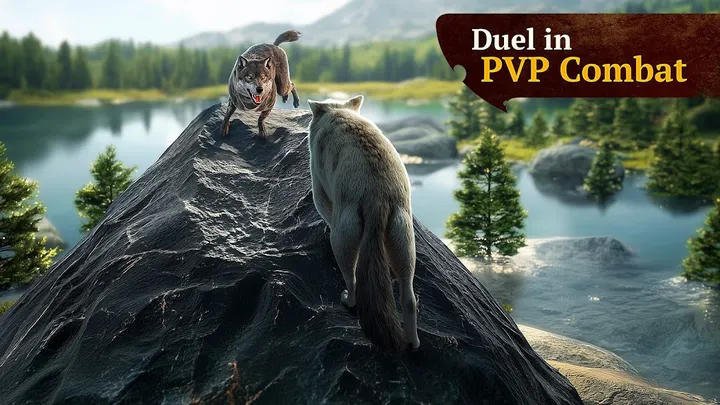
You play as a wolf and can lead a pack as the Alpha or roam alone. The game offers quests, hunting missions, co-op raids and PvP duels, with arenas such as Frog Swamp and Rhino Desert.
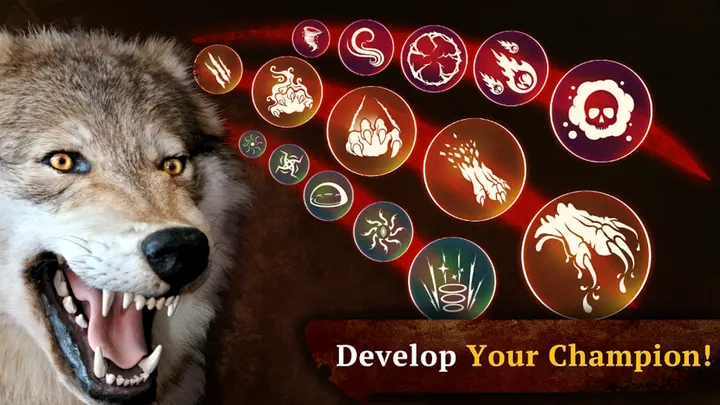
Opponents include a lion, puma, bald eagle, king cobra and giant frog. Your wolf can be customized with skins and armor, and a skill tree unlocks special abilities. Realms include forest, tundra, desert and swamp, and the seasons change.
Version 5.0.4 and the September 2026 update
The latest update came on September 10, 2026, nearly ten years after launch, so the game is clearly still maintained. The developer promises new territories and survival challenges over time.
The Wolf pros and cons
Pros
- Free to install
- Pack play, co-op raids and PvP in one game
- Google Play rating of 4.6 across about 1.1 million ratings
- Updated on September 10, 2026, long after the 2017 release
- Skins, armor and a skill tree for customizing the wolf
Cons
- Contains ads
- In-app purchases are included
- Teen content rating may rule it out for younger players
- Version 5.0.4 is the current release
Is The Wolf safe?
Rage Quit Games Group publishes this wolf RPG and keeps a site at ragequitgames.com. The package ID is com.swiftappskom.thewolfrpg, which helps confirm you have the right listing. It is rated Teen and contains ads and in-app purchases, so look over the permissions and content notes on the store page before you start hunting.
How to install The Wolf
- Press the Google Play button on this page.
- Check the listing in the Play Store and press Install.
- Open The Wolf when the install finishes. Updates arrive through Google Play.


