


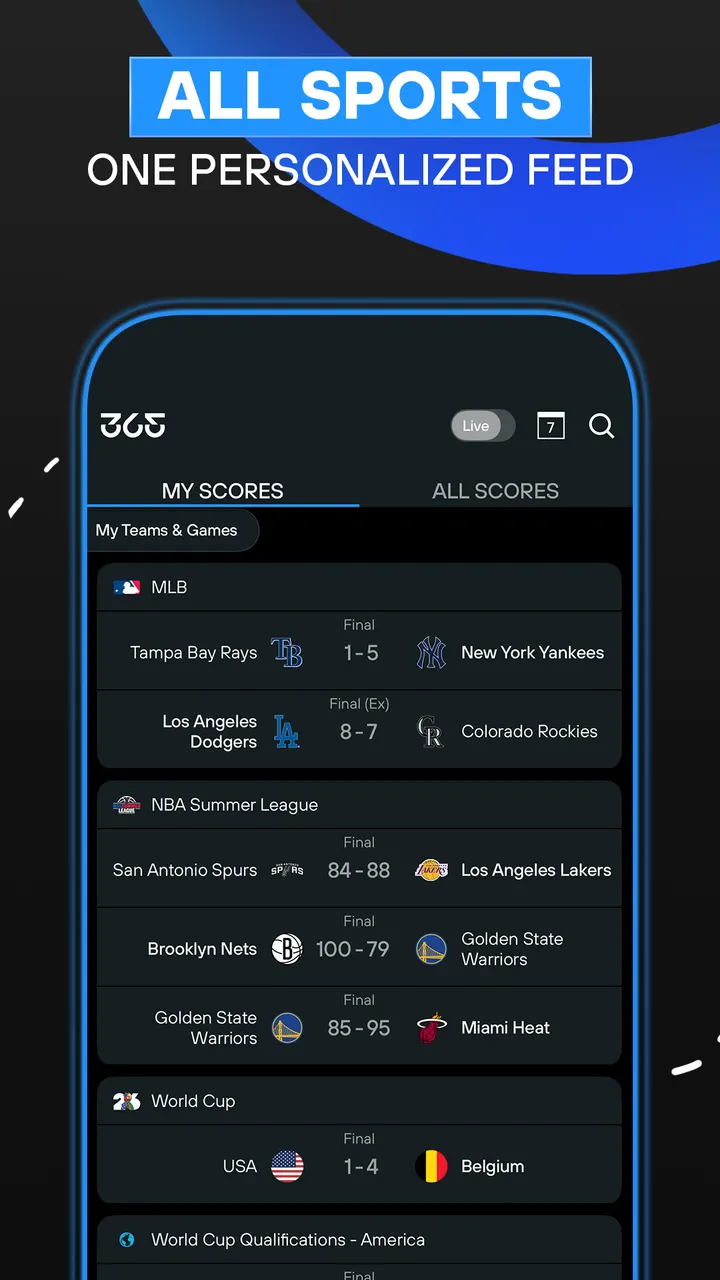
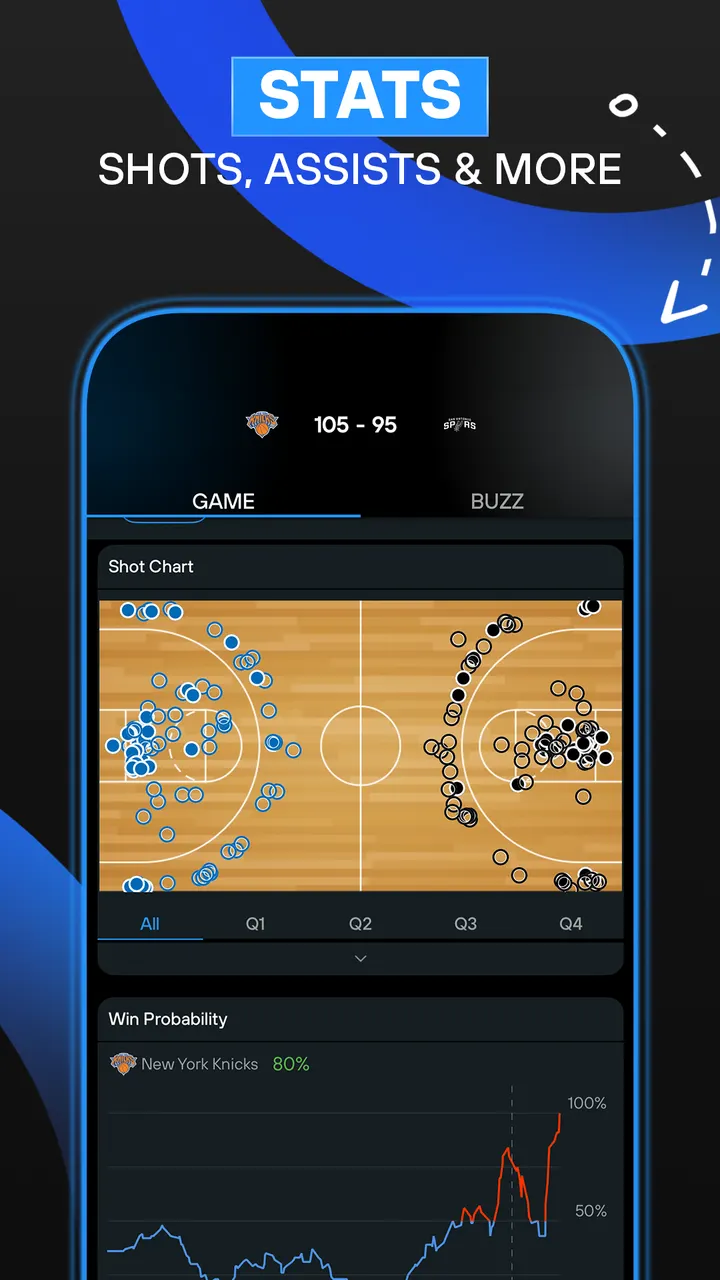
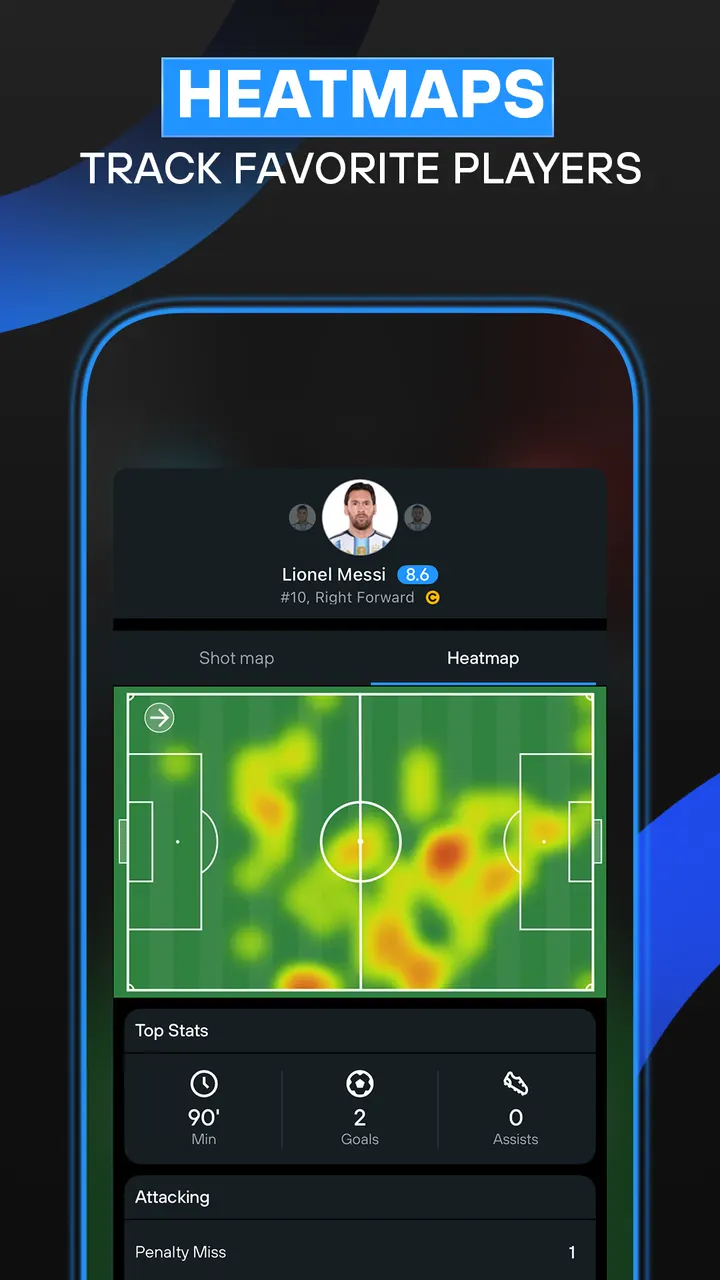
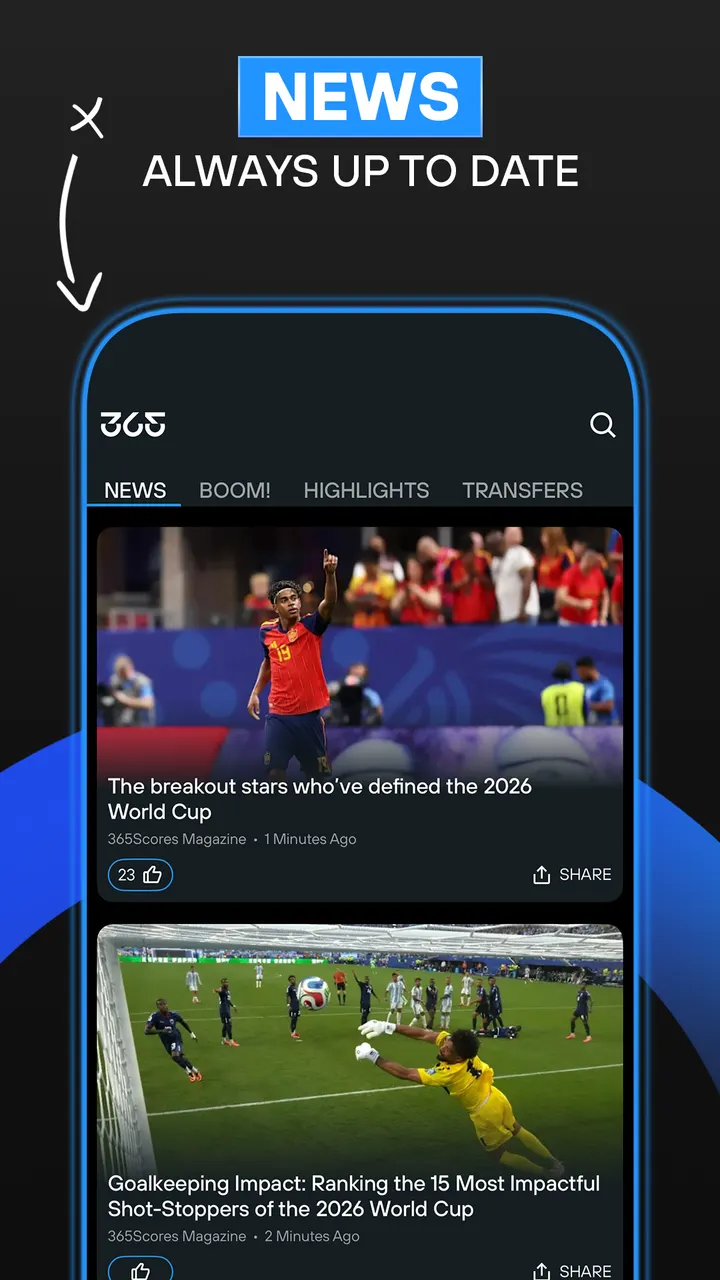
Sofascore and FotMob lean heavily on football, while 365Scores spreads its coverage across 10 sports in a single feed. It comes from 365Scores LTD, first released on November 14, 2012, and the current version is 15.0.0. Google Play lists over 50 million installs and a 4.5 rating from about 2.2 million ratings.
Following several sports without juggling apps
Fans who watch football, basketball and tennis usually end up with a separate tracker for each. 365Scores tries to cover that in one place. Its sports list includes football, basketball, tennis, American football, baseball, cricket, handball, ice hockey, rugby and volleyball.
The store description cites more than 2,000 competitions, among them the UEFA Champions League, English Premier League, NBA, NFL and Wimbledon. The ALL SCORES tab works as a multi-sport calendar.
Alerts, pre-game stats and a custom scoreboard
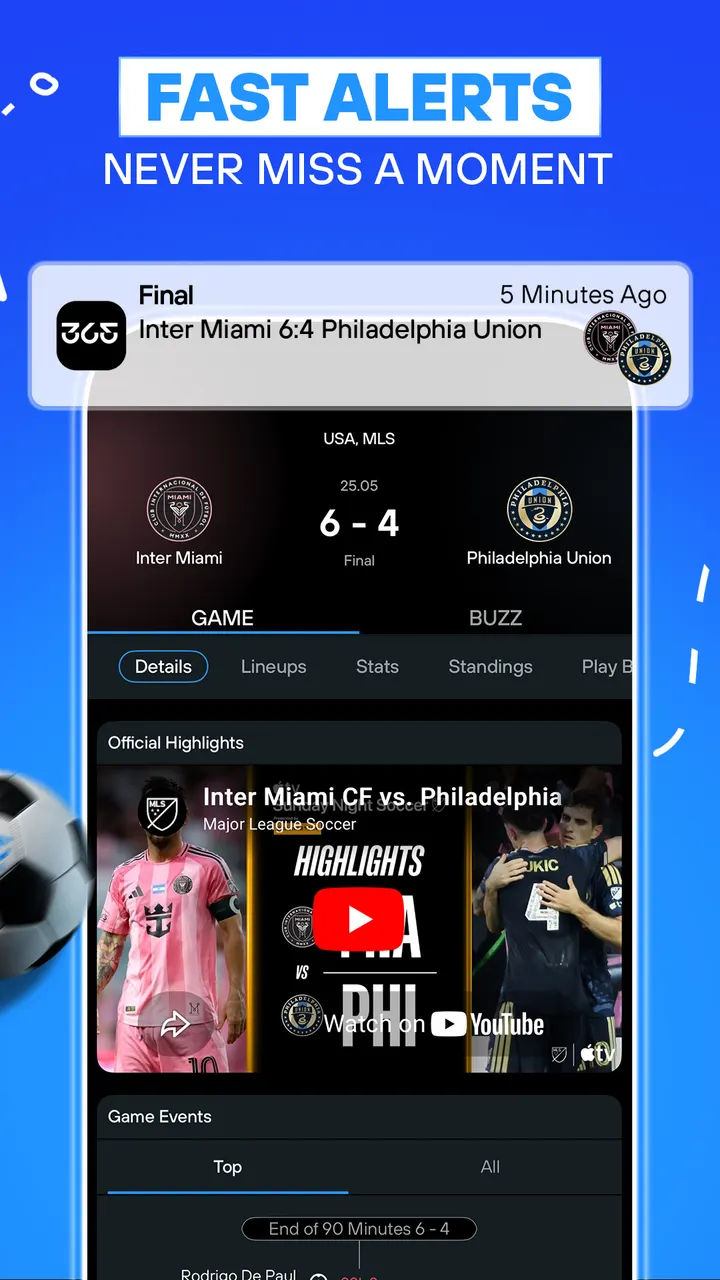
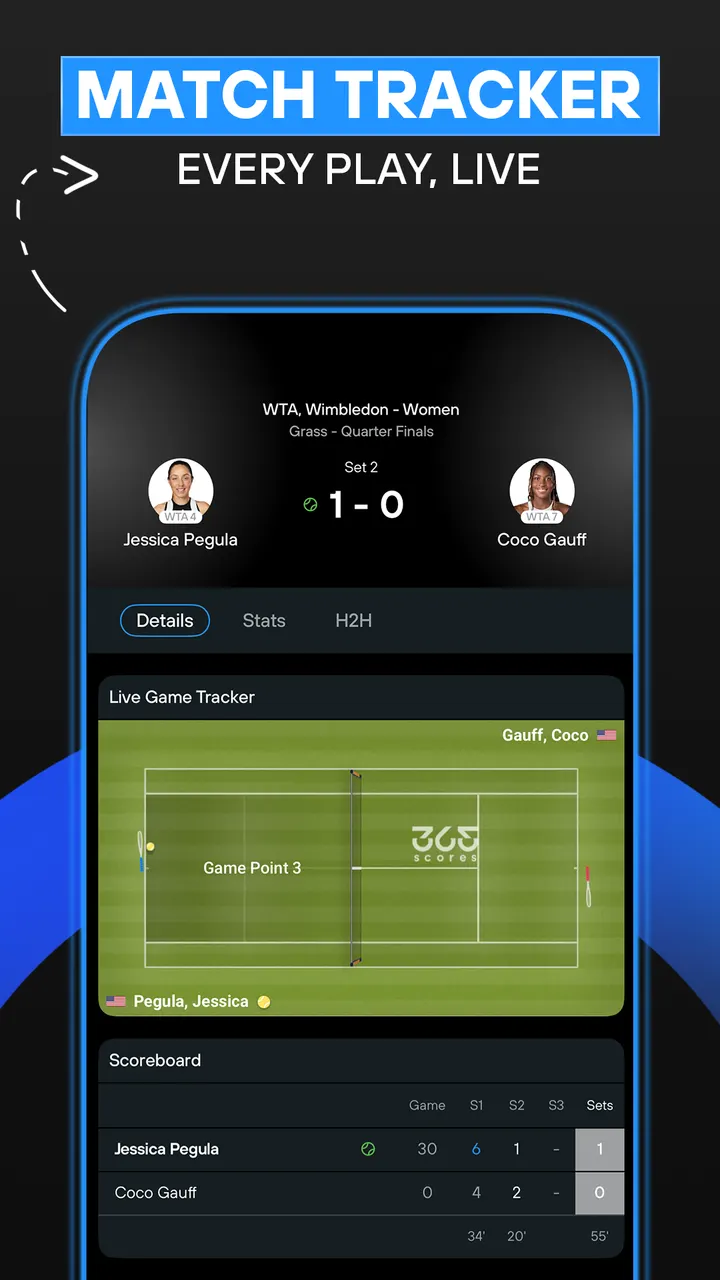
You pick teams and leagues to build a personal scoreboard, or follow single matches. Instant match notifications run alongside a Live Match Tracker for games you cannot watch. The developer warns that alerts may arrive ahead of a match stream, so spoilers are possible.
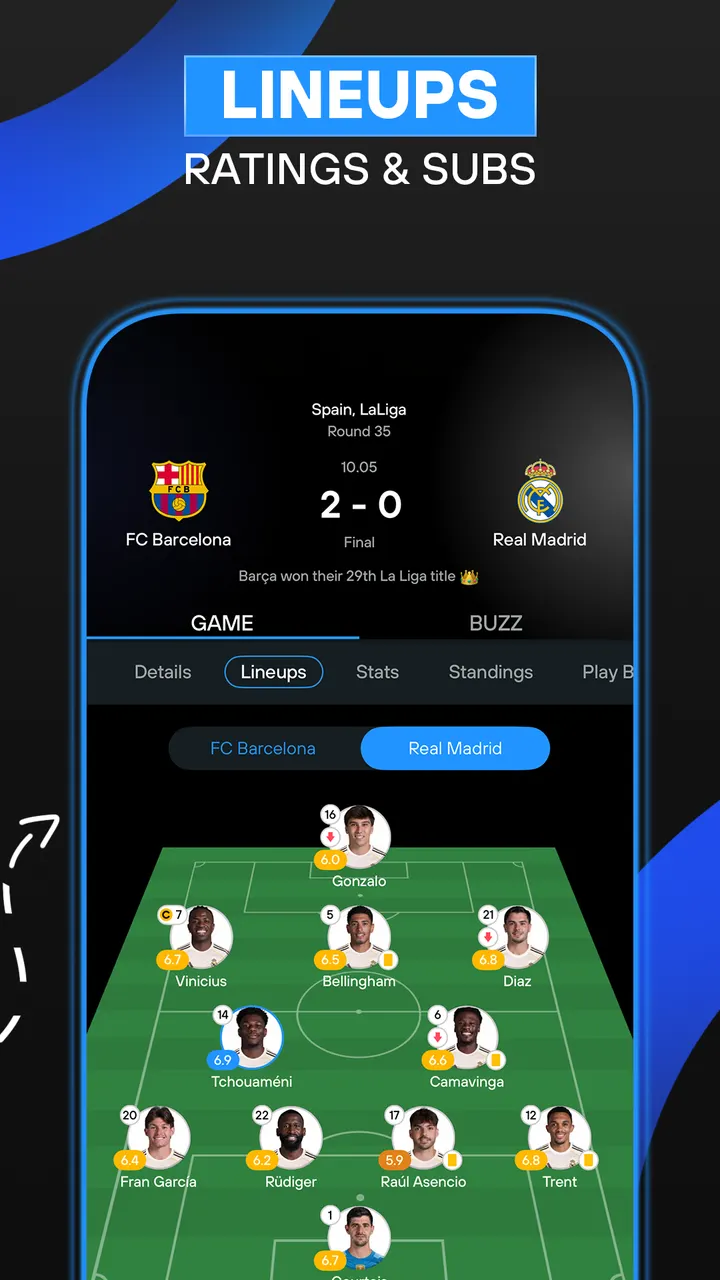
Before kickoff, the app shows head-to-head records, recent form and key player analysis, plus predictions it describes as data-driven. Team pages add squad updates, league tables, transfer updates and news.
What to check before installing 365Scores
The app needs Android 7.0 or newer and is free, but it contains ads and in-app purchases. The content rating is Everyone.
If you only follow one league, compare it with alternatives such as LiveScore or Soccer Scores.
365Scores pros and cons
Pros
- Covers 10 sports and more than 2,000 competitions in one app
- Custom scoreboard for chosen teams, leagues and single matches
- Instant match notifications with a Live Match Tracker
- Pre-game stats include head-to-head records and recent form
- Rated 4.5 on Google Play across about 2.2 million ratings
Cons
- Contains ads
- Includes in-app purchases
- Alerts may spoil a match you are watching on a delayed stream
- Requires Android 7.0 or newer
Is 365Scores safe?
365Scores is distributed through Google Play only, published by 365Scores LTD, and its package ID is com.scores365. No independent security review is available. The privacy policy and terms of use are linked from the developer's site, so read them before signing in or buying anything.
How to install 365Scores
- Press the Google Play button on this page.
- Check the listing in the Play Store and press Install.
- Open 365Scores when the install finishes. Updates arrive through Google Play.


