


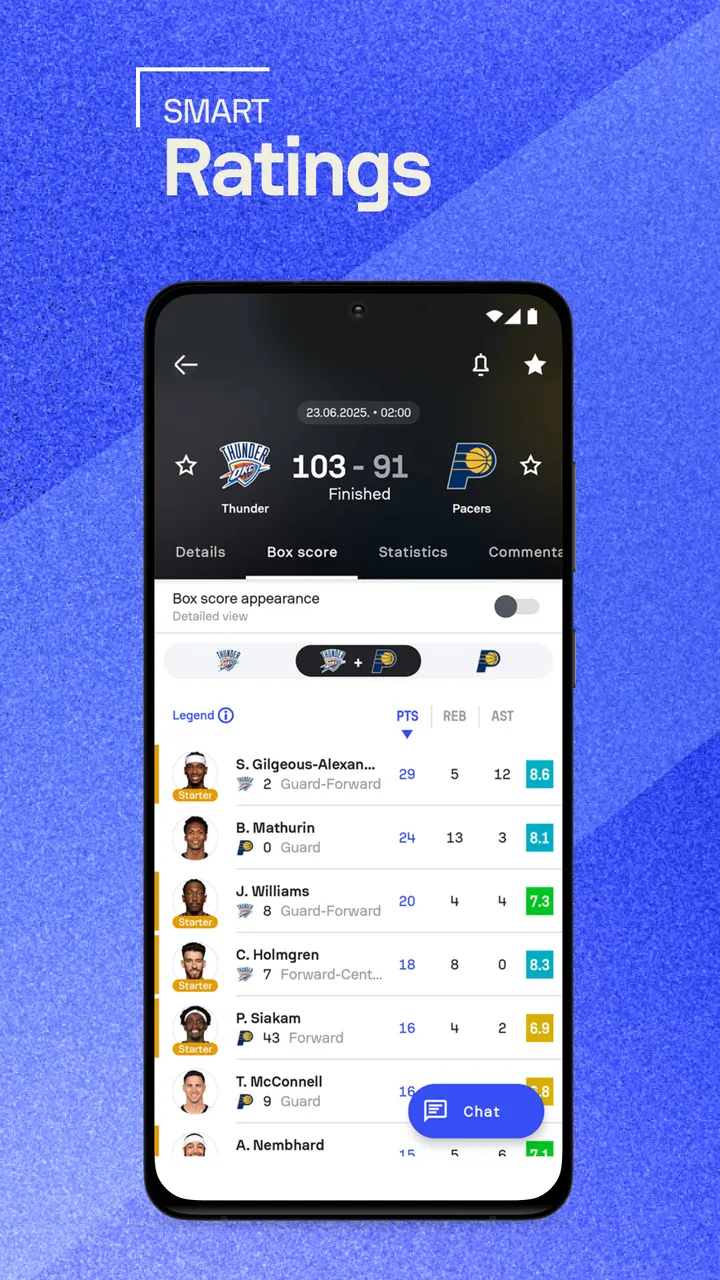
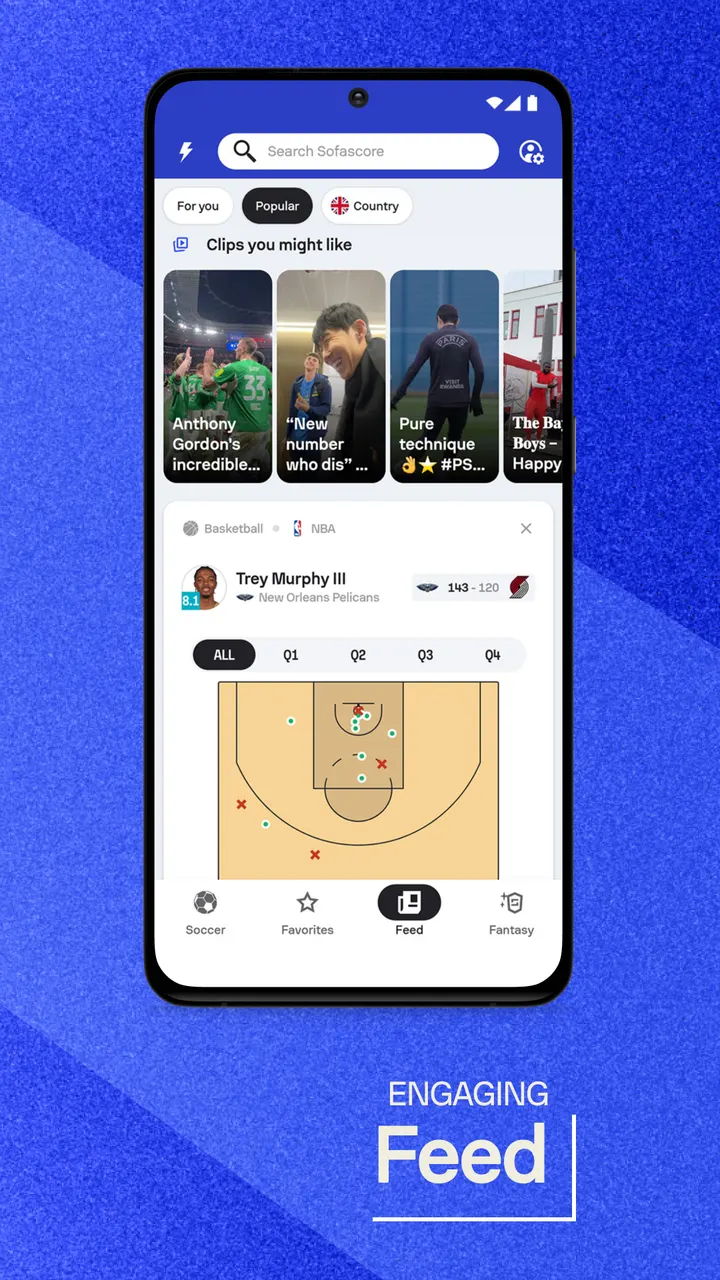
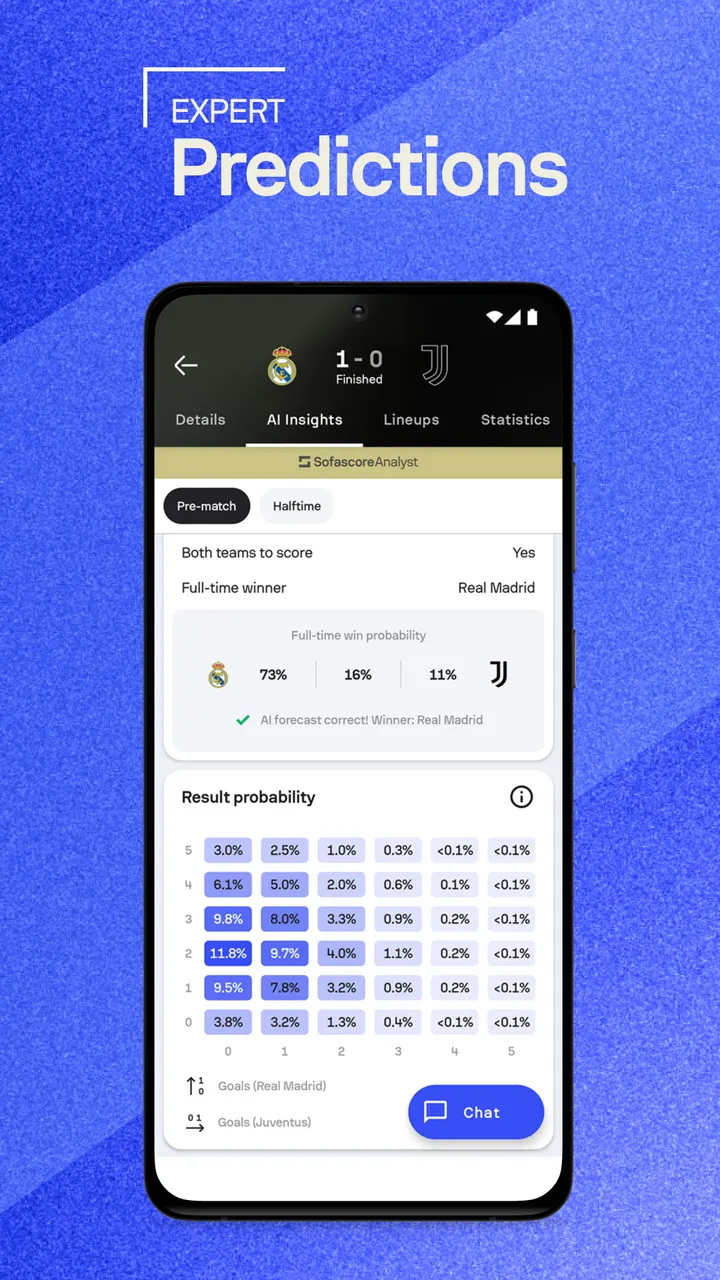
Sofascore is for people who want more than a final score: lineups, shot maps, xG and standings for the matches they follow. It is a free Android app released on April 27, 2015, and it needs Android 8.0 or newer. Coverage runs from the Premier League, La Liga and Serie A to the Champions League, MLS and the World Cup.
Setting up favorites and alerts after install
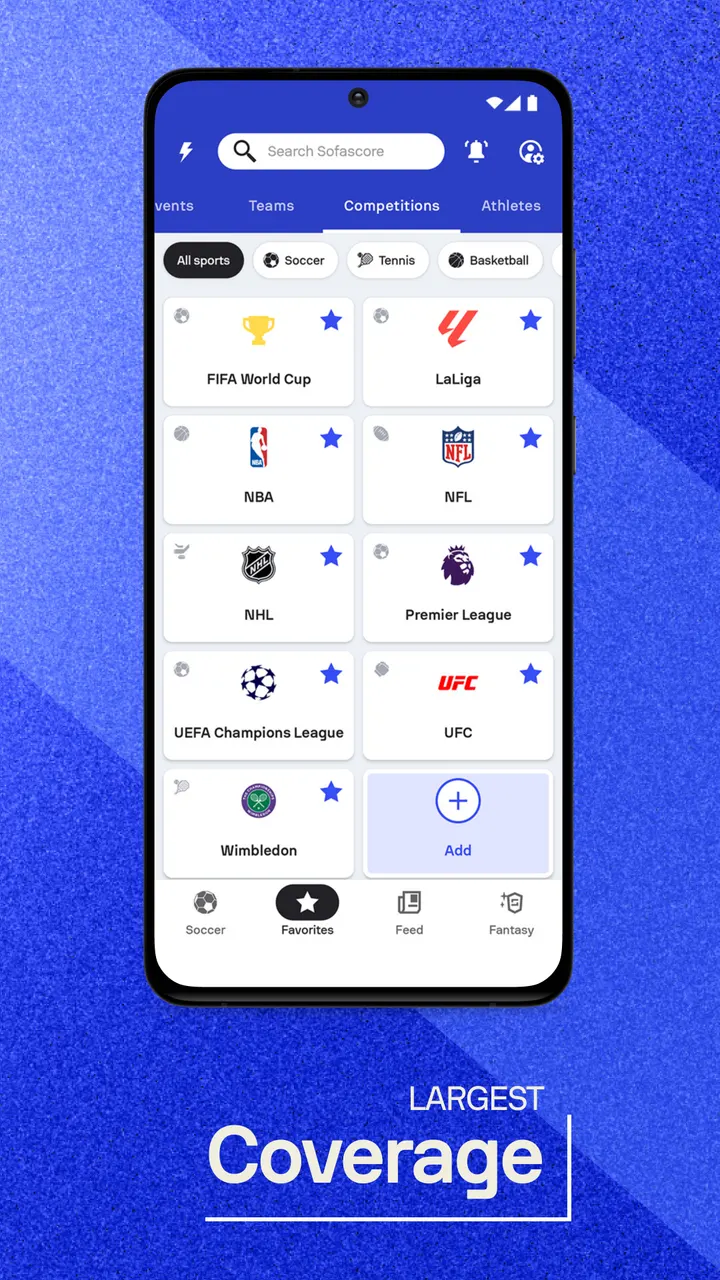
The first job is choosing what to follow. Pick teams and leagues such as the Premier League, La Liga, Serie A or MLS, and the app builds your match list around them.
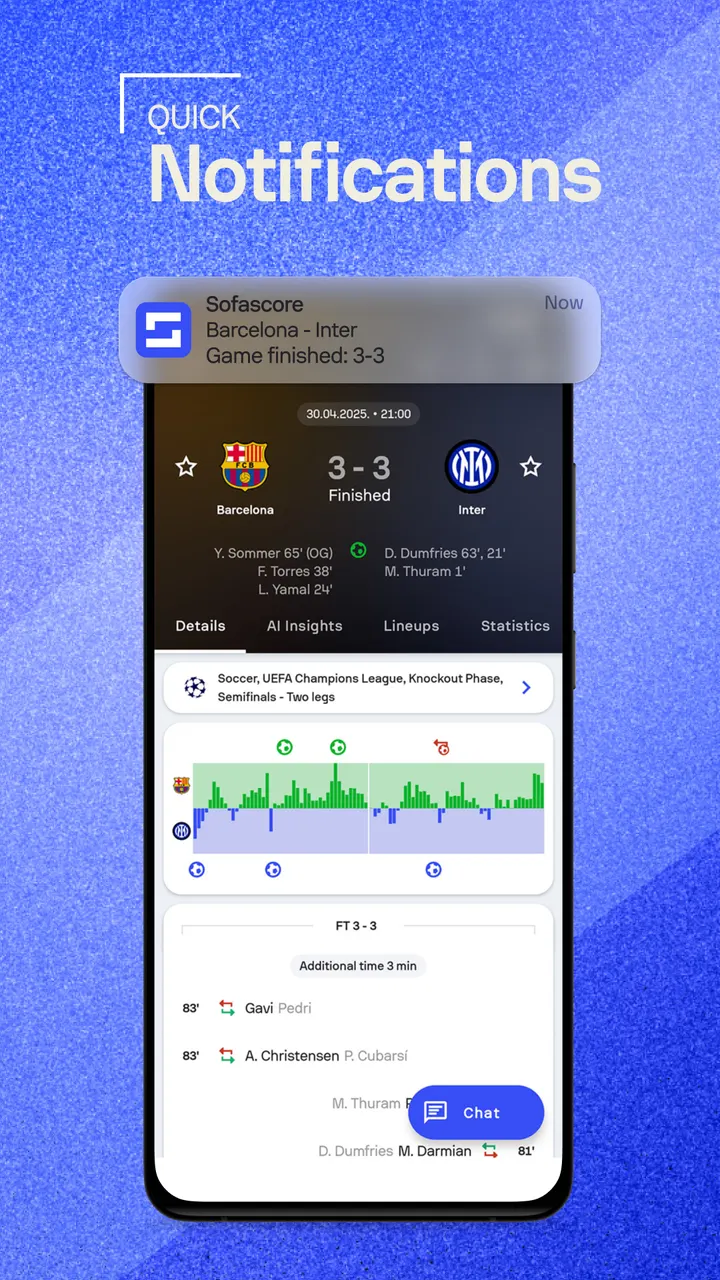
Notifications come next. You can set alerts for goals, kickoffs, final scores, red cards and substitutions. You can also build your own live scoreboard to watch several matches, even across different sports, on one screen.
Where the shot maps and xG data earn their place
The core is live data: scores, real-time lineups, injury updates and box scores for major leagues. Before a match you can open head-to-head records, team form and standings.
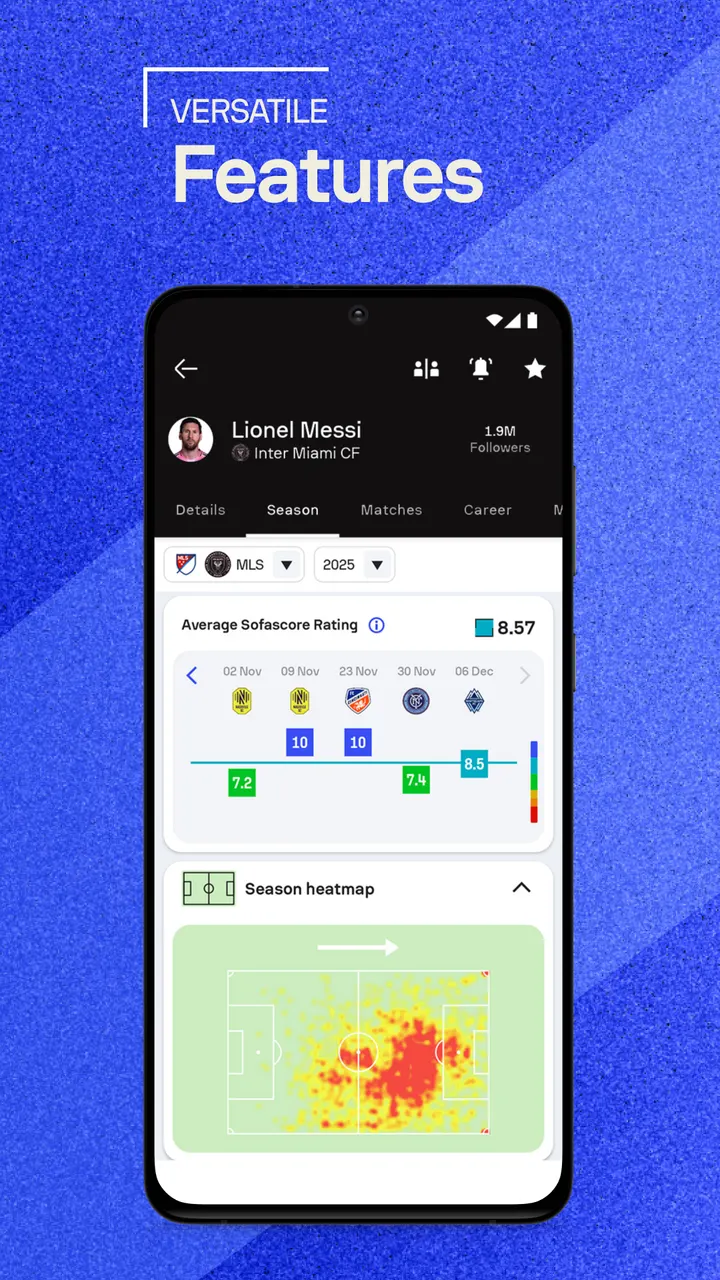
The deeper layer covers rankings, xG, shot maps, heatmaps and player performance analytics. You can compare players, teams and seasons using live and historical stats to see how form is moving.
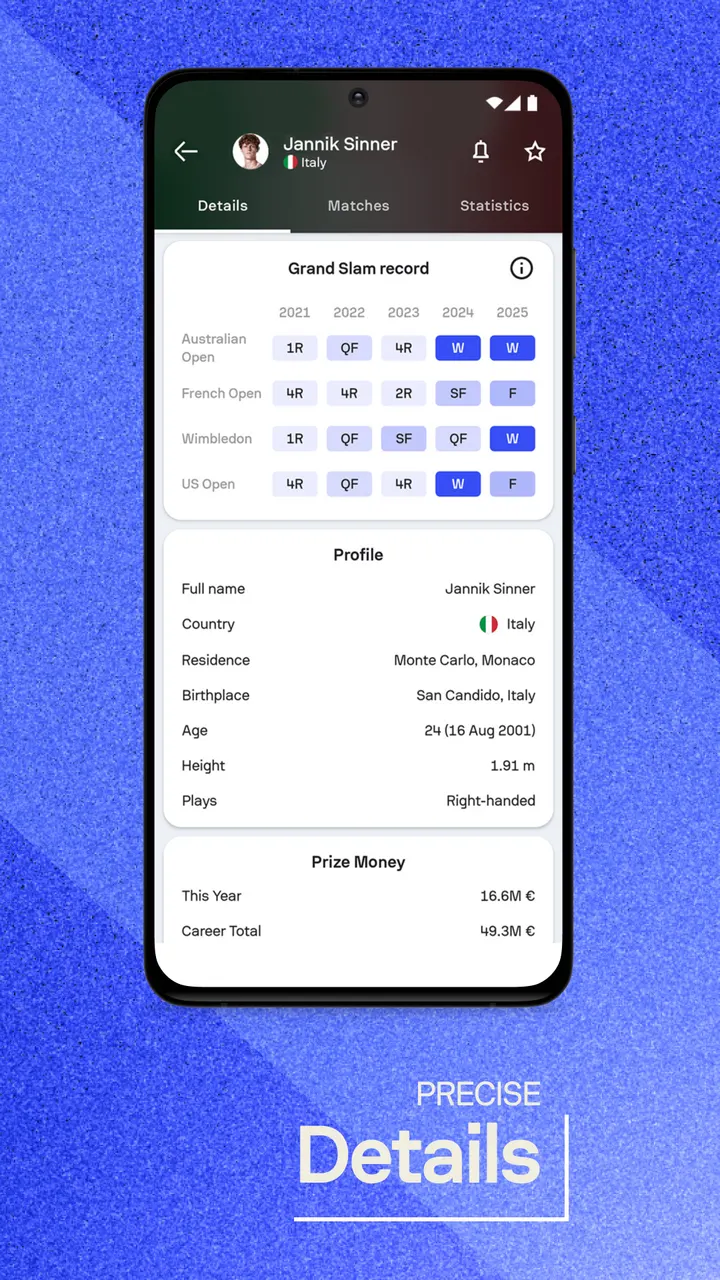
Coverage goes beyond soccer. It includes the NFL, NCAA football, NBA, MLB, NHL, tennis, rugby, cricket, F1, NASCAR, MMA and eSports, with 25+ sports in total. Player profiles number over 150,000, with season stats and transfer values.
When FotMob or LiveScore may fit better
Sofascore carries a lot of data, and that can feel heavy if you only want a quick score. A lighter tool may suit that habit better. BeSoccer, FotMob, 365Scores, LiveScore and Soccer Scores are listed as alternatives.
DAZN is also listed. If you want video of matches rather than statistics, check what each alternative offers on its own Google Play page.
Sofascore pros and cons
Pros
- Live lineups, injury updates and box scores for major leagues
- xG, shot maps and heatmaps for match analysis
- Covers 25+ sports, including tennis, F1 and MMA
- Alerts for goals, red cards and substitutions
- Free to install, with a 4.5 Google Play rating
Cons
- Contains ads
- Offers in-app purchases
- The version number varies by device
- Requires Android 8.0 or newer
Is Sofascore safe?
Sofascore carries an Everyone content rating and uses the package ID com.sofascore.results. It costs nothing to use, but it shows ads and sells in-app purchases, so check the permissions list before you install it.
How to install Sofascore
- Press the Google Play button on this page.
- Check the listing in the Play Store and press Install.
- Open Sofascore when the install finishes. Updates arrive through Google Play.


