
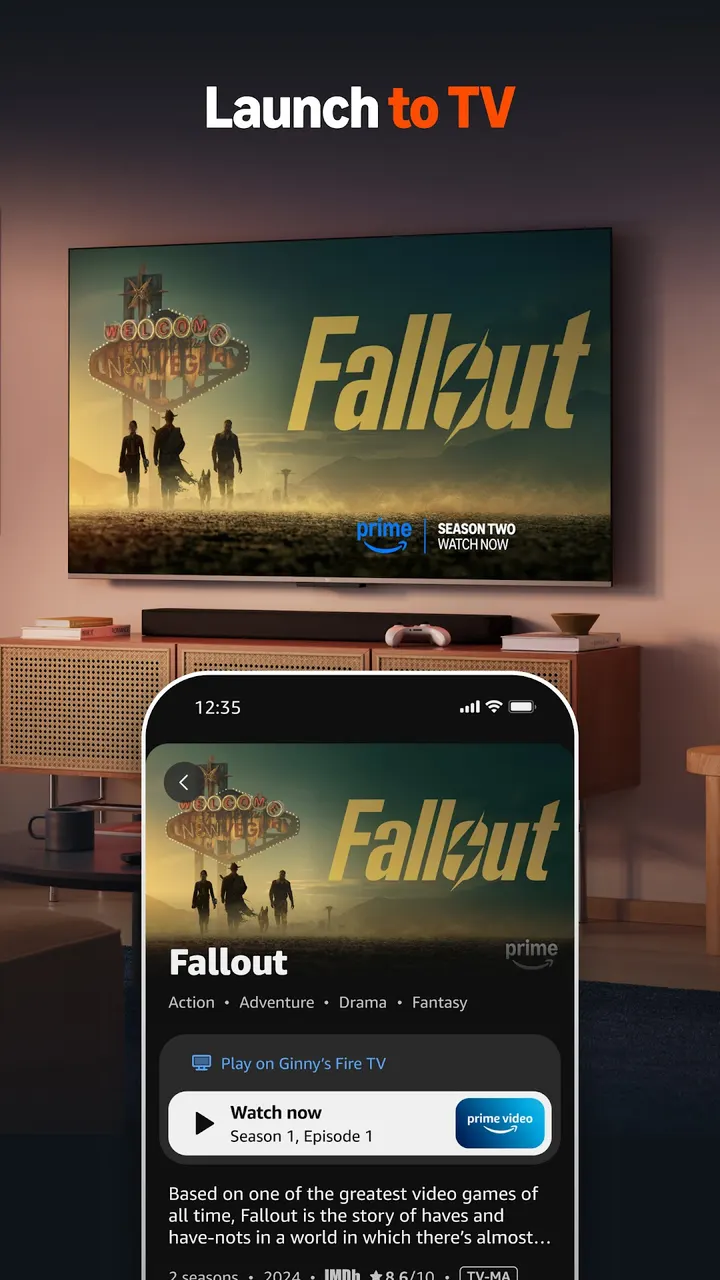
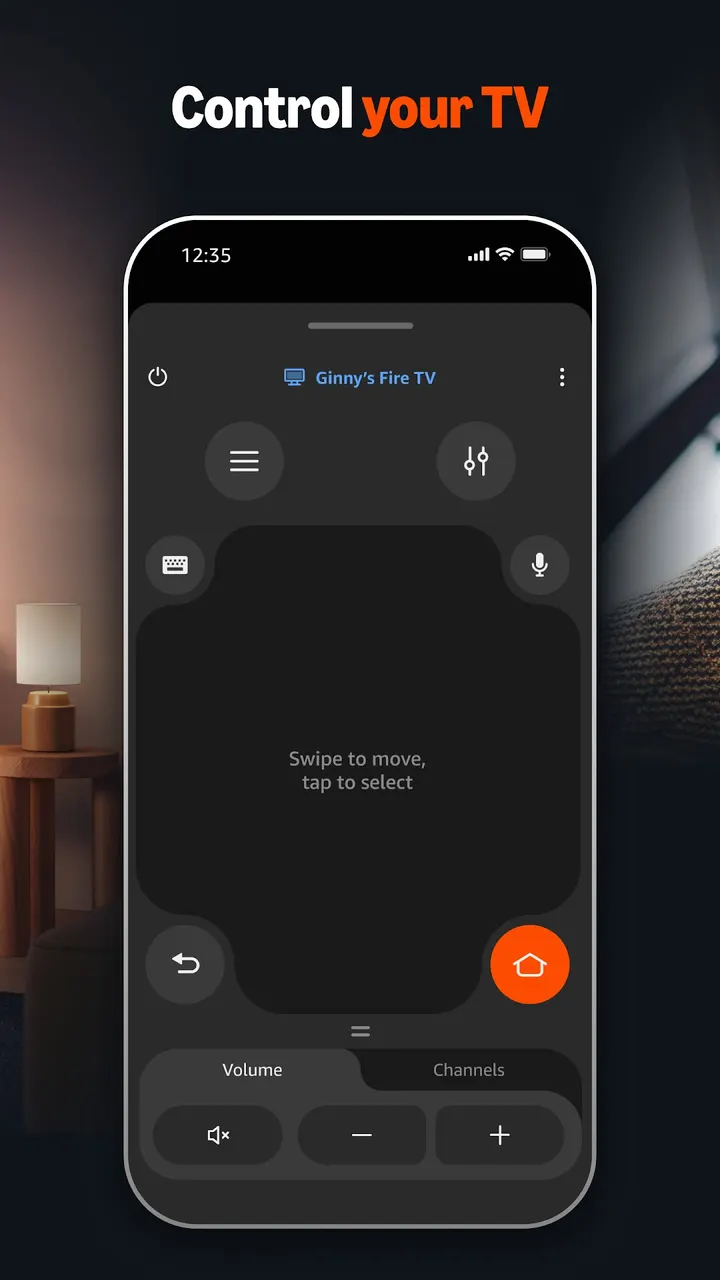
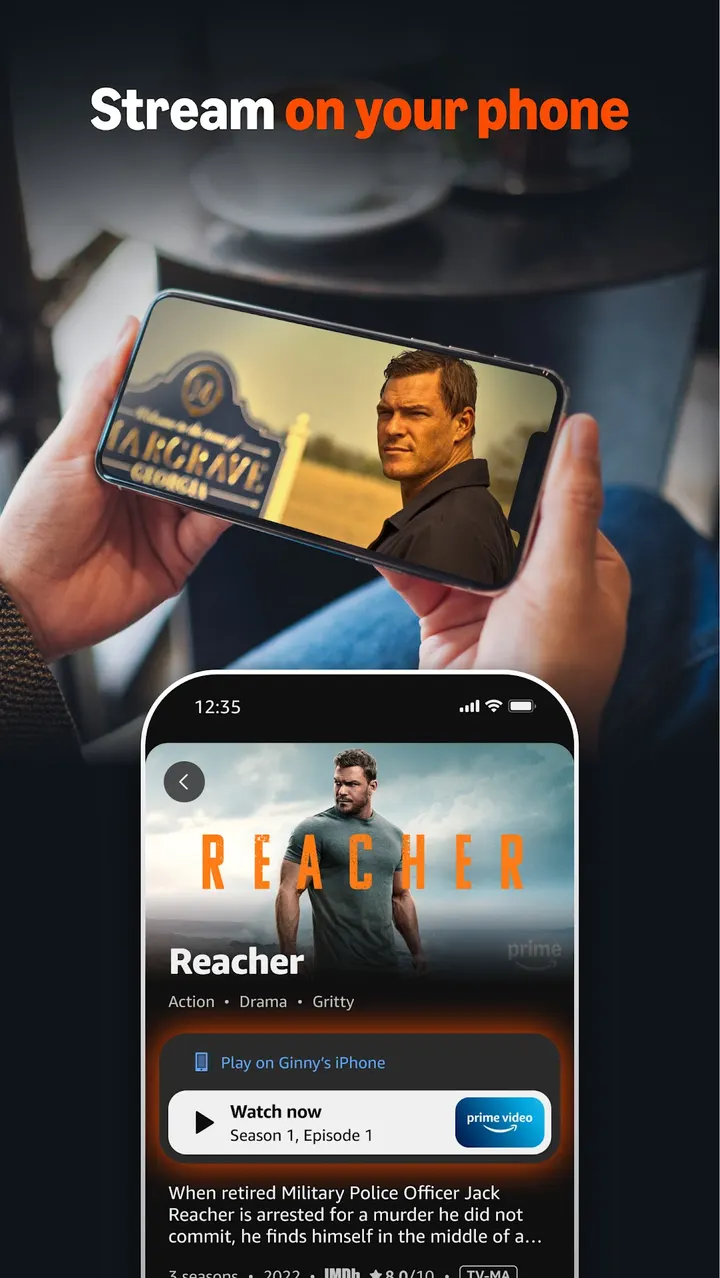
Google TV is a competing platform with its own interface, while Amazon Fire TV is the phone companion for Amazon's own streaming devices. It turns an Android phone into a remote, a keyboard and a search tool for a Fire TV. Amazon Mobile LLC publishes it, and it has been listed since November 17, 2014.
Why a phone helps with a Fire TV
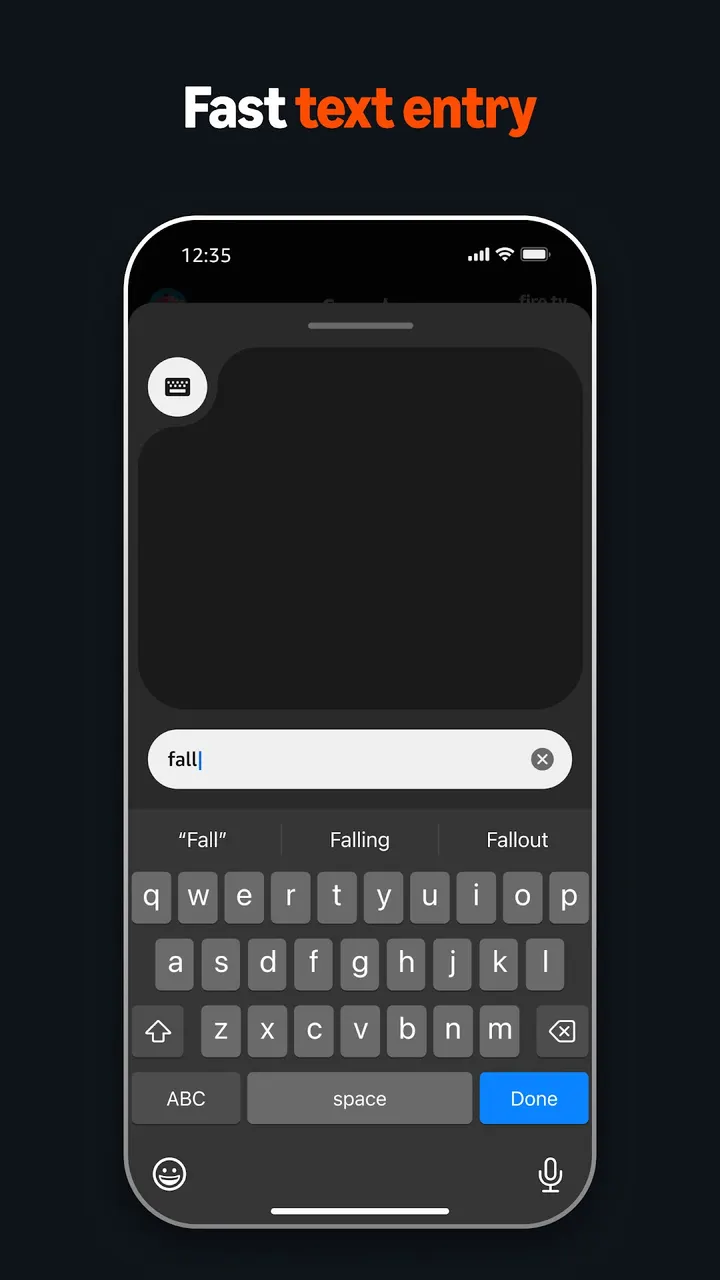
Typing a title or a password with a standard remote is slow. The app moves that work to the phone, so text entry uses the phone keyboard instead of an on-screen grid.
It also covers the first setup of a new Fire TV device, which the store description presents as a quick process.
Navigation, keyboard and voice search
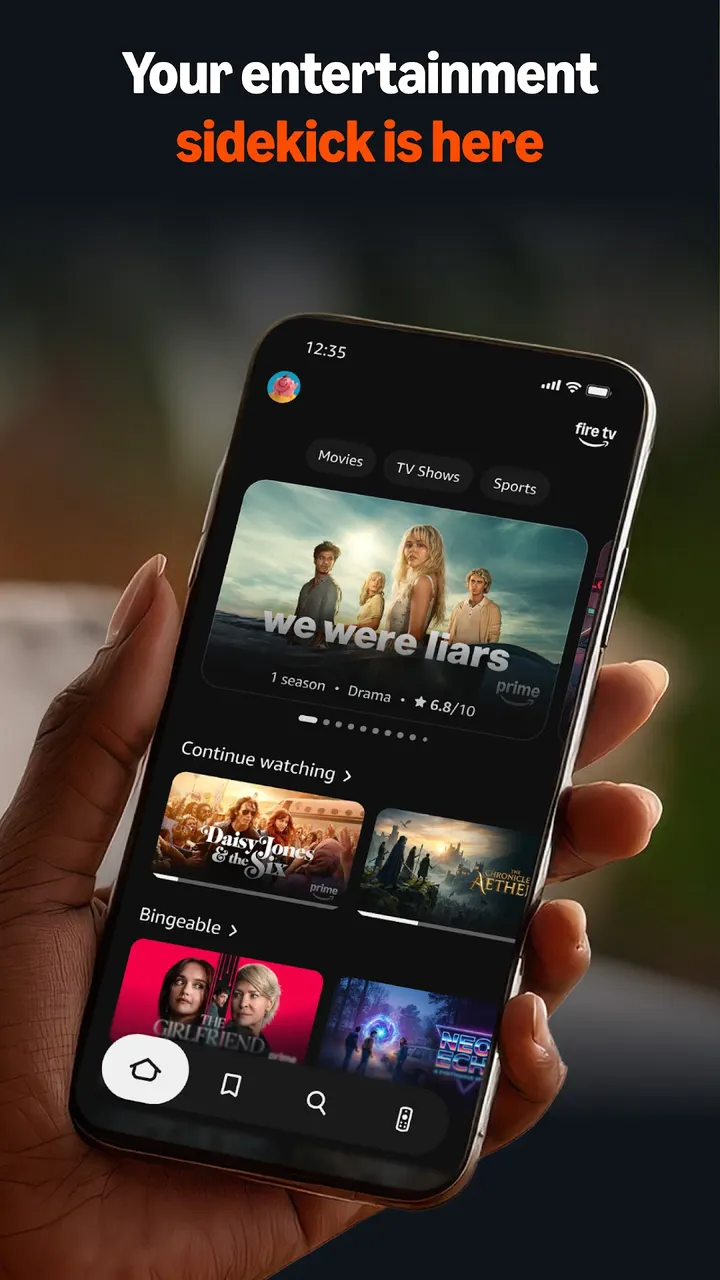
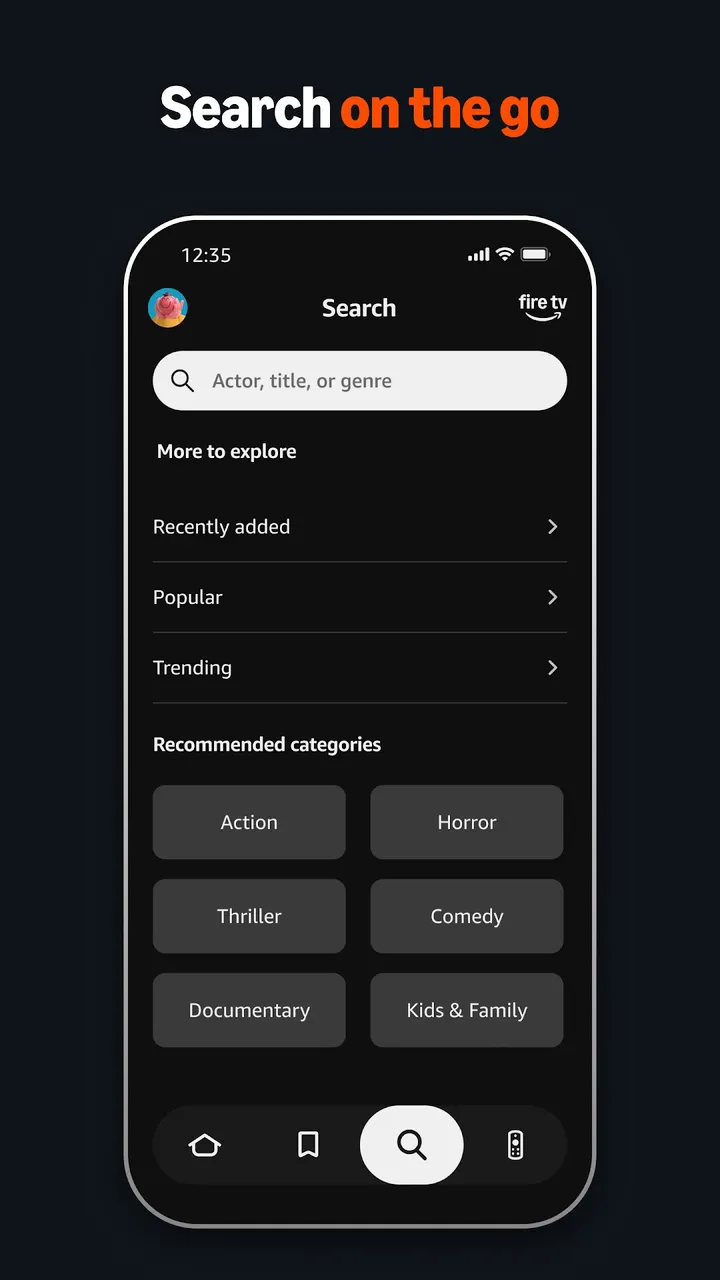
The app offers three core tools: simple navigation, a keyboard and voice search. The navigation controls let you move around the Fire TV screen from the phone.
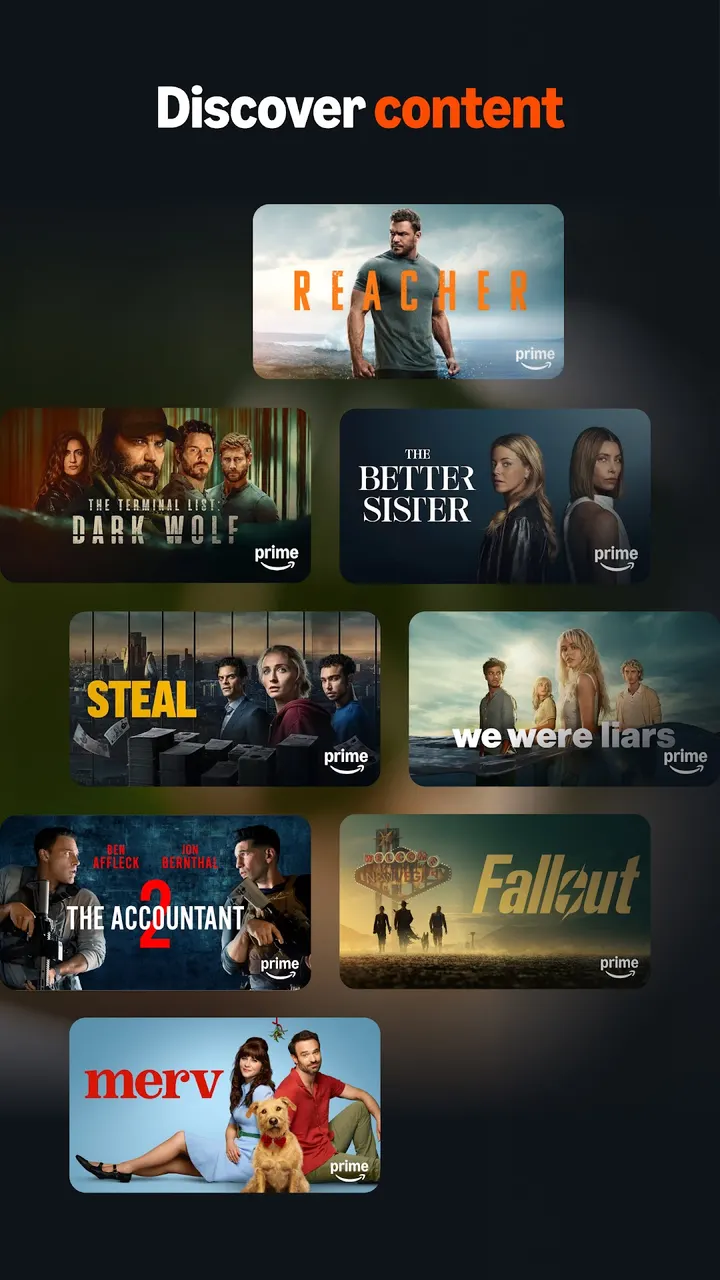
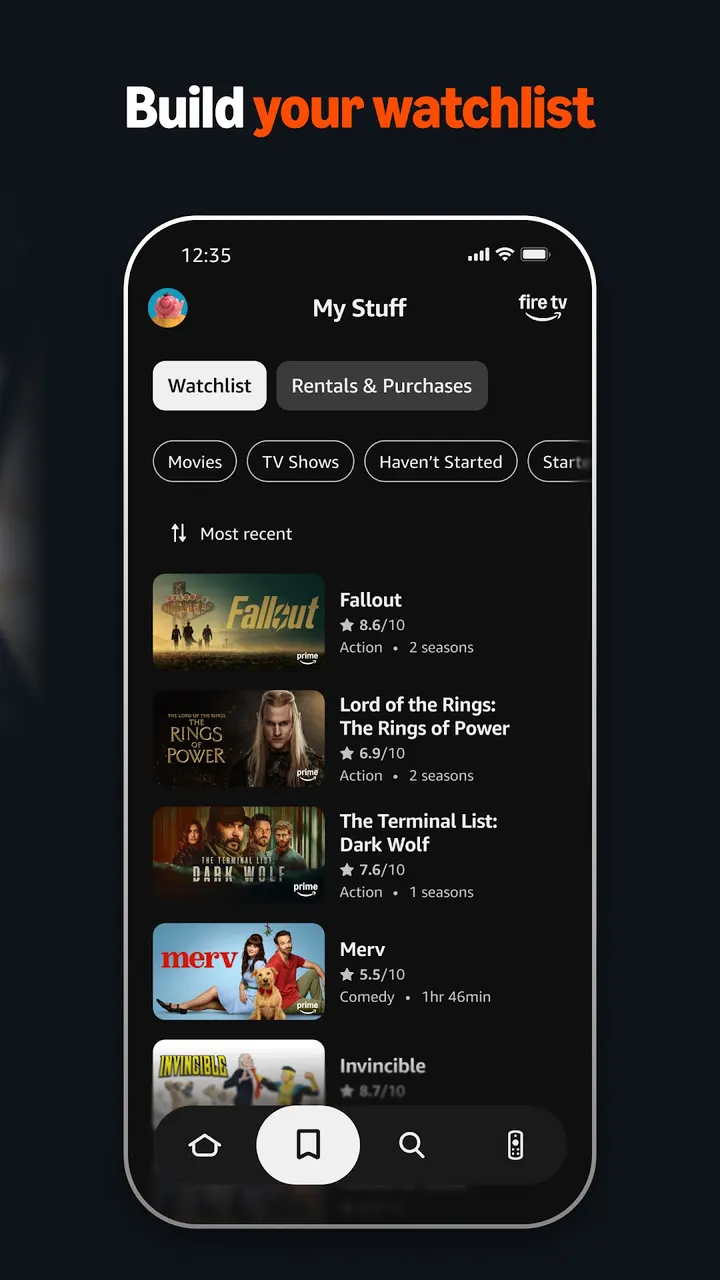
You can also browse titles, get recommendations and search across your services. A watchlist can be built and adjusted from the phone as well.
Wi-Fi and account checks before installing
The app needs an Amazon account. To launch content on the TV, the phone must be on the same Wi-Fi network as the Fire TV.
Some features require a compatible Fire TV, and the app needs Android 9 or newer. Google Play lists it as free, with no ads and no in-app purchases.
Amazon Fire TV pros and cons
Pros
- Free, with no ads and no in-app purchases according to Google Play
- Phone keyboard speeds up text entry on the TV
- Voice search is included
- Rated 4.6 by about 637.7 thousand people on Google Play
- Can set up new Fire TV devices
Cons
- Requires an Amazon account
- Phone and Fire TV must share the same Wi-Fi network
- Some features need a compatible Fire TV
- Needs Android 9 or newer
Is Amazon Fire TV safe?
Amazon Mobile LLC publishes this remote companion for Fire TV devices. Its content rating is Everyone, and it carries no ads and no in-app purchases. The app needs an Amazon account and a Wi-Fi connection shared with the Fire TV, so it does not ask for more than its control and setup features call for.
How to install Amazon Fire TV
- Press the Google Play button on this page.
- Check the listing in the Play Store and press Install.
- Open Amazon Fire TV when the install finishes. Updates arrive through Google Play.