

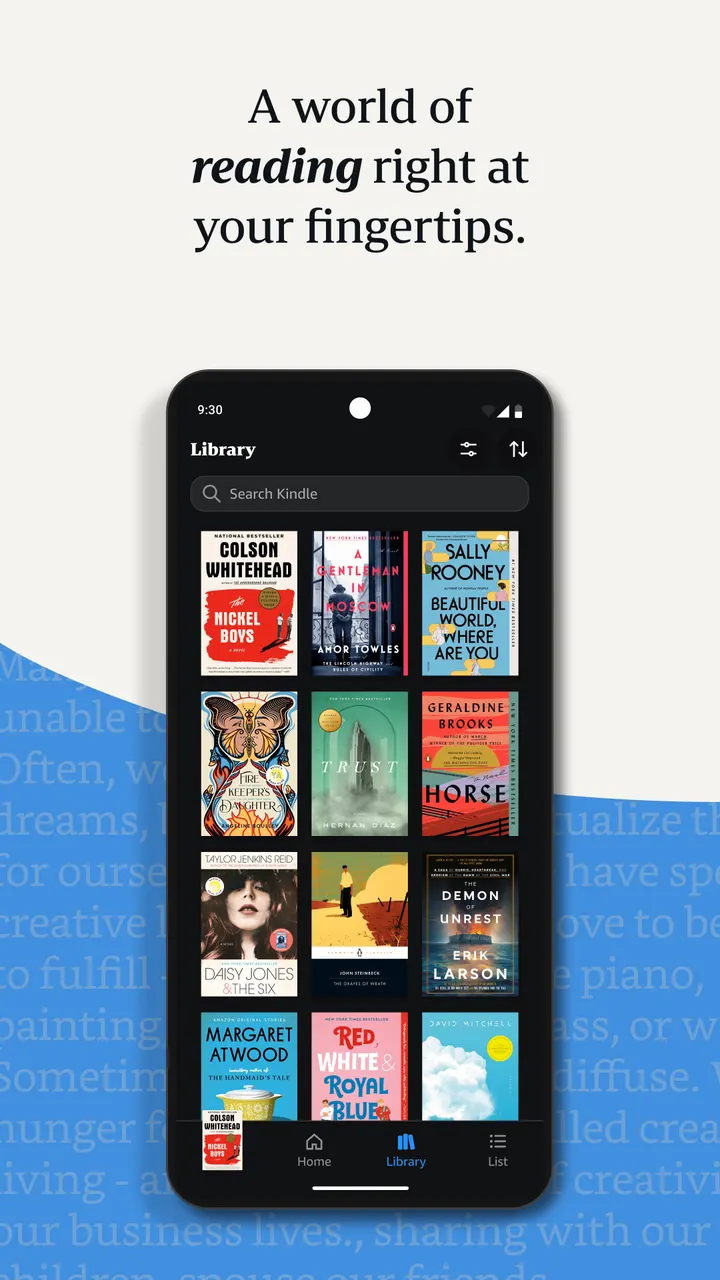
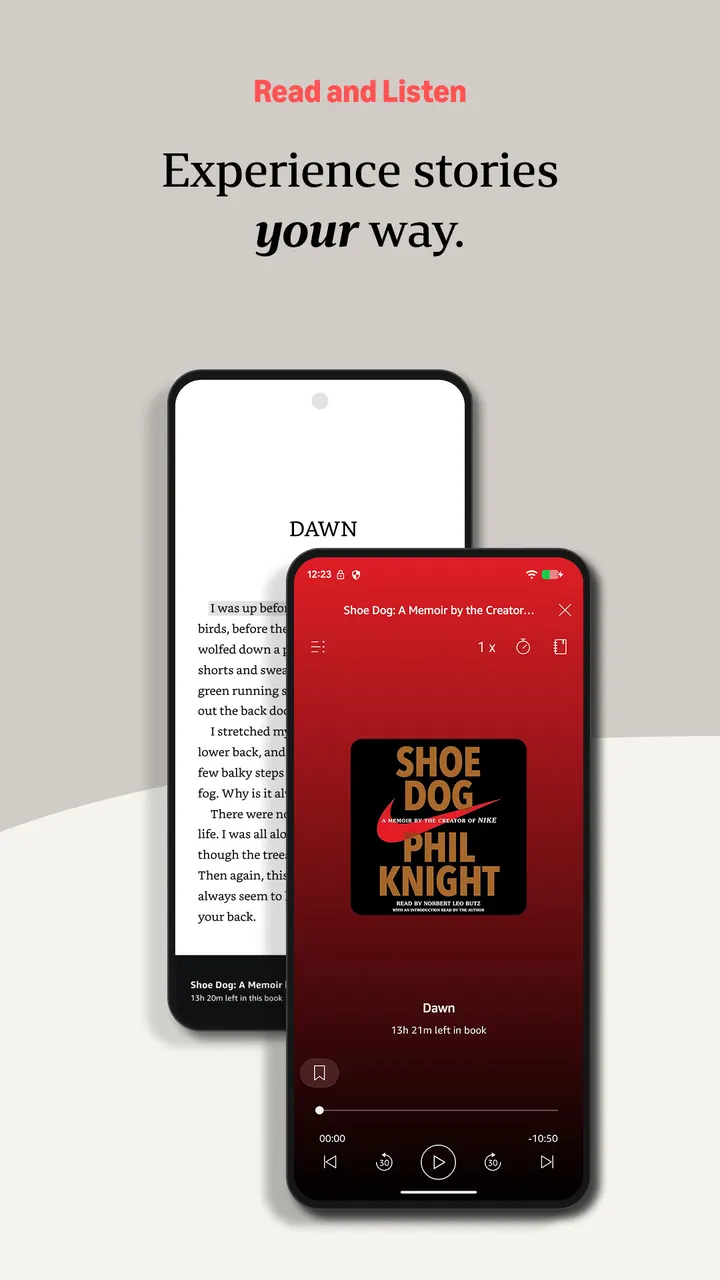
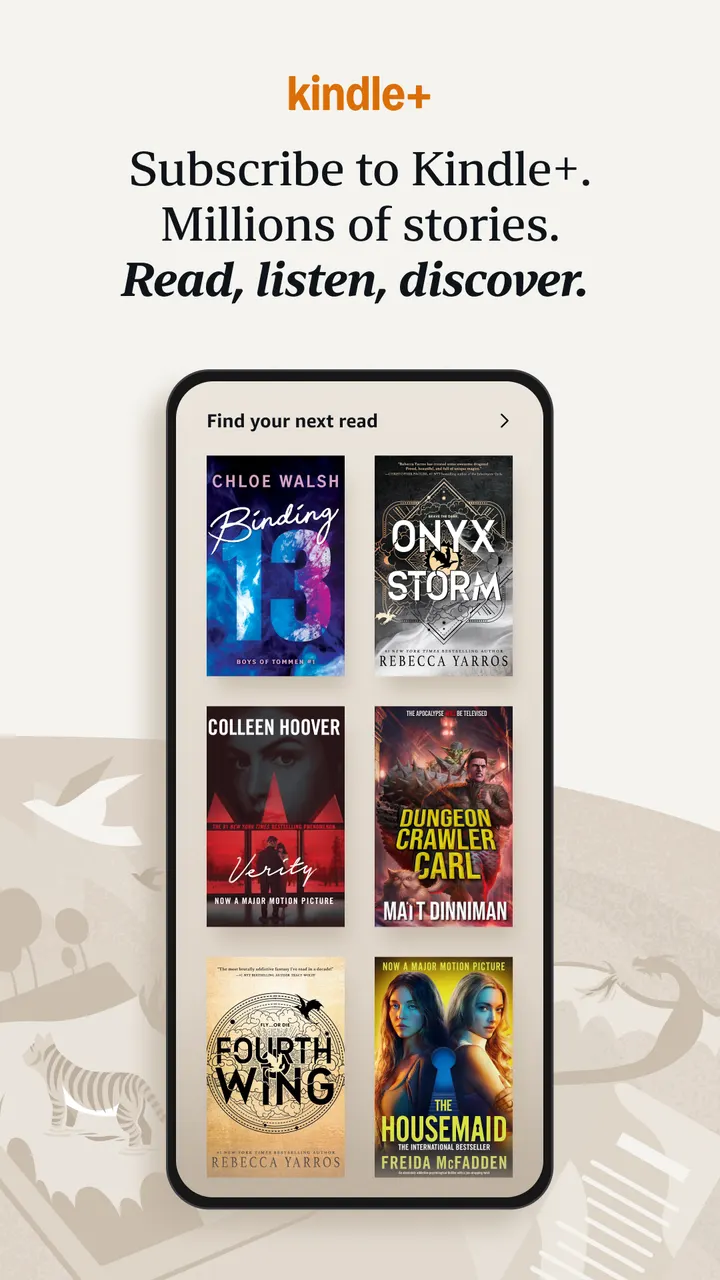
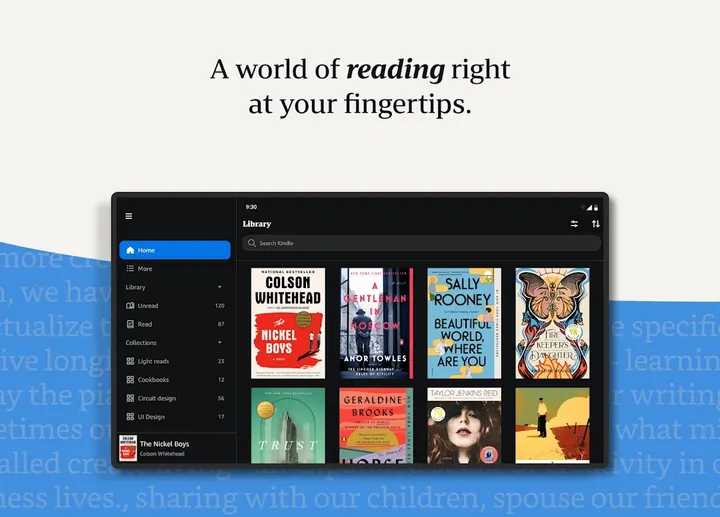
Amazon Kindle is available through Google Play only, where it has over 100 million installs and a 4.8 rating from about 4.9 million ratings. Amazon Mobile LLC publishes the free app, which turns a phone or tablet into an ebook reader. It is listed in our manga apps category, since it handles comics and manga alongside books and magazines.
Readers who already buy from Amazon
The app fits people who want one library for books, magazines, comics and manga. Kindle Unlimited members get access to over 1 million titles, thousands of audiobooks and current magazines. Amazon Prime also includes thousands of books, magazines and comics.
You can try a sample in the app before you buy on Amazon.com. Readers who do not use Amazon services will find less value, because the catalog is built around that store. The content rating on Google Play is Teen.
Page Flip, My Notebook and the reading tools
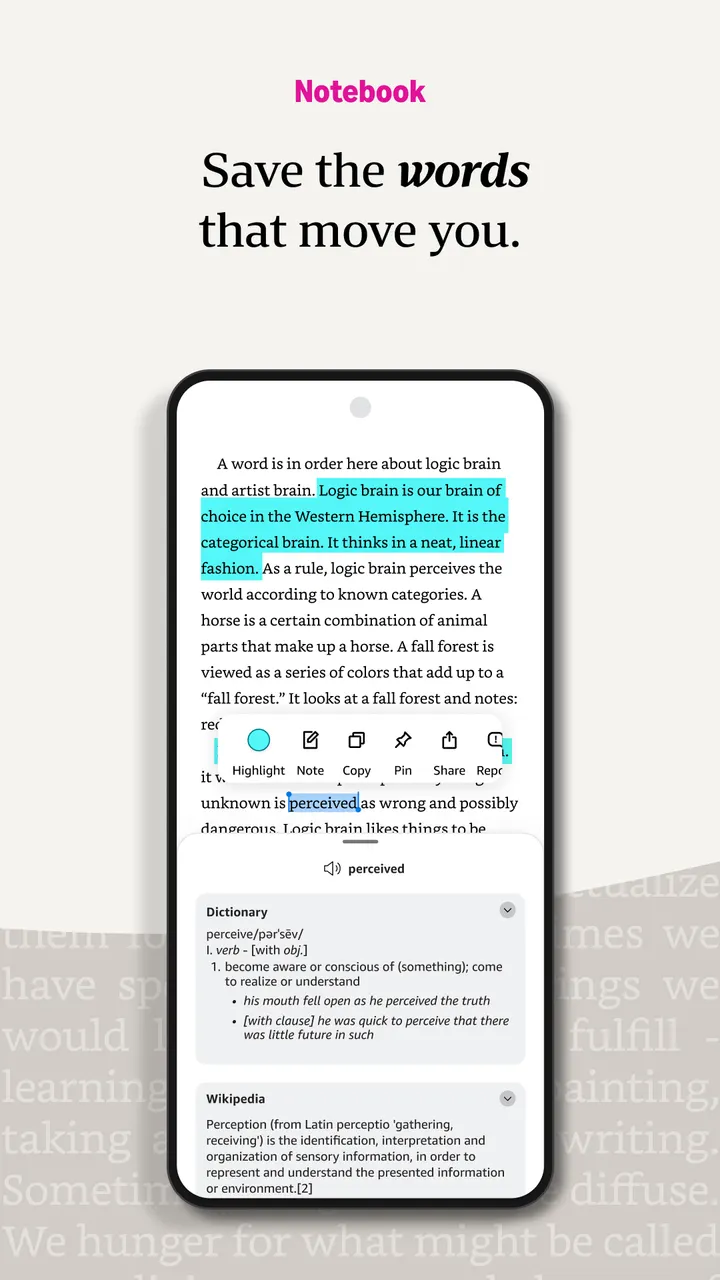
You can bookmark pages, highlight passages and write notes, then open My Notebook to see every note in one place. Page Flip lets you skim ahead or give a bird's-eye view of a book and keeps your place while you do it.
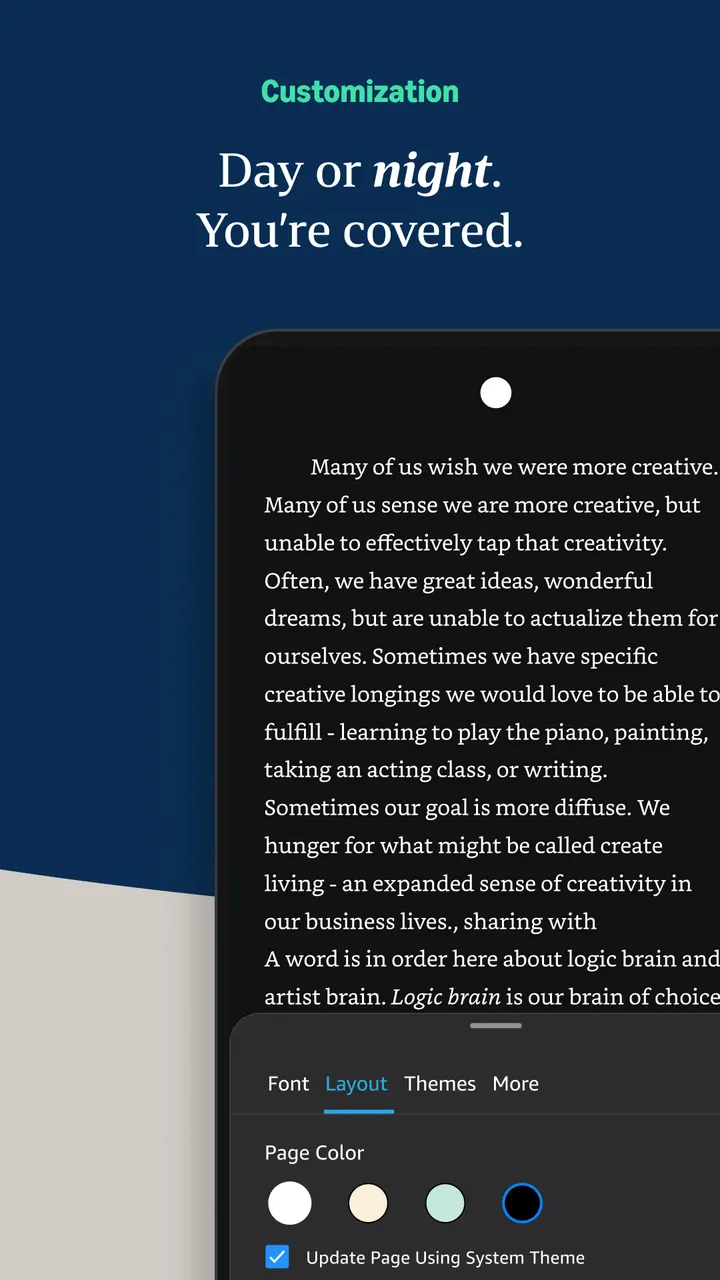
The text can be adjusted for size, font, margins, alignment and orientation. You can page left to right or scroll continuously, and change brightness and background colors for day or night reading. Lookups include a built-in dictionary, X-Ray, Wikipedia and translations.
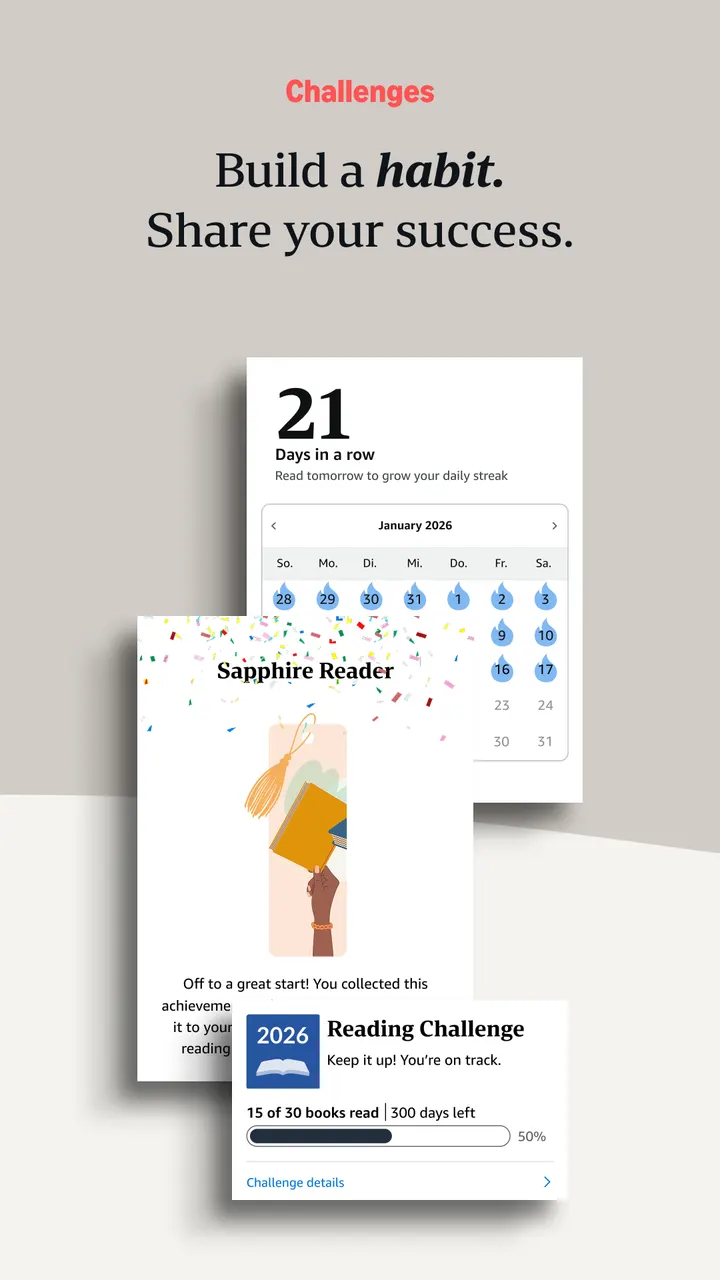
Progress tracking shows the percentage read and the time left in a chapter or book based on your own reading speed. Real page numbers appear for most top titles. High-definition color images can be zoomed in books, magazines, comics and manga.
Audible switching, sync and author alerts
If you own the Audible edition of a book, you can move from reading to listening inside the app. Reading position, bookmarks, highlights and notes sync across devices, so you can start on one and continue on another. The app can also notify you when authors you follow release new books.
The app is free. It contains ads and in-app purchases, and the full catalog of paid books is bought through Amazon.com.
Amazon Kindle pros and cons
Pros
- Free to install, with over 100 million installs on Google Play
- Notes, highlights and My Notebook gather annotations in one place
- Syncs position, bookmarks and notes across devices
- Switches between the Kindle book and its Audible edition
- Zoomable color images for comics and manga
Cons
- Contains ads and in-app purchases
- Most of the catalog depends on Amazon purchases or subscriptions such as Kindle Unlimited
- The version number differs by device, so there is no single version to point to
Is Amazon Kindle safe?
Amazon Kindle comes from Amazon Mobile LLC and carries a Teen content rating, which fits a reading app that also handles comics and manga. It contains ads and offers in-app purchases, though the app itself is free. Using it means accepting Amazon's Conditions of Use and Privacy Notice. Before installing, look over the permissions listed in Google Play.
How to install Amazon Kindle
- Press the Google Play button on this page.
- Check the listing in the Play Store and press Install.
- Open Amazon Kindle when the install finishes. Updates arrive through Google Play.


