

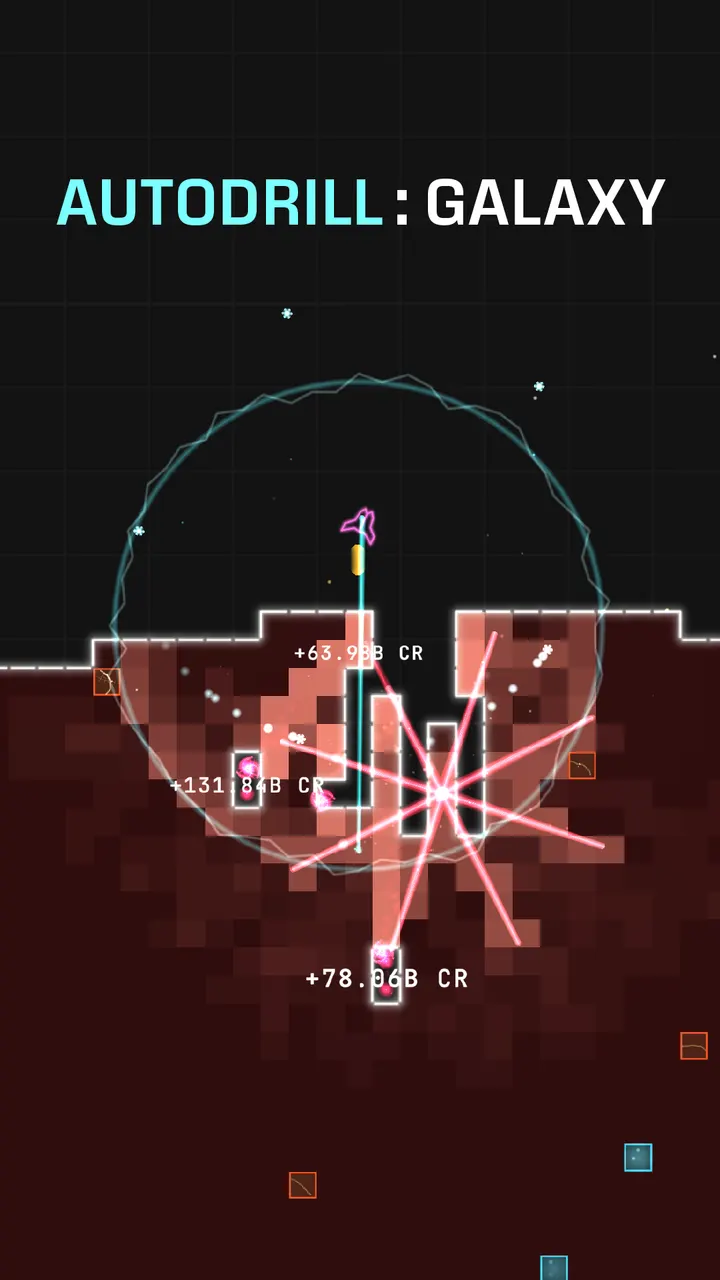
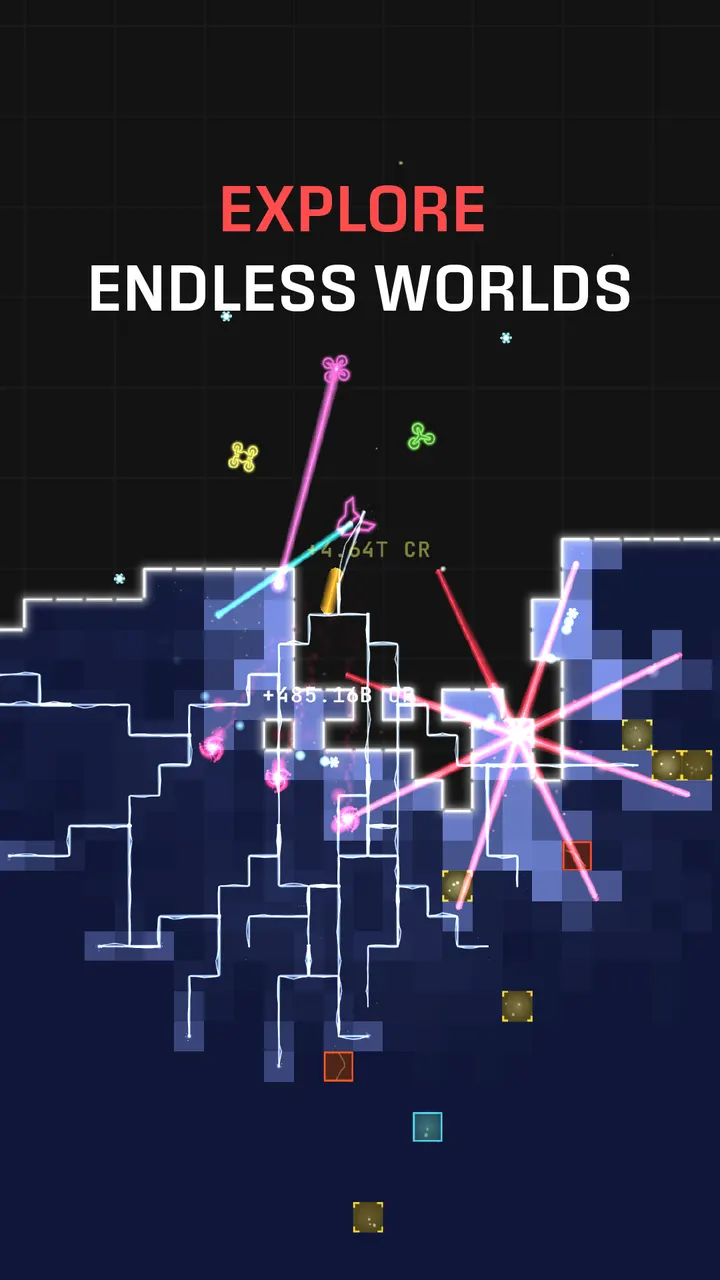
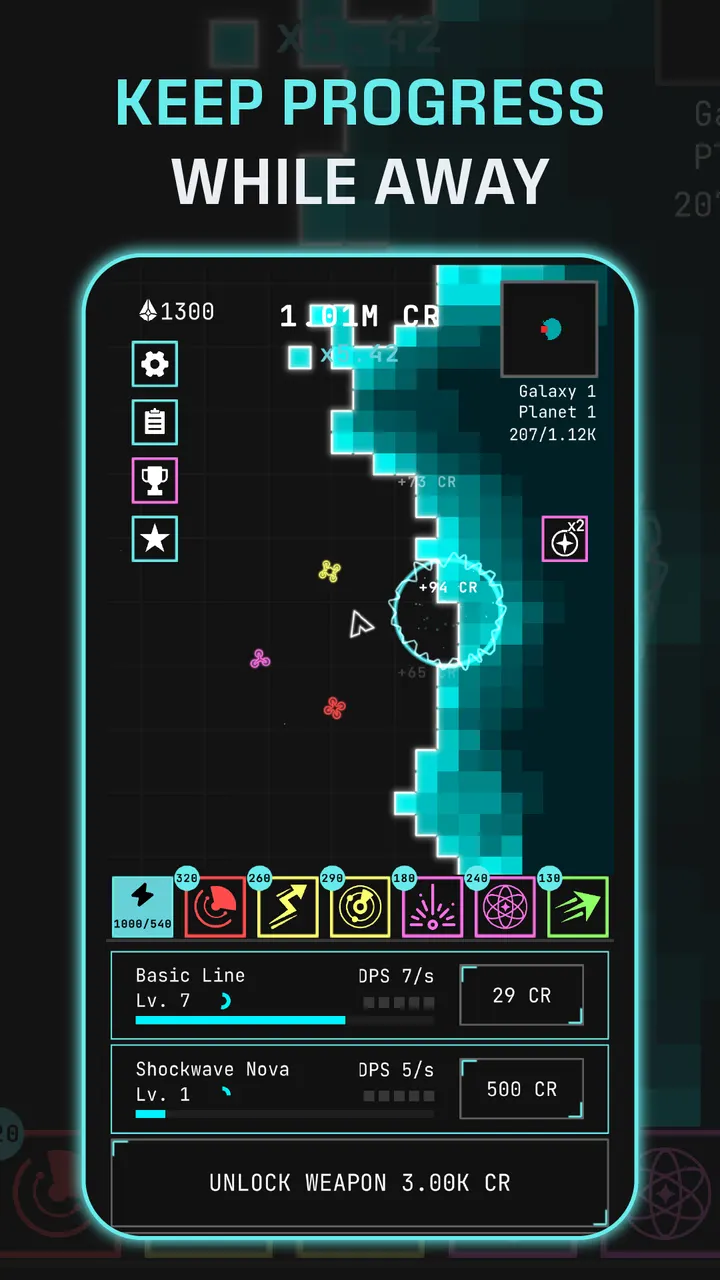
Where Block Craft 3D is about placing blocks, Auto Drill is about destroying them. Your ship does the work, orbiting and firing at the nearest block while you decide how to spend the loot. Google Play lists it as free, with ads and in-app purchases, from the Turkish studio LAVA LABS.
One ship, whole planets made of blocks
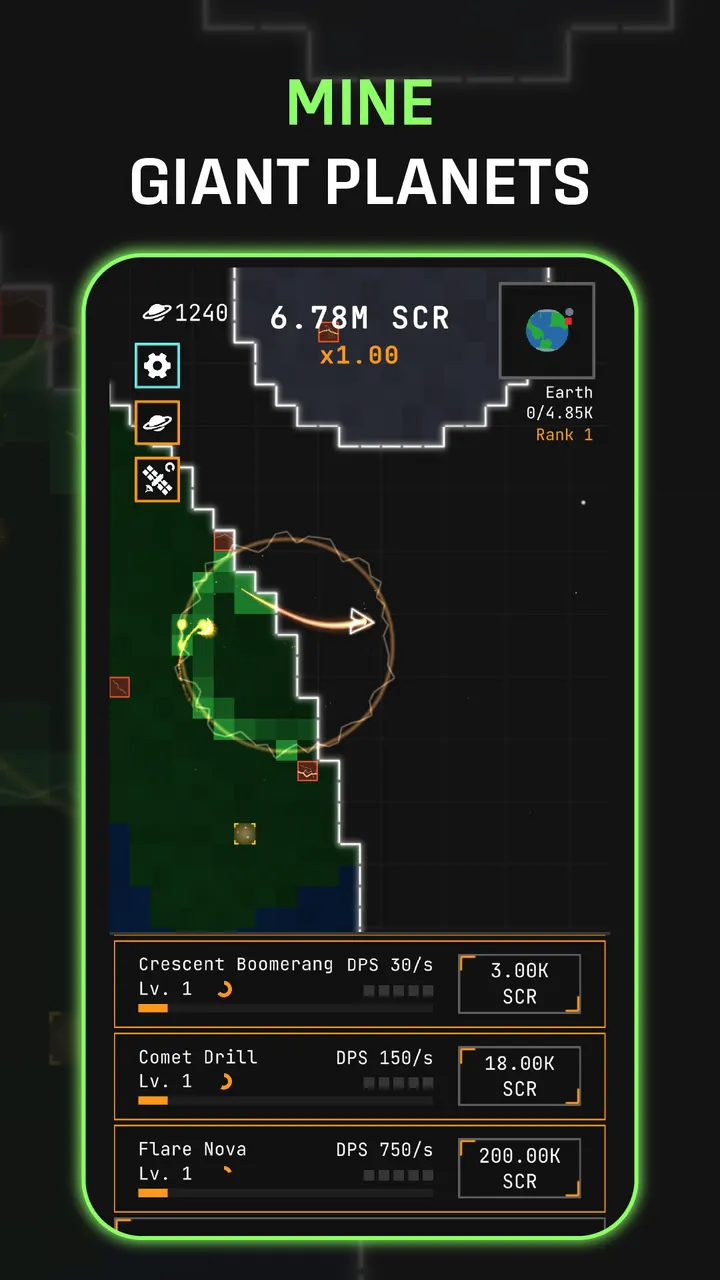
The core idea is simple: every planet is a grid of blocks, and your ship clears it without being told to. Blocks come as Normal, Gold and Energy, plus Explosive ones that set off their neighbors in chains. Clear the grid and you warp to a tougher sector.
You can leave the ship alone or take the joystick and steer it yourself.
How a session runs: mine, roll, fuse, upgrade
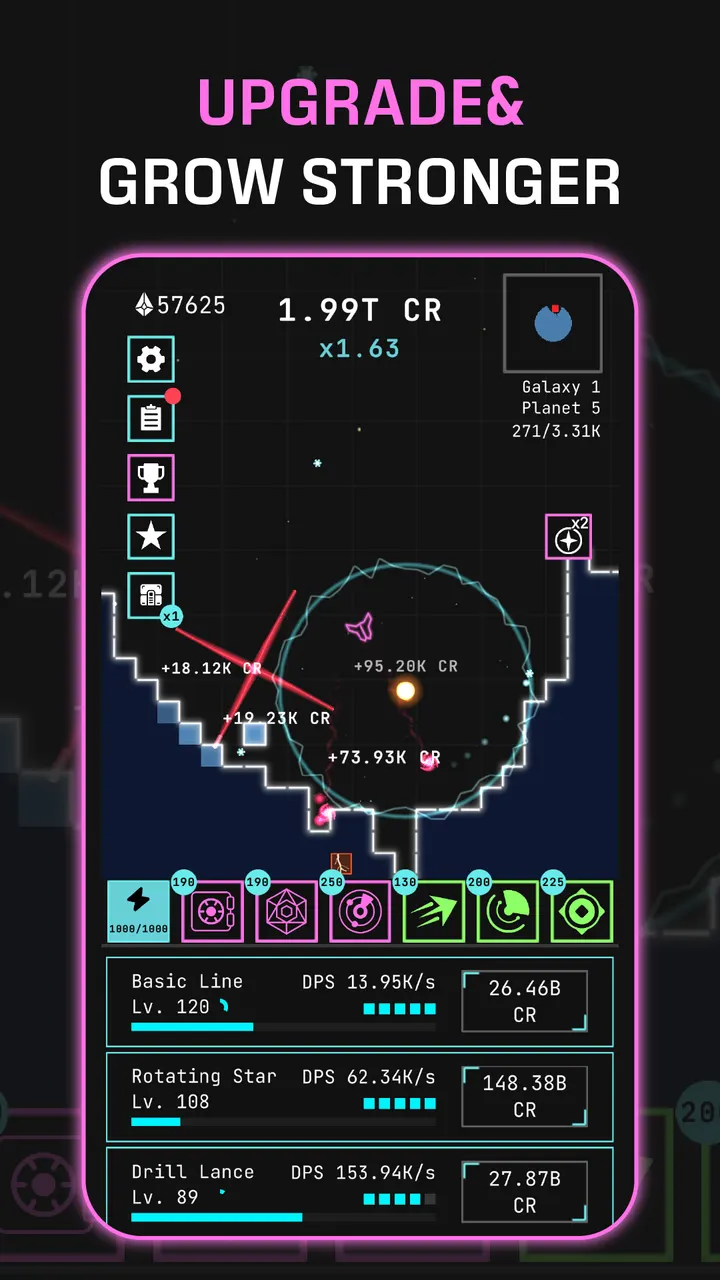
A short run means watching the ship chew through a planet, then spending what it earned. There are 10 weapons to unlock, including a drill lance, mortar, chain arc and orbiting saw, and each unlock adds a permanent damage multiplier.
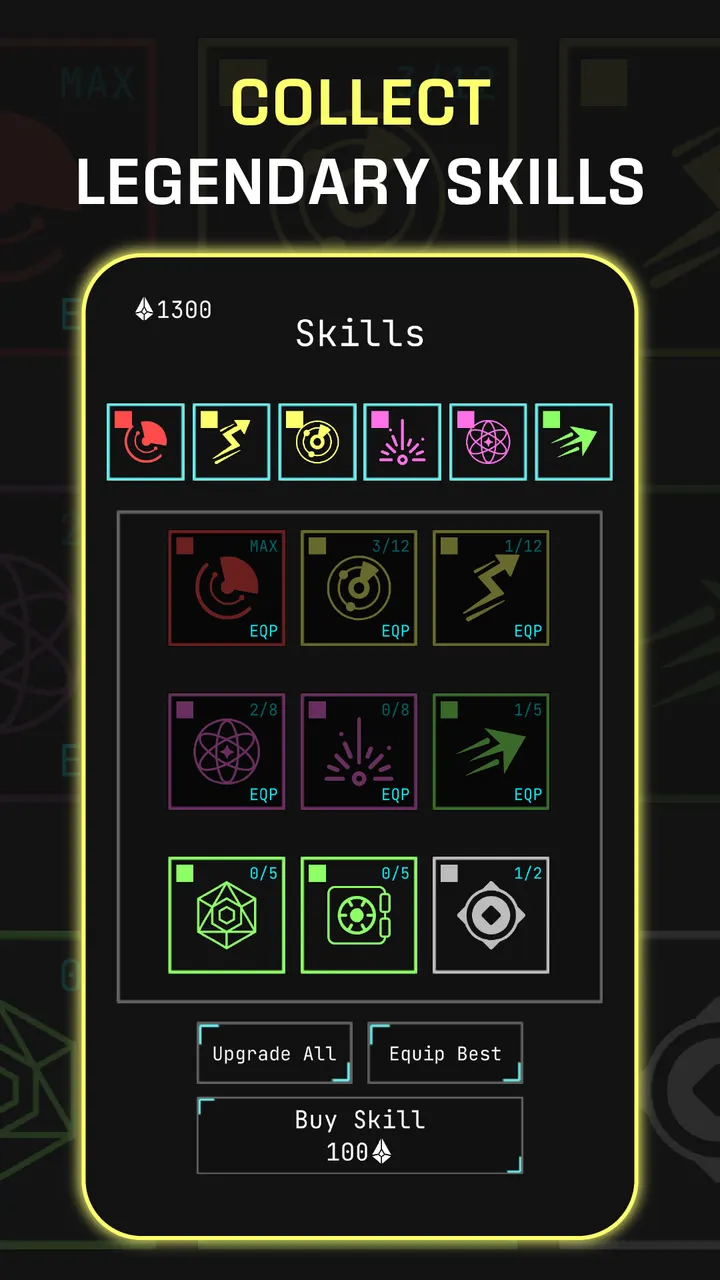
Skills are rolled and fused upward through Common, Rare, Epic and Legendary, giving buffs such as extra damage or income multipliers. Hulls, Reactor Cores and Engines level up by salvaging spare items. Unlocks carry over between runs, so progress never resets.
Against Block Craft 3D, Geometry Dash Lite and Royal Kingdom
Block Craft 3D asks you to build, and Geometry Dash Lite asks for timing on every jump. Auto Drill asks for neither, since the ship fights alone and your choices are upgrade paths. Royal Kingdom and Gardenscapes lean on puzzle play, which is a different loop from an idle shooter.
It runs on Android 7.0 or newer, and Google Play shows an Everyone content rating.
Auto Drill pros and cons
Pros
- The ship targets and destroys blocks automatically, so short sessions work
- 10 weapons, each with permanent damage multipliers
- Skill fusion across four rarity levels adds a collection goal
- Progress carries over between runs
- Free to install, with Android 7.0 as the minimum
Cons
- Contains ads
- In-app purchases are included
- Auto-fighting leaves little direct control unless you take the joystick
Is Auto Drill safe?
Auto Drill is distributed through Google Play, published by LAVA LABS OYUN YAZILIM VE PAZARLAMA ANONİM ŞİRKETİ, which links to lava.gs. Google Play rates it Everyone. Expect ads and optional purchases inside the game.
How to install Auto Drill
- Press the Google Play button on this page.
- Check the listing in the Play Store and press Install.
- Open Auto Drill when the install finishes. Updates arrive through Google Play.


