
Compared with slot-focused casino apps such as Lotsa Slots or Jackpot World, Bingo Abradoodle is built around bingo cards, a caller and themed rooms. Google Play lists it with over 10 million installs and a 4.7 rating from 196.7 thousand ratings. It is a casual game rated Everyone, from Abradoodle Games.
Free to install, with ads and in-app purchases
The game is free to download. Google Play marks it as containing ads and offering in-app purchases. Check the store page for purchase items and prices before spending anything.
Bingo tickets arrive every 40 minutes, which suggests a built-in pacing system for free play.
Four cards, multi bingos and a team choice
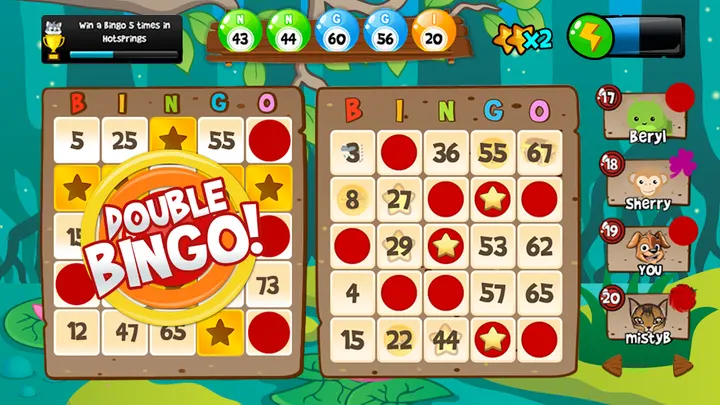
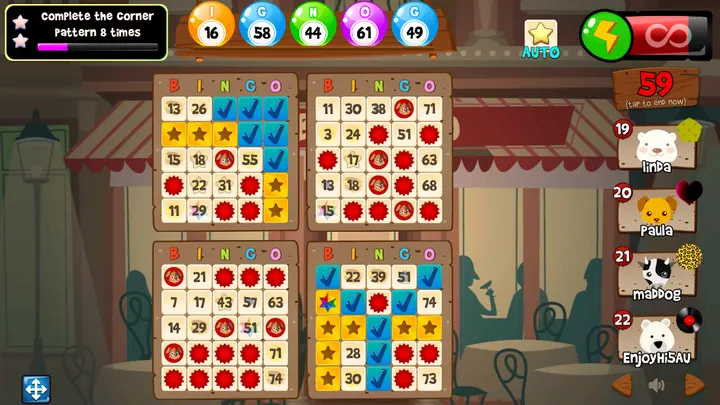
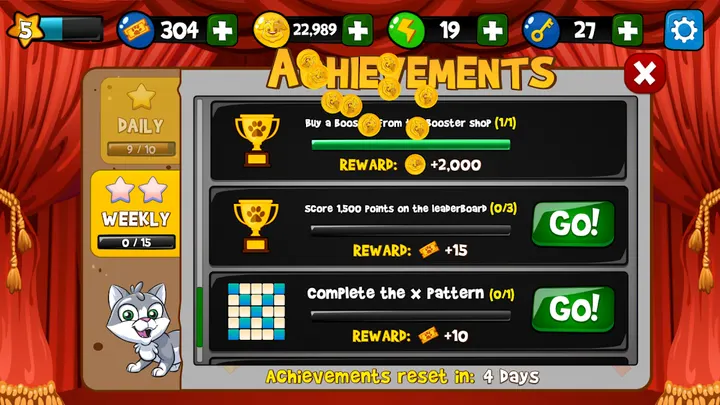
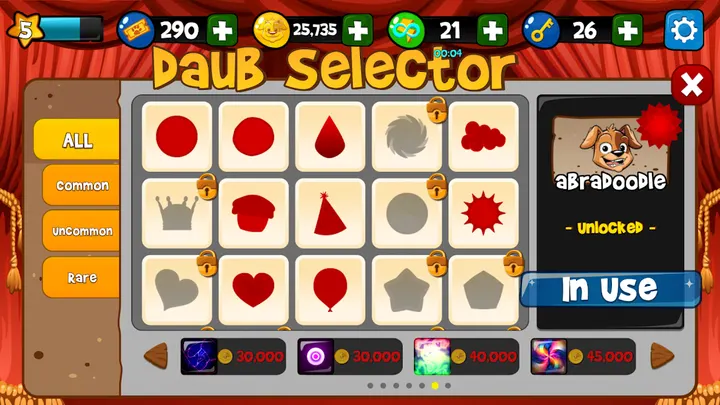
Players can run up to four bingo cards at once. Multi bingo rewards double, triple and mega bingos, and powerups are there to boost a round. Collectible daubers, avatars and stamps unlock bonuses.
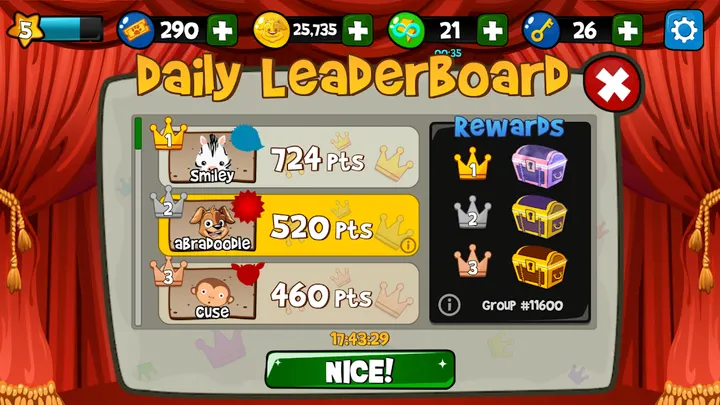
The publisher also describes a VIP program that opens extra bingo rooms and events, plus tournaments and themed rooms. Players pick a side, Team Hoops or Team Abradoodle. The developer says play works offline as well as online.
Version 4800 and the update record
The current version is 4800, last updated on October 20, 2026. The game first released on September 27, 2017, so it has been maintained for about nine years. It needs Android 6.0 or newer.
Bingo Abradoodle pros and cons
Pros
- Free to install
- Up to four bingo cards can be played at once
- Rated 4.7 on Google Play across 196.7 thousand ratings
- Tickets every 40 minutes, plus VIP rooms and events
- Runs on Android 6.0 and newer
Cons
- Contains ads
- In-app purchases are offered
- Version 4800 has no published changelog
- Bingo only, so it will not suit players wanting slots
Is Bingo Abradoodle safe?
Bingo Abradoodle comes from Abradoodle Games, whose website is abradoodle.com, and Google Play is where you install it. It carries an Everyone content rating, shows ads and offers in-app purchases. Before you install, read the permissions and the data safety section on its Google Play page. No independent security review is available.
How to install Bingo Abradoodle
- Press the Google Play button on this page.
- Check the listing in the Play Store and press Install.
- Open Bingo Abradoodle when the install finishes. Updates arrive through Google Play.