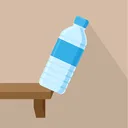

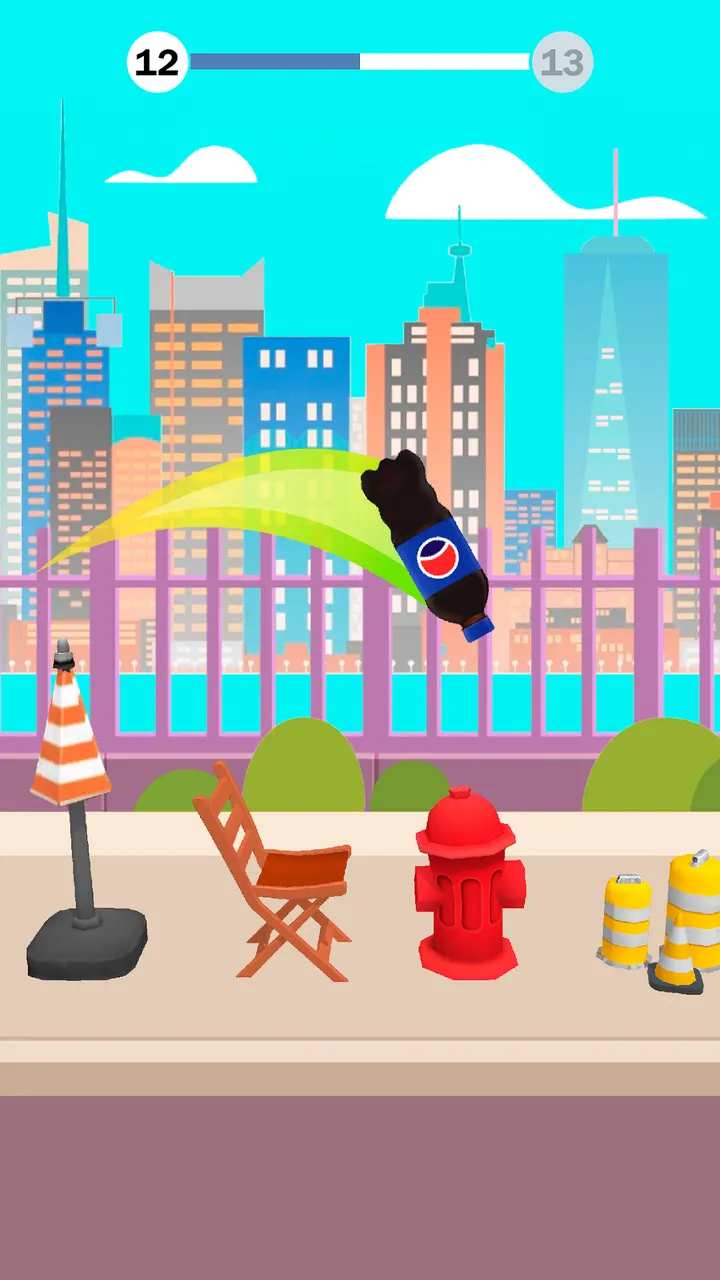
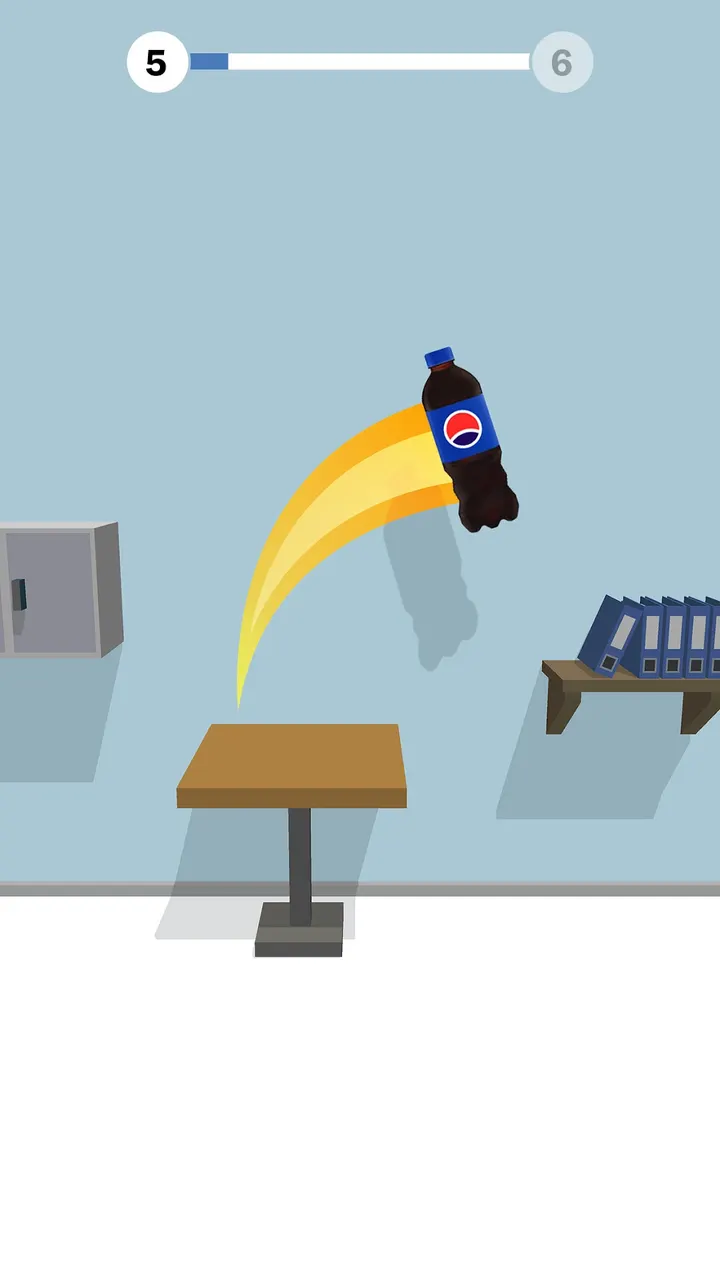
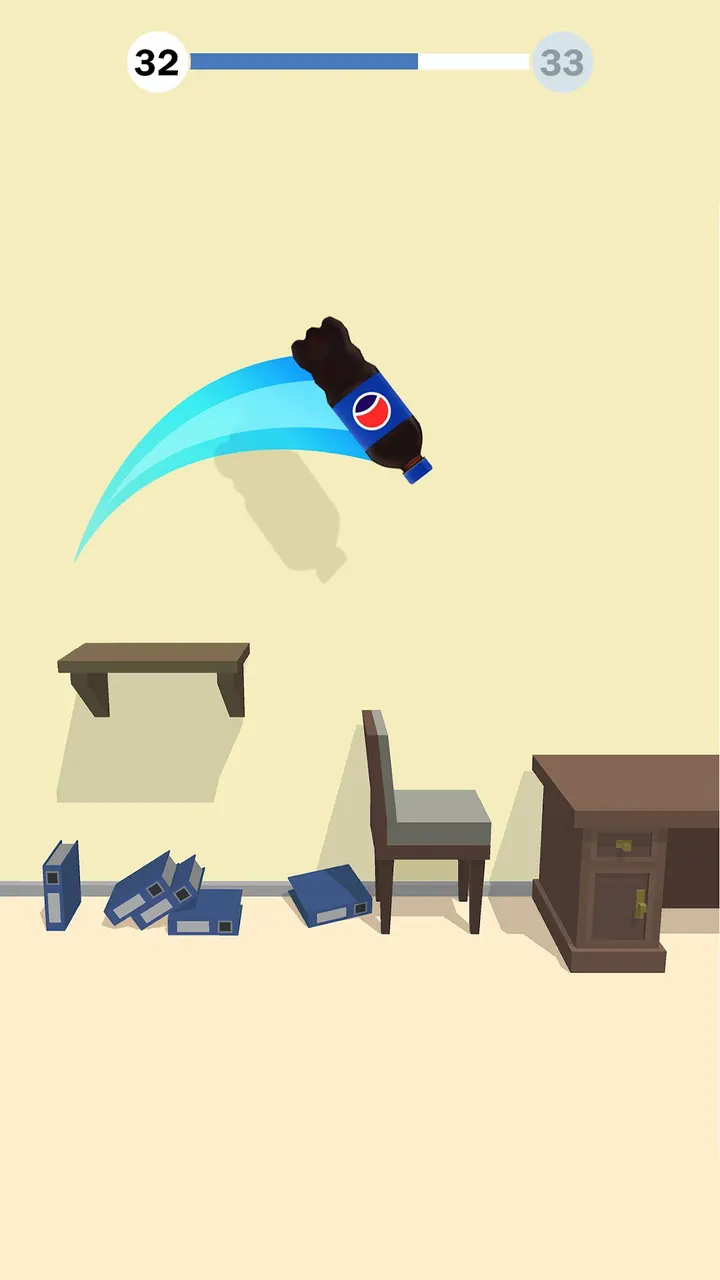
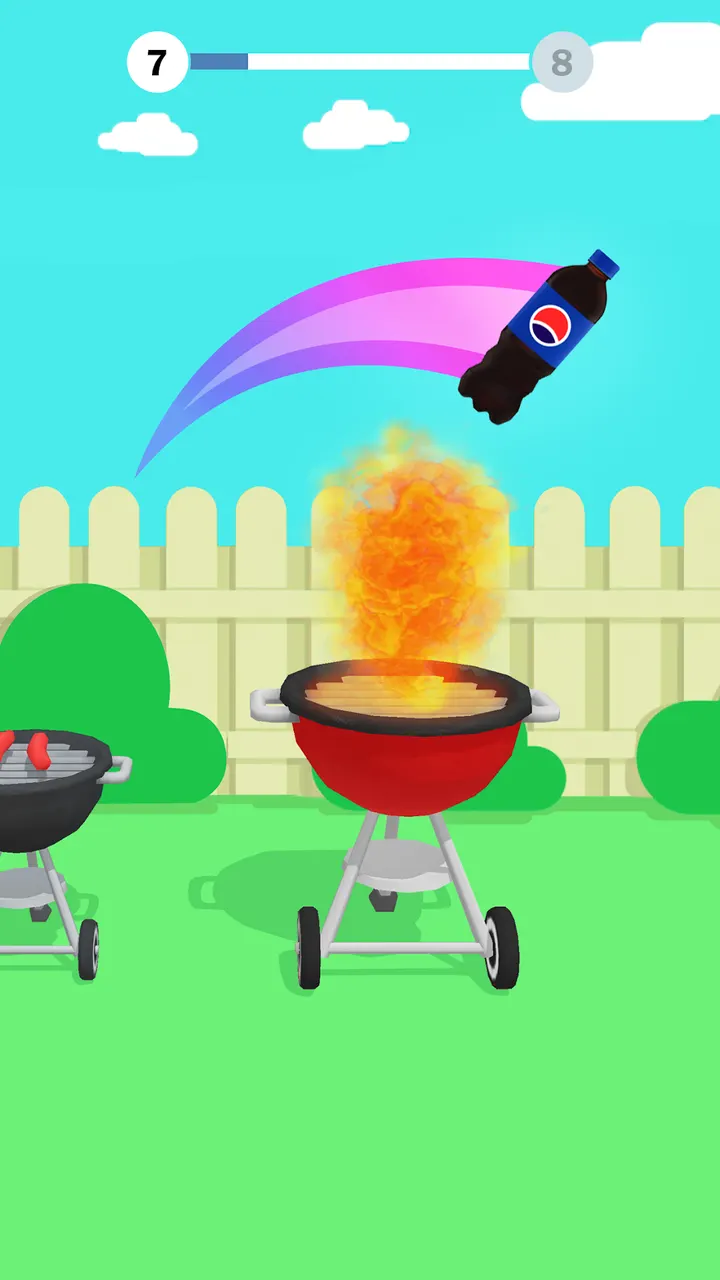
Geometry Dash Lite asks for rhythm and memory; Bottle Flip 3D asks for one thing, a well-timed tap. It is a casual arcade game from Azur Interactive Games Limited, released on April 22, 2019. Google Play lists it with over 100 million installs and a 4.2 rating from 432.1 thousand ratings.
First steps after you install the bottle game
The game runs on Android 7.1 or newer, and the current version is 1.11.17. It is free to download. Once it opens, you start in a room and tap the screen to send a plastic bottle into the air.
The aim is to land the bottle upright on a surface without it toppling. Early on, spend a few throws learning how long the bottle stays airborne. Jump distance is the core skill, and the first levels give you room to judge it.
Rooms, furniture and the physics of a landing
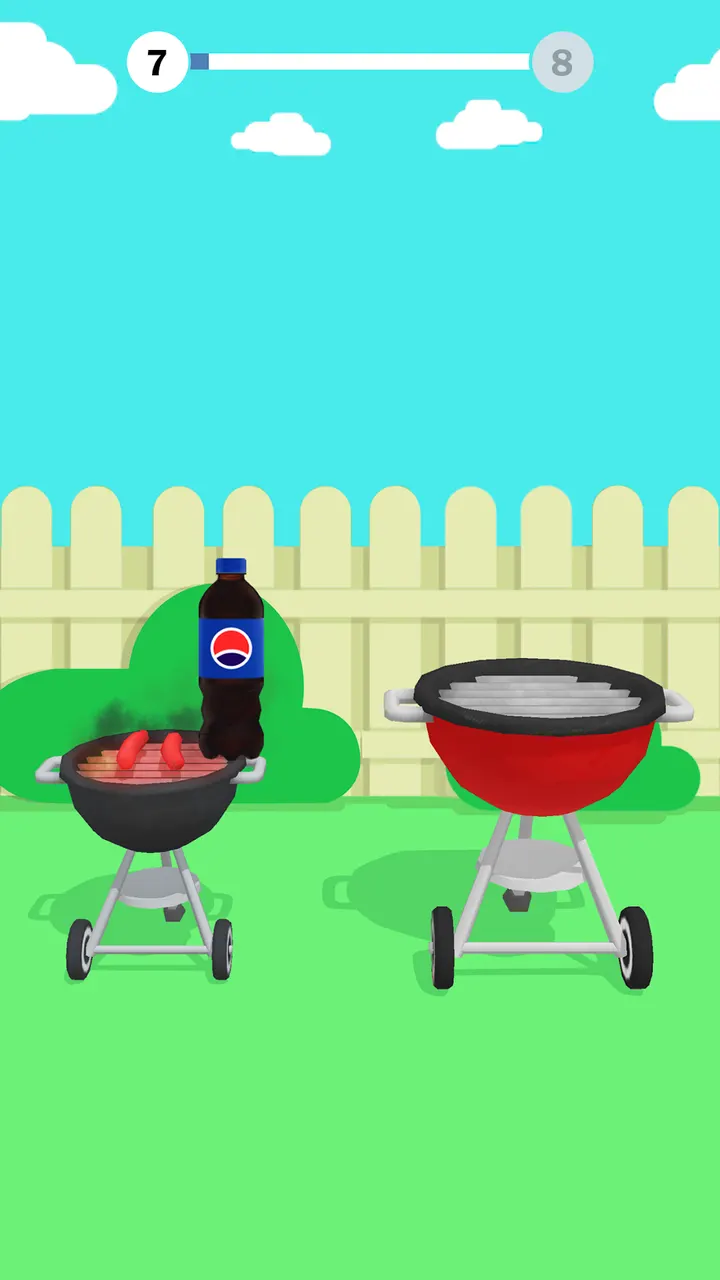
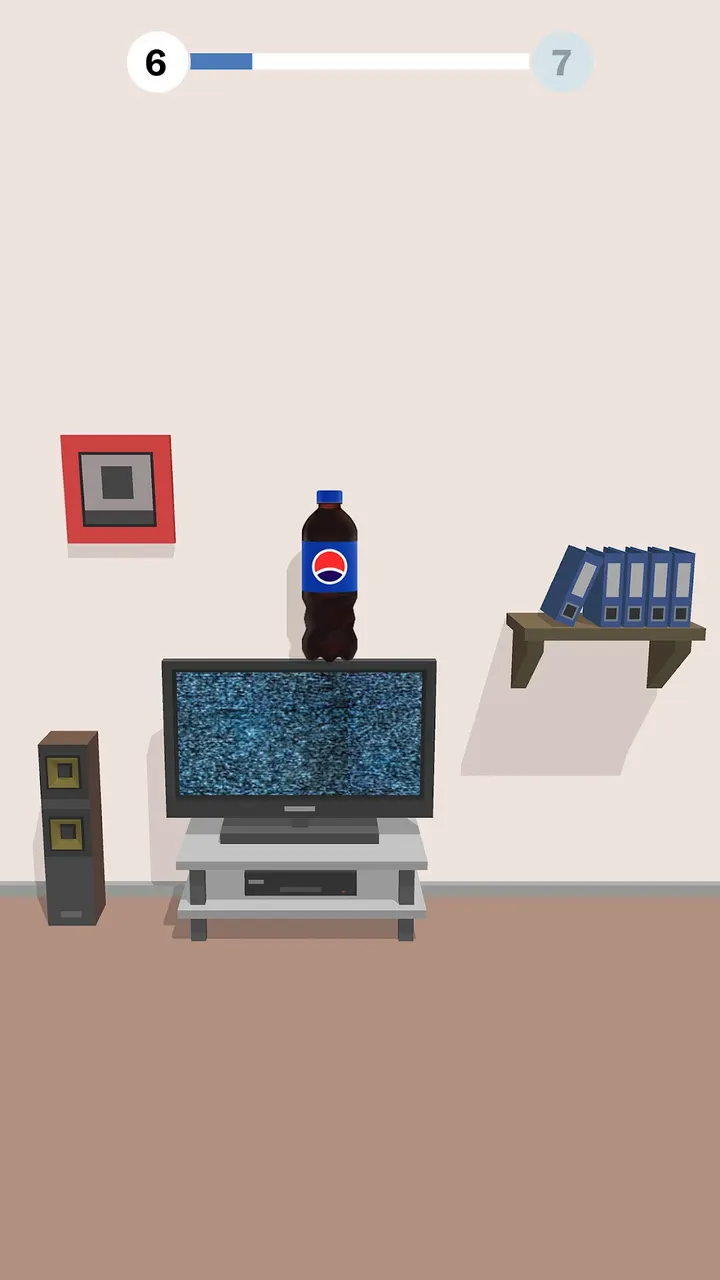
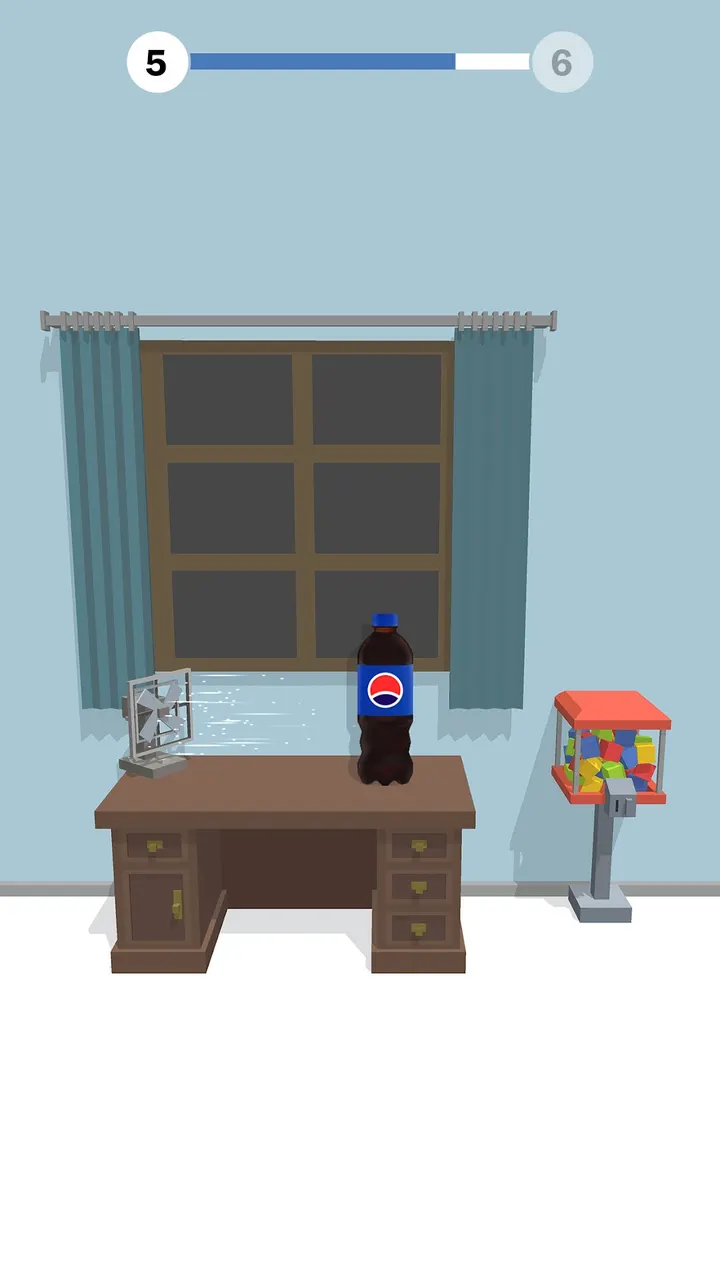
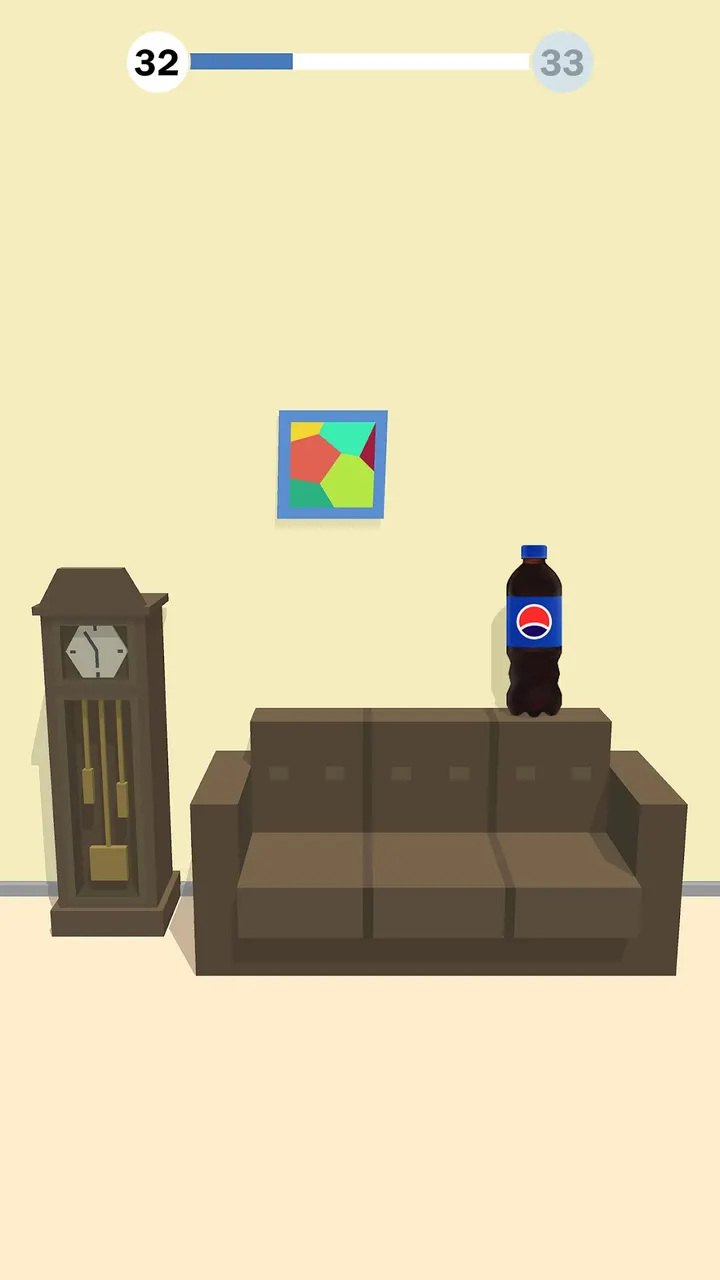
Each level is set in a household room, and the furniture is your landing zone. Shelves, tables, chairs, sofas and even subwoofers all serve as platforms. Some are harder to hit than others, which keeps the throws from feeling the same.
The game lets you flip different bottles and move through rooms with their own themes and designs. Finishing a level unlocks the next one. The Google Play page highlights 3D graphics, realistic physics and sound effects, and it presents the game as easy to pick up but hard to master.
The store page includes 8 screenshots, so you can preview the rooms before installing.
When another game fits better than a bottle flipper
Bottle Flip 3D is built around a single mechanic, so it suits short sessions rather than deep progression. If you want building, try Block Craft 3D. For a story-driven puzzle experience, Gardenscapes or Royal Kingdom are closer matches.
Players who prefer rhythm and music could look at Tiles Hop or Geometry Dash Lite. Amaze GO! is another casual option. The game also contains ads and in-app purchases, which may put off anyone who wants an uninterrupted session.
Bottle Flip 3D pros and cons
Pros
- Free to download, with a single tap as the only control
- Over 100 million installs on Google Play and a 4.2 rating from 432.1 thousand ratings
- Rooms with different themes and furniture give each level a different landing target
- Runs on Android 7.1 and newer
- Rated Everyone, so it suits all ages
Cons
- Contains ads
- Offers in-app purchases
- Built on one mechanic, so variety comes mainly from rooms and obstacles
Is Bottle Flip 3D safe?
Bottle Flip 3D is published by Azur Interactive Games Limited and distributed through Google Play. It is rated Everyone. The game shows ads and sells in-app purchases, so keep an eye on spending if children play it.
How to install Bottle Flip 3D
- Press the Google Play button on this page.
- Check the listing in the Play Store and press Install.
- Open Bottle Flip 3D when the install finishes. Updates arrive through Google Play.


