

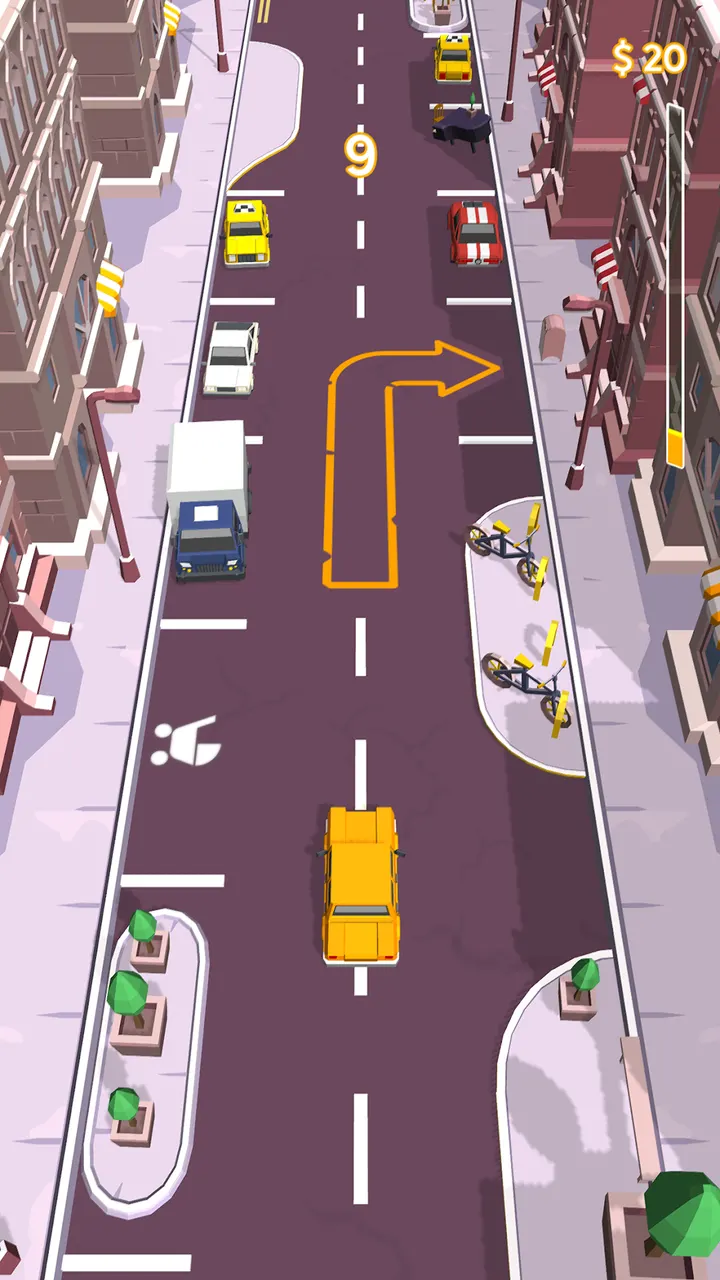
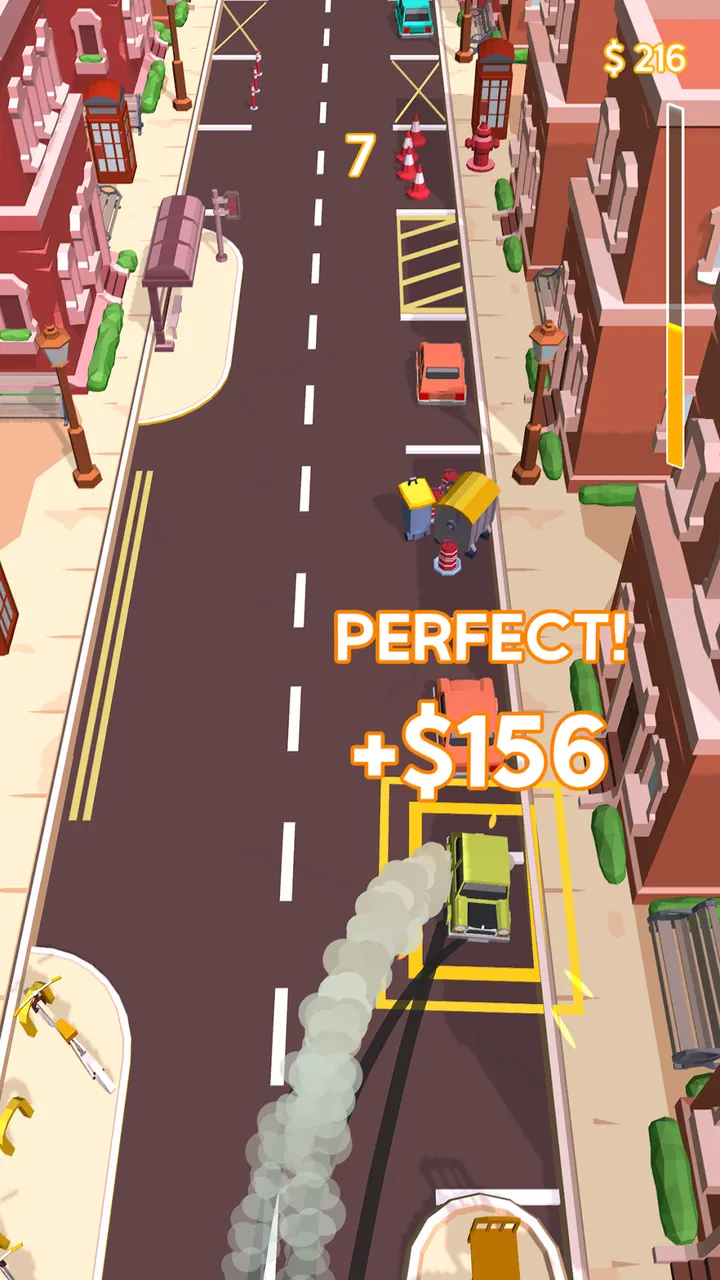
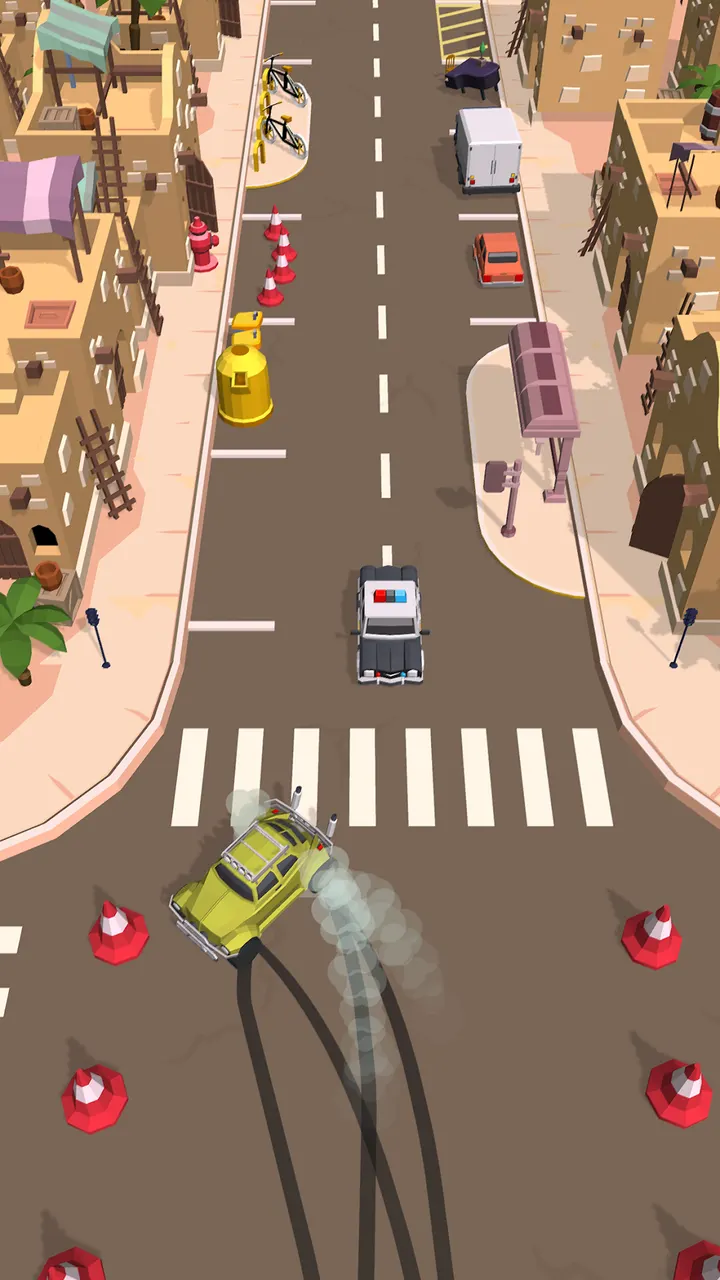
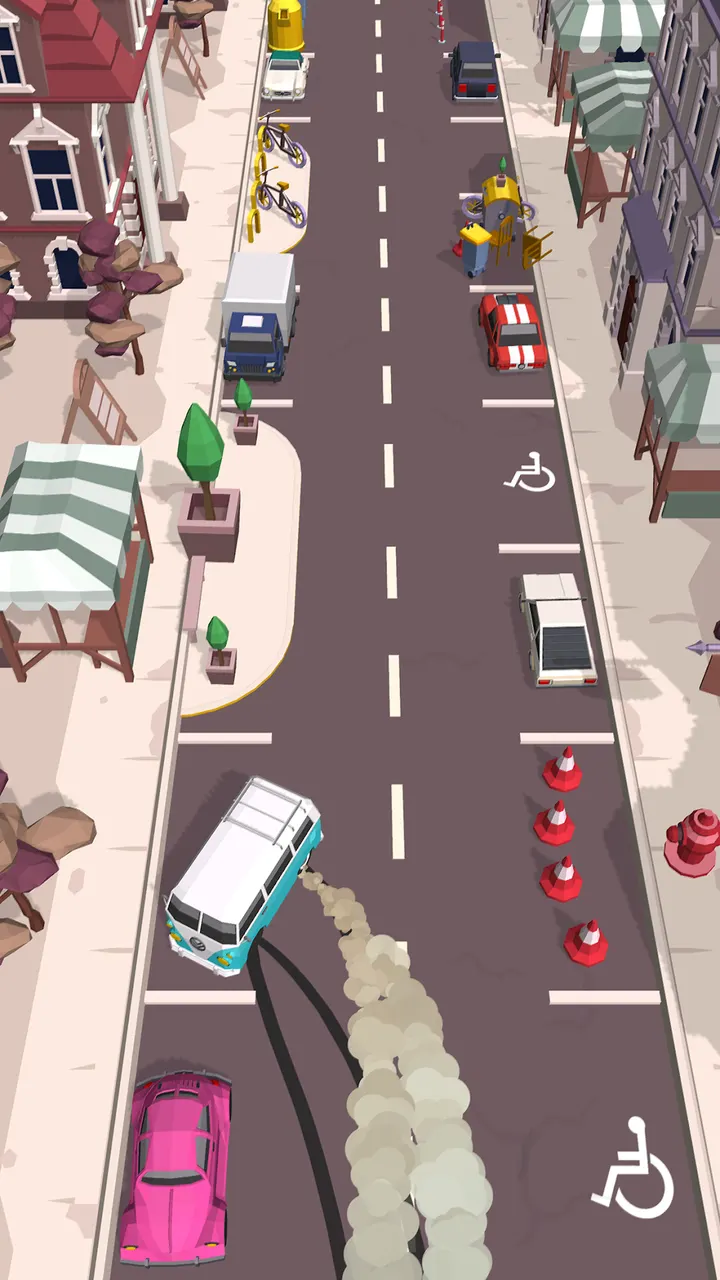
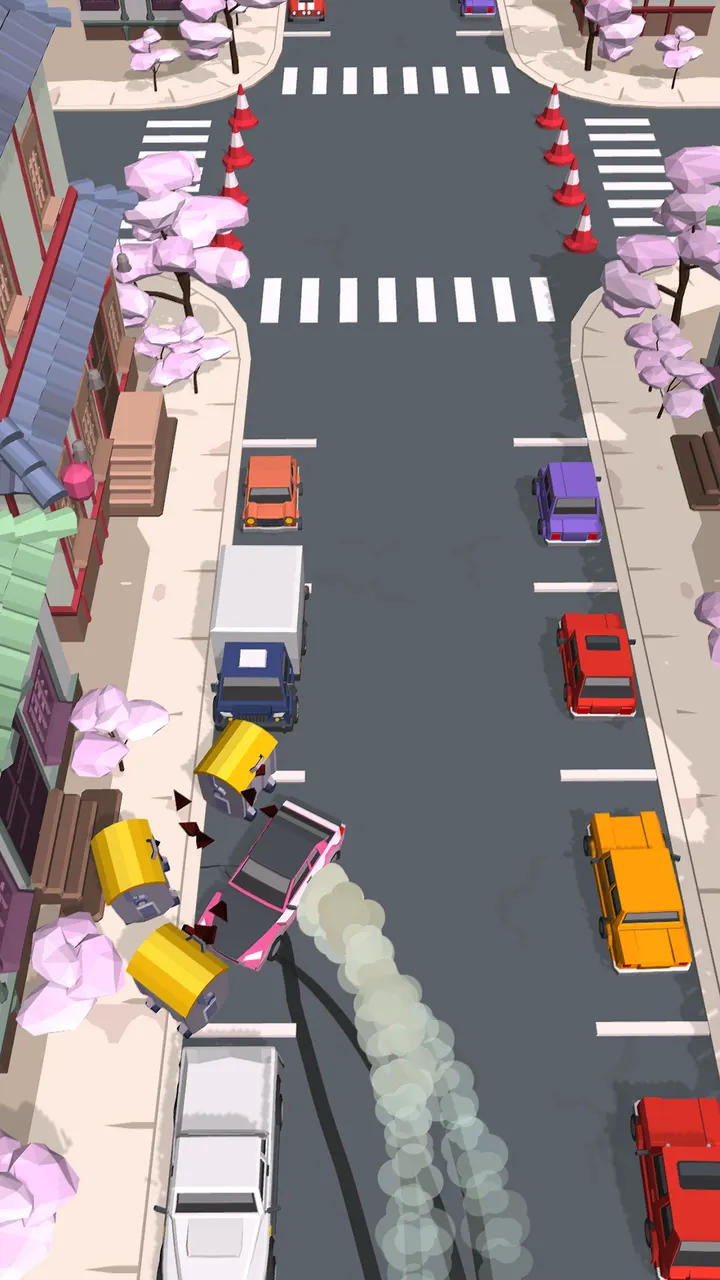
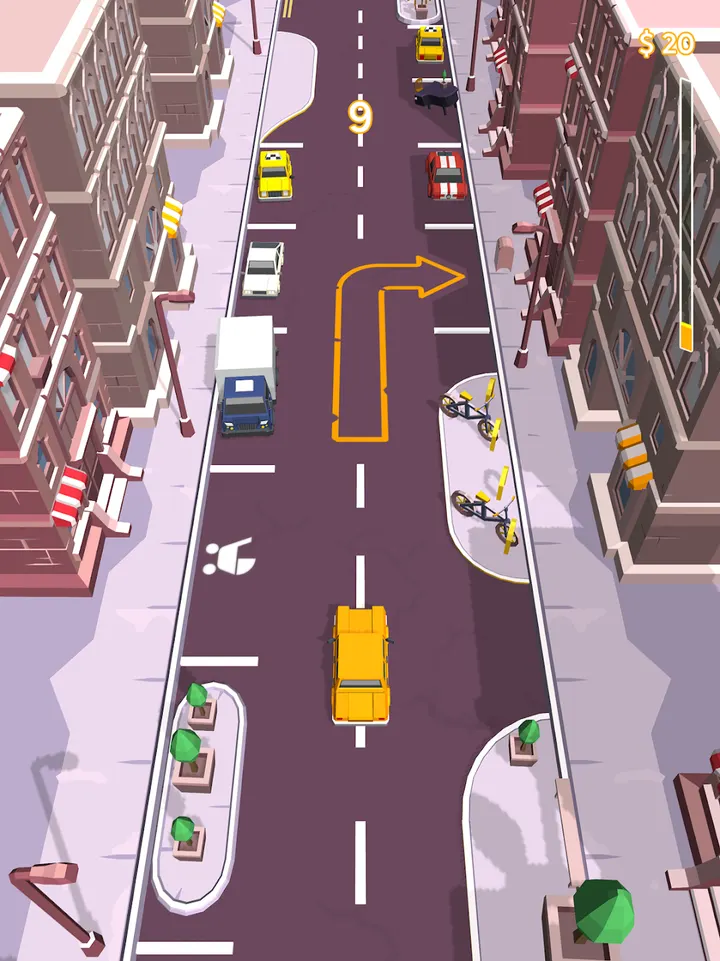
Where Car Parking Multiplayer leans toward open driving with other players, Drive and Park by SayGames Ltd sticks to short parking runs through city streets. You cruise for a free space, brake, and swing neatly between the lines without hitting anything or drawing the attention of passing cops. The pace picks up as you go, so a keen eye matters.
Free to play, with ads and purchases
Drive and Park costs nothing to start. Ads appear between rounds of play, and in-app purchases are offered. The content rating is Everyone, so it suits all ages.
Your device needs Android 8.0 or newer to run version 1.0.47.
Cash for parking, cars to collect, over ten cities
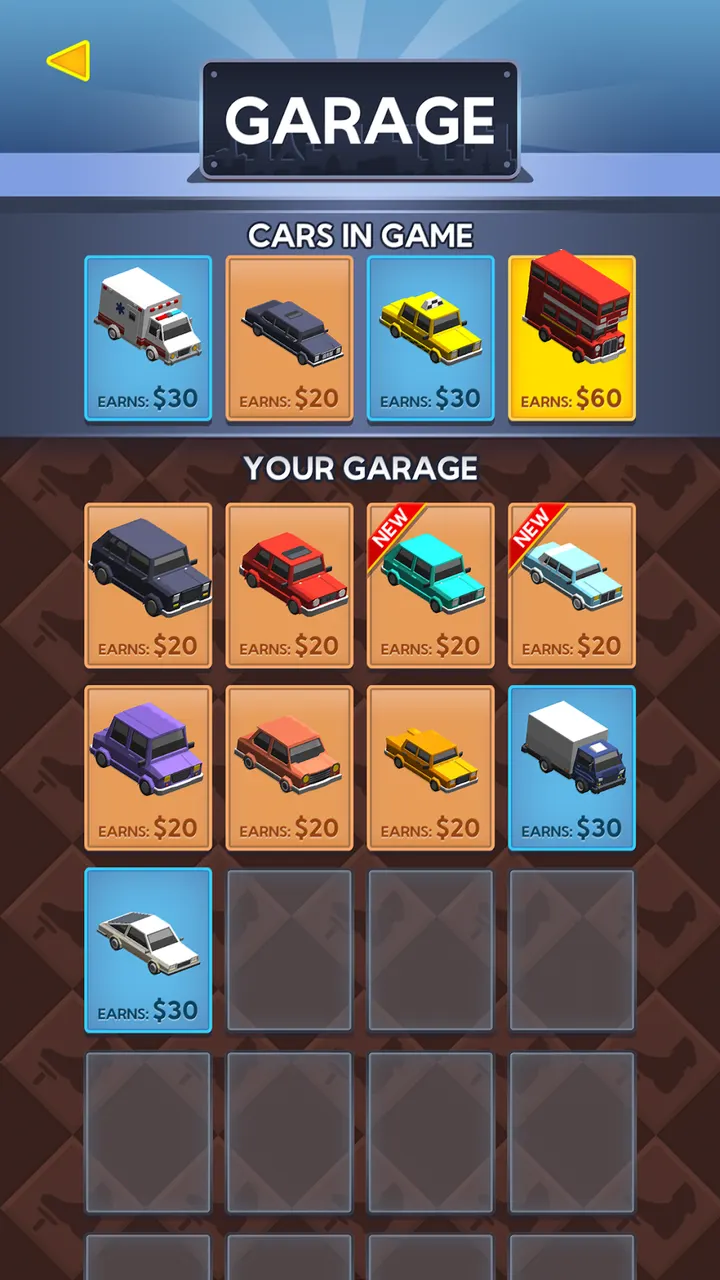
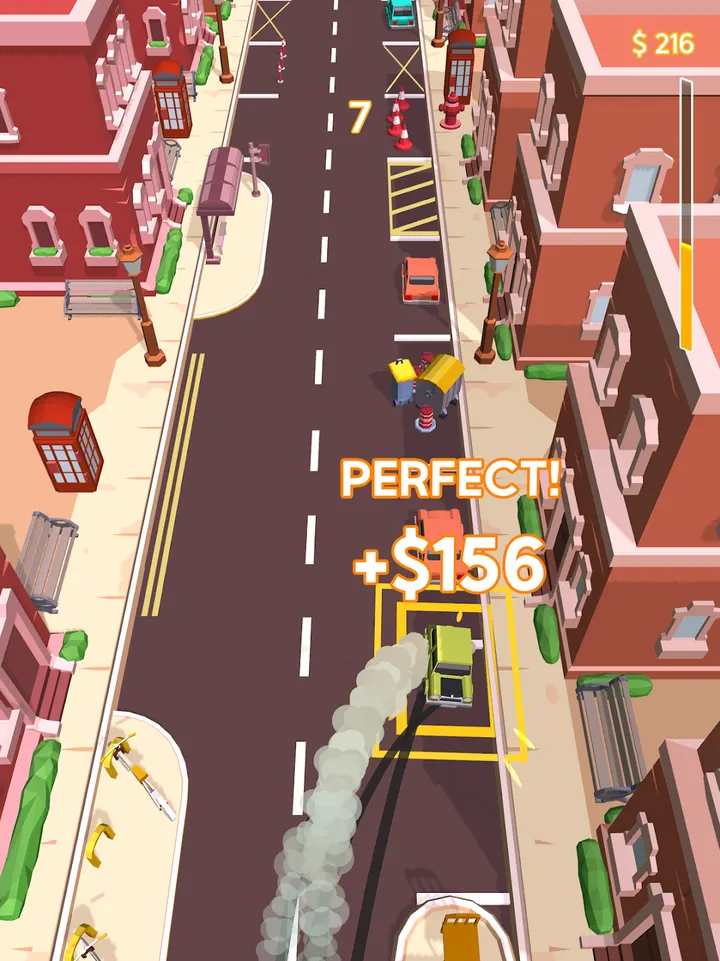
Each successful park earns cash, and a perfect park can double the payout. Finishing a level gives a chance to win a new vehicle, from classic sedans to camper vans. Bigger and faster cars pay more per park.
Cash buys perks that help in later levels, and side challenges also strengthen your cars. The description names London, Cairo and Berlin among more than ten cities, and says some perks only work in particular places. A wrong move brings the cops and a level restart.
Version 1.0.47 and a title from 2018
The game first appeared on November 29, 2018. The current version is 1.0.47, last updated October 9, 2026. A game that old and still updated suggests ongoing maintenance.
Drive and Park pros and cons
Pros
- Free to install, with a 4.5 Google Play rating
- Over ten cities with perks tied to certain locations
- Cash rewards, with a bonus for perfect parking
- Many vehicles to collect, from sedans to camper vans
- Updated October 9, 2026
Cons
- Contains ads
- Offers in-app purchases, details not listed
- Updates arrive without published release notes
- Requires Android 8.0 or newer
Is Drive and Park safe?
The publisher is SayGames Ltd, which links a privacy policy and terms of use. The content rating is Everyone. No further security checks are noted, so read the permissions Google Play displays before you install.
How to install Drive and Park
- Press the Google Play button on this page.
- Check the listing in the Play Store and press Install.
- Open Drive and Park when the install finishes. Updates arrive through Google Play.


