
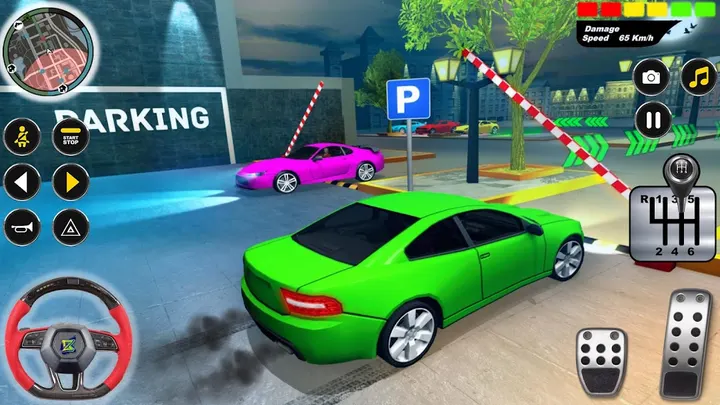
Prado Parking Game suits players who like parking puzzles with big 4x4 SUVs and can put up with ads in a free game. This page covers the publisher, the main features and the device requirements.
Zamsolutions and a game first released in 2019
The developer is Zamsolutions, which keeps a site at zamsolutions.github.io. The package ID is com.zams.car.parking.game, and the game first came out on March 16, 2019.
It sits in the parking games category, with role-playing and everyone as tags, and carries a content rating of Everyone. The description promises 100+ parking missions that get tougher as you progress, plus a collection of Prado SUVs to unlock.
Luxury SUVs, 360-degree views and three control schemes
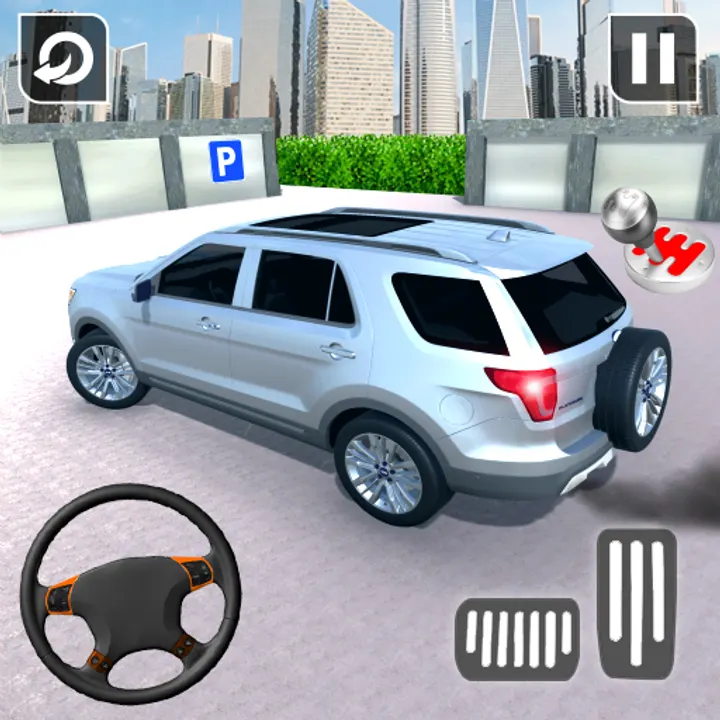
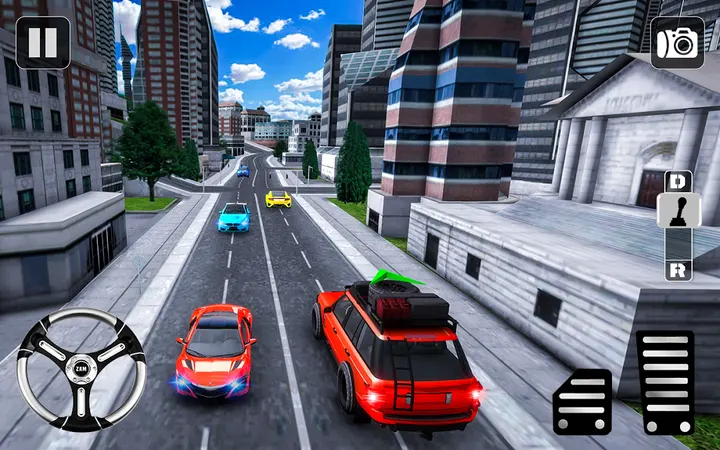
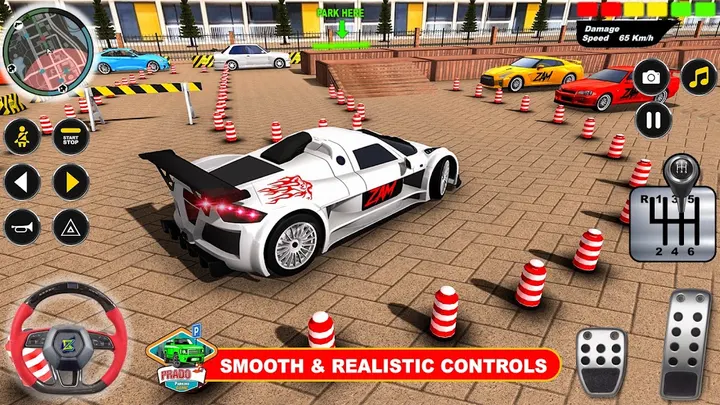
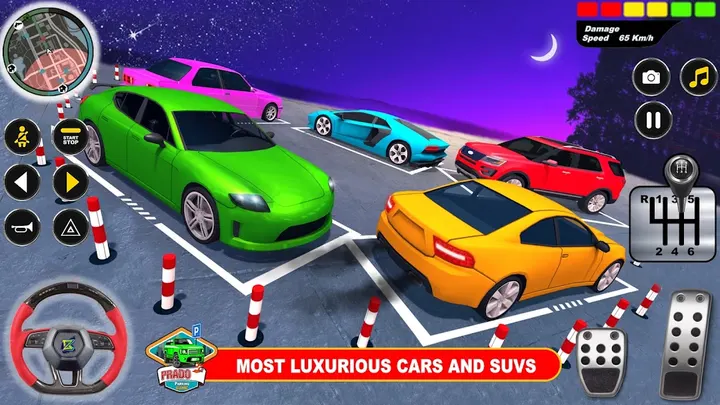
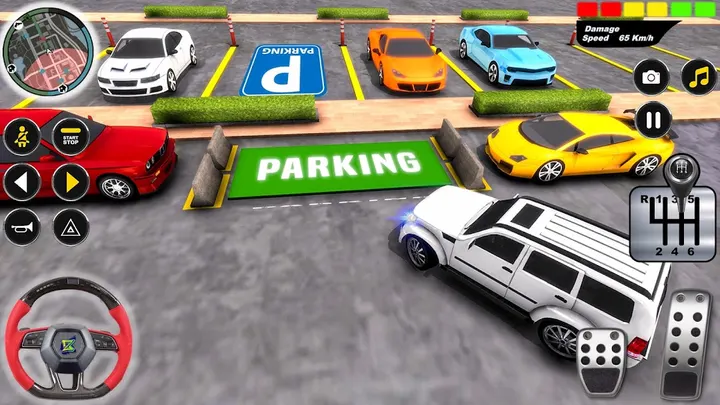
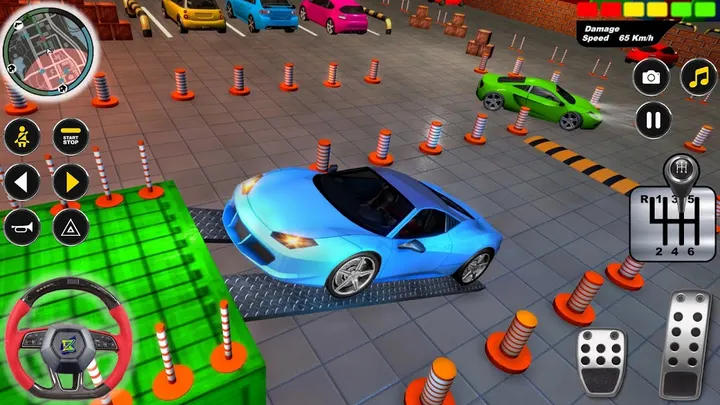
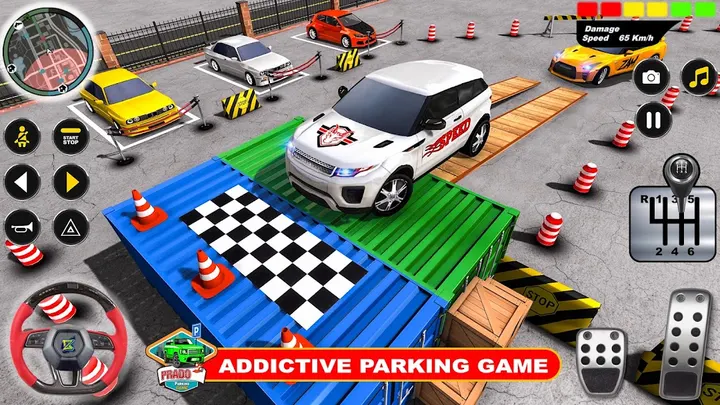
The game offers more than 100 parking missions that get harder as you go. The setting moves between narrow streets, city roads and multi-storey plazas, and the cars are 4x4 luxury SUVs.
You can steer with a wheel, tilt the device or use buttons. A 360-degree camera helps you judge the gap to obstacles, and parking sensors imitate modern car technology. Colors and wheel rims can be customized.
The game works offline and is free to play.
Android 7.1 and version 1.7.59
Your phone needs Android 7.1 or newer. The current version is 1.7.59, last updated on October 29, 2026.
The game is free to download, with ads during play and optional in-app purchases. The listing does not say how large the install is or which items can be bought.
Prado Parking Game pros and cons
Pros
- Free to install on Google Play
- Three control options: steering wheel, tilt and buttons
- More than 100 parking missions, according to the store text
- Works offline, per the developer's description
- Updated October 29, 2026, so it is still maintained
Cons
- Contains ads
- Contains in-app purchases
- Contains ads
- Requires Android 7.1 or newer
Is Prado Parking Game safe?
Prado Parking Game is made by Zamsolutions and carries an Everyone content rating. It is free, but it shows ads and sells in-app purchases, so keep an eye on prompts during play. Version 1.7.59 needs Android 7.1 or newer, and the permissions listed on the store page are worth a look before you start.
How to install Prado Parking Game
- Press the Google Play button on this page.
- Check the listing in the Play Store and press Install.
- Open Prado Parking Game when the install finishes. Updates arrive through Google Play.


