

Facemoji AI Emoji Keyboard by Nexileap swaps the default Android keyboard for one built around emojis, stickers, fonts and themes. Google Play is where you install it. More than 100 million people have done so, and about 1.5 million ratings give it a 4.7 average.
A stock keyboard that gives you little to decorate chats with
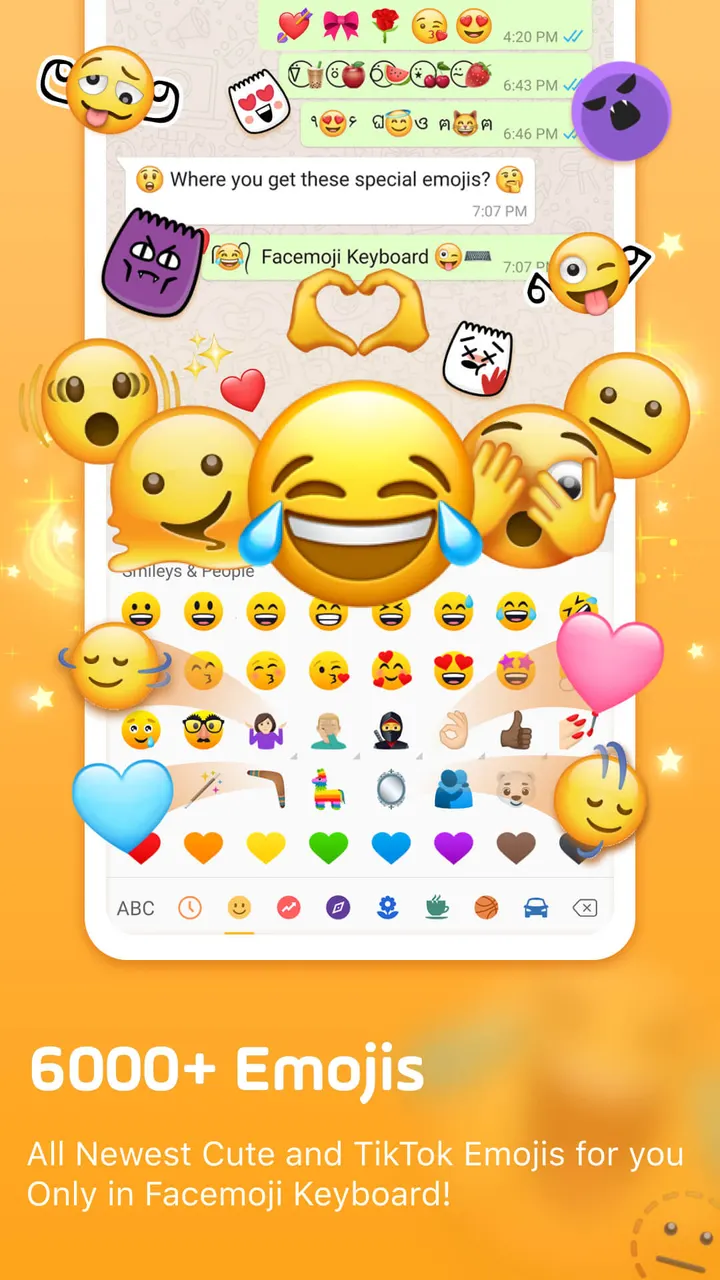
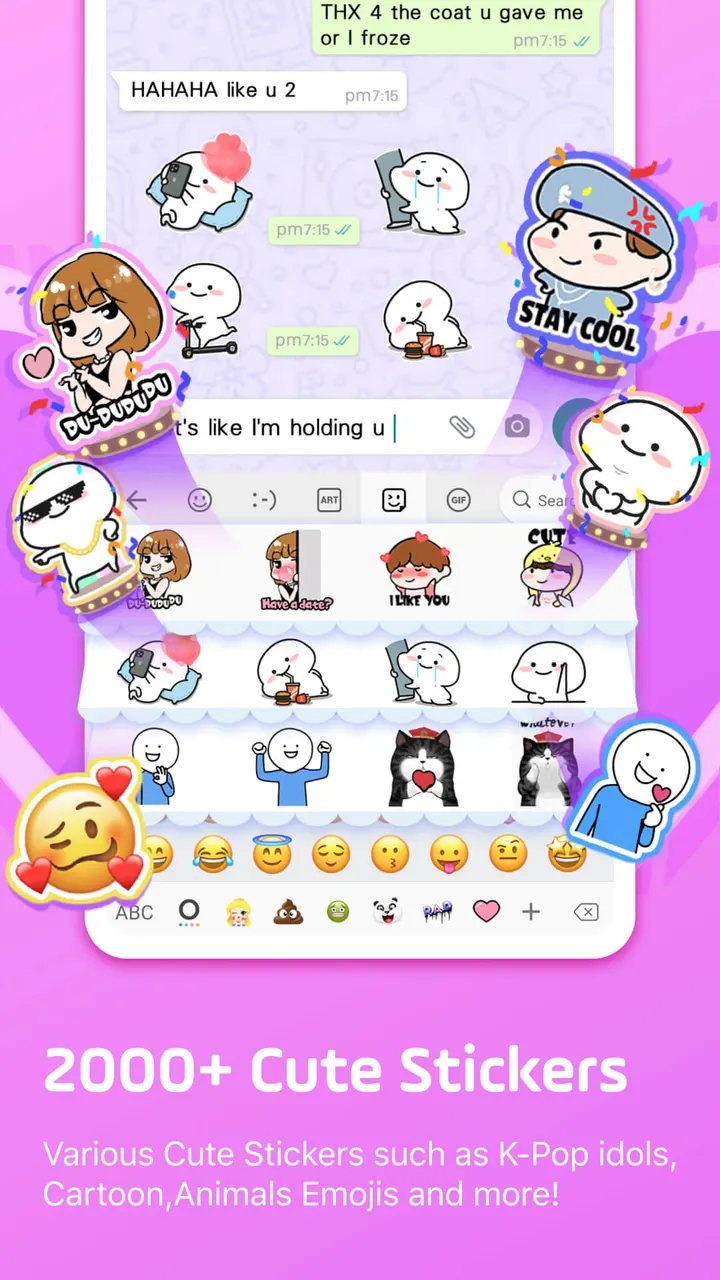
A default keyboard covers typing and a basic emoji panel. Facemoji targets people who want more expressive messages for apps like TikTok, Instagram, Snapchat and WhatsApp. The listing puts the emoji count at more than 6000, along with emoticons, text art, symbols and GIFs.
The app first reached Google Play on April 26, 2016, so it has a long track record. The current version is 3.7.0, last updated on October 28, 2026. It needs Android 6.0 or newer.
Genmoji-style stickers, 1500 themes and fonts for bios
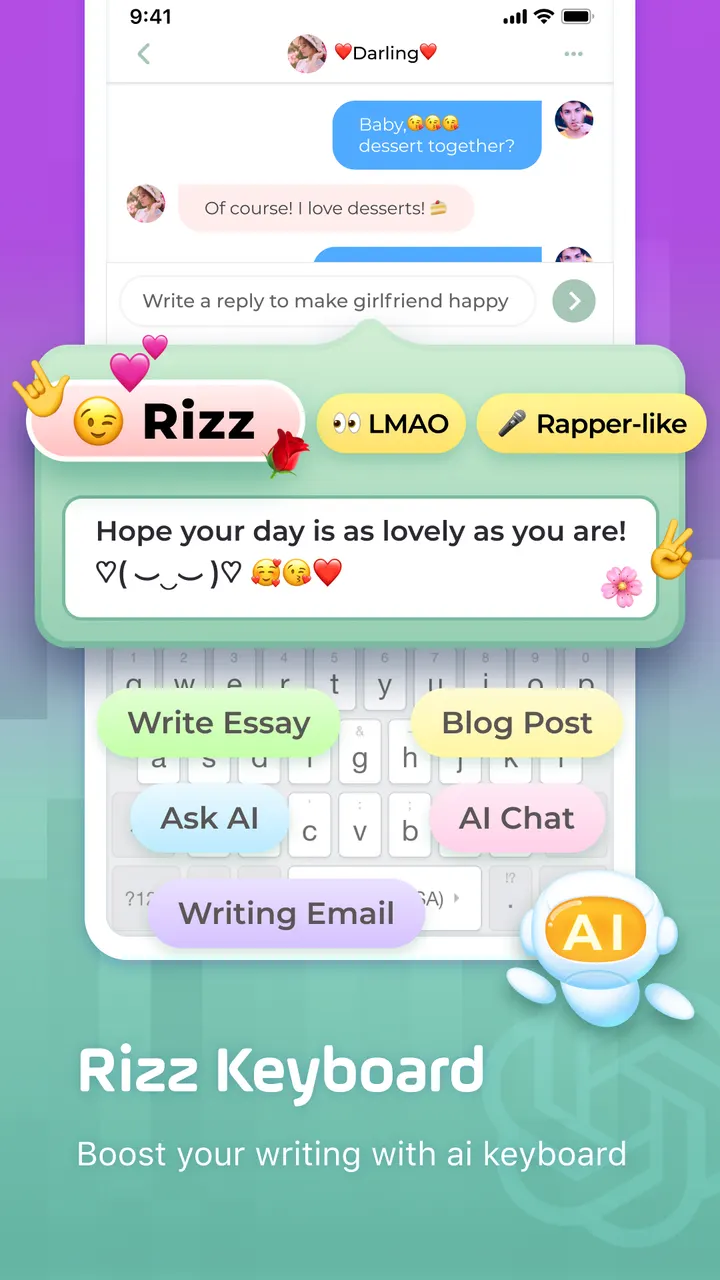
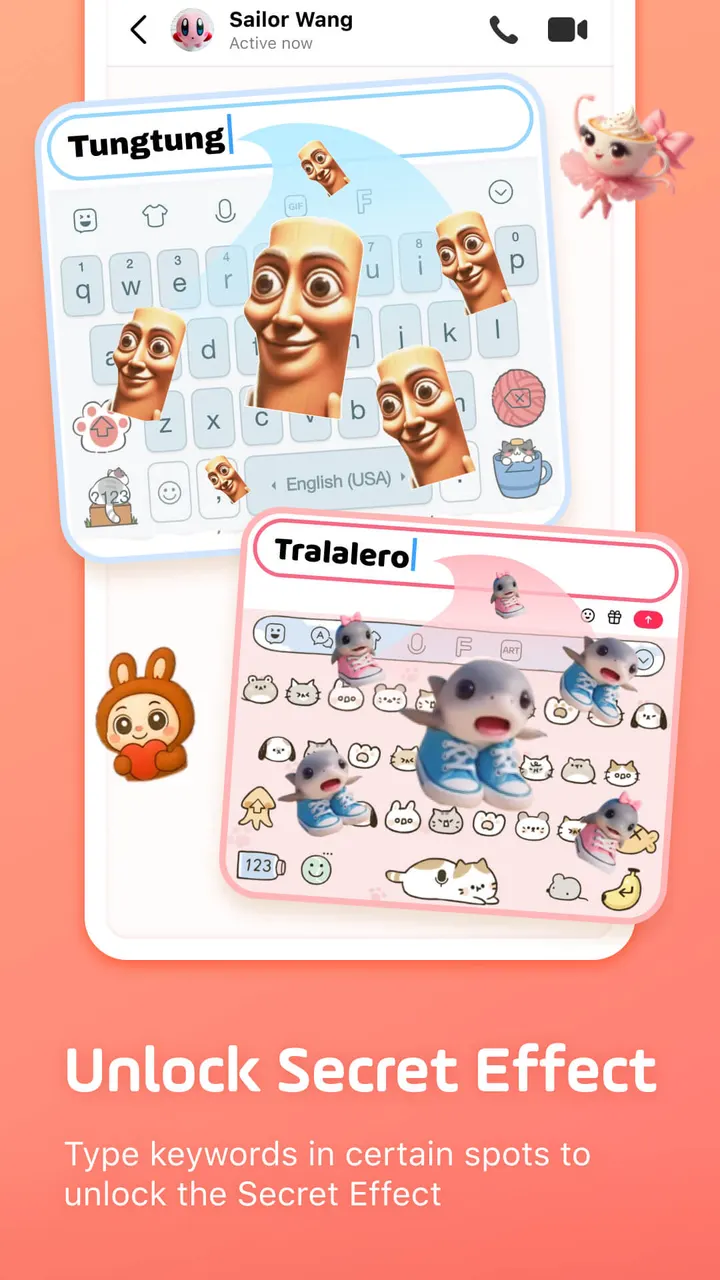
The AI side centres on a custom emoji maker. The developer says it can build stickers that resemble your face, make emoji characters and animated GIFs, and generate stickers from a phrase you type. Those can be shared to WhatsApp, Facebook, TikTok and similar apps.
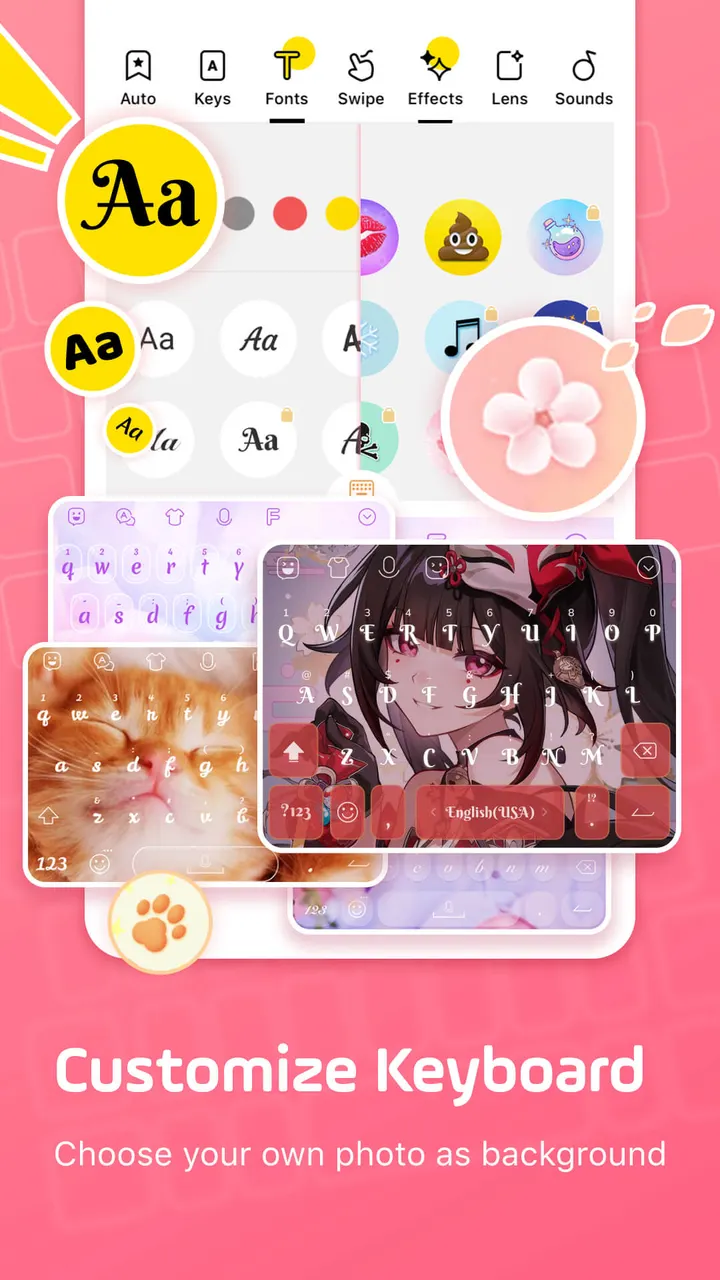
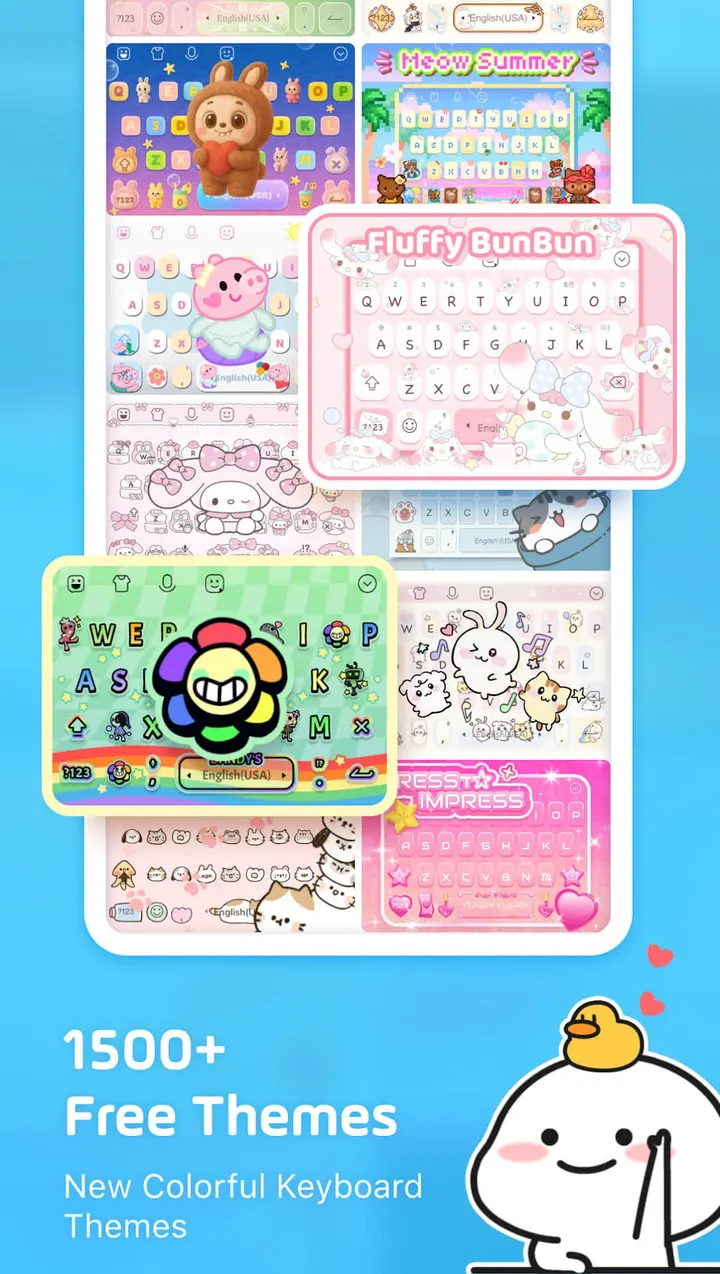
Personalization is the other big area. The developer lists more than 1500 free themes, including anime, neon, K-Pop and animal designs, with new ones added weekly. You can also set a photo as the keyboard background and adjust buttons, colors, fonts, tap effects and tap sounds.
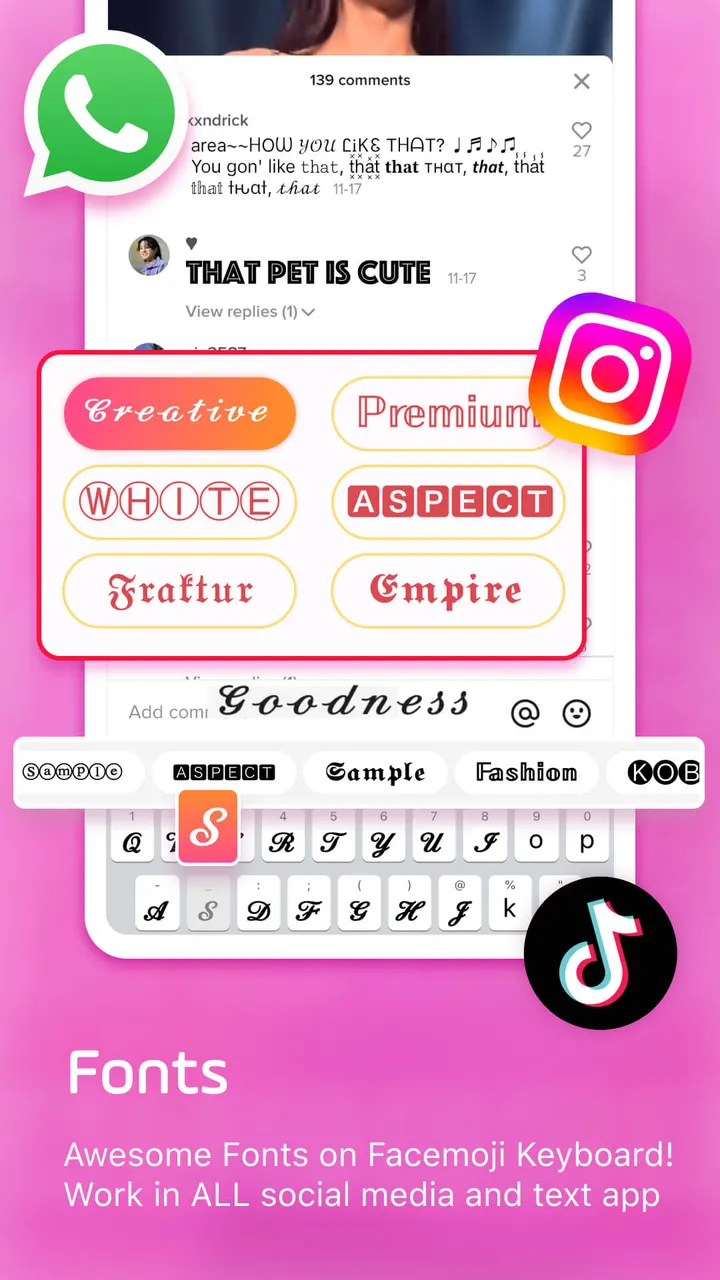
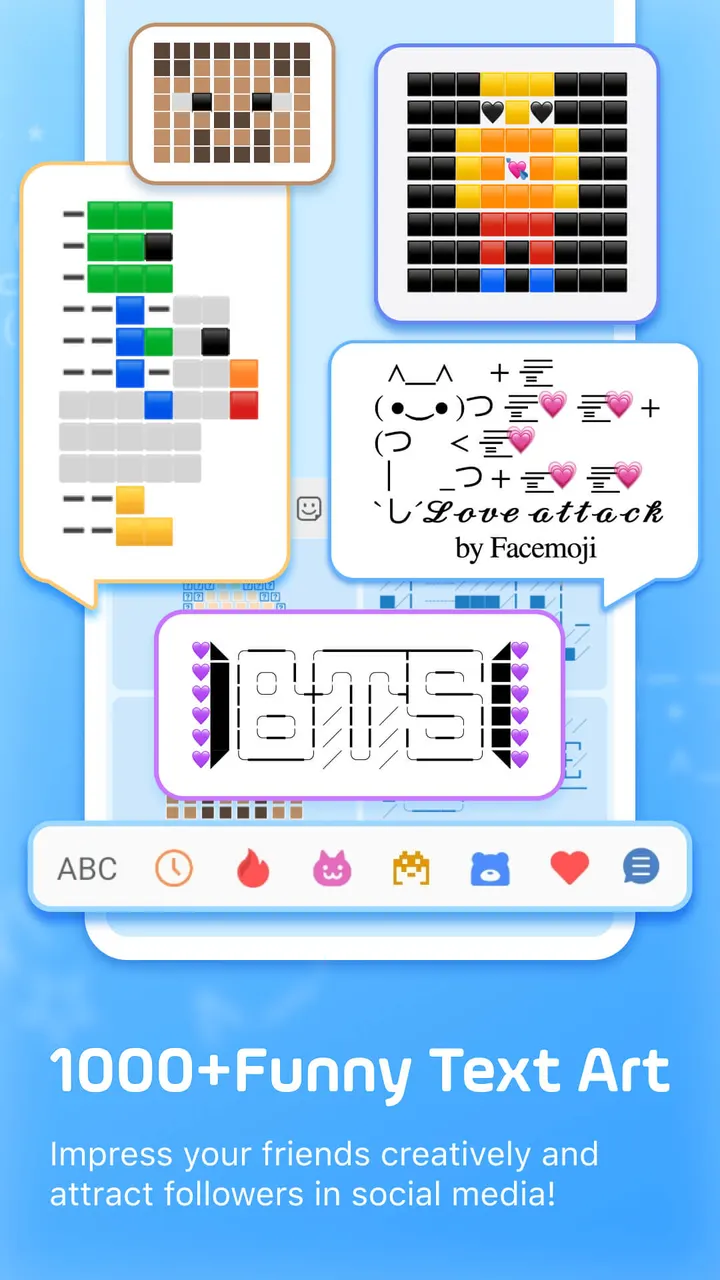
For text styling, there are over 100 fonts for posts and bios, plus more than 1000 unicode symbols and nickname templates. A Kaomoji and emoticon keyboard is included as well.
Typing tools include swipe typing, autocorrect, emoji and sticker predictions, a paste keyboard and a clipboard that stores copied notes.
Teen rating, ads and purchases to weigh before installing
Facemoji is free to install, with ads and in-app purchases, and it carries a Teen content rating. The theme library is free, so think twice before paying for anything inside the app.
A keyboard handles everything you type, so it deserves a closer look than most apps. Open the data safety section on the store page first.
If you only want stylish fonts without swapping your whole keyboard, Fonts Keyboard and ArtFonts are among the alternatives.
Facemoji AI Emoji Keyboard pros and cons
Pros
- Over 100 million installs and a 4.7 rating from about 1.5 million ratings on Google Play
- More than 6000 emojis, plus stickers, GIFs, Kaomoji and text art
- More than 1500 free themes, with new ones added weekly
- Custom emoji and sticker maker, including phrase-based stickers
- Over 100 fonts and more than 1000 unicode symbols for bios and posts
Cons
- Contains ads
- Contains in-app purchases
- Teen content rating on Google Play
- No permissions list is published for review
Is Facemoji AI Emoji Keyboard safe?
Nexileap publishes this keyboard, which carries a Teen content rating along with ads and in-app purchases. Since a keyboard sees everything you type, read the data safety details on the store page before you start using it.
How to install Facemoji AI Emoji Keyboard
- Press the Google Play button on this page.
- Check the listing in the Play Store and press Install.
- Open Facemoji AI Emoji Keyboard when the install finishes. Updates arrive through Google Play.