

Writing an Instagram bio and want the text to look different from the default type? Fonts Art, made by AIBY Inc., pairs a font changer with a custom keyboard, so stylish text, symbols and kaomoji are available right where you type. You can also build keyboard themes from your own photos and colors, and the app shows no ads.
Free to install, no ads, with in-app purchases
The app is free to install and has no ads. It does offer in-app purchases.
The content rating is Everyone. It needs Android 10 or newer, so older phones are left out.
Keyboard themes built from your own photos
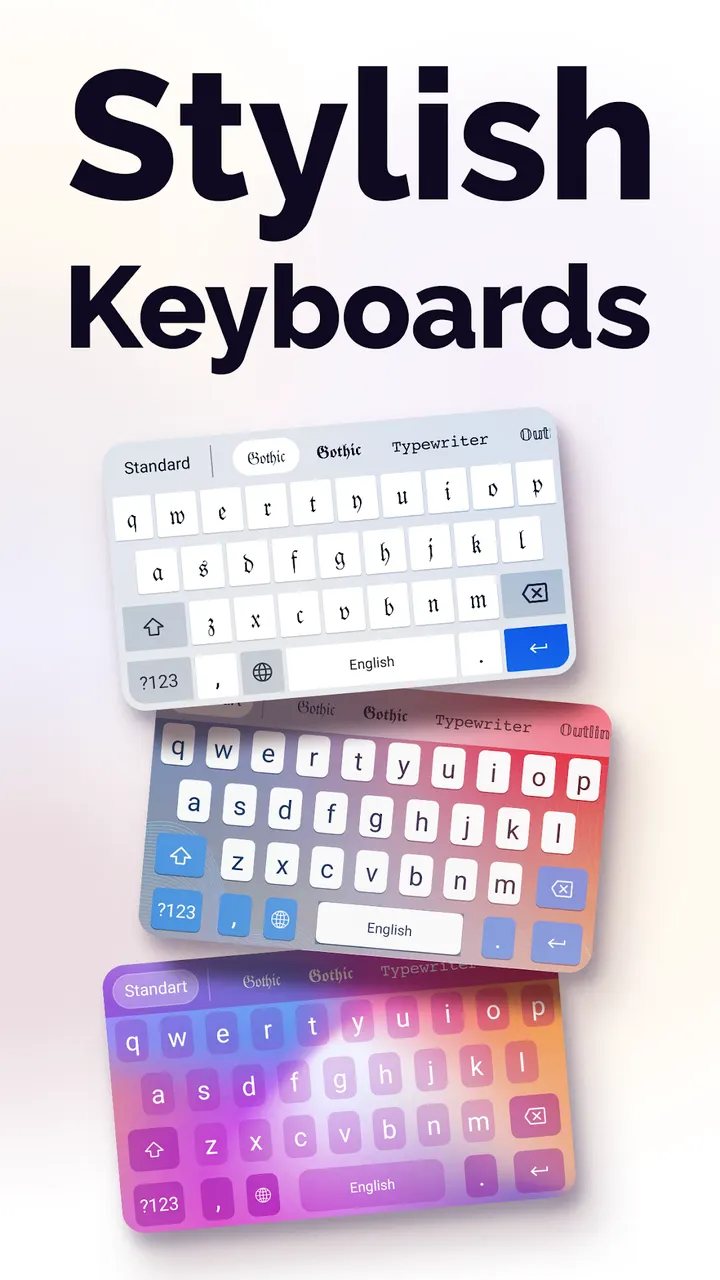
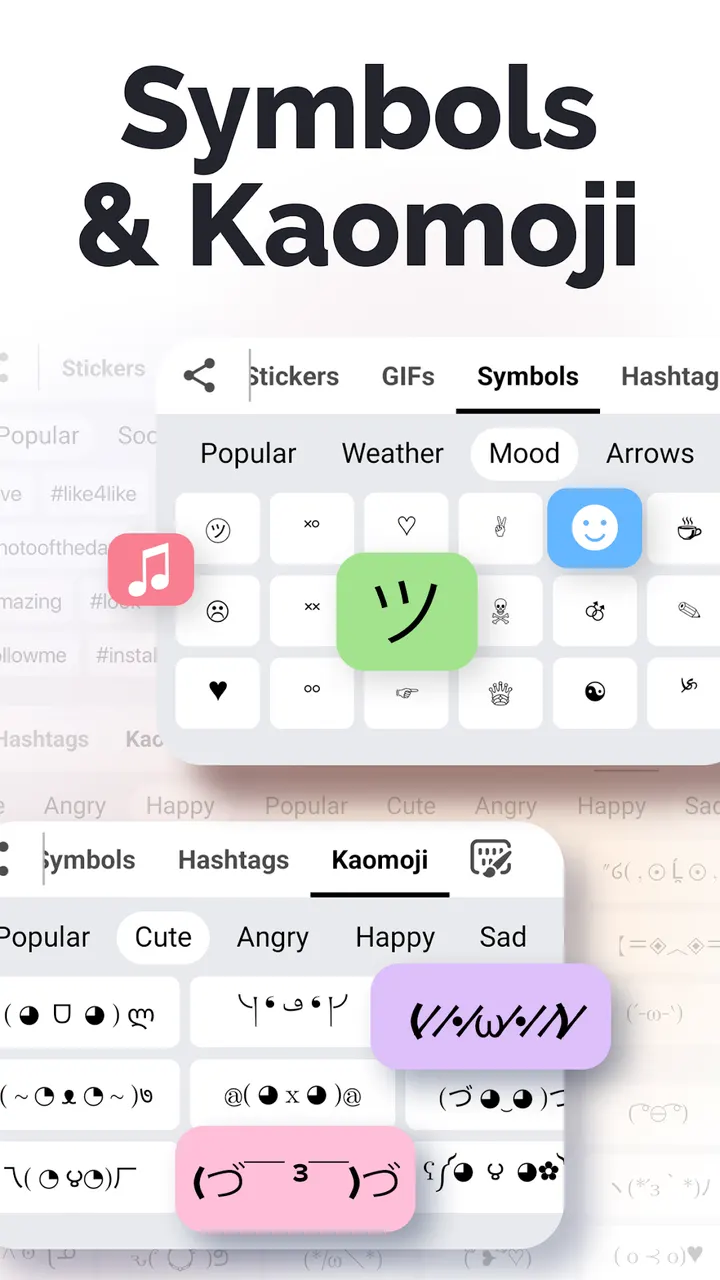
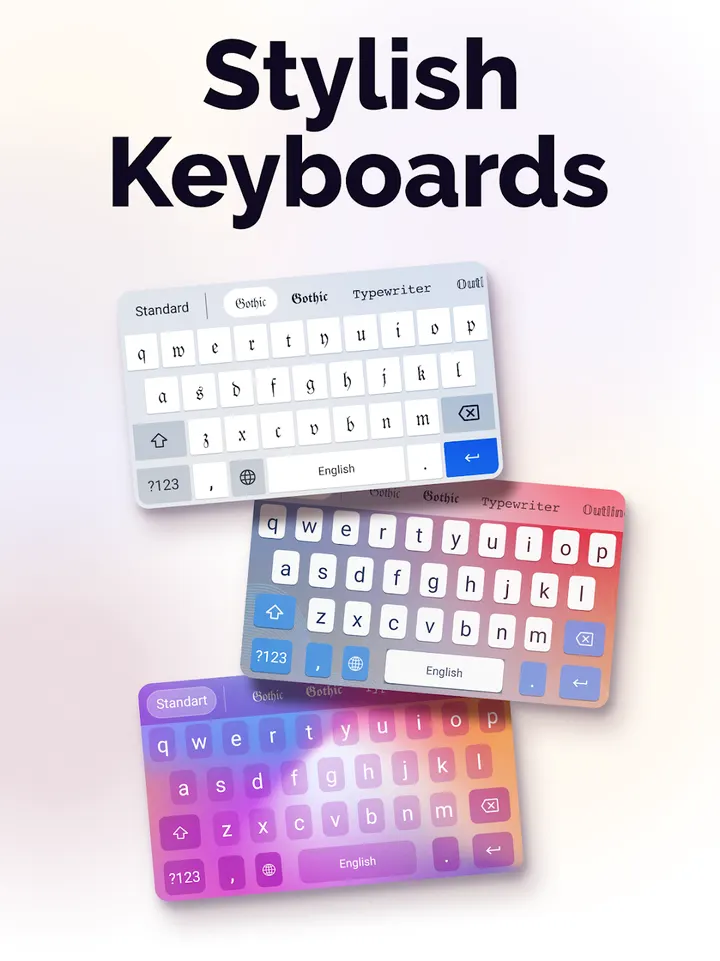
The keyboard works across apps, so styled text can go into chats and social posts. Styles include cursive, bold, gothic and bubble. You can also add symbols and Japanese kaomoji.
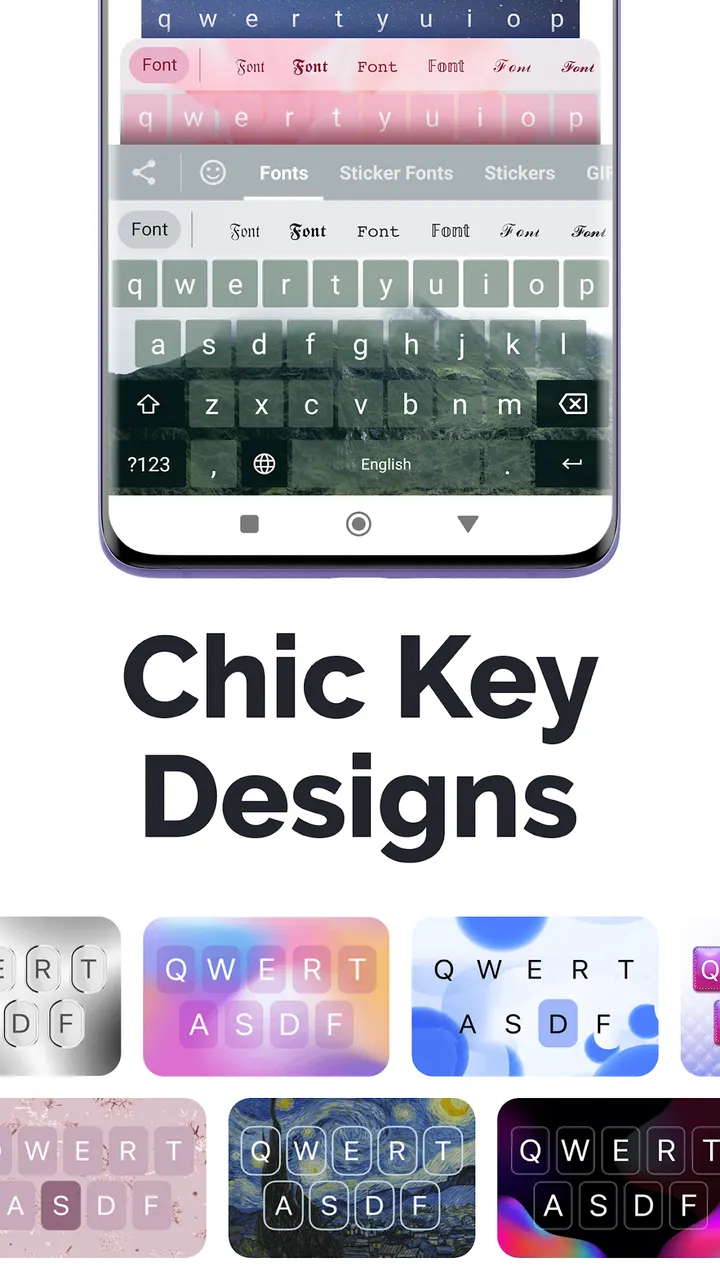
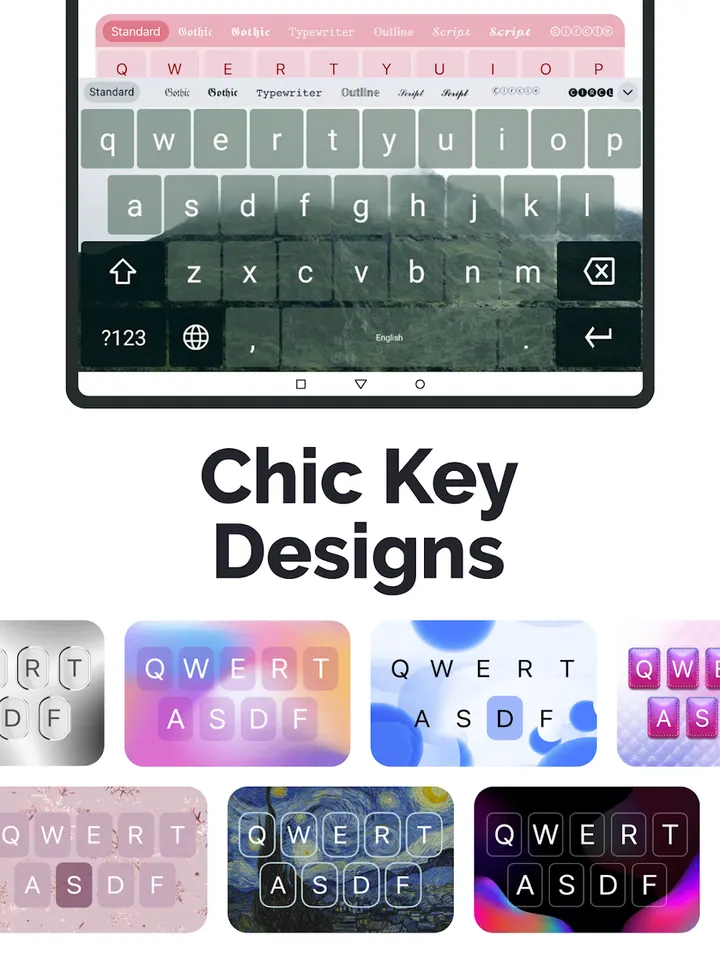
Themes are the other main part. The developer mentions 400+ ready-made keyboard themes, and you can build your own from a photo and chosen colors.
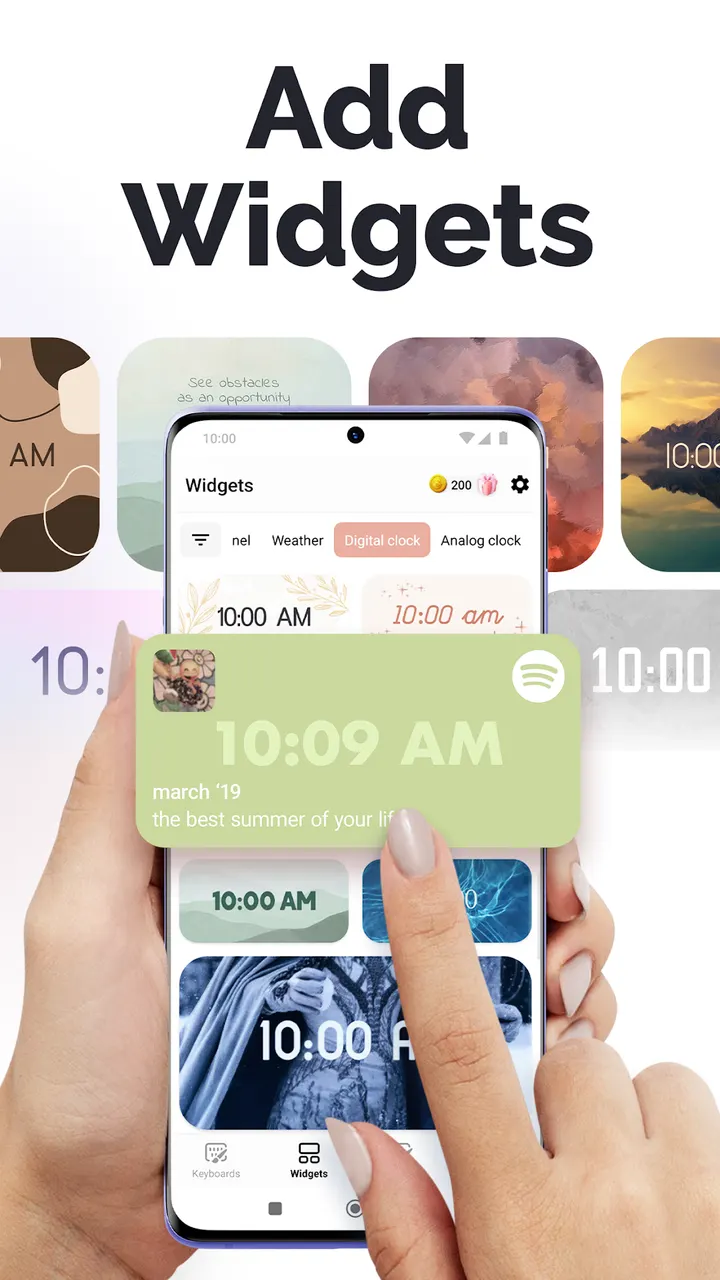
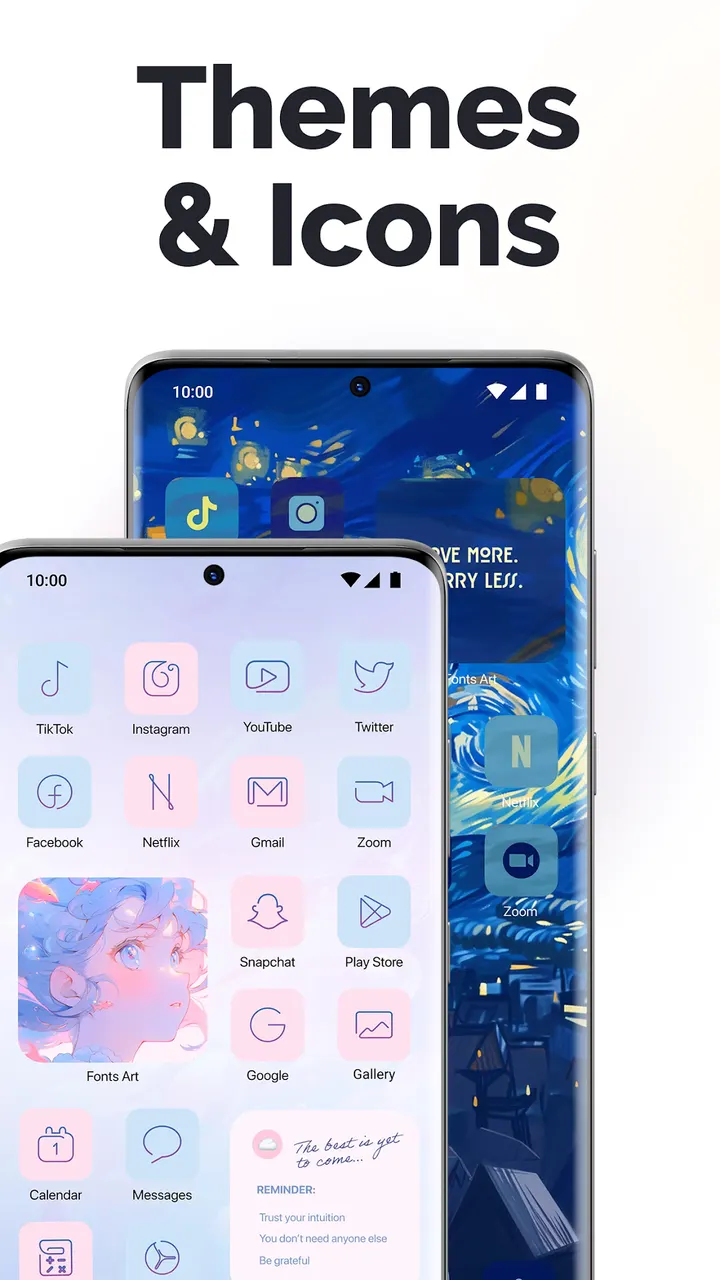
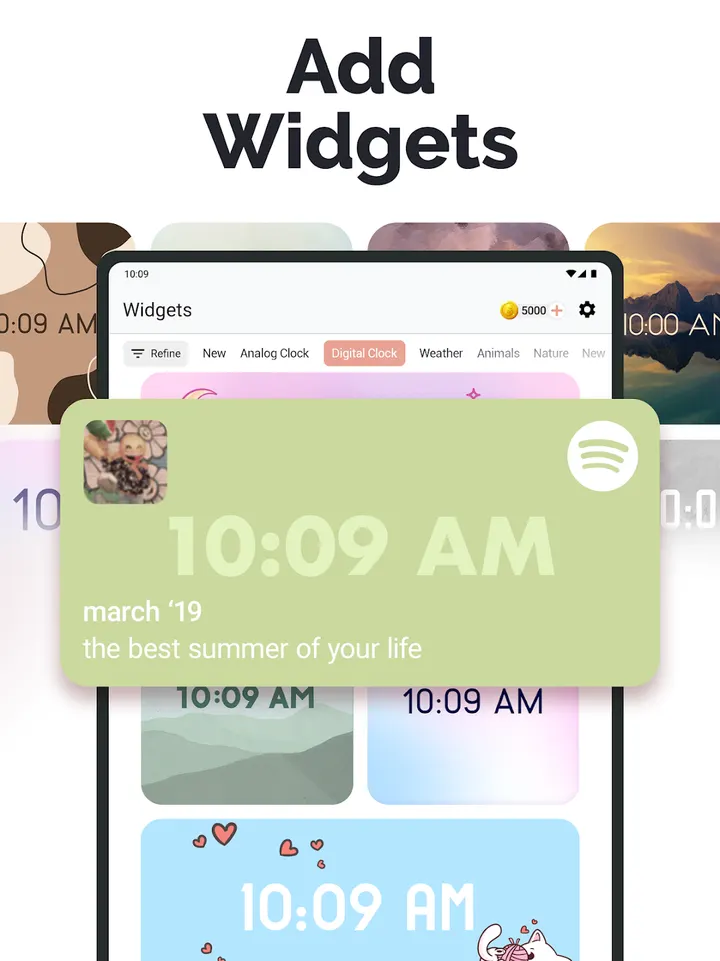
The app also covers widgets, app icons and home screen themes, so it reaches beyond typing. Setup means switching the keyboard on in Android settings.
Version 2.85.2 and a release history since 2020
The app first appeared on June 30, 2020. The current version is 2.85.2, updated on September 29, 2026. That is a recent update for a six-year-old app. The listing carries 8 screenshots, and AIBY Inc. is the developer.
Fonts Art pros and cons
Pros
- No ads
- Free to install
- Keyboard themes can be built from your own photos and colors
- Includes kaomoji, symbols and decorative text
- Updated on September 29, 2026
Cons
- Has in-app purchases
- Requires Android 10 or newer
- Current version is 2.85.2
Is Fonts Art safe?
Install Fonts Art from Google Play. The publisher is AIBY Inc., whose site is aiby.com. Because a keyboard sees everything you type, read the permissions and privacy details on its Google Play page before you switch it on.
How to install Fonts Art
- Press the Google Play button on this page.
- Check the listing in the Play Store and press Install.
- Open Fonts Art when the install finishes. Updates arrive through Google Play.


