

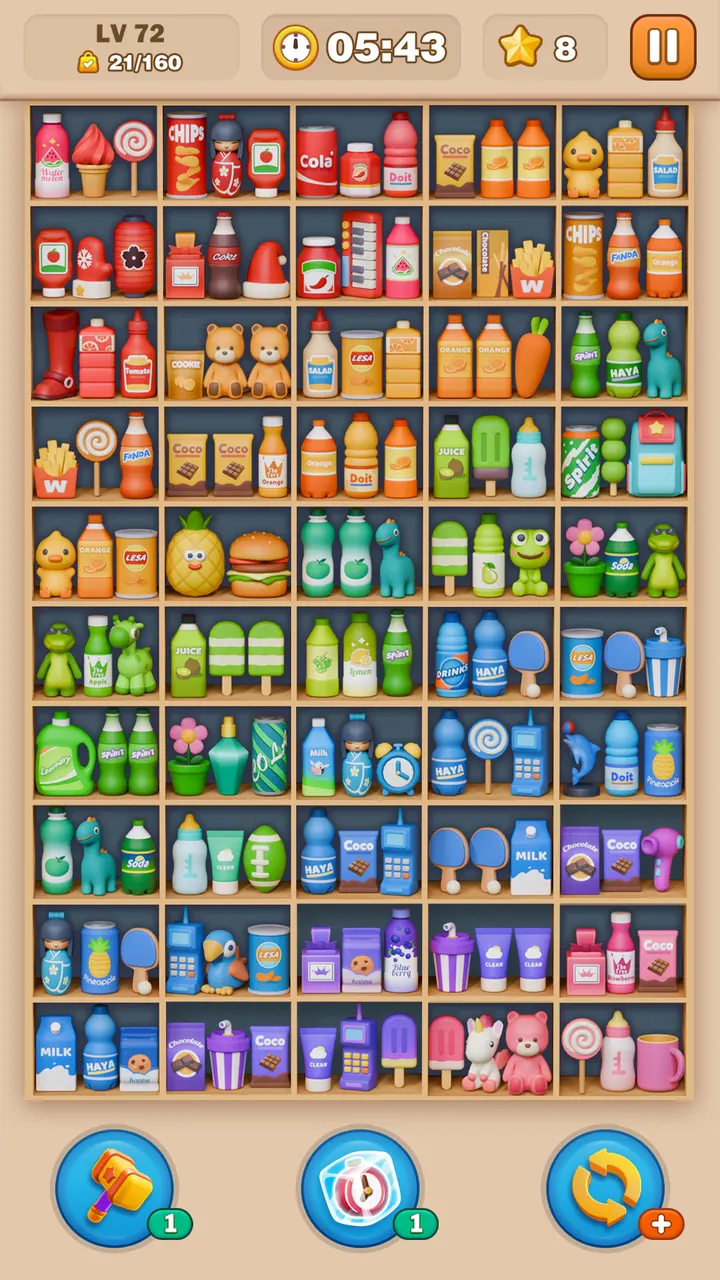
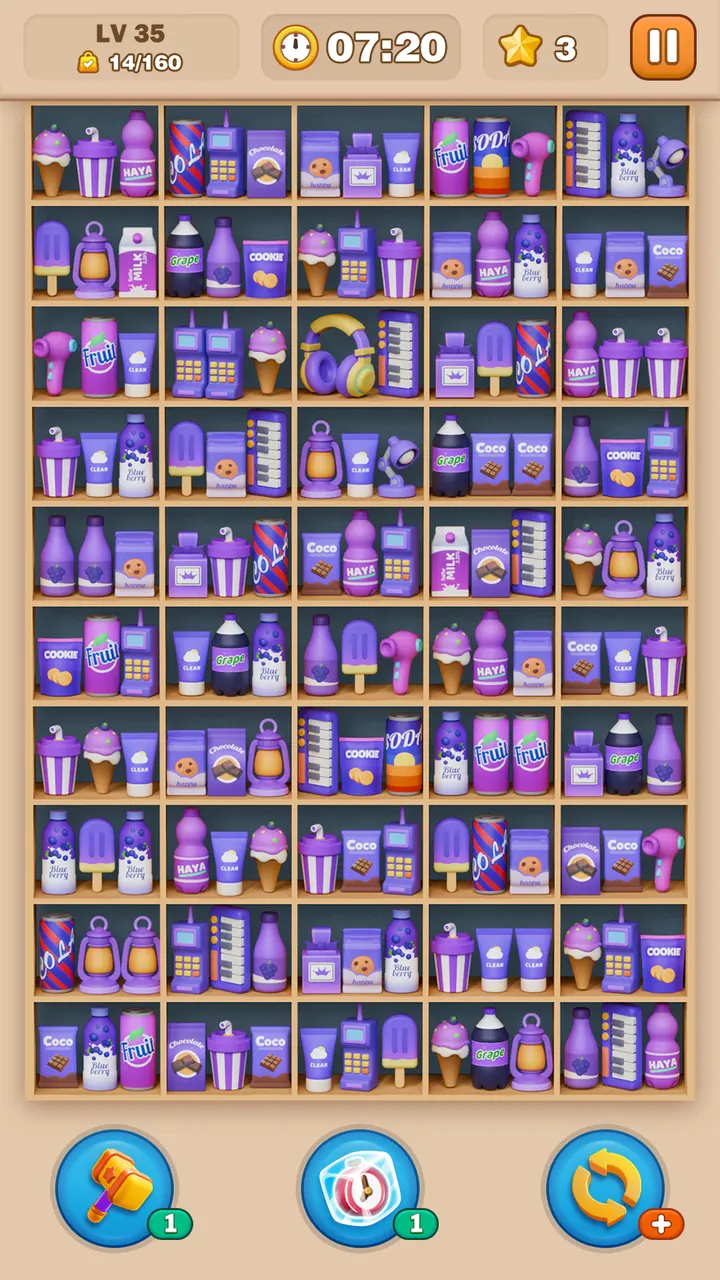
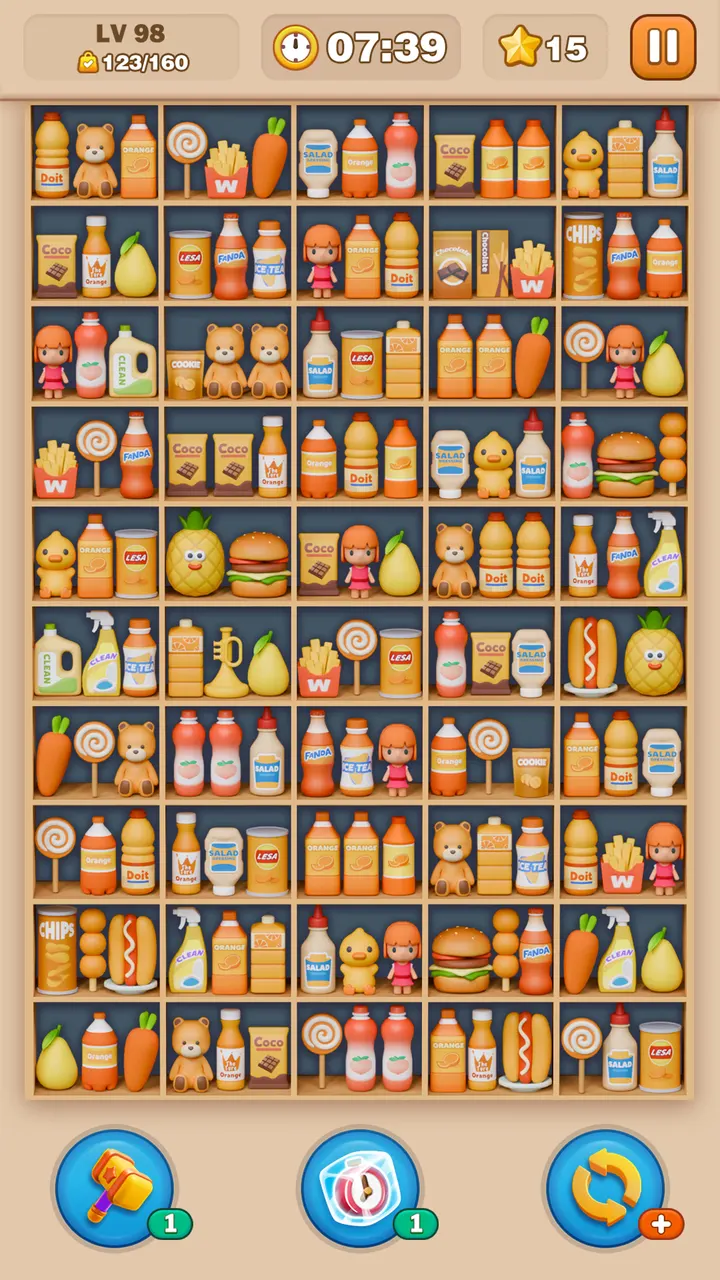
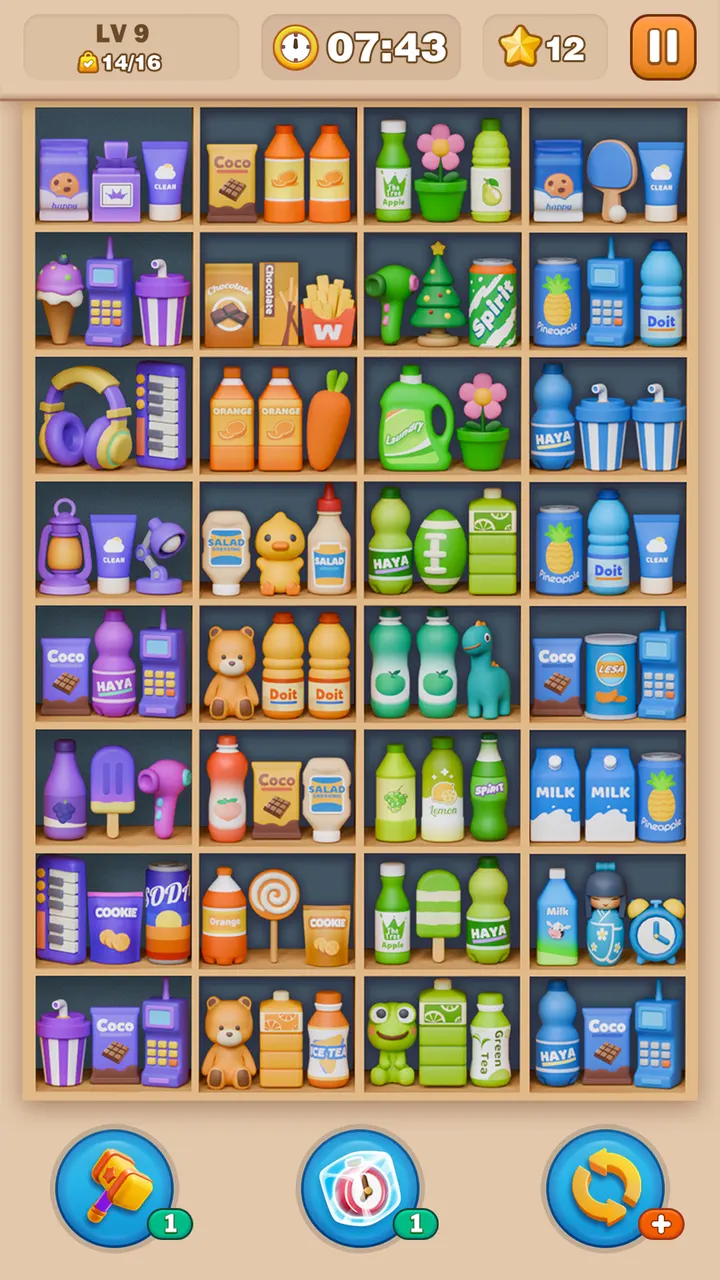
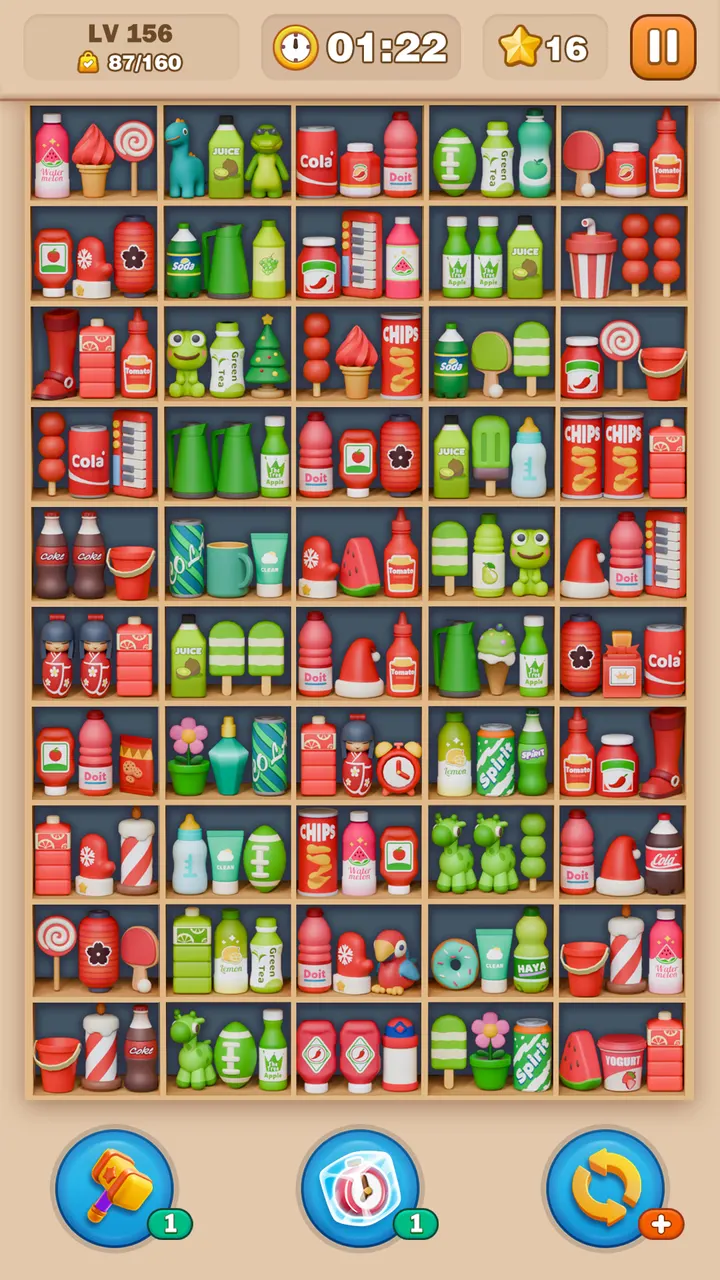
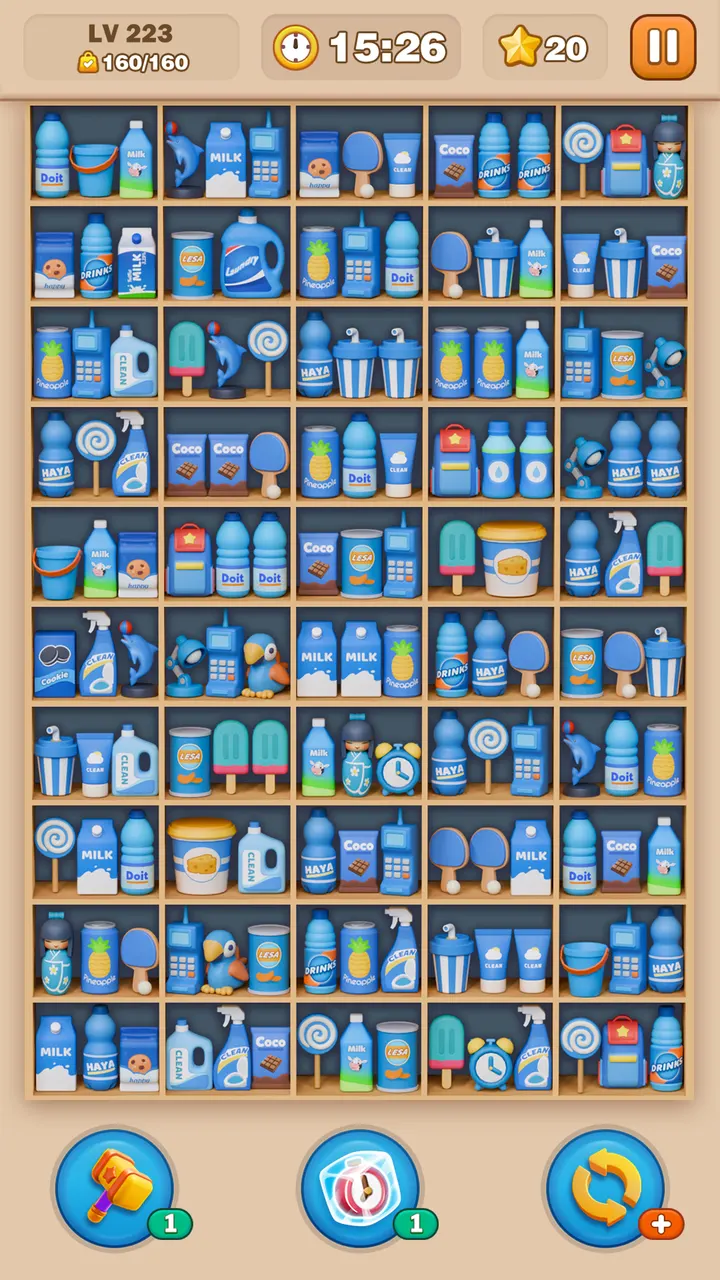
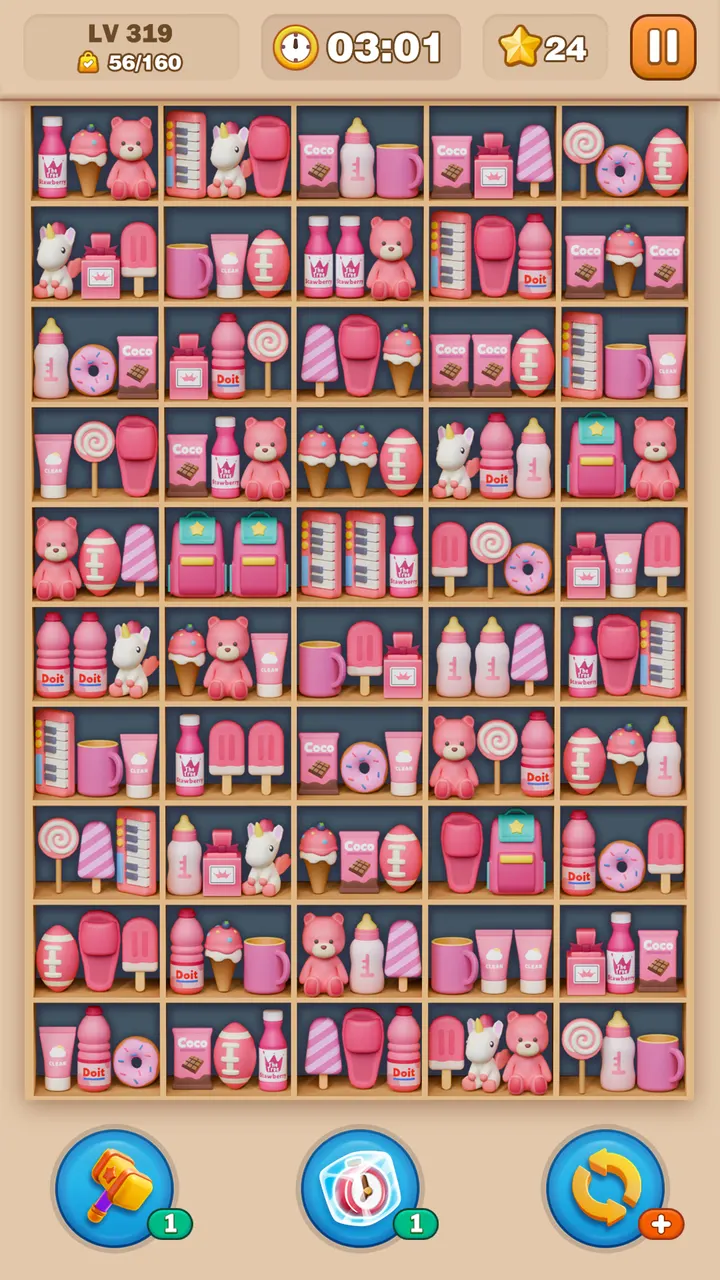
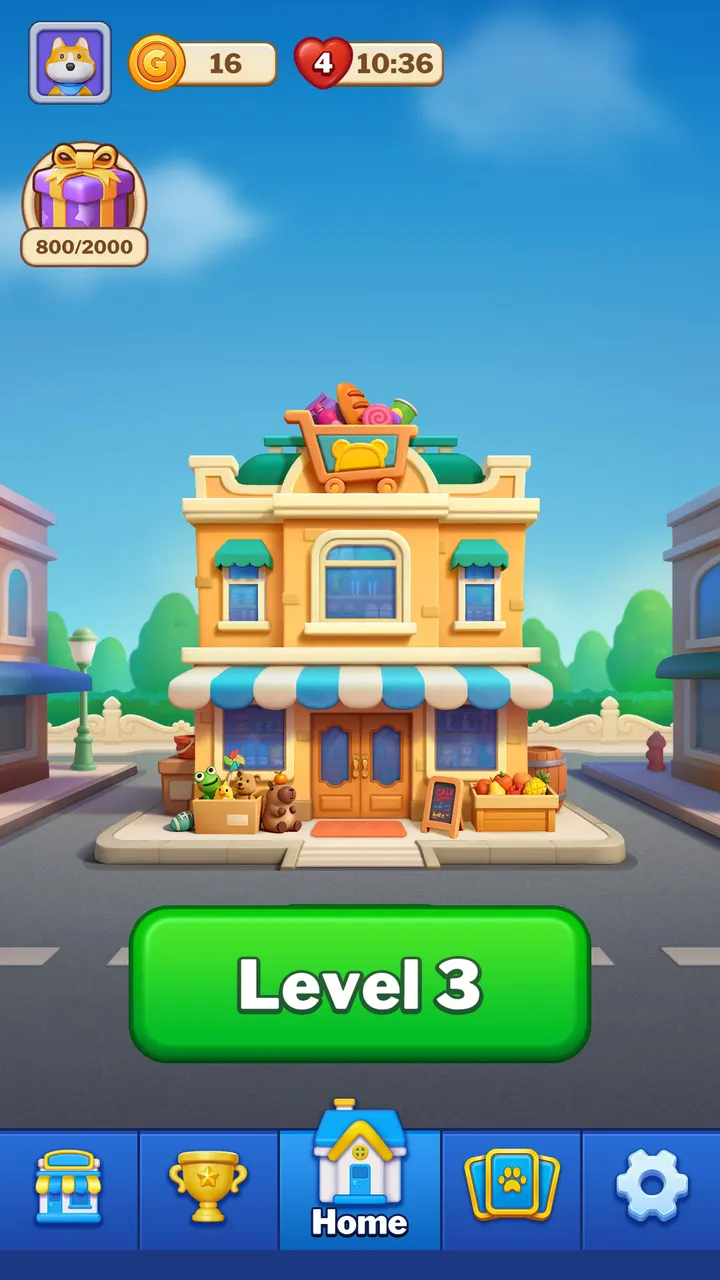
Goods Puzzle has over 10 million installs on Google Play and a 4.9 rating from about 502.5 thousand ratings. It is a free 3D sorting game from Guru Puzzle Game, released on July 15, 2024, and the current version is 4.12.0.
Clearing cluttered shelves against a timer
The game puts you in a shop where shelves are filled with mixed goods. You drag items between shelves and gather three identical ones to clear them, which opens space for the next batch.
Every level runs on a clock. Finish sorting before time runs out and you earn rewards and unlock further levels, so speed matters as much as tidiness.
300 kinds of goods, boosters and shelf layouts
The item set covers 300 types of 3D goods, from snacks and drinks to figurines and everyday household items. Shelf arrangements change from level to level, and the developer describes dozens of distinct setups with varied difficulty.
Boosters help when a level gets tight, and one of them can freeze the timer. Controls are tap and drag only, which keeps the game easy to pick up on a phone. The rating is Everyone, and the tags mark it as a puzzle title.
Check before installing on Android 7.0 or newer
The game needs Android 7.0 or higher. It is free to play but contains ads and in-app purchases, so expect interruptions between levels and offers for extras.
The developer site at goods.gurugame.ai hosts the privacy policy and terms of service, which are worth a look if you care about what data the game collects.
Goods Puzzle pros and cons
Pros
- Free to play with a 4.9 rating on Google Play
- 300 types of 3D goods keep the sorting varied
- Simple tap-and-drag controls
- Boosters include one that freezes time
- Runs on Android 7.0 and newer
Cons
- Contains ads
- In-app purchases are present
- Every level is timed, which may not suit players who want a slower pace
Is Goods Puzzle safe?
Goods Puzzle is distributed through Google Play, and its publisher is Guru Puzzle Game. It is rated Everyone. The game shows ads and sells in-app items, so check purchase settings on shared devices. The privacy policy is published on the developer's website.
How to install Goods Puzzle
- Press the Google Play button on this page.
- Check the listing in the Play Store and press Install.
- Open Goods Puzzle when the install finishes. Updates arrive through Google Play.


