

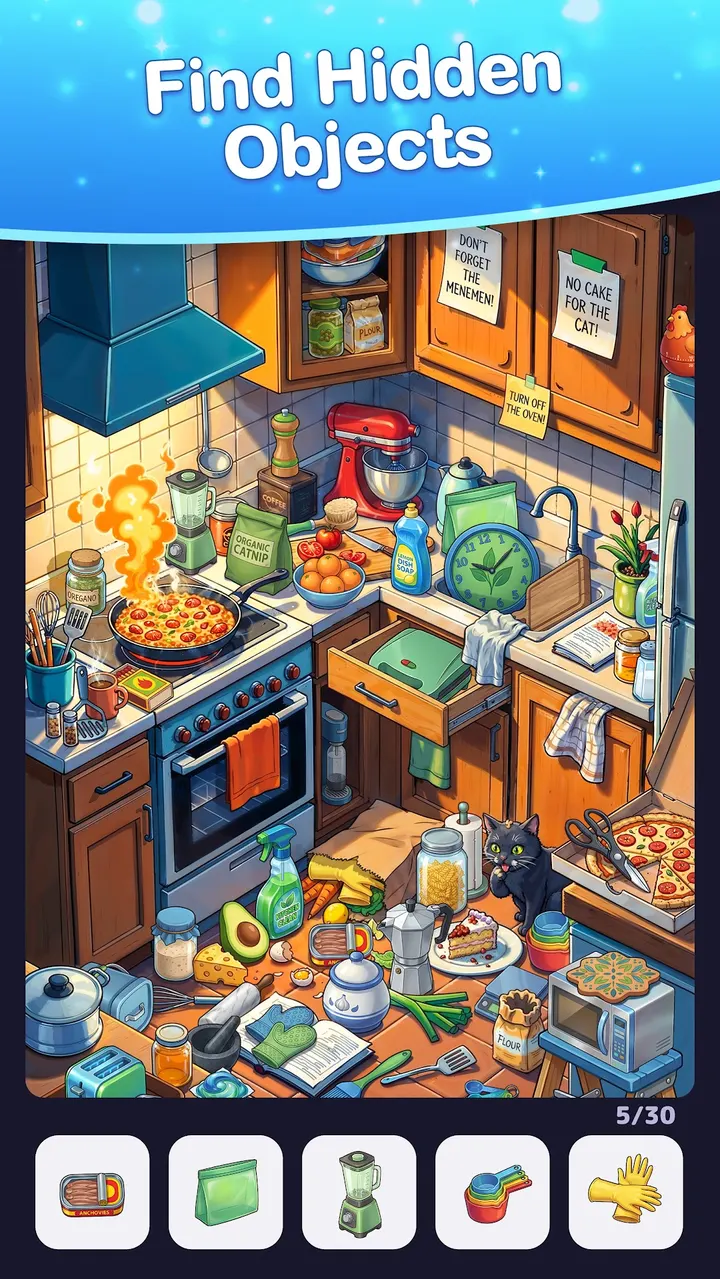



You have ten minutes on a train and want something that asks for attention but not speed. Find Hidden Objects, a free Android puzzle game from Yolo Game Studios, fits that gap. It has over 10 million installs on Google Play and a 4.9 rating from about 438.2 thousand ratings.
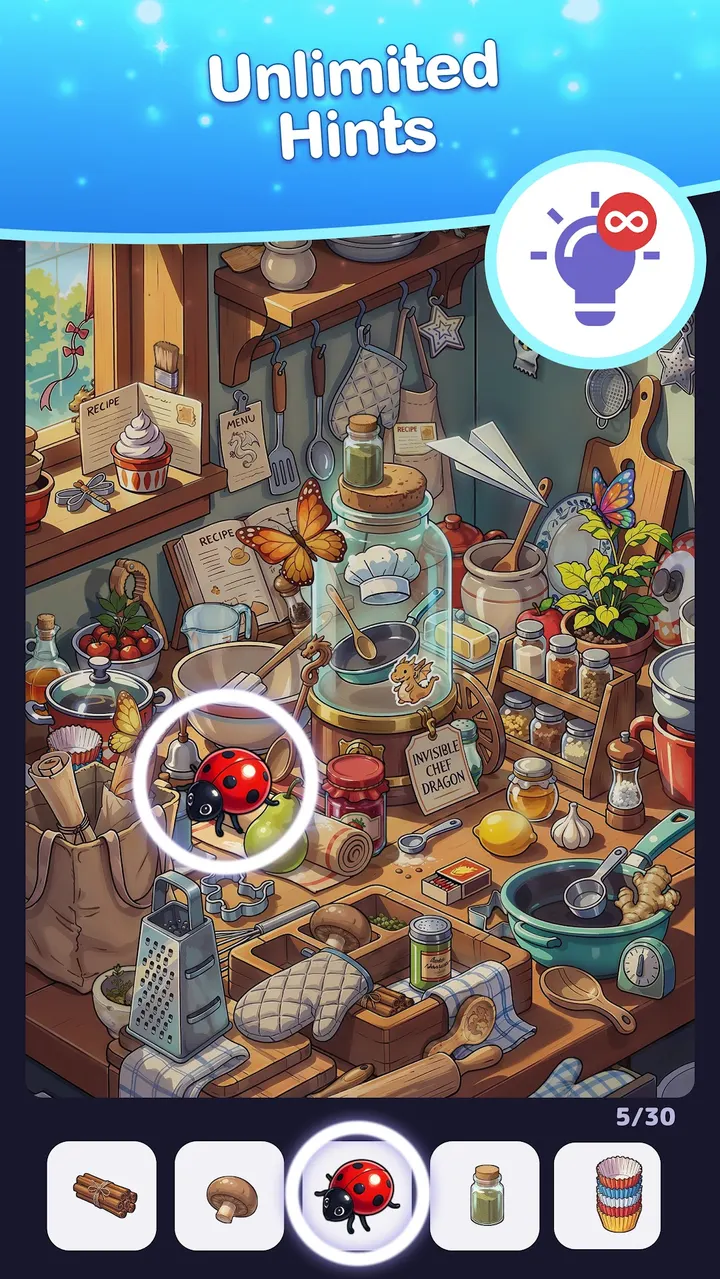
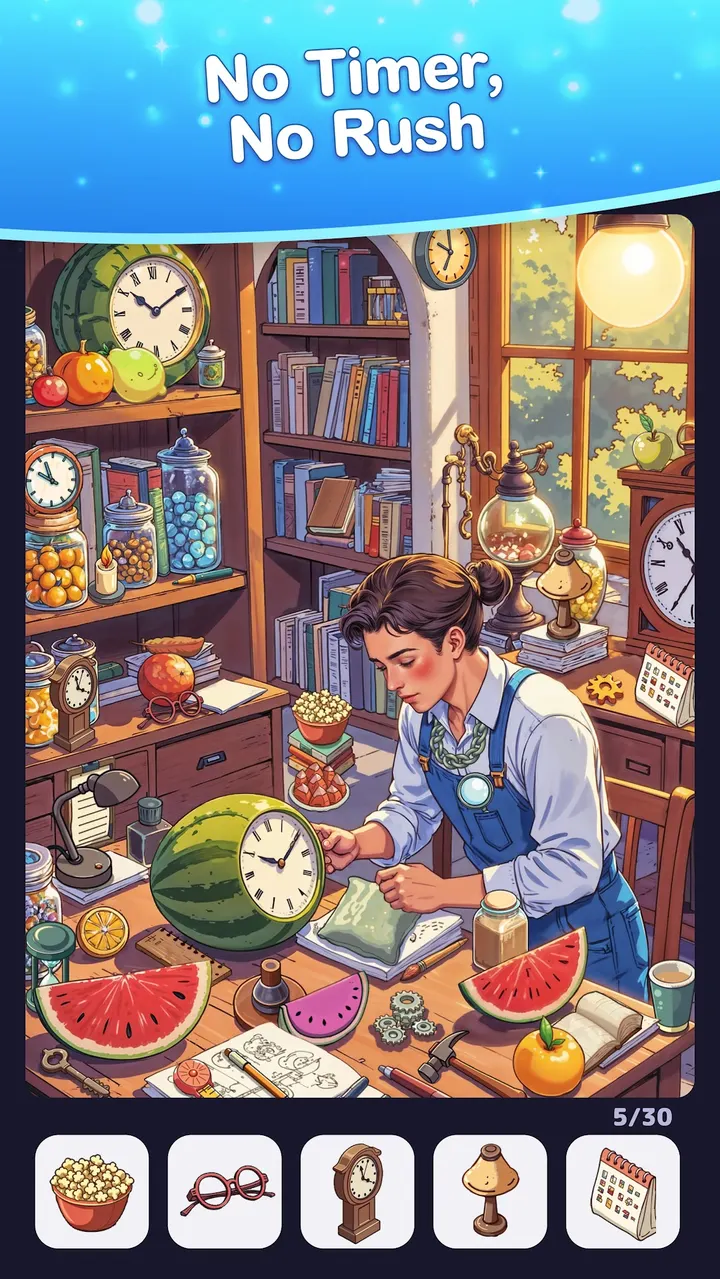
No timers, unlimited hints, and a zoom for small items
The defining choice here is pace. There are no timers, and hints are unlimited, so a stuck level never turns into a fail screen. The game is built around observation rather than reflexes.
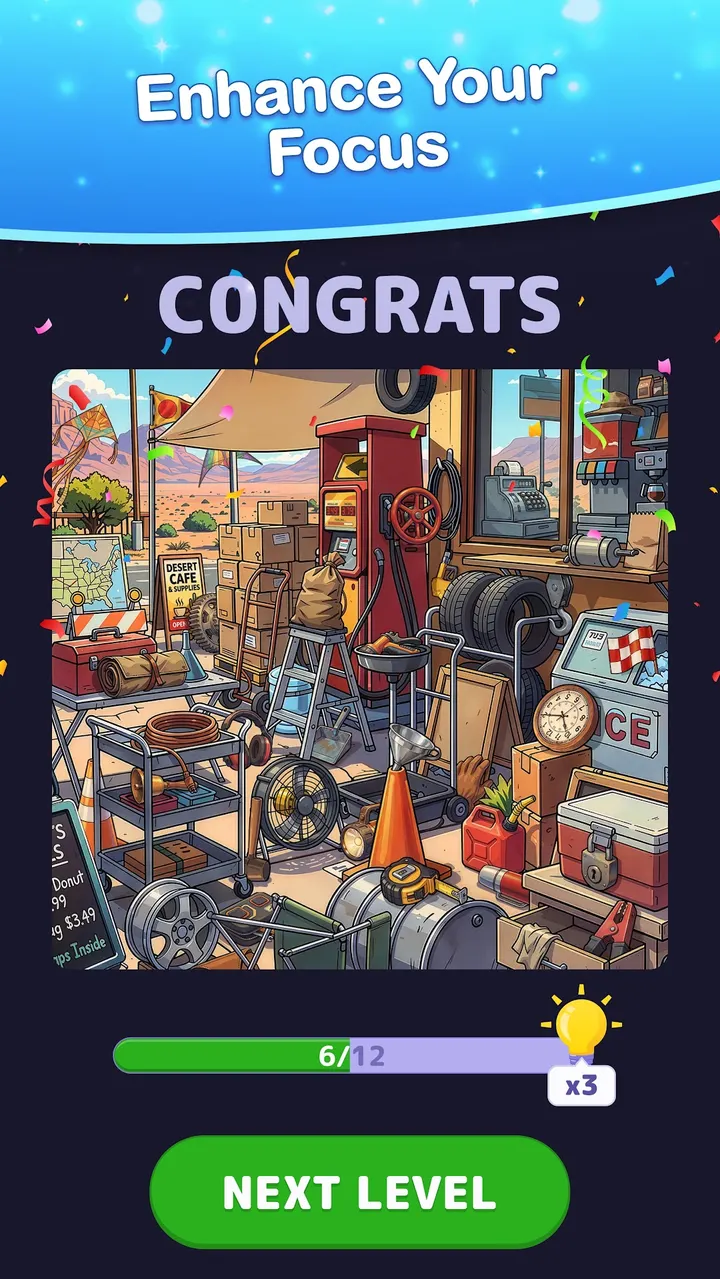
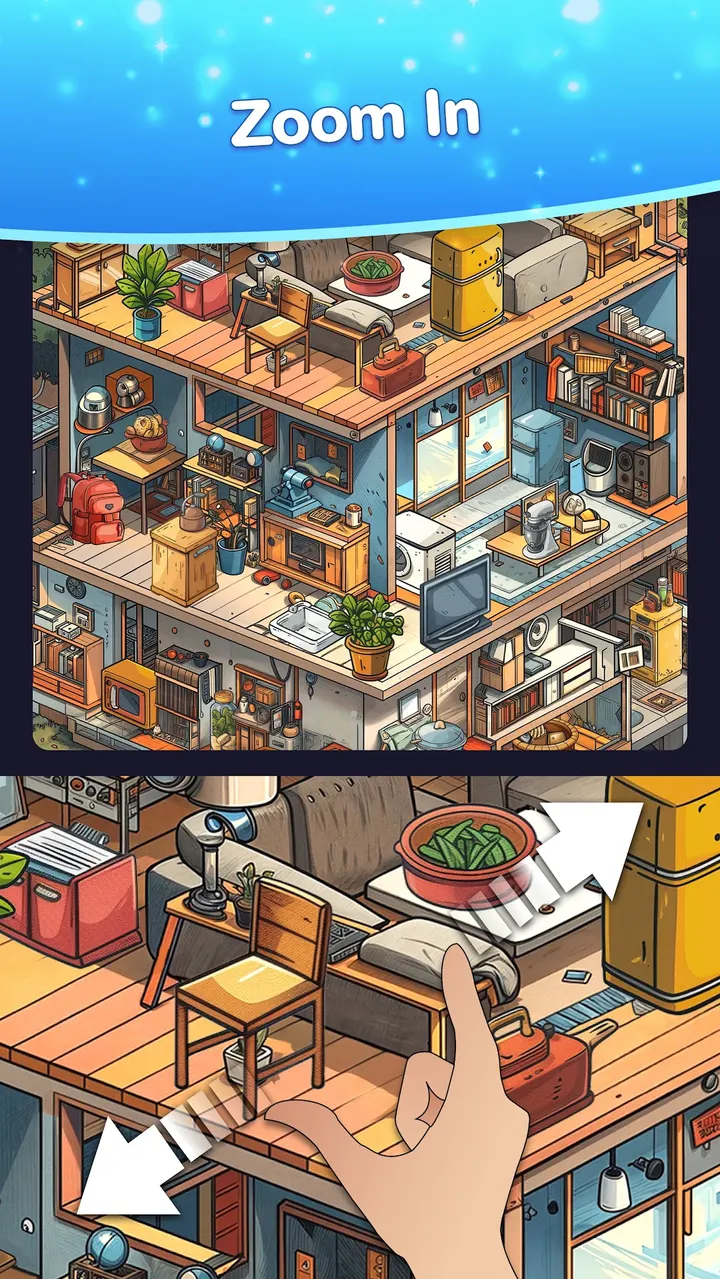
Each level is an HD picture with items to locate. A zoom feature lets you look closer at crowded areas, which matters when the target is tiny. The game is rated Everyone and sits in the puzzle category.
What a typical session looks like
You open a picture, scan it, zoom where needed, and tap the objects you spot. If one refuses to appear, a hint points you to it. Levels range from easy ones to harder puzzles, and the developer adds new levels regularly.
The interface is plain and keeps attention on the image. Eight screenshots on the store page show the picture-first layout. Version 3.49 needs Android 8.0 or newer.
Against Gardenscapes, Royal Kingdom and Geometry Dash Lite
Gardenscapes and Royal Kingdom are listed as alternatives, and they pull you into story or match-style progression. Geometry Dash Lite and Tiles Hop Music & Ball Game lean on rhythm and quick reactions. Find Hidden Objects asks for neither.
It is the calmer pick of the group if you prefer searching a picture at your own speed. Block Craft 3D and Amaze GO! are also listed, and they suit building or maze play more than observation.
Find Hidden Objects pros and cons
Pros
- No timers, so levels can be played at any speed
- Unlimited hints for stuck moments
- Zoom helps with the smallest objects
- Free to install, with a 4.9 rating on Google Play
- Hundreds of levels, with new ones added regularly
Cons
- Contains ads
- Offers in-app purchases
- Focused on one type of puzzle, so variety is limited
Is Find Hidden Objects safe?
The game comes from Google Play, published by Yolo Game Studios under the package com.yolo.hiddenobjects. It is rated Everyone. Ads and in-app purchases are present, so keep an eye on purchase settings on shared devices.
How to install Find Hidden Objects
- Press the Google Play button on this page.
- Check the listing in the Play Store and press Install.
- Open Find Hidden Objects when the install finishes. Updates arrive through Google Play.


