

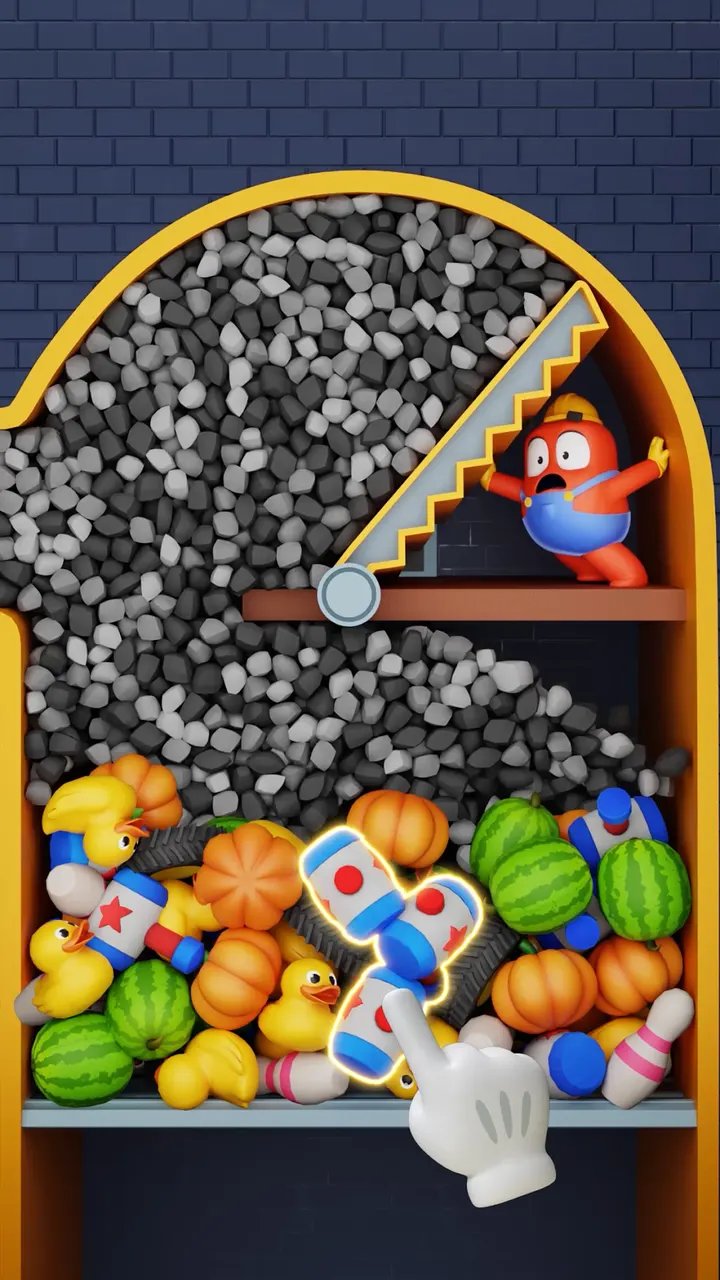
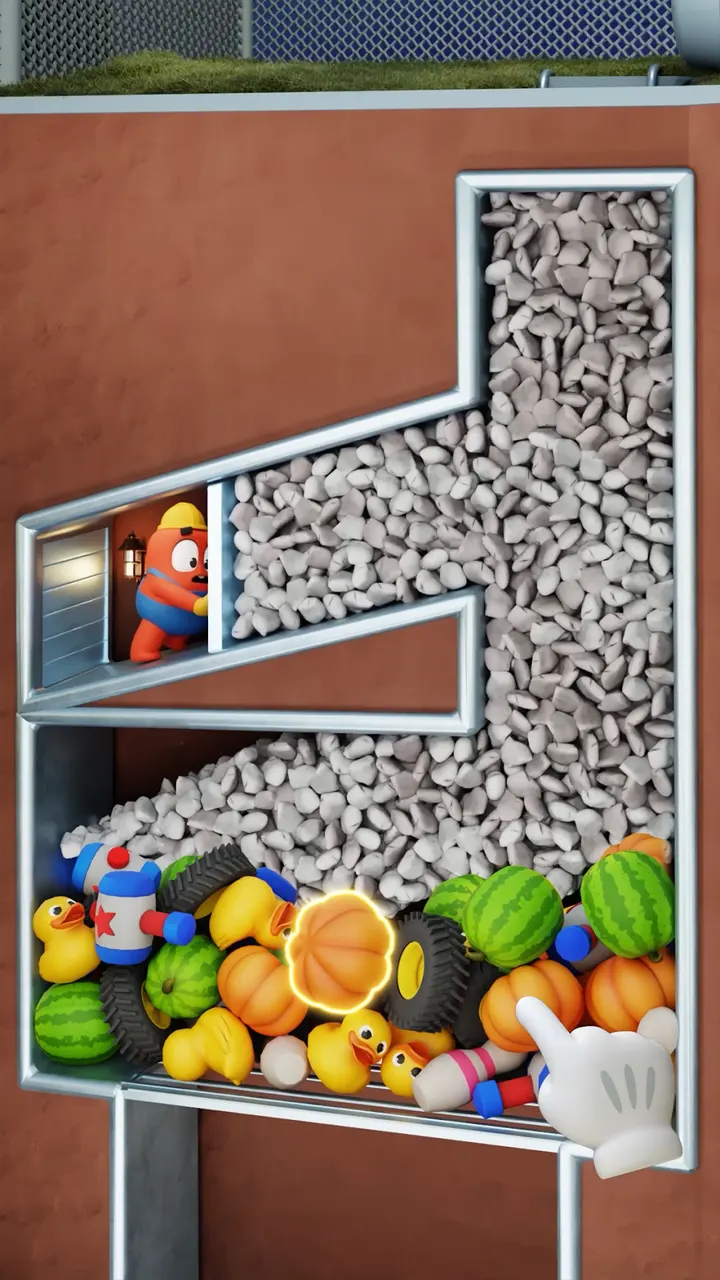
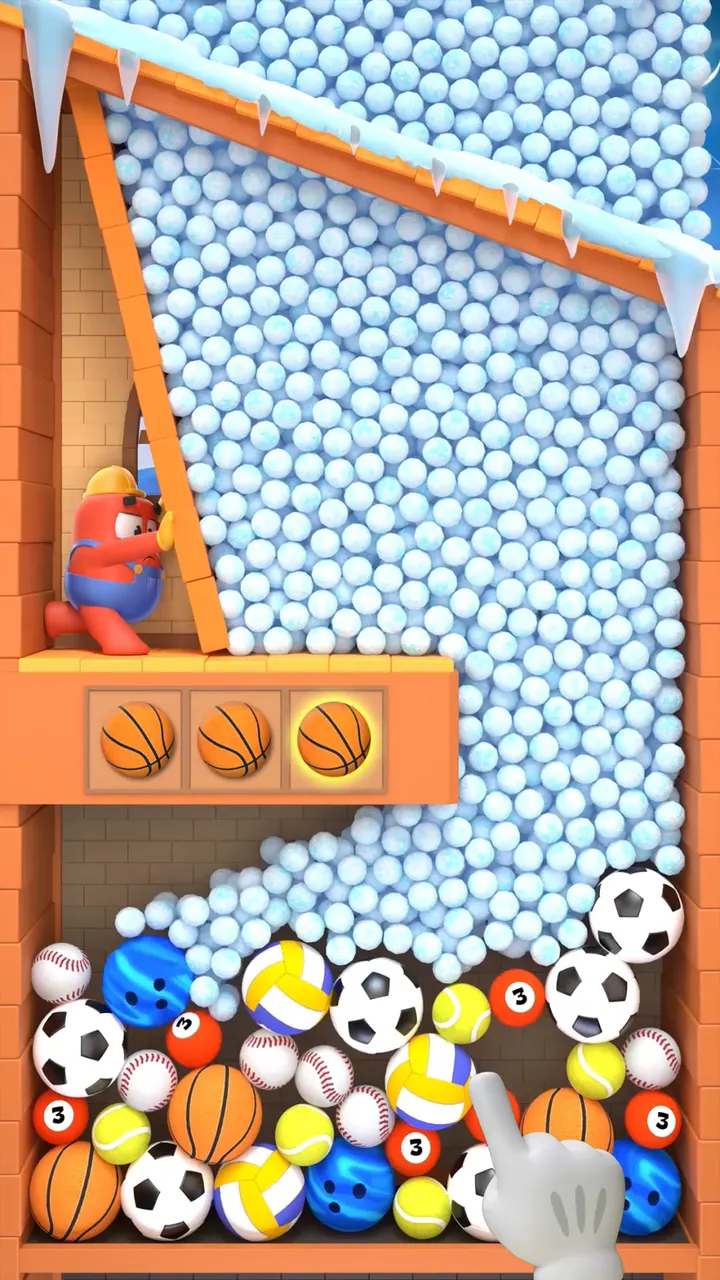
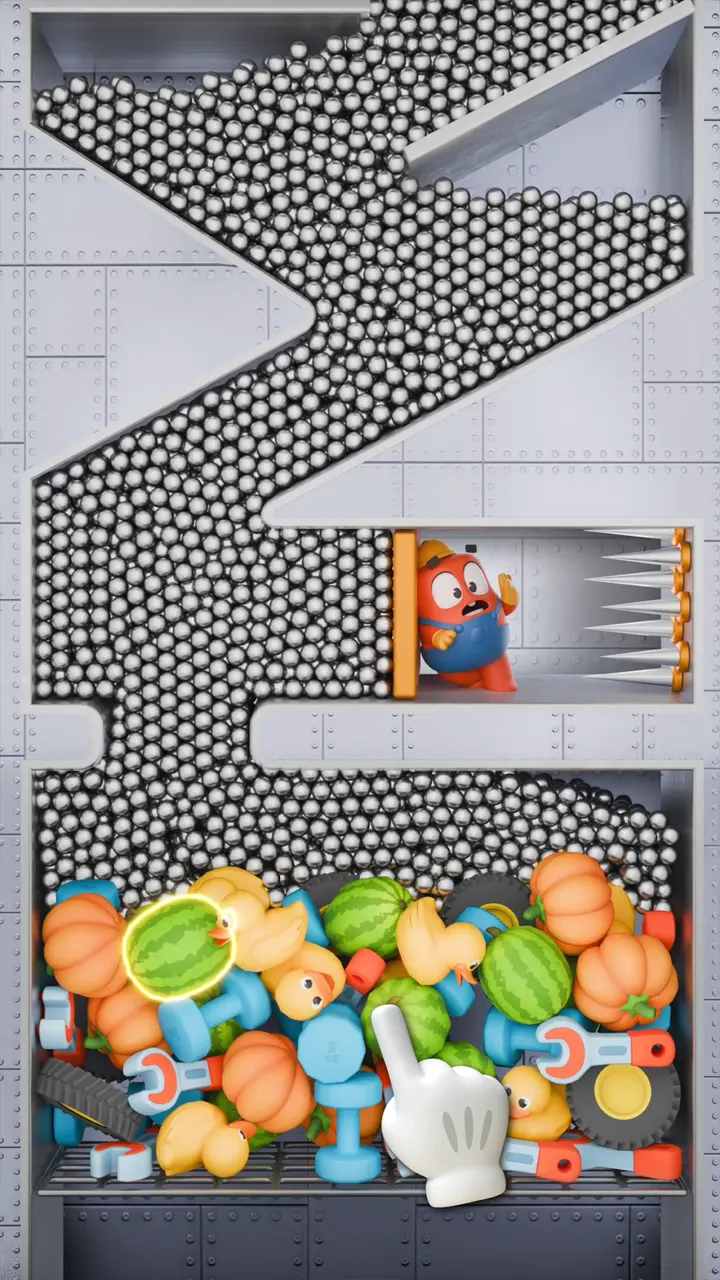
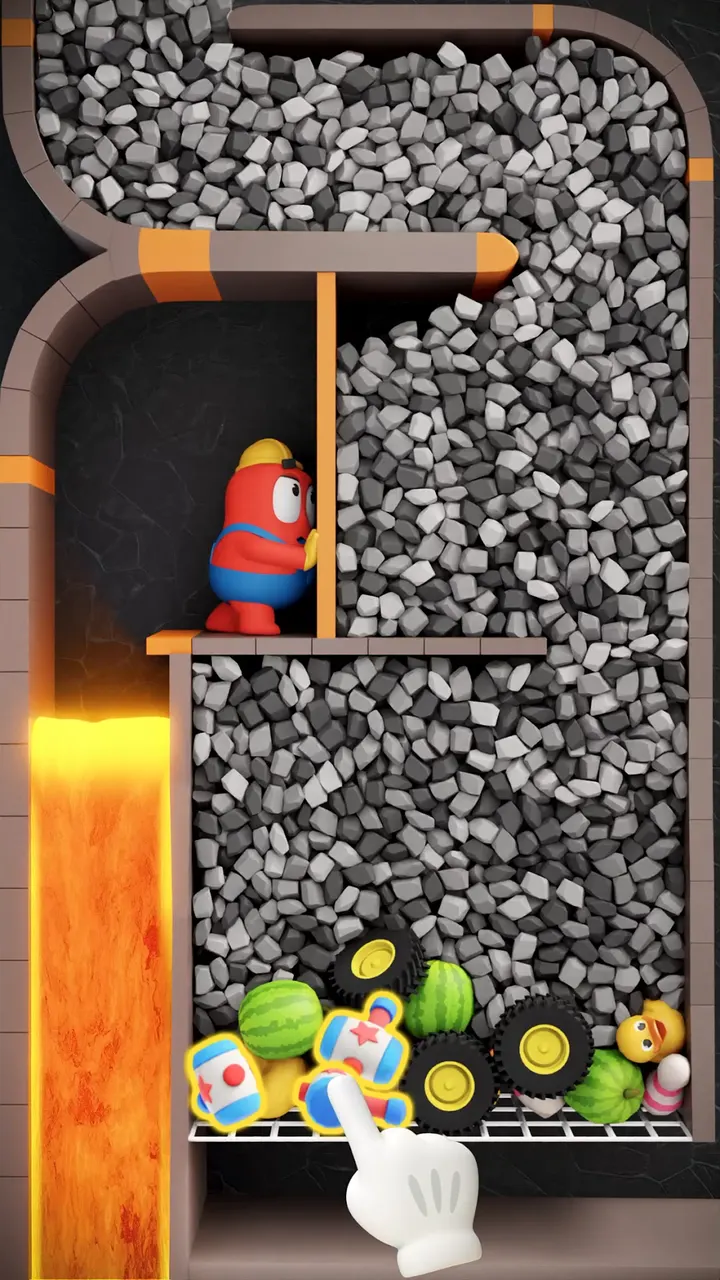
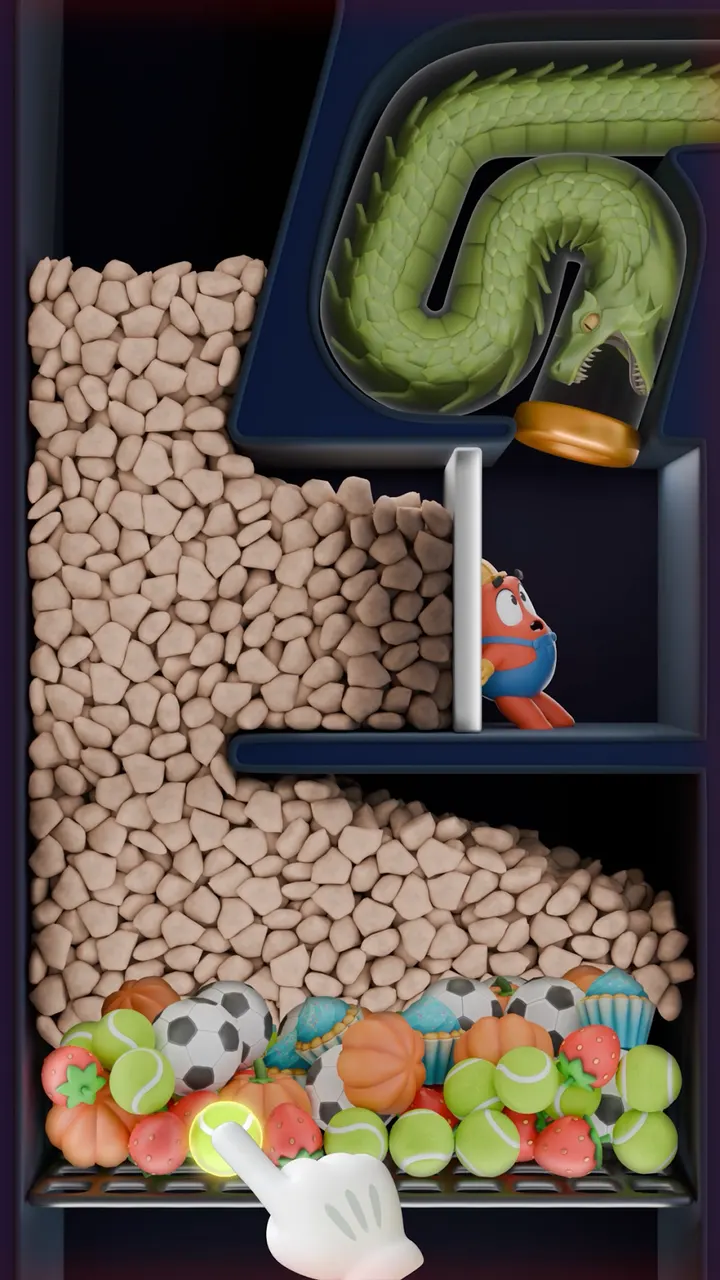
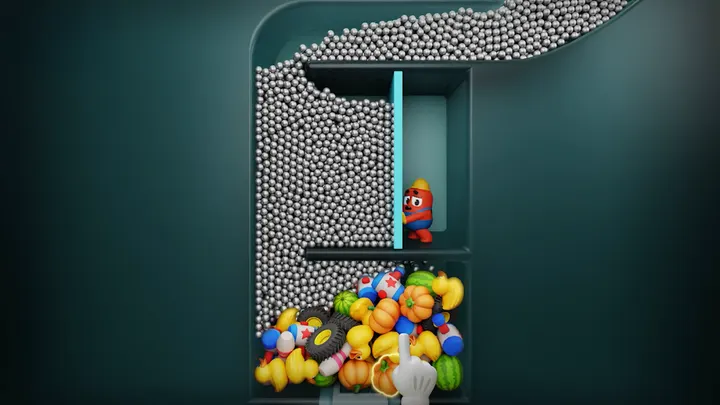
Where Tile Club and Vita Mahjong lean on flat tile layouts, Match Factory! asks you to sort 3D objects and clear them in sets of three. It comes from Peak, the studio behind Toon Blast and Toy Blast. Google Play lists it with over 10 million installs and a 4.7 rating from about 729 thousand ratings.
Free to play, with purchases kept optional
The game is free to download and carries no ads. Money only comes in through optional in-app purchases, which you can switch off in your phone or tablet settings. Those purchases need an internet connection, but the levels themselves run online or offline.
Players must be at least 13, or older where local rules require it, though the content rating is Everyone.
Timed levels, boosters and objects to sort
Each level is a pile of 3D items such as fruit, candy and cake. You match identical pieces until the screen is empty. A timer runs on every level, so speed counts as much as planning.
When a board gets tight, boosters help you out of a jam. Clearing levels unlocks more object types, which keeps the piles varied.
The tone is relaxed rather than competitive, and eight screenshots on the store page show the bright, toy-like look.
Version 1.80.66 and ongoing updates
The current build is 1.80.66, last updated on October 30, 2026. The game first appeared on December 20, 2023, so it has been maintained for a good while. It requires Android 7.1 or newer, which covers most older phones.
Match Factory! pros and cons
Pros
- No ads, even though the game is free
- Works offline, so levels can be played without Wi-Fi
- Rated 4.7 on Google Play across about 729 thousand ratings
- Boosters help when a level gets stuck
- Runs on Android 7.1 and up
Cons
- Optional in-app purchases are present
- Every level is timed, which may not suit slow, relaxed play
- Purchases need an internet connection
Is Match Factory! safe?
Match Factory! is published by Peak and distributed through Google Play, where it has over 10 million installs. It has no ads and the content rating is Everyone. In-app purchases can be disabled in your device settings if you want to avoid spending.
How to install Match Factory!
- Press the Google Play button on this page.
- Check the listing in the Play Store and press Install.
- Open Match Factory! when the install finishes. Updates arrive through Google Play.


