

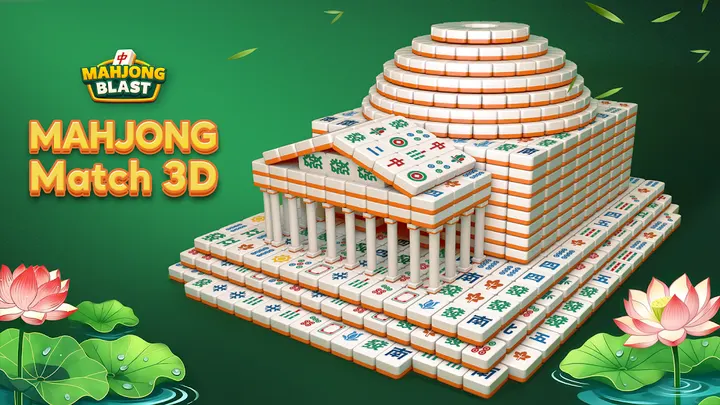
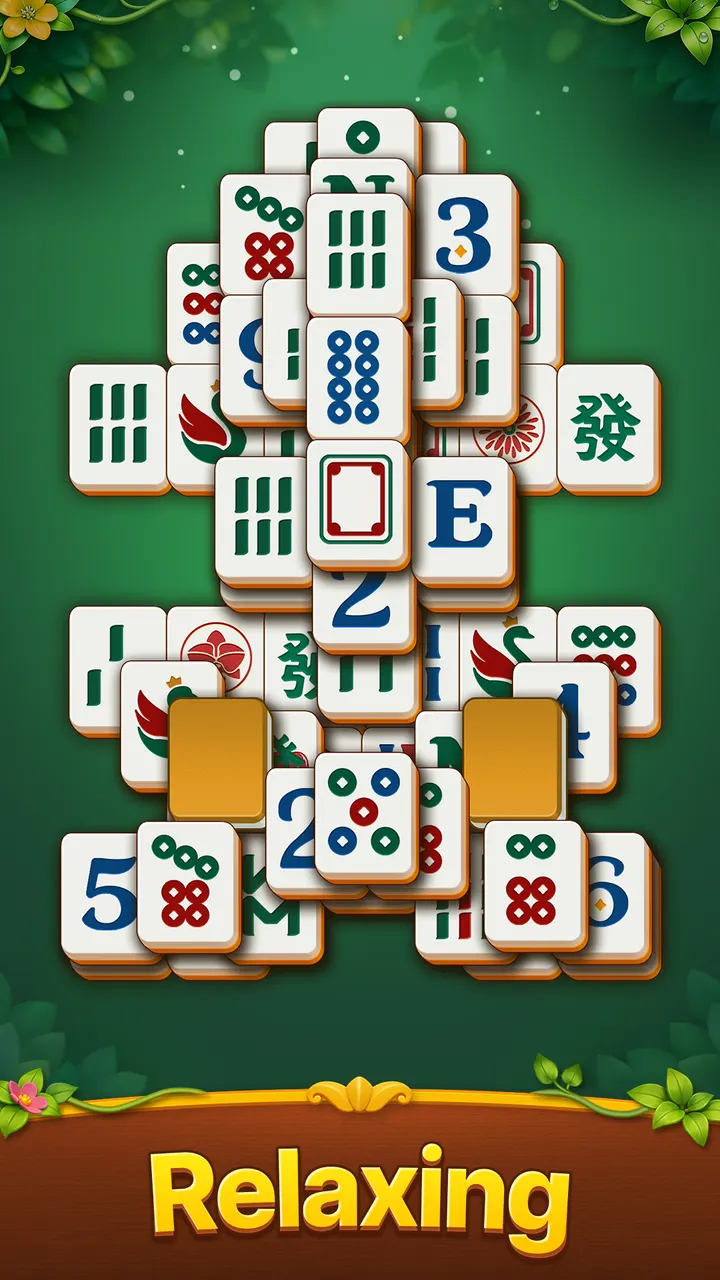
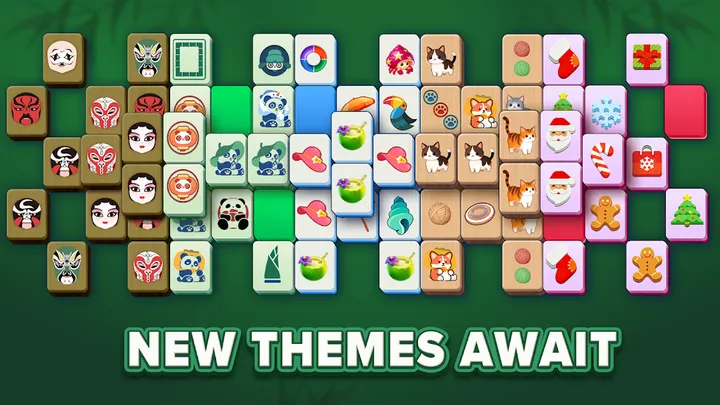
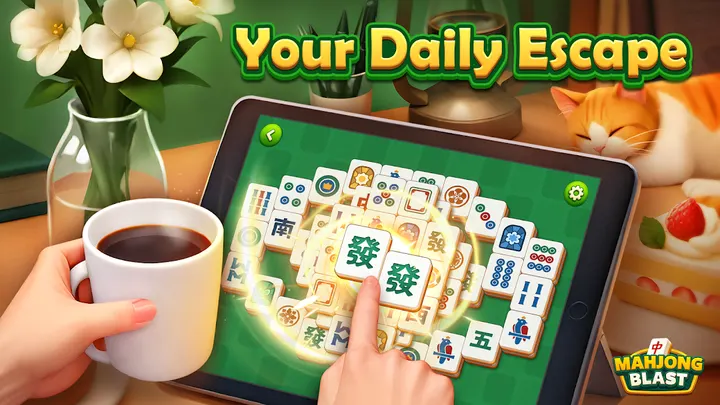

Mahjong Blast is for people who enjoy slow, low-pressure puzzles and want classic mahjong solitaire on an Android phone. It comes from Nebula Studio, is free to install, and is rated Everyone. There is no timer, so boards are cleared at your own pace. This page covers what the game offers, where its claims need a closer look, and who may prefer something else.
First steps after installing Mahjong Blast
Mahjong Blast runs on Android 7.1 or newer, so check your version first.
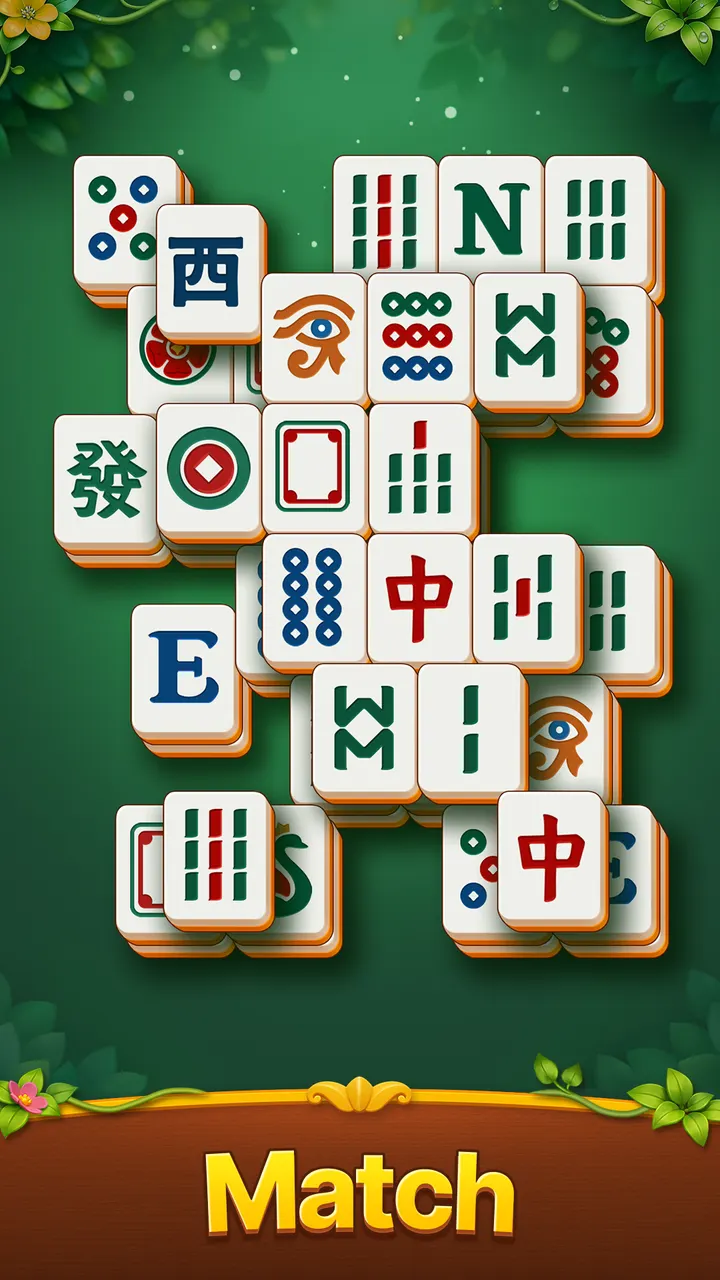
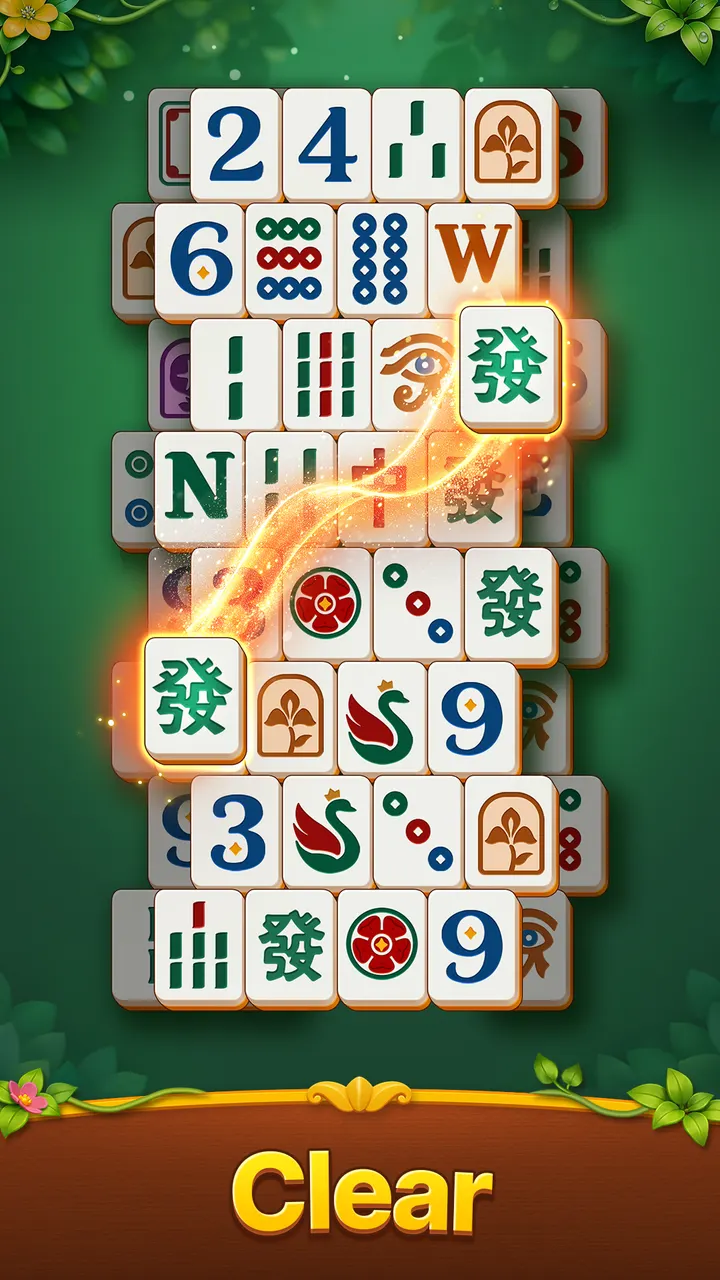
The rules follow traditional mahjong solitaire. Find two free tiles that match, remove the pair, and keep going until the layout is clear. There is no timer, so the first boards work as a gentle way to learn.
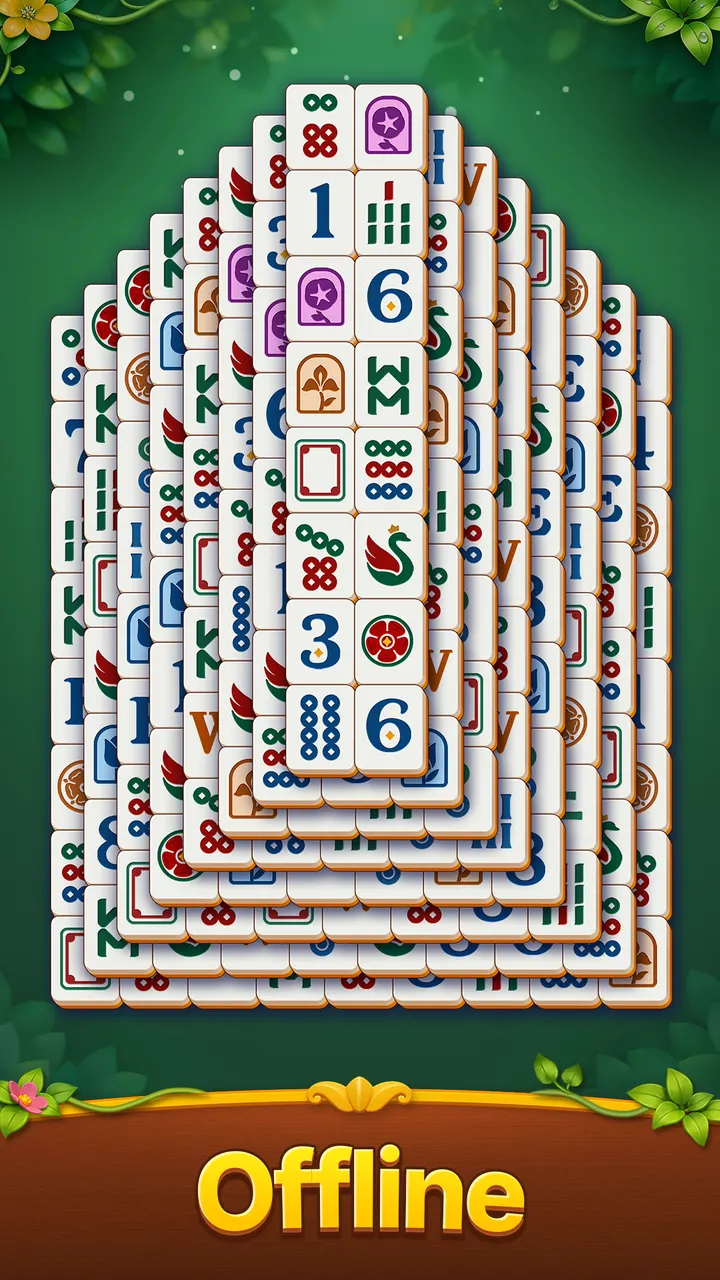
The developer describes hundreds of levels, from quick 5-minute breaks to longer sessions. Daily challenges add fresh layouts inspired by American Mahjong, a sensible next step once pair-matching feels automatic.
Timer-free play and large tiles for slower sessions
The main appeal is the absence of pressure. The developer describes the game as timer-free and says it rewards planning over quick reflexes. If you like to study a board before touching it, that fits the design.
Tile size is the other point the developer stresses. It talks about large tiles, clear layouts and simple controls, and says these make the game comfortable for seniors and adults.
The volume of content is also worth noting. Hundreds of progressive levels give a long runway, and the daily boards add variety. Google Play shows a 4.8 rating across roughly 2.6 million ratings, which points to broad approval.
The game was first released on June 22, 2025. The current version is 3.1.7, updated on November 3, 2026, so it has seen recent maintenance.
When Vita Mahjong, Tile Club or Tile Park fit better
The developer calls the game ad-free, yet Google Play lists ads and in-app purchases. Treat the ad-free claim with caution. If you want a guarantee of no interruptions, check the Google Play listing and the in-app experience yourself.
People who want more than mahjong pair-matching might look at the alternatives in the catalog: Vita Mahjong, Tile Club and Tile Park. The choice rests on your own taste after trying a few boards.
An alternative also makes sense if you want fast, timed play. Mahjong Blast is built around a calm pace, and the developer says it avoids time pressure. Players who prefer competition or countdowns will probably find it too gentle.
Mahjong Blast pros and cons
Pros
- Free to install on Google Play
- Timer-free rules suit relaxed, thoughtful play
- Large tiles and simple controls are aimed at older adults
- Hundreds of levels plus daily challenges with new layouts
- Rated 4.8 on Google Play by about 2.6 million people
Cons
- Google Play lists ads, which contradicts the developer's ad-free claim
- In-app purchases are present
- Needs Android 7.1 or newer
- Recent updates are not documented in release notes
Is Mahjong Blast safe?
The package ID is com.nebula.mahjongtile and the publisher is Nebula Studio, with a website at hurelax.com. The content rating is Everyone. No permissions list is given here, so check the details on the Google Play page and install from there.
How to install Mahjong Blast
- Press the Google Play button on this page.
- Check the listing in the Play Store and press Install.
- Open Mahjong Blast when the install finishes. Updates arrive through Google Play.


