

Melon Sandbox suits teens and older players who like to experiment with physics and build their own scenarios rather than follow a set story. It is a free Android game from playducky.com, listed in the open-world category and rated Teen. Version 38.666.2 was updated on November 5, 2026.
First steps after installing Melon Sandbox
The game needs Android 7.1 or newer, so most phones from recent years will run it. Install it from Google Play under the package name com.studio27.MelonPlayground.
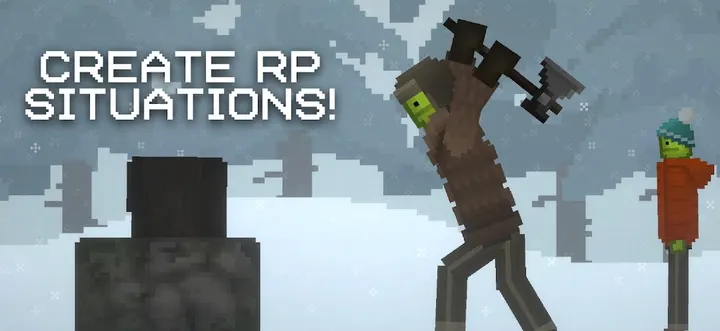
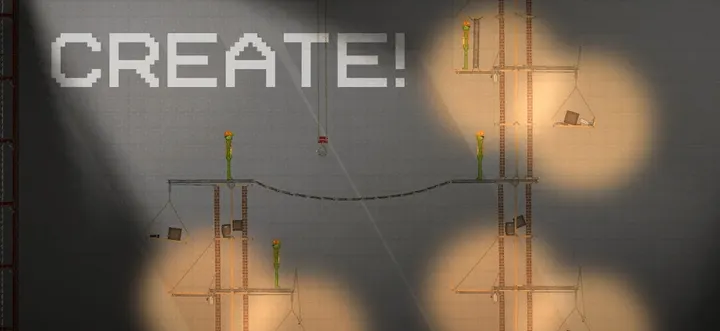
There is no campaign to work through. You open a map, pick items and start setting up a scene. The core idea is a simple sandbox where you create your own scenarios, so the first session is mostly trying out what the tools do.
Ragdoll physics and a large toolbox
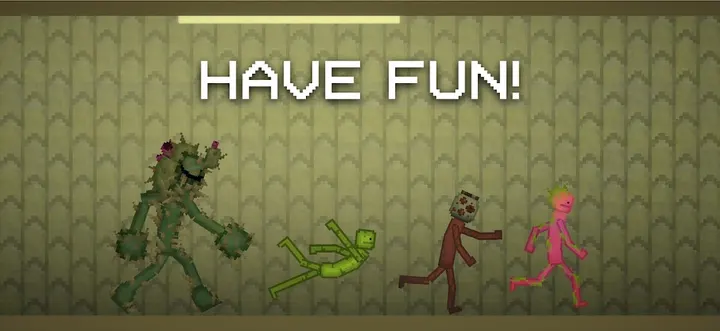
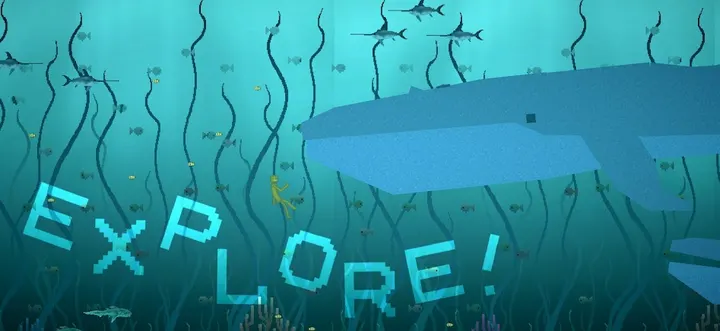
The main draw is ragdoll physics. You can throw, smash and test how objects react to each other, using firearms, melee weapons, explosives and vehicles. Custom devices add more ways to cause damage, and several maps give you room to build a play area.
Players have responded strongly. Google Play shows a 4.7 rating from about 1.4 million ratings, and the game has passed 100 million installs there. It first came out on December 22, 2022, and is still being updated.
Who should pick Roblox or Sky instead
The violence is the whole point here, and the Teen rating reflects it. If you want a gentler or more social game, Roblox or Sky are the alternatives to look at.
The game also carries ads and in-app purchases. Players who dislike either may prefer something with a different setup.
Melon Sandbox pros and cons
Pros
- Free to download on Google Play
- Ragdoll physics with weapons, explosives and vehicles
- Rated 4.7 on Google Play by about 1.4 million people
- Runs on Android 7.1 and newer
- Open-ended play with no fixed rules or story
Cons
- Contains ads
- Offers in-app purchases
- Rated Teen, with violence at the center of play
- No set goals, which may bore players who want structure
Is Melon Sandbox safe?
Melon Sandbox is distributed through Google Play, where it is published by playducky.com. The developer's site is melonsandbox.com. The game carries a Teen content rating, and it shows ads and sells in-app purchases, so parents may want to check purchase settings on the device.
How to install Melon Sandbox
- Press the Google Play button on this page.
- Check the listing in the Play Store and press Install.
- Open Melon Sandbox when the install finishes. Updates arrive through Google Play.