
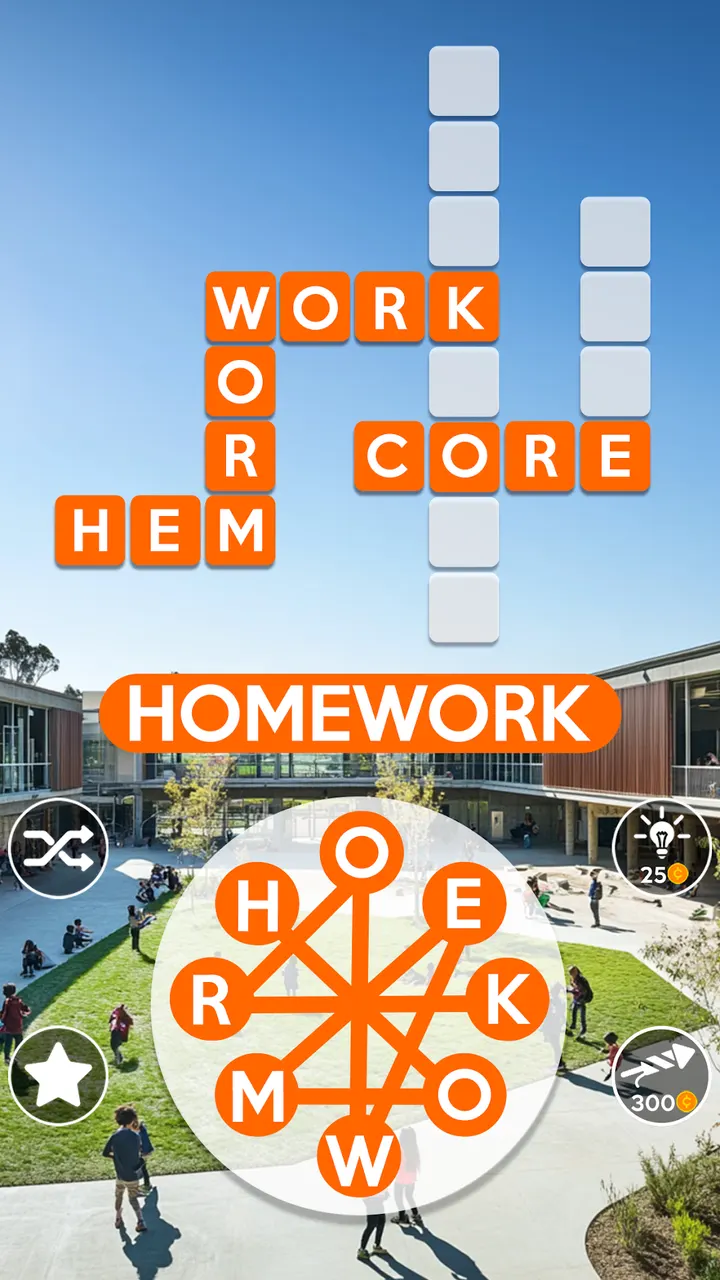
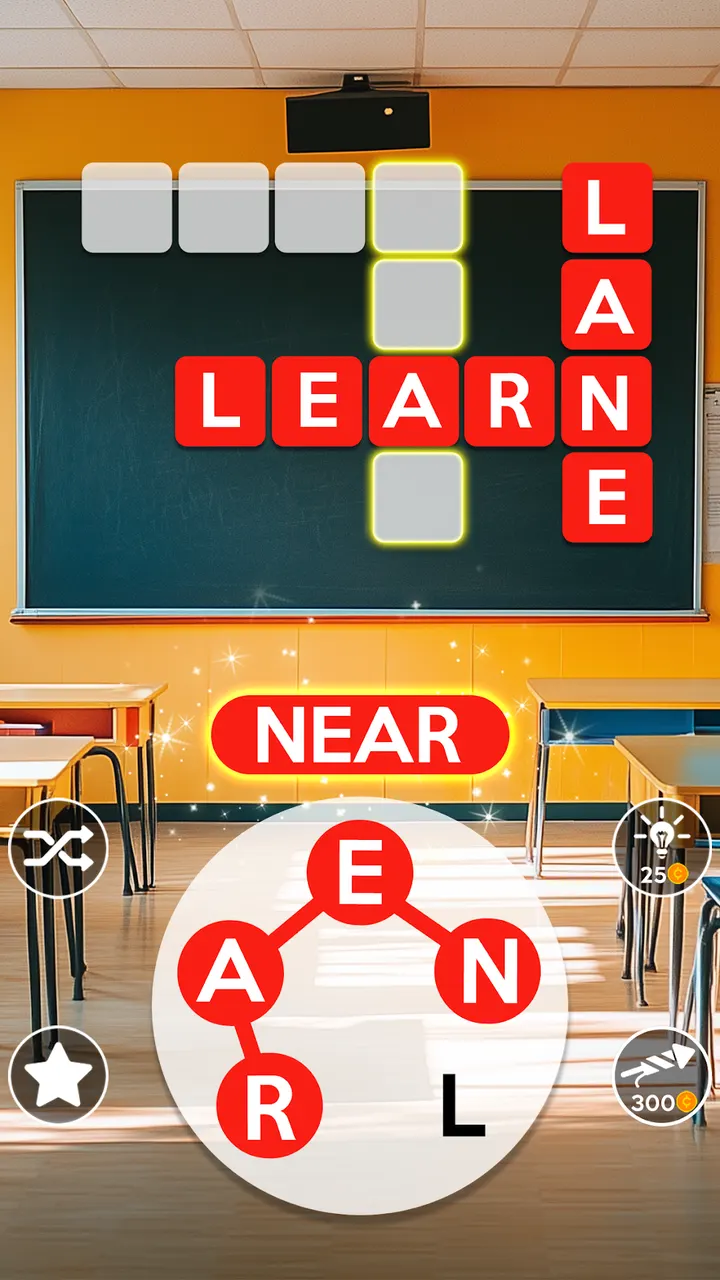
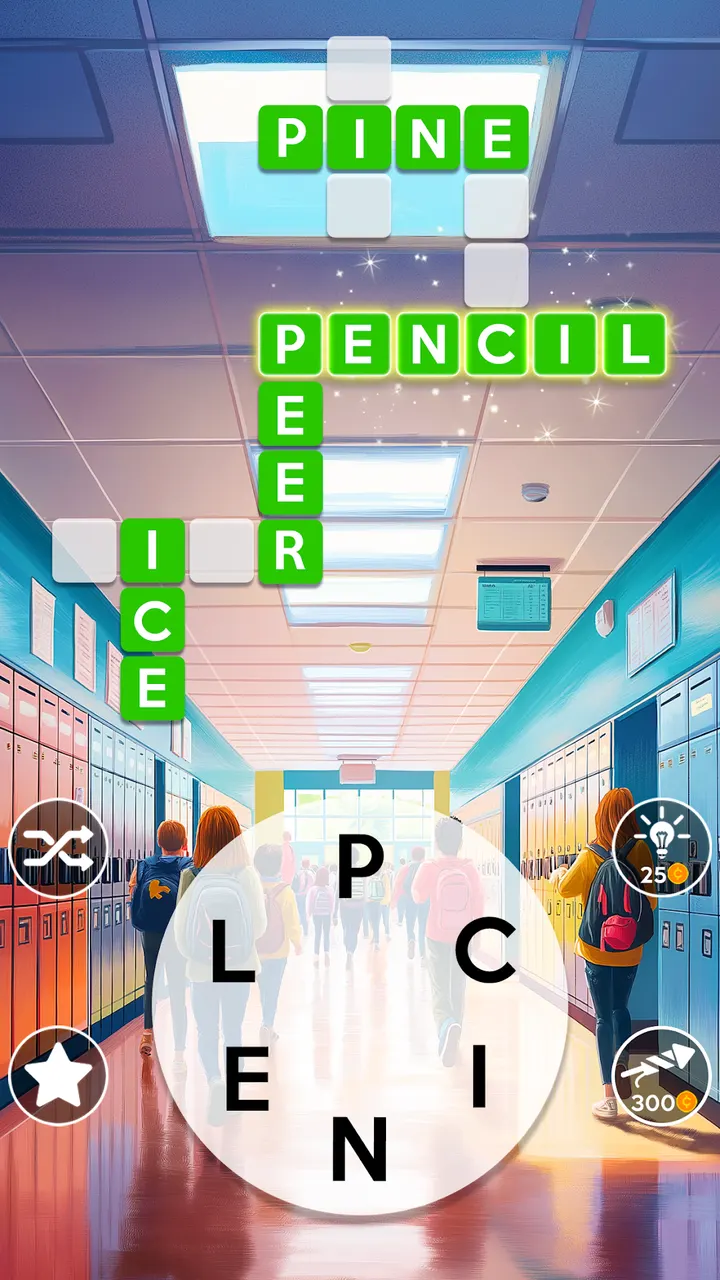
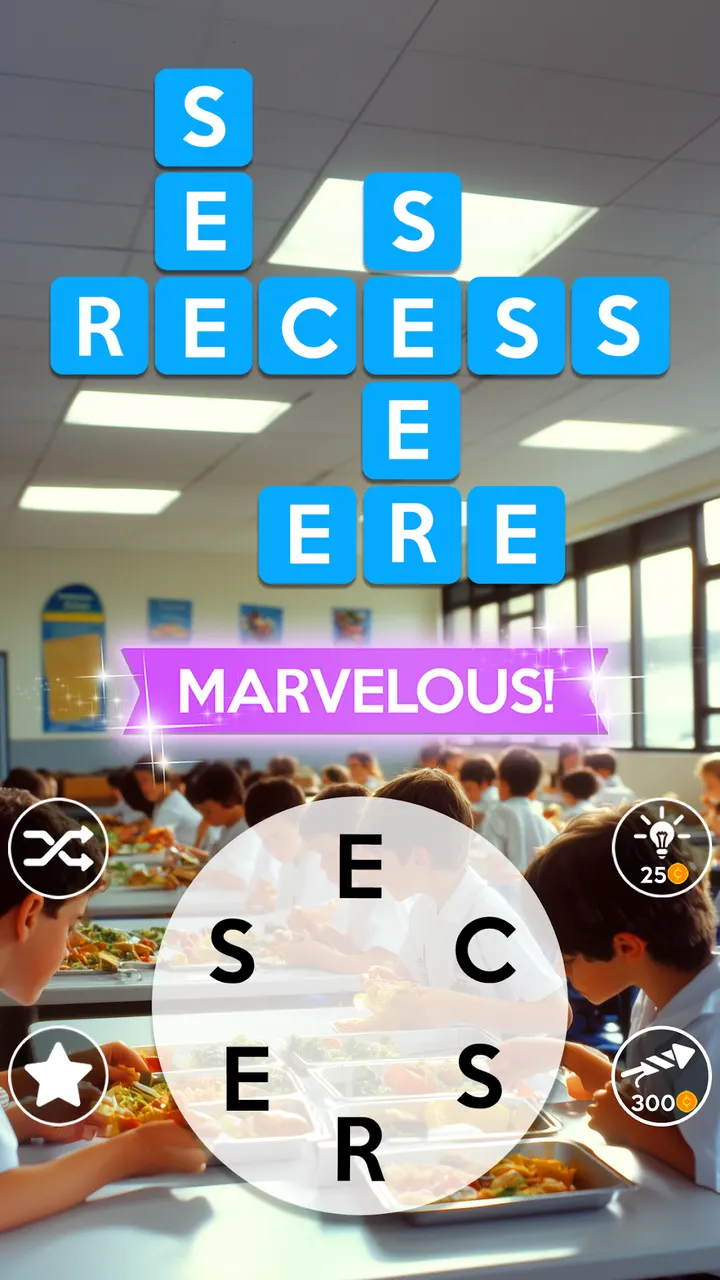
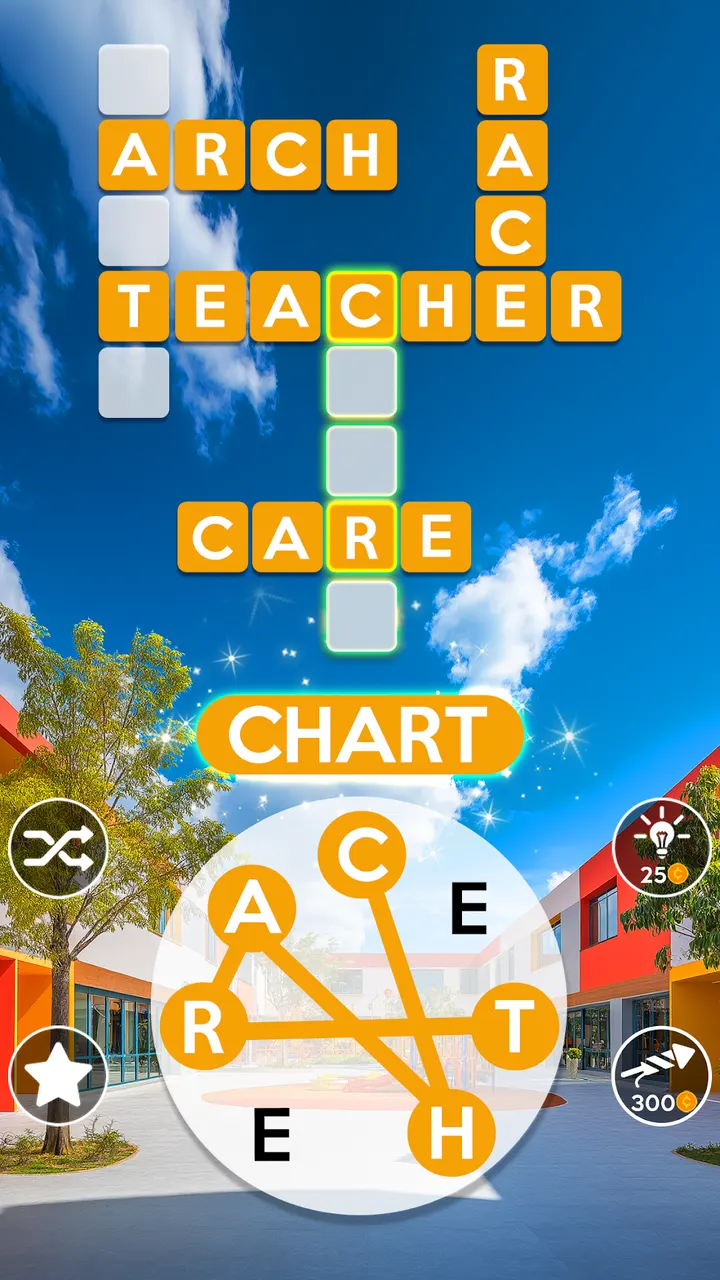
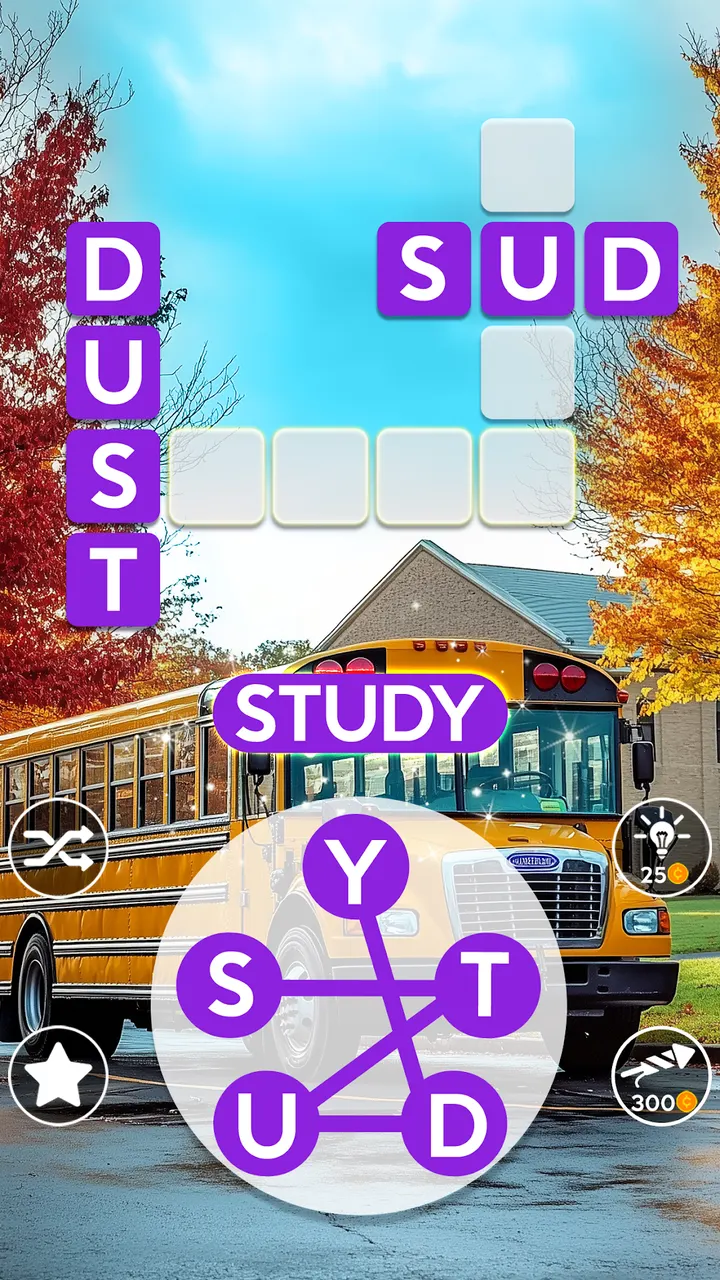
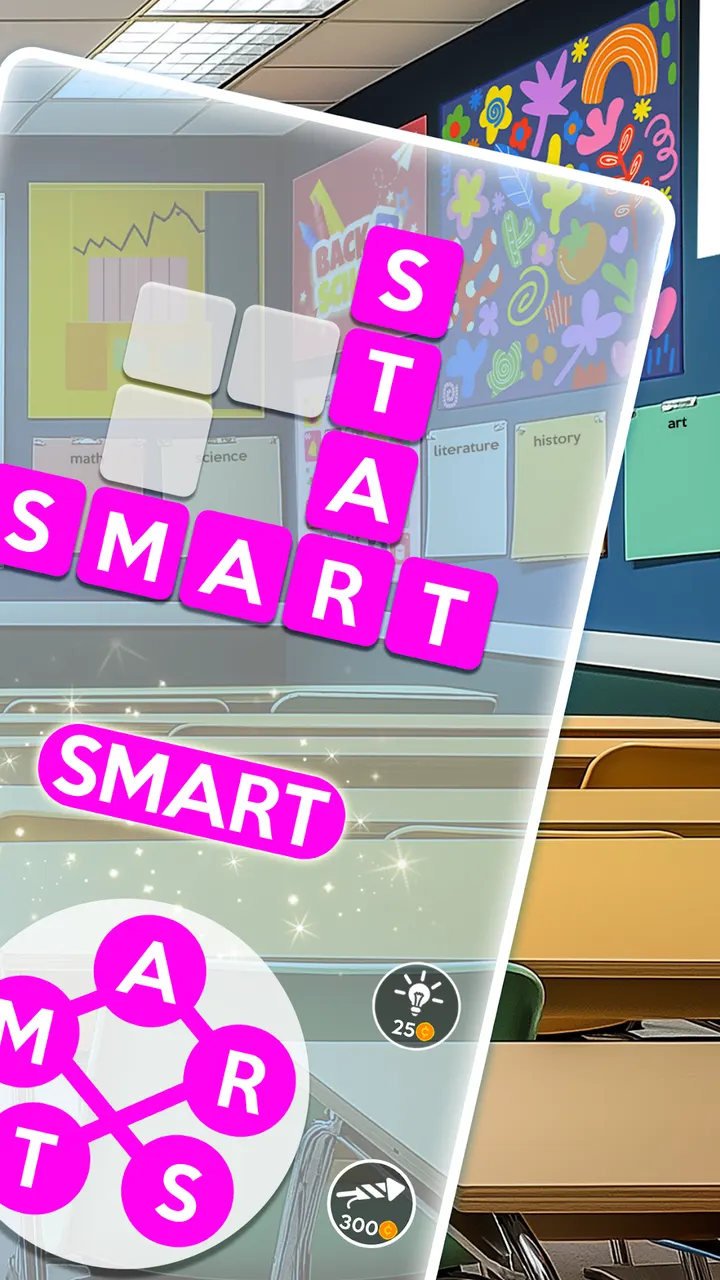
A ten-minute gap on a commute is enough for a few rounds of Wordscapes, where you swipe across a ring of letters to fill a crossword grid. PeopleFun released the game on June 13, 2017, and Google Play now lists over 100 million installs. This page covers who it suits, how it plays and what it costs.
Who the letter-wheel puzzles suit
Wordscapes suits anyone who enjoys crosswords, anagrams and word-search style puzzles. You connect letters to find hidden words against landscape backgrounds, and the idea is to relax your brain rather than race a clock.
The content rating is Everyone. The game needs Android 7.1 or newer.
Connecting letters across 6,000 crosswords
Each level gives you a set of letters. You connect them to spell the hidden words in a crossword layout, and the puzzles start easy and get hard quickly. There are over 6,000 crossword puzzles in total.
The game is available in 5 languages: English, Spanish, German, French and Portuguese. That helps if you want to practice vocabulary in a second language.
The visual hook is the scenery. Levels sit on landscape backgrounds that you unlock as you progress. The developer says over 10 million people keep playing, though that figure comes from the publisher and not from Google Play.
Ads, purchases and what to check before you spend
Wordscapes costs nothing to start, but it shows ads and offers in-app purchases. Check the store page for what is sold and at what price before spending.
The game first appeared in 2017, and the current version is 3.14.20. It is now playable in English, Spanish, German, French and Portuguese.
Wordscapes pros and cons
Pros
- Rated 4.7 on Google Play from about 1.4 million ratings
- Free to install, with over 100 million installs on Google Play
- Unlimited tries on each level, so there is no penalty for mistakes
- Available in 5 languages, including Spanish, German, French and Portuguese
- Over 6,000 crossword puzzles with landscape backgrounds
Cons
- Contains ads
- Includes in-app purchases, so check the store page for prices
- Ads appear alongside the free play
- Difficulty rises quickly, according to the store description
Is Wordscapes safe?
Get Wordscapes from Google Play, where PeopleFun publishes it. The developer also has a site at peoplefun.com. The app is rated Everyone. Before installing, read the permissions and privacy details on its Google Play page, since no independent security review was available to us.
How to install Wordscapes
- Press the Google Play button on this page.
- Check the listing in the Play Store and press Install.
- Open Wordscapes when the install finishes. Updates arrive through Google Play.


