
Minecraft Trial is Mojang's free, time-limited survival demo for people who want to try the sandbox on a phone before buying the full game. Install it from Google Play. The current version is 1.26.60.4, updated on October 21, 2026.
First steps after installing the survival trial
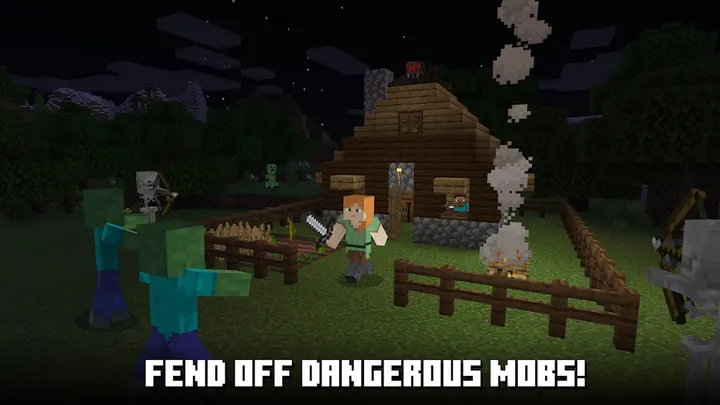
The trial needs Android 8.0 or newer and uses the package ID com.mojang.minecrafttrialpe. Once it opens, you play in survival mode. That means crafting weapons and armor and fending off dangerous mobs while you build a shelter.
The time limit is the main thing to plan around. Trial worlds do not transfer to the full game, so anything you build here stays here. Treat the first session as a test of controls and performance rather than a project to keep.
What the demo does well: free, ad-free, and rated 4.1
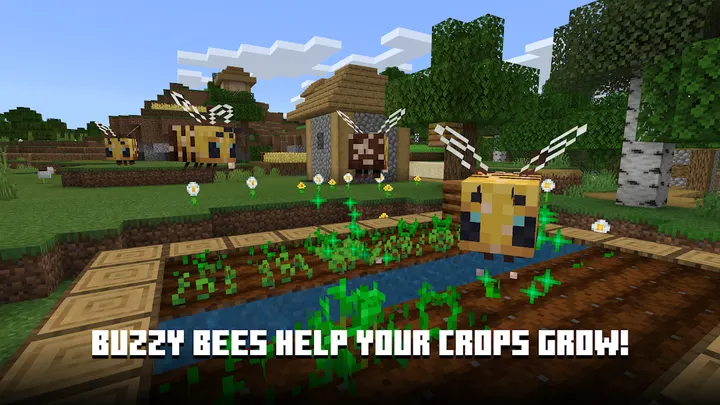
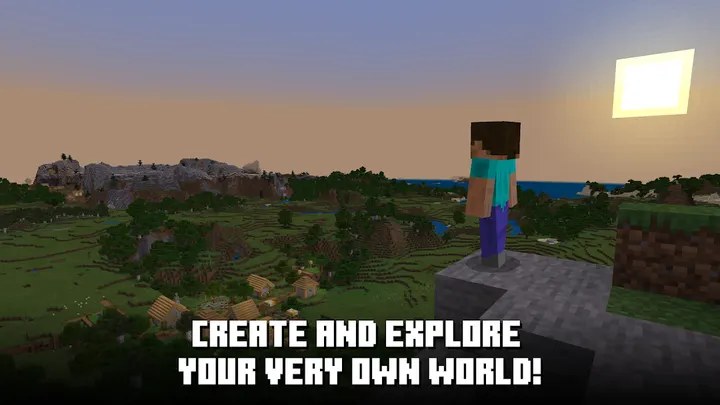
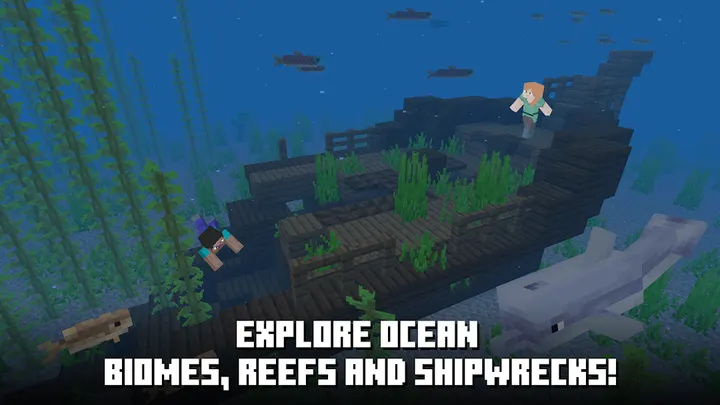
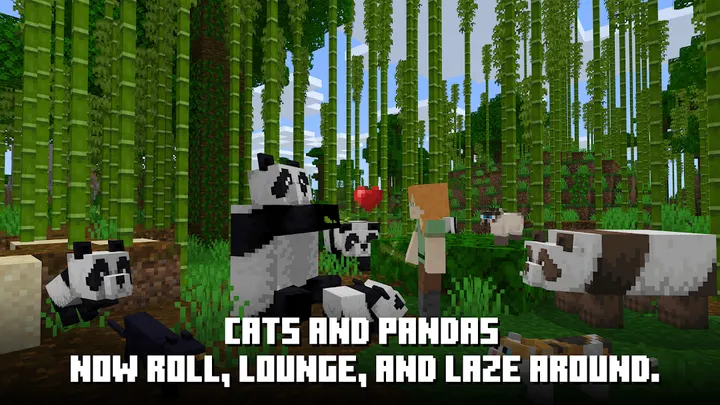
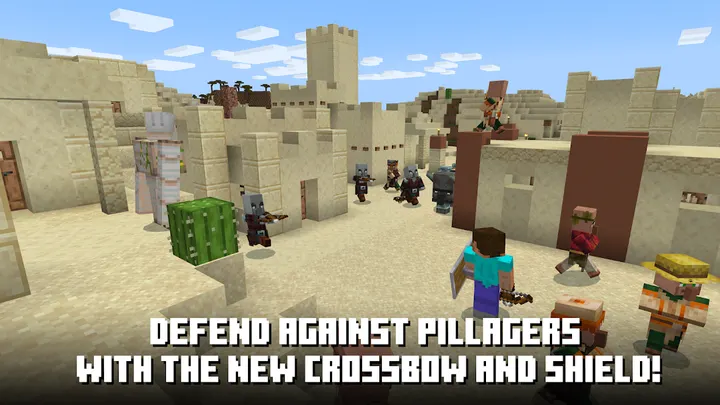
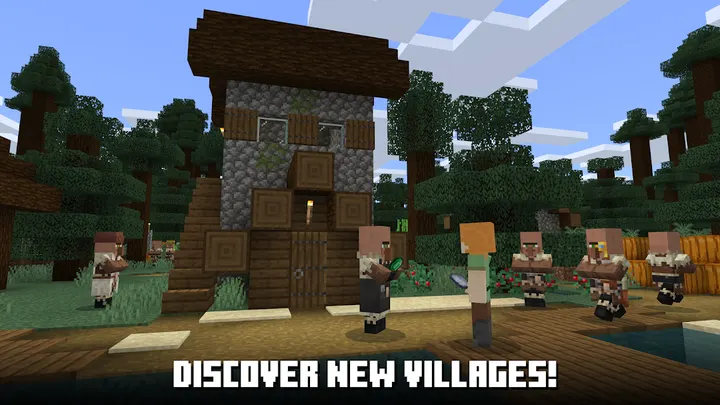
The trial costs nothing and has no ads or in-app purchases, so nothing interrupts your first night of crafting armor and fending off mobs. Seven screenshots on the store page preview the blocky look before you install.
The content rating is Everyone 10+. Trial worlds do not transfer to the full game, so treat what you build as practice. If you later want creative mode or multiplayer, the full game can be bought during or after the trial, where it is offered for your device.
Who should pick Hungry Shark Evolution or Whiteout Survival instead
Creative mode and multiplayer are not in the trial. Mojang says they come with buying the full game, if it is available for purchase on your device. If you want those from the start, the trial will feel limited.
Players who prefer a different pace can look at Hungry Shark Evolution or Whiteout Survival, both listed as alternatives.
Minecraft Trial pros and cons
Pros
- Free and no ads
- No in-app purchases listed
- Survival mode with crafting and mob combat
- Google Play rating of 4.1 from 3.3 million ratings
- Published by Mojang, with a help site and bug tracker
Cons
- Time-limited, so the session length is capped
- Trial worlds do not transfer to the full game
- Creative mode and multiplayer require buying the full game
- Requires Android 8.0 or newer
Is Minecraft Trial safe?
Mojang publishes Minecraft Trial and points to help.mojang.com for support. The app shows no ads and sells nothing inside the game. Get it from Google Play. We have no permission list or security audit to share, so check the permissions on the store page before installing.
How to install Minecraft Trial
- Press the Google Play button on this page.
- Check the listing in the Play Store and press Install.
- Open Minecraft Trial when the install finishes. Updates arrive through Google Play.


