
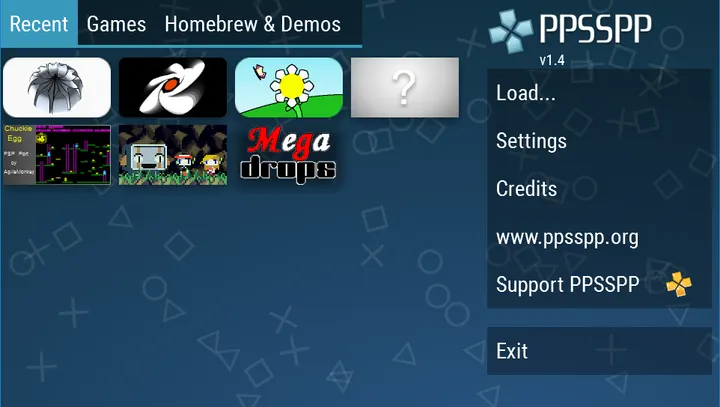
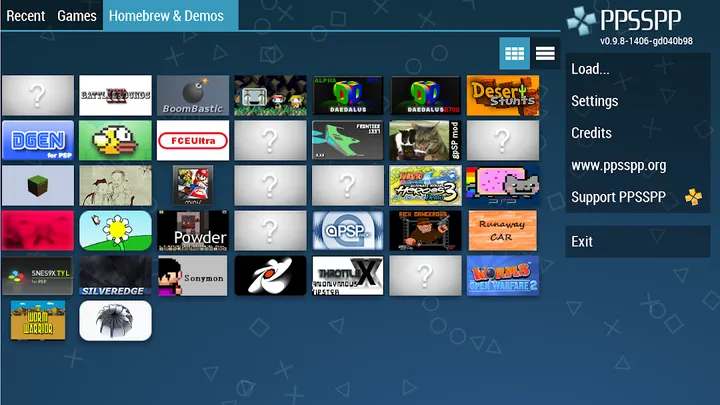
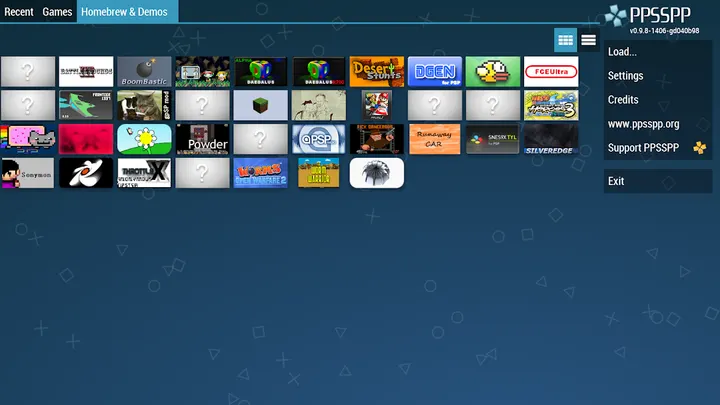
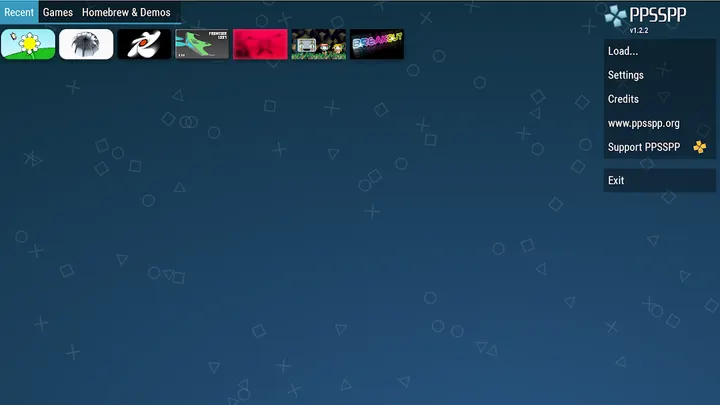
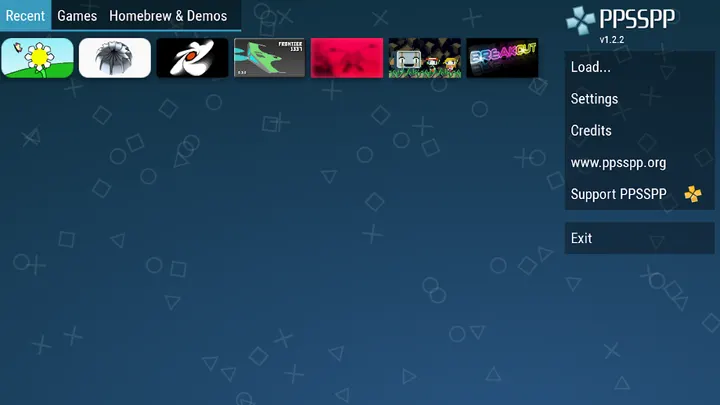
PPSSPP is a free PSP emulator for Android, and it ships with no games at all. Henrik Rydgård has developed it since its release on February 8, 2013. This page covers version 1.19.3, which needs Android 5.0 or newer and takes 39.4 MB. You supply your own .ISO or .CSO files, or try free homebrew games, and put them in /PSP/GAME on your storage.
An emulator that arrives without any games
The download contains only the emulator. You supply your own PSP games, converted to .ISO or .CSO files, or you can use free homebrew titles found online. Files go into the /PSP/GAME folder on your SD card or USB storage.
The app is open source under GPL-2.0-or-later, and the code is public on GitHub. It carries an Everyone content rating and has no ads and no in-app purchases.
What a session with PPSSPP looks like
You install the app, copy your game files to the storage folder, and launch from the list PPSSPP shows. It plays PSP titles in high definition with extra features. Speed depends on the hardware, and the developer says not every game will run at full speed on every device.
For compatibility details, the developer points to the forums on ppsspp.org. Check there before you plan around a specific title.
PPSSPP next to RetroArch and Dolphin Emulator
RetroArch and Dolphin Emulator are the two alternatives we list. PPSSPP is built around a single console, the PSP, so its scope is narrow by design. We have no feature or performance comparison with either alternative, so we won't claim which runs better.
Google Play shows a 4.4 rating from about 1.8 million ratings. A paid edition, PPSSPP Gold, exists for people who want to support future development, while this page covers the free version.
PPSSPP pros and cons
Pros
- Free, with no ads and no in-app purchases
- Open source under GPL-2.0-or-later with public code on GitHub
- Small download at 39.4 MB
- Rated 4.4 on Google Play from about 1.8 million ratings
- Runs on Android 5.0 and newer
Cons
- No games are included, so you must prepare your own files
- Some games may not reach full speed on weaker devices
- Version 1.19.3 has no published changelog
Is PPSSPP safe?
The APK we store is unmodified, and its SHA-256 checksum is 44e1ecb9268702fb65adcee14cffb6cdc3607e87abcf409004c9bdb6b2543f6c. The source code is public under GPL-2.0-or-later, so anyone can inspect it. The app shows no ads and has no in-app purchases. Only use game files you legally own.
How to install PPSSPP
- Download the APK with the button on this page and wait for it to finish.
- Compare the file with the SHA-256 checksum shown here if you want to confirm it arrived intact.
- Open the file on your phone and allow installs from this source when Android asks.
- Finish the install, then open PPSSPP from your app drawer.


