
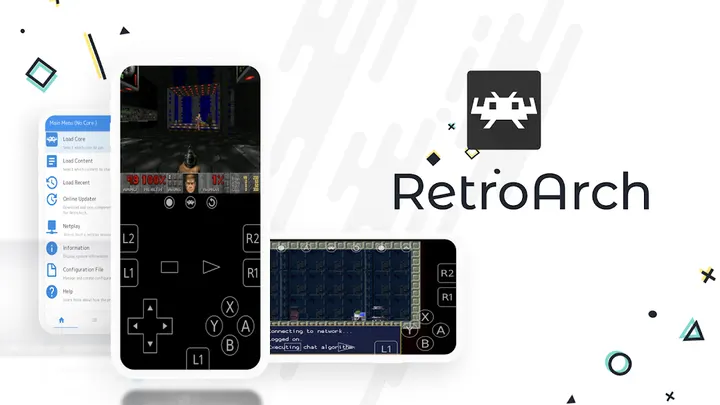
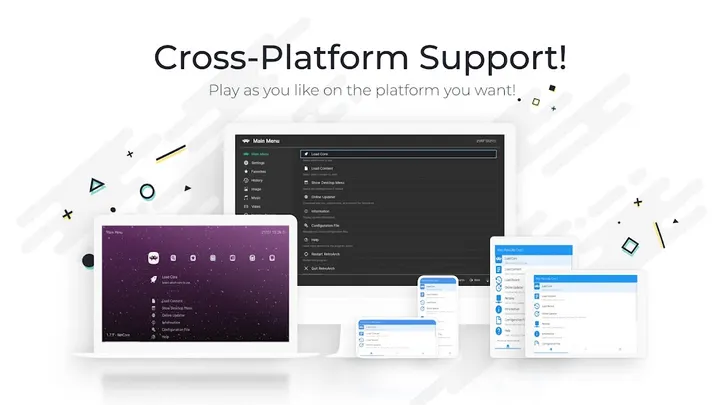
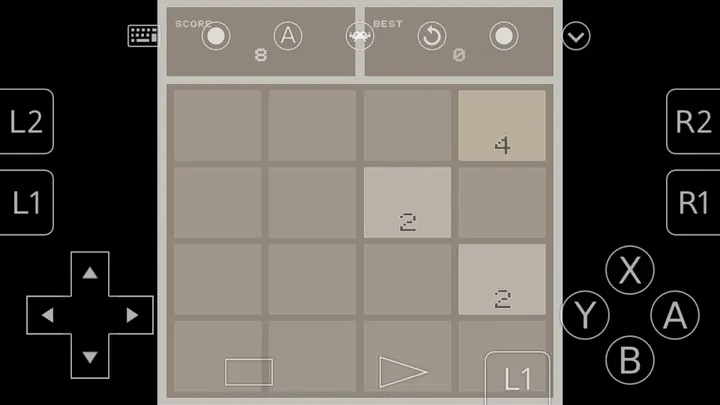
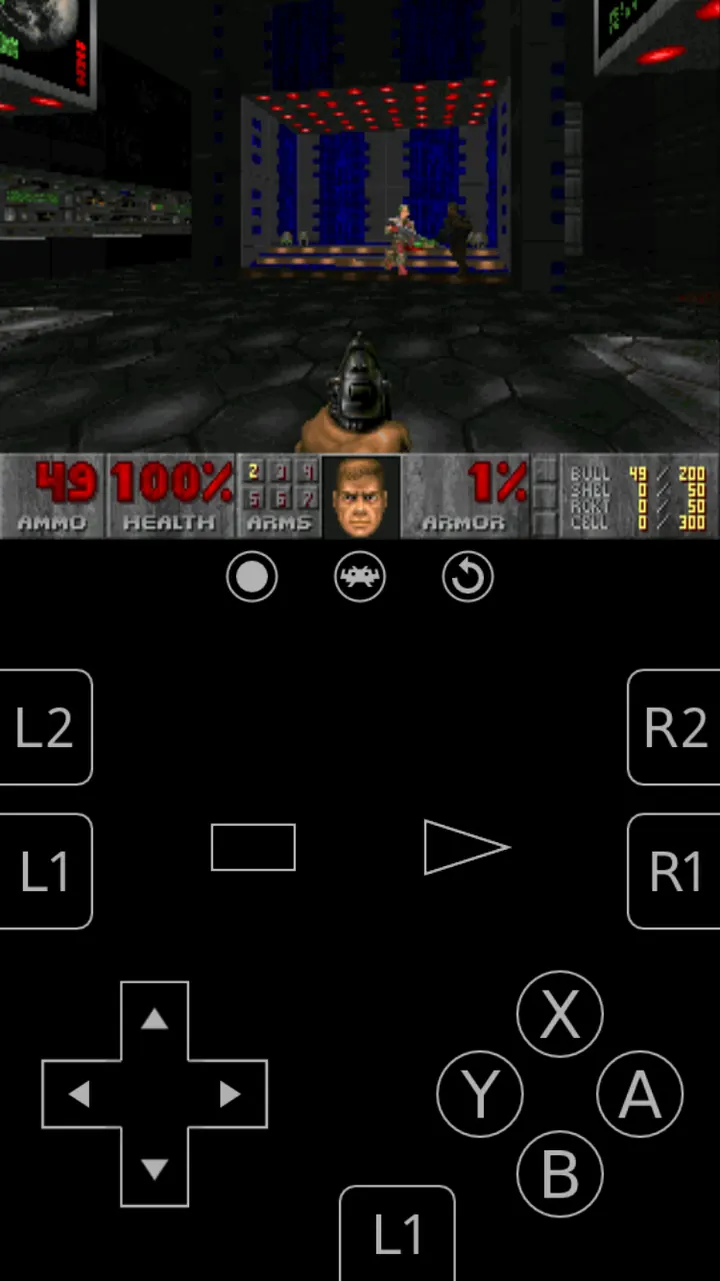
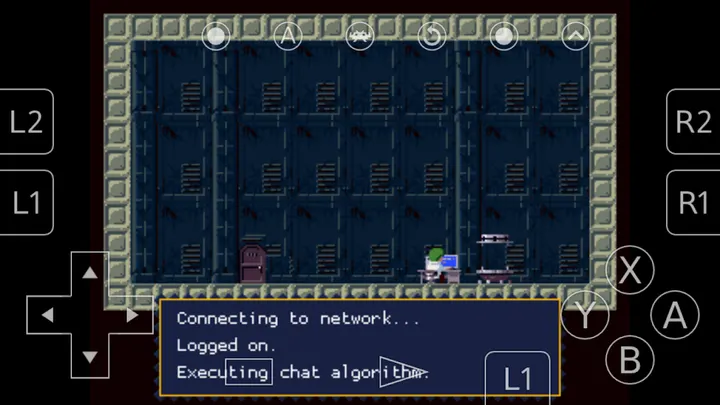
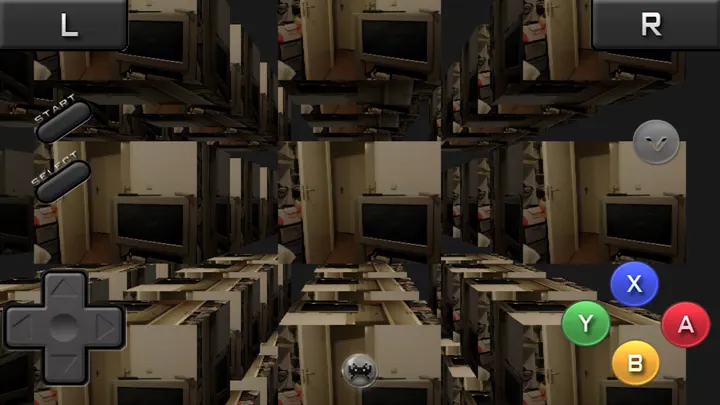
RetroArch runs retro systems through downloadable programs called cores, all launched from one front end built on the Libretro interface. That sets it apart from PPSSPP and Dolphin Emulator, which each focus on a single system. Libretro develops it, the code is open source under GPL-3.0-only, and it costs nothing. This page covers version 1.22.2, updated on November 22, 2025.
Who a core-based front end suits
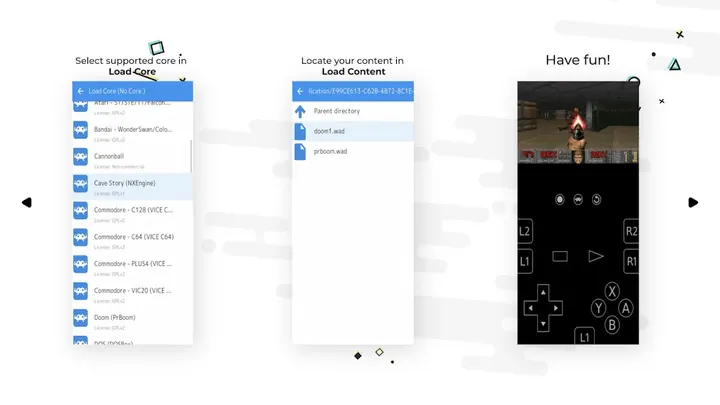
RetroArch suits people who would rather keep many retro systems in one app than install a separate emulator for each. It asks for some setup. You add cores, point the app at folders of game files you already have, and choose a menu style.
The Play description mentions a core limit of 127 in the Plus version, so the range of supported systems is large. That makes it a better match for someone with a varied library than for a player who wants a single console and nothing else.
The content rating is Everyone. The tags include action, emulator and open-source, and the catalog places it in the no-ads games category.
Collections, cores and netplay in practice
The main workflow starts with scanning. You point RetroArch at files or directories, and it sorts them into collections by game system. Once a game sits in a collection, you can open database information about it.
Play itself runs through the core you pick. The app includes input remapping, so you can change how controls map to the device. You can enter and load cheats, take screenshots and make save states. A multiplayer mode called NetPlay is included, and the developer points to a Discord server for support and matchmaking.
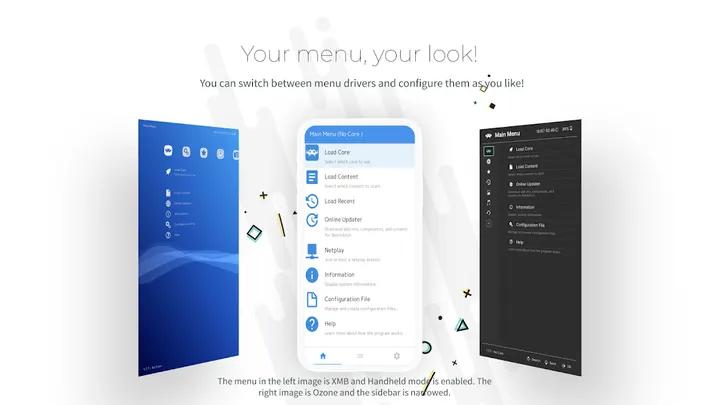
There is also an exclusive Game & Watch emulator, and games for it can be downloaded. Menus come in several visual styles, and the app supports multiple languages.
The 50-core cap and other limits of the Play build
The Play Store build has no Core Downloader, which the developer ties to store policy, and it supports 50 cores at most. People who need more have two routes.
The first is RetroArch Plus, also free on the Play Store, which supports up to 127 cores and needs Android 8.0 or higher. The second is the APK from retroarch.com, which includes the Core Downloader and is called the full-fat version. The Play build has one advantage: cores and the app update automatically every week.
This build needs Android 5.0 or newer and takes up 29.5 MB. It is free, with no ads and no in-app purchases.
RetroArch pros and cons
Pros
- Open source under GPL-3.0-only, with the code on GitHub
- No ads and no in-app purchases, and it is free
- Scans folders into system collections and shows database details per game
- Input remapping, cheats, save states, screenshots and NetPlay are built in
- Small 29.5 MB download that runs on Android 5.0 or newer
Cons
- The Play build supports only 50 cores and has no Core Downloader
- Getting past that cap means RetroArch Plus (Android 8.0 or higher) or the website APK
- Google Play rating is 3.8 across 47.8 thousand ratings
- Setup is manual: you add cores and point it at your own game files
Is RetroArch safe?
The unmodified APK is stored here with its checksum and signature details. The SHA-256 checksum is 7120fd7a7f15b7a260366a8122c77070a80bc14bf28d34bc609439b2b52fdb64, so you can compare it with your download. The publisher is Libretro, and the source is public at github.com/libretro/RetroArch under GPL-3.0-only. Cores you add yourself come from other sources, so treat them with the usual care.
How to install RetroArch
- Download the APK with the button on this page and wait for it to finish.
- Compare the file with the SHA-256 checksum shown here if you want to confirm it arrived intact.
- Open the file on your phone and allow installs from this source when Android asks.
- Finish the install, then open RetroArch from your app drawer.


