

Long commute, no playlist ready? Radio FM from the developer RadioFM puts live radio stations, podcasts and short audio dramas in one app, with no setup needed. Romance, thriller and suspense shows sit alongside the stations, and a sleep timer switches playback off on its own, so a drama can run at bedtime.
One app for stations, podcasts and drama audio
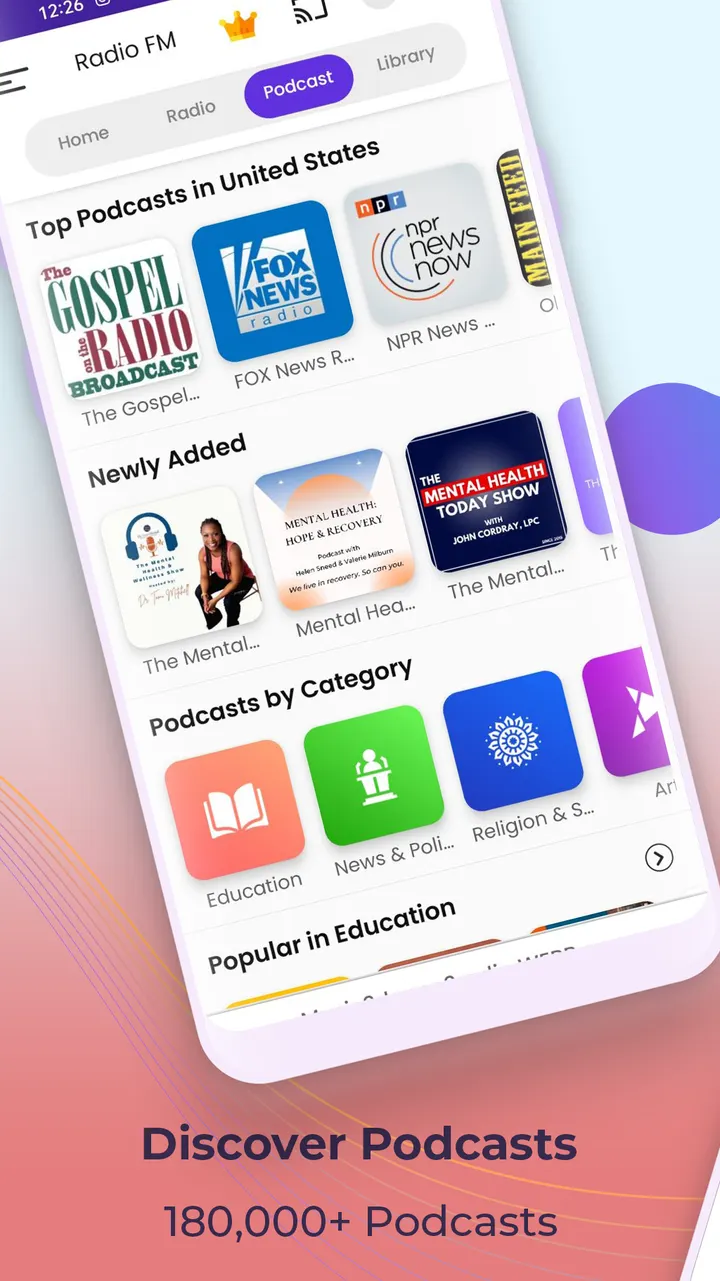
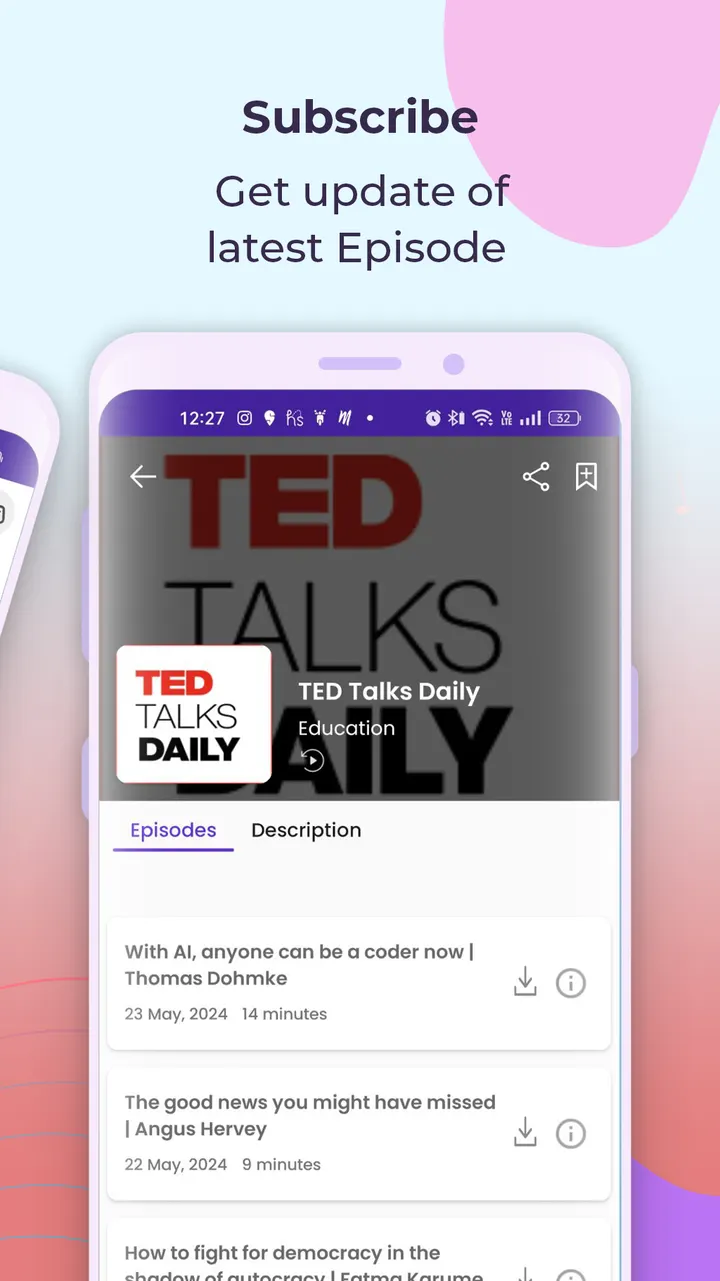
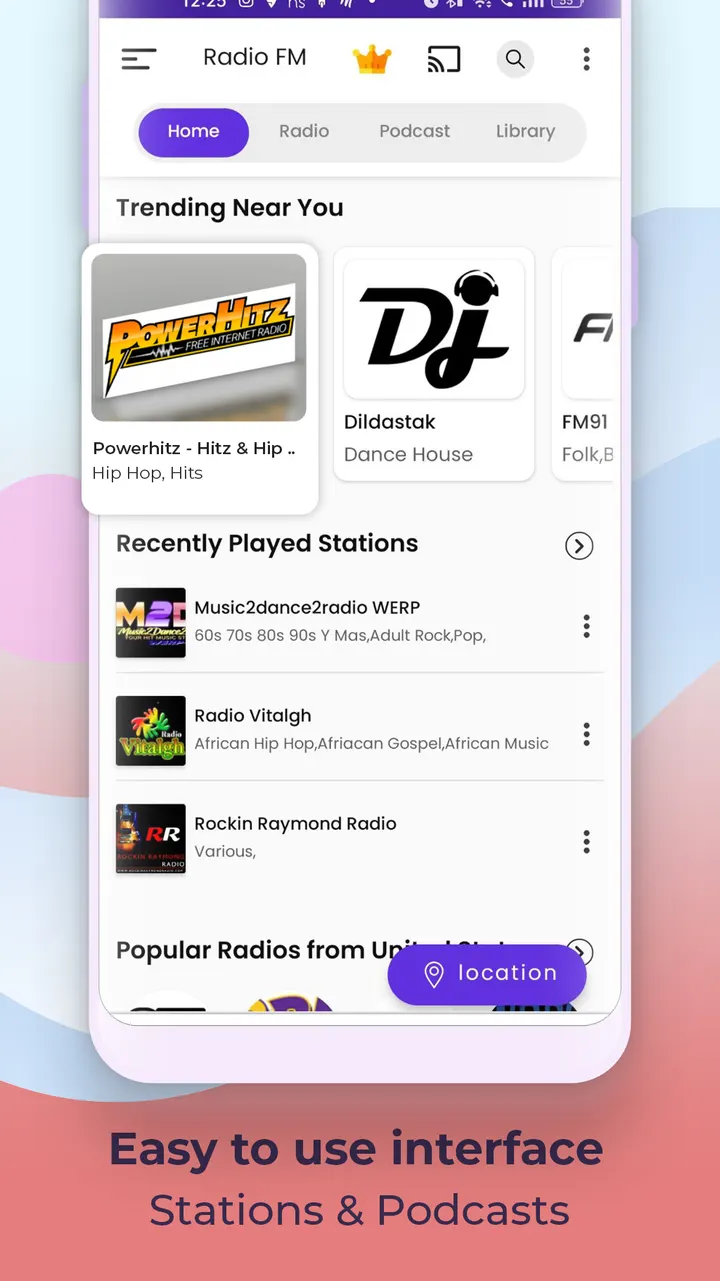
Radio FM gathers three kinds of audio that usually live in separate apps: radio stations, podcasts and short audio dramas. The drama section covers romance, thriller and suspense titles, and the podcasts include talk shows and news.
Its main category is TV and radio apps, with music apps as a second category. The app first appeared on March 20, 2013, and the most recent update on record is October 31, 2026.
Favorites, sleep timer and car or TV playback
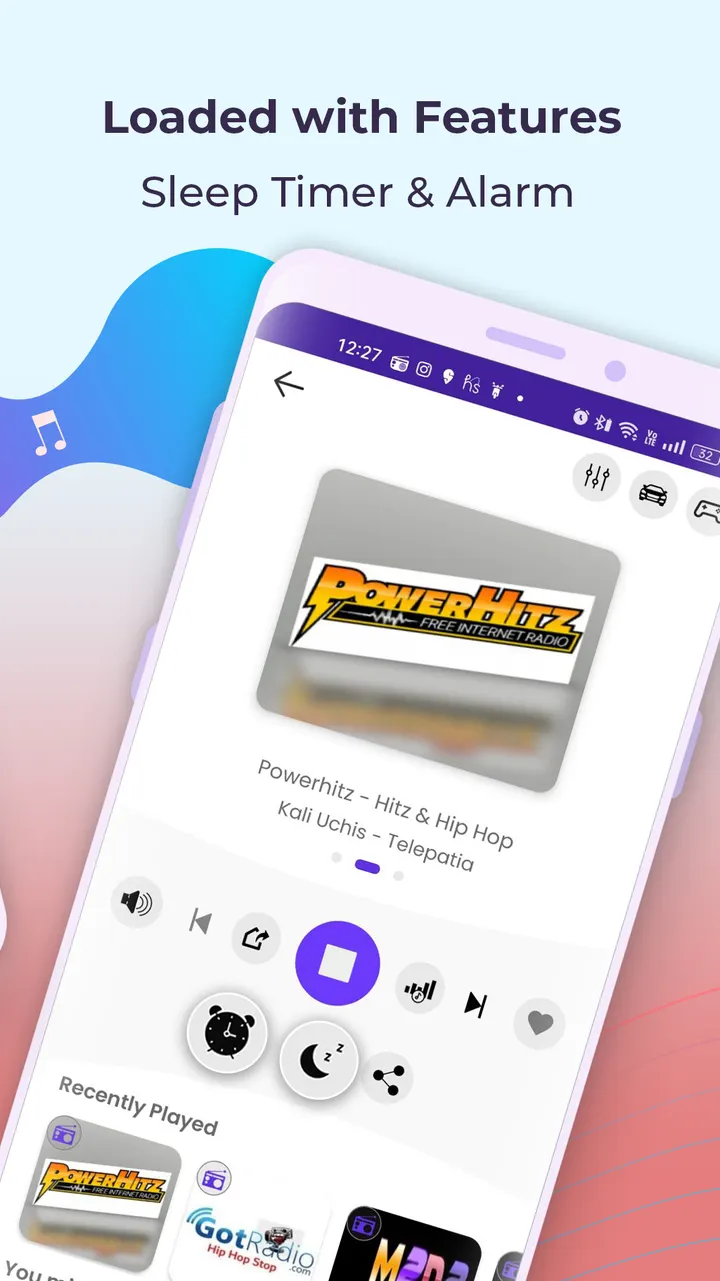
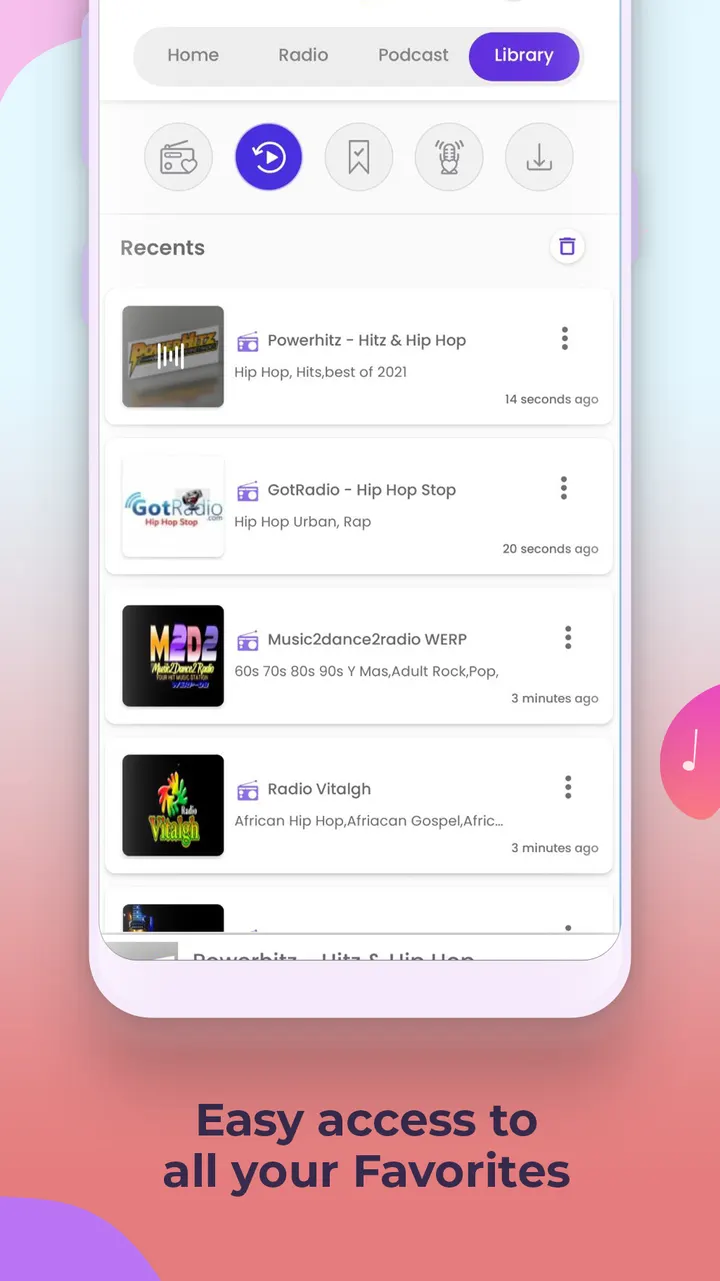
The feature list is practical. You can save stations to a Favorites list, reopen a Recent list and check Top Plays. A full-screen player shows title information for the station you are tuned to.
The sleep timer switches playback off automatically, and the description pitches it for falling asleep to a drama without burning mobile data. Support is listed for Android Auto, Google Chromecast, Android TV and wearables, so playback is not limited to the phone.
Check the internet need, ads and Android 7.0 first
Radio FM needs a connection to stream, so the sleep timer helps you stop playback overnight but does not remove the need for data.
It runs on Android 7.0 or later. The app is free, shows ads, offers in-app purchases and carries a Teen content rating.
Radio FM pros and cons
Pros
- Live radio, podcasts and short audio dramas in one app
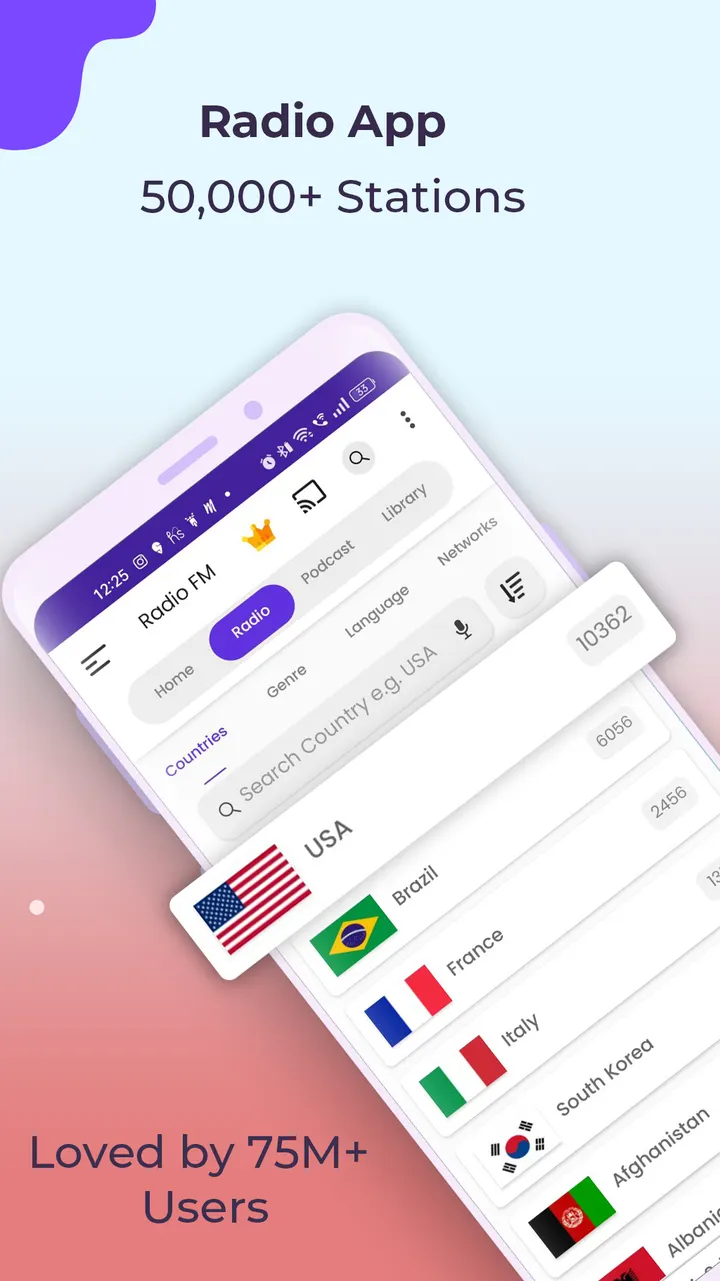
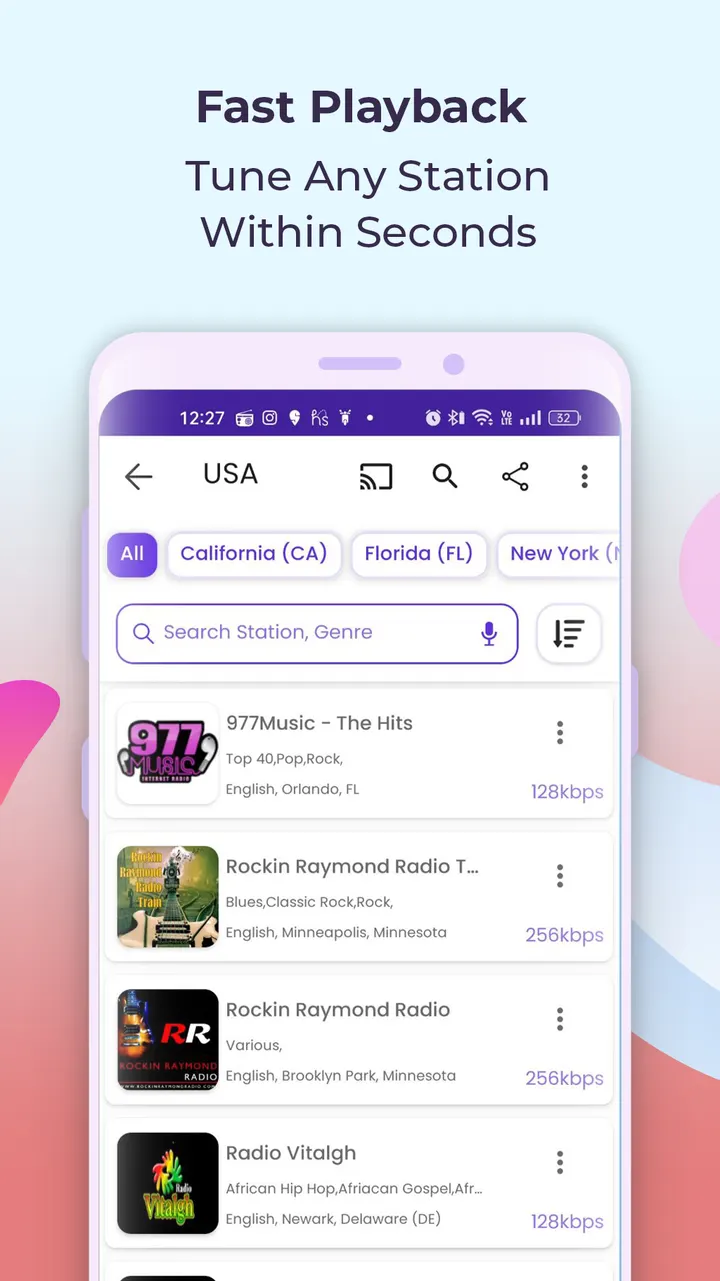
- More than 50,000 stations listed by the developer
- Sleep timer, Favorites and Recent list for daily listening
- Android Auto, Chromecast, Android TV and wearable support
- Free to install, with over 100 million installs on Google Play
Cons
- Needs an internet or WiFi connection at all times
- Contains ads and in-app purchases
- Teen content rating, and it requires Android 7.0 or newer
Is Radio FM safe?
Install Radio FM from Google Play. The publisher is RadioFM, with a developer website at appradiofm.com. Before installing, read the permissions and data practices on its Google Play page, since we have no independent security review to share.
How to install Radio FM
- Press the Google Play button on this page.
- Check the listing in the Play Store and press Install.
- Open Radio FM when the install finishes. Updates arrive through Google Play.