
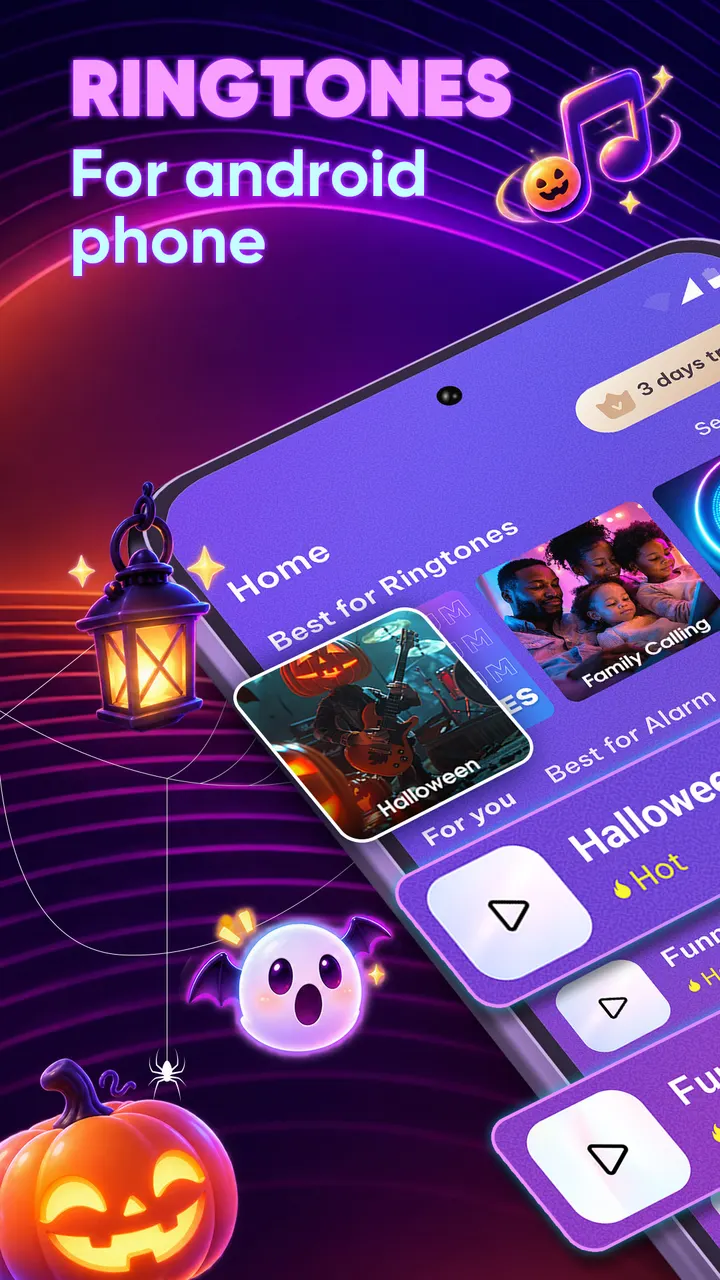
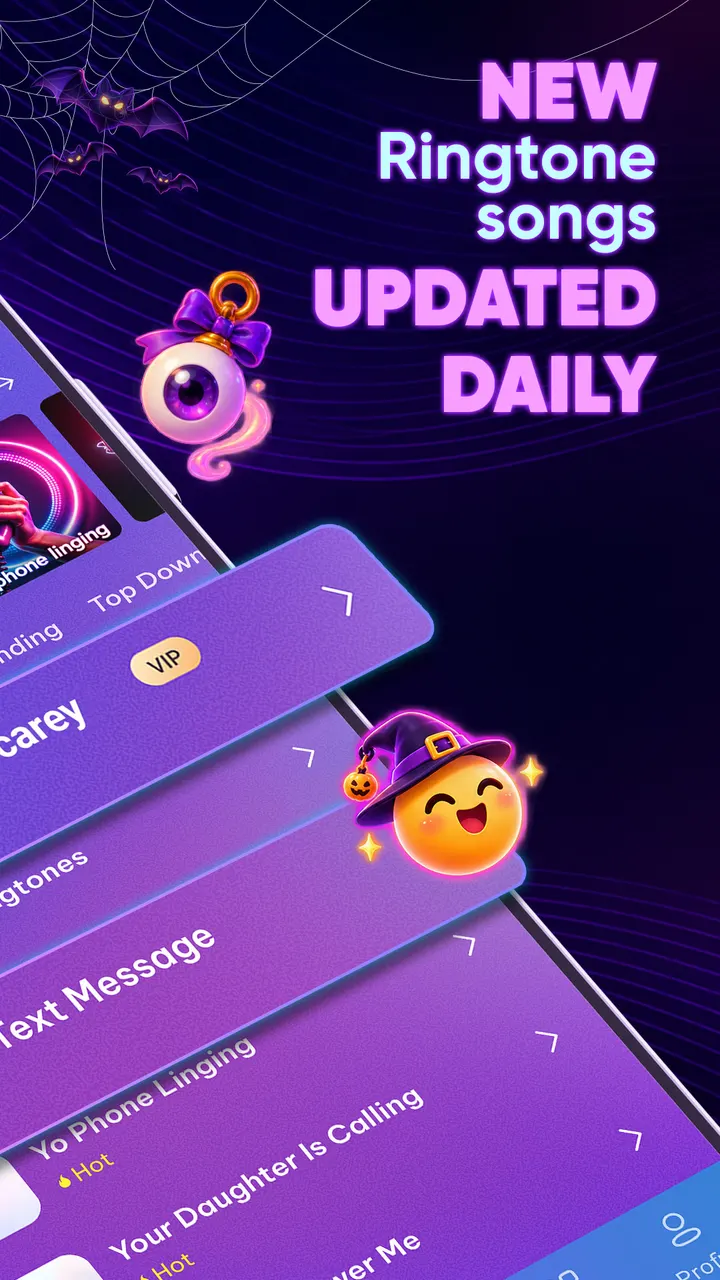
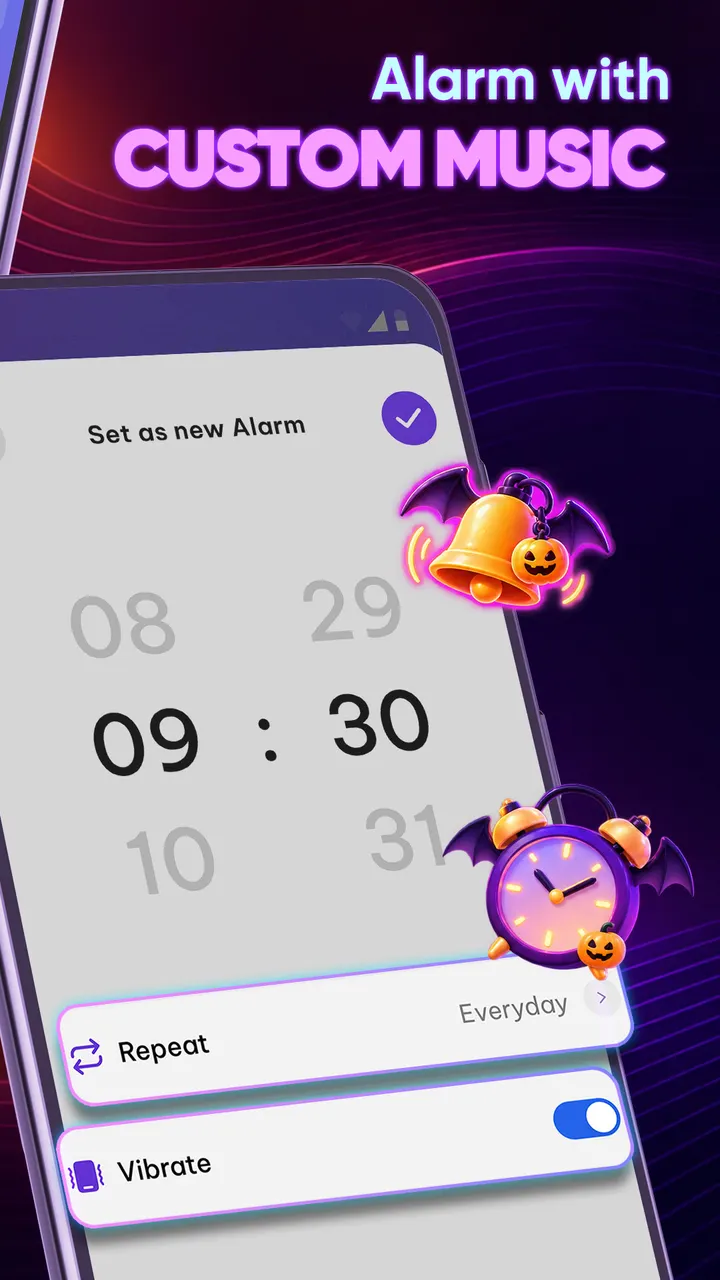
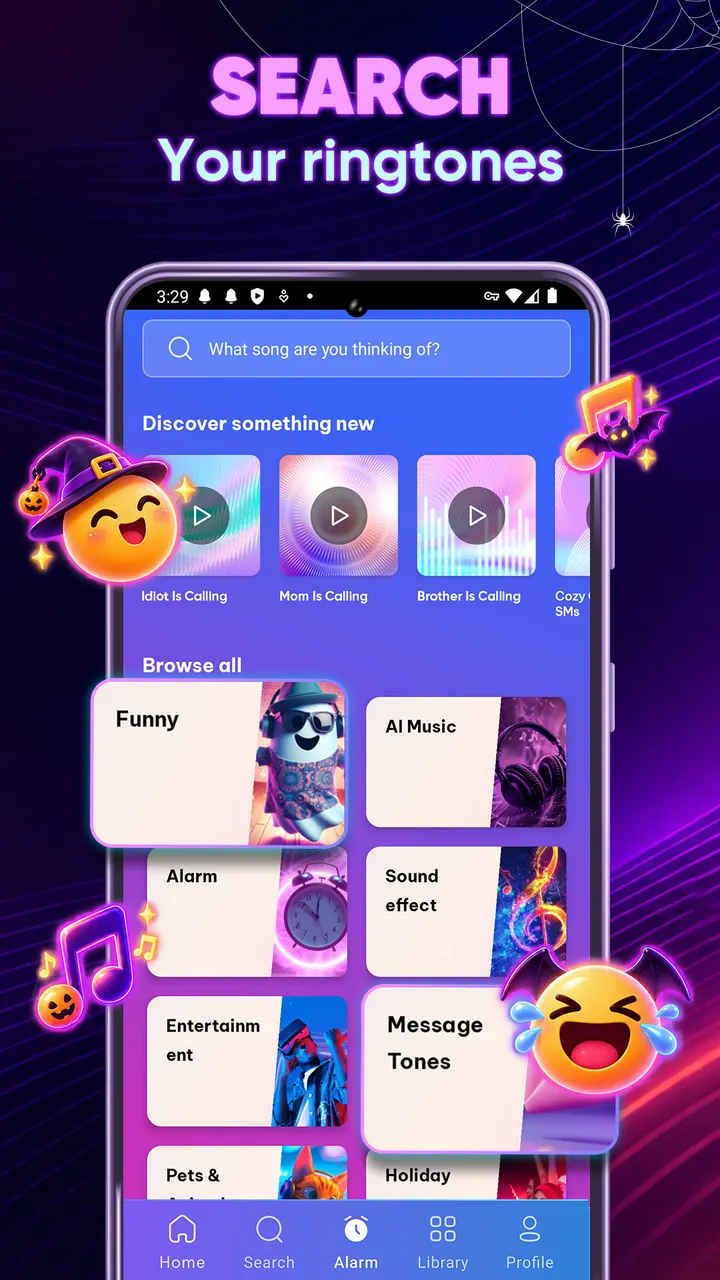

Ringtones for Android Phones, made by Time Cable, combines a sound library with an alarm clock. The library covers funny sounds, Pop, R&B, Rock, Hip-hop, Country, Kpop and gospel, and the alarm side lets you pick a wake-up mood such as Calm or Energetic.
Time Cable and an app that dates to April 2017
The developer is Time Cable, which lists funringring.com as its website. The app first appeared on April 3, 2017, under the package ID com.bluesky.best_ringtone.free2017. The latest version is 4.8.4, updated on October 29, 2026.
It sits in the ringtone apps category and carries entertainment and teen tags. Google Play gives it a Teen content rating.
Over 10,000 sounds and a mood-based alarm
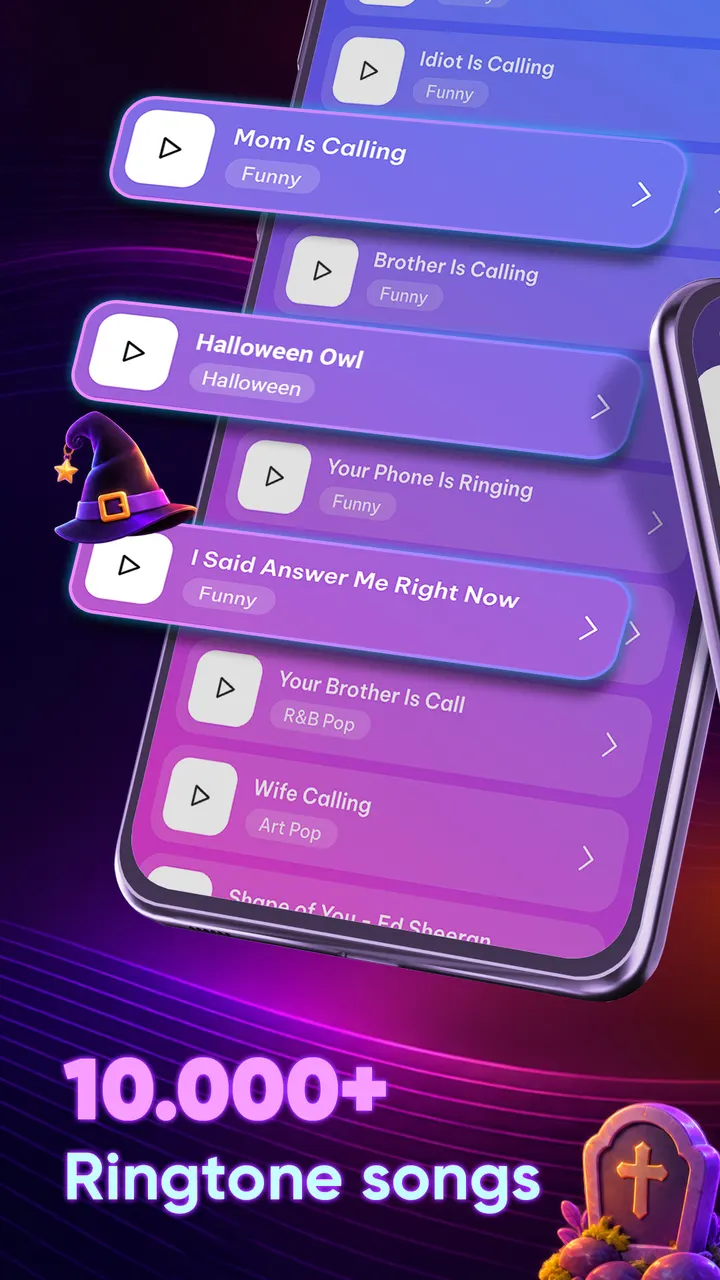
The library holds more than 10,000 sounds, including localized collections. Genres named in the description run from pop, R&B, rock and hip-hop to country, gospel and Kpop, plus funny sounds and Tik ringtones. Sleep sounds such as rain and ambient audio are included, along with animal sounds.
The alarm side lets you set sleep and wake times and pick one of four moods: Calm, Refreshed, Energetic or Focused. Any track can serve as the alarm. Shake to Wake asks you to shake the phone to dismiss the alarm.
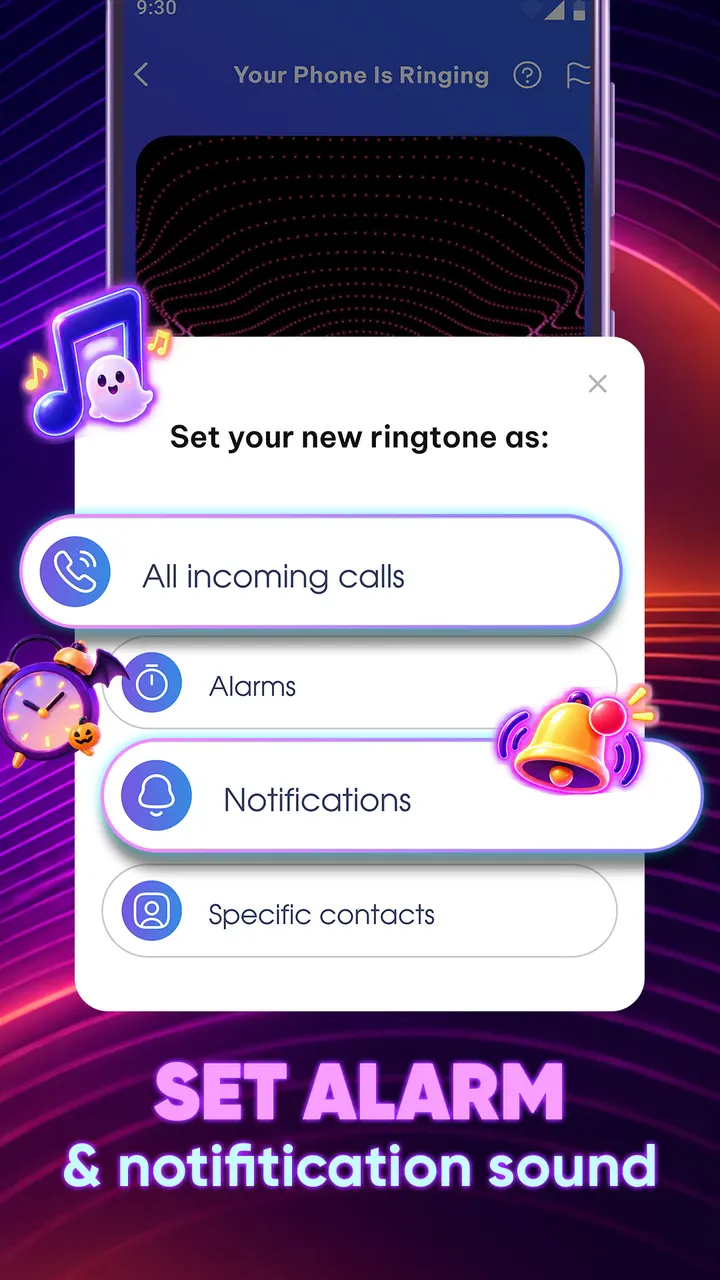
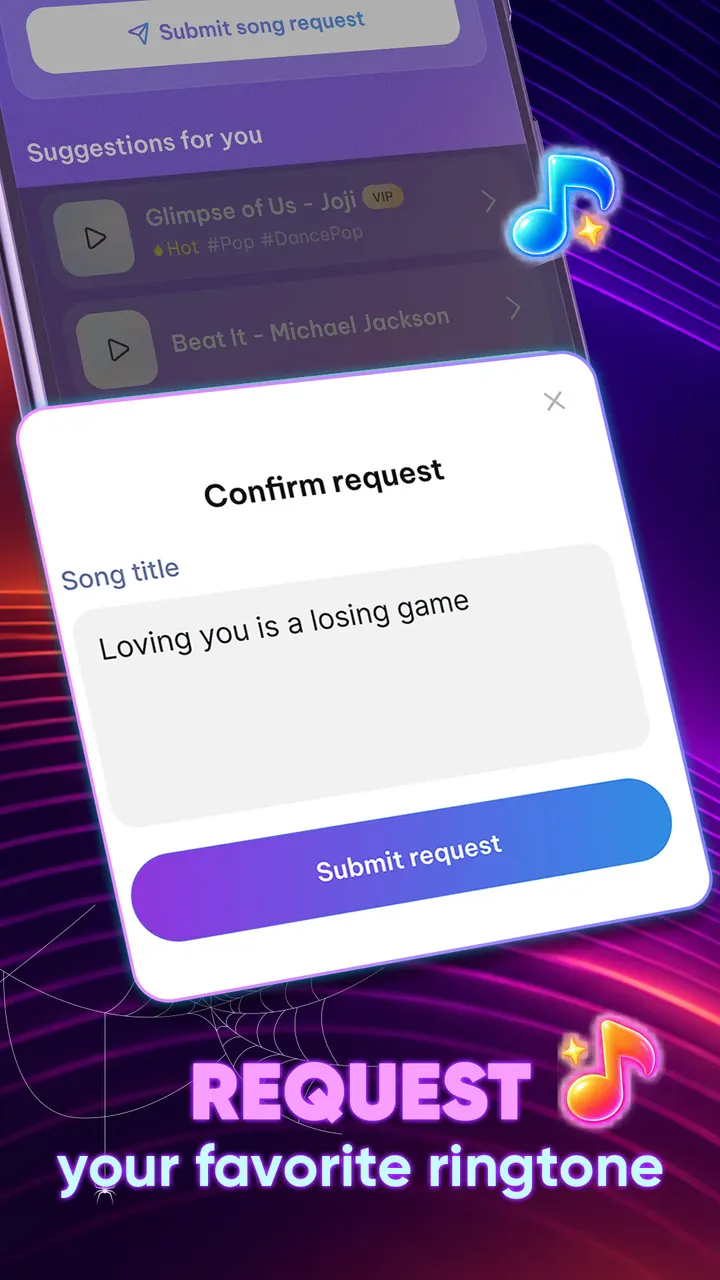
Sounds can be set as the default ringtone, message tone or notification sound. You can also assign a ringtone to each contact, and the app accepts requests for tracks.
Android 7.0 minimum and a free price with ads
Ringtones for Android Phones runs on Android 7.0 or later. It costs nothing to get, and the ringtone library and alarm clock come with ads and optional in-app purchases.
Ringtones for Android Phones pros and cons
Pros
- Over 10,000 sounds with localized collections
- Alarm moods: Calm, Refreshed, Energetic and Focused
- Shake to Wake works as a dismissal challenge
- Per-contact ringtones plus notification and message tones
- Free to install, with a 4.7 Google Play rating
Cons
- Contains ads
- Contains in-app purchases
- Requires Android 7.0 or later
- File size and version history vary by device
Is Ringtones for Android Phones safe?
Ringtones for Android Phones is rated Teen, and it includes ads and in-app purchases. Because it works with call ringtones and wake-up alarms, check the permissions it requests before you accept them.
How to install Ringtones for Android Phones
- Press the Google Play button on this page.
- Check the listing in the Play Store and press Install.
- Open Ringtones for Android Phones when the install finishes. Updates arrive through Google Play.


