

Apps such as Ringtone Maker or MP3 Cutter and Ringtone Maker help you cut a sound from your own files. Zedge works the other way round: it hands you a huge library to browse and adds AI tools on top. It comes from the developer Zedge, runs on Android 9 or later, and has more than 500 million installs on Google Play.
A library first, an editor second
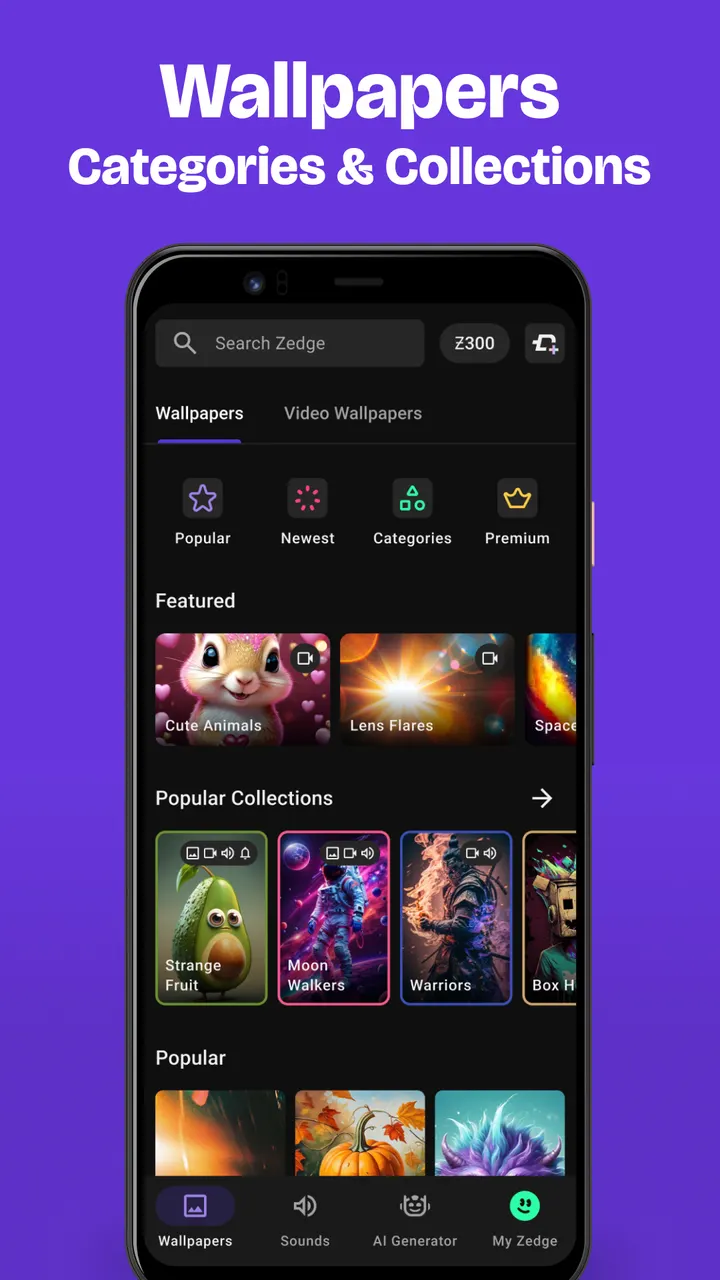
What defines Zedge is the size of its catalog. The store description talks about millions of wallpapers and ringtones, plus alarm and notification sounds, live photos and icon packs. Wallpapers come in full HD and 4K, and the collections run from Banksy and urban artwork to sci-fi, space and anime.
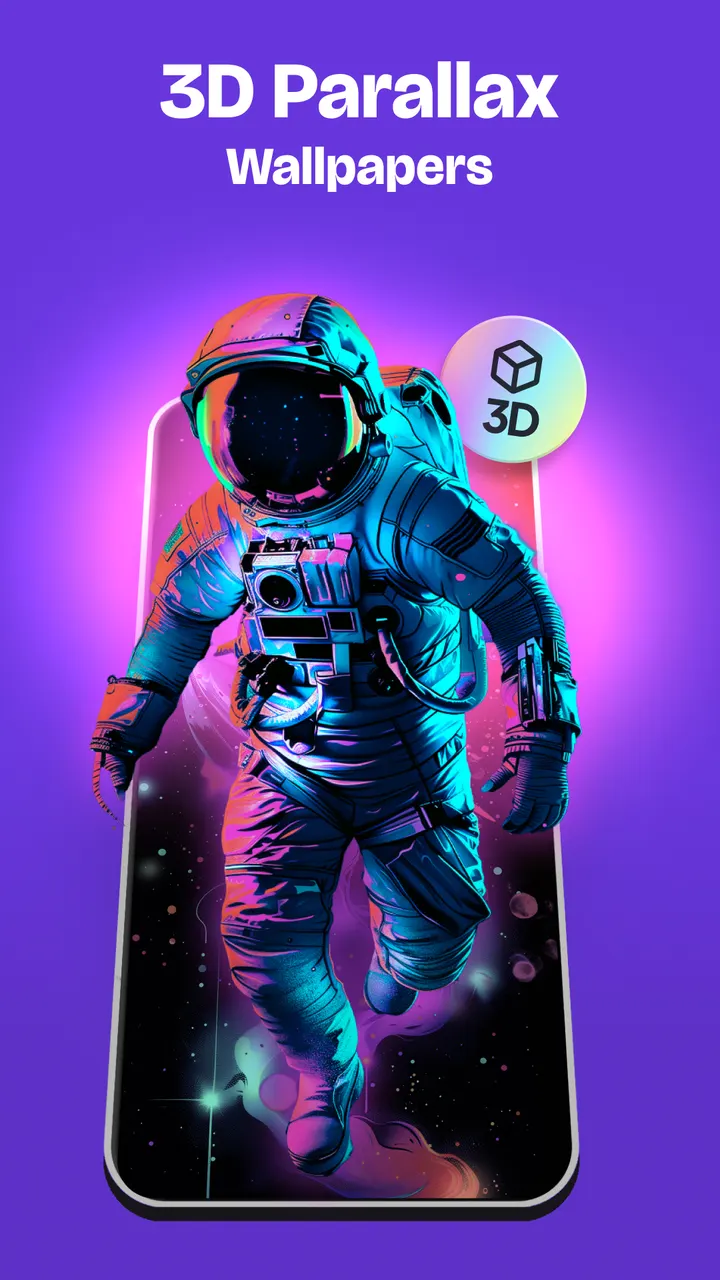
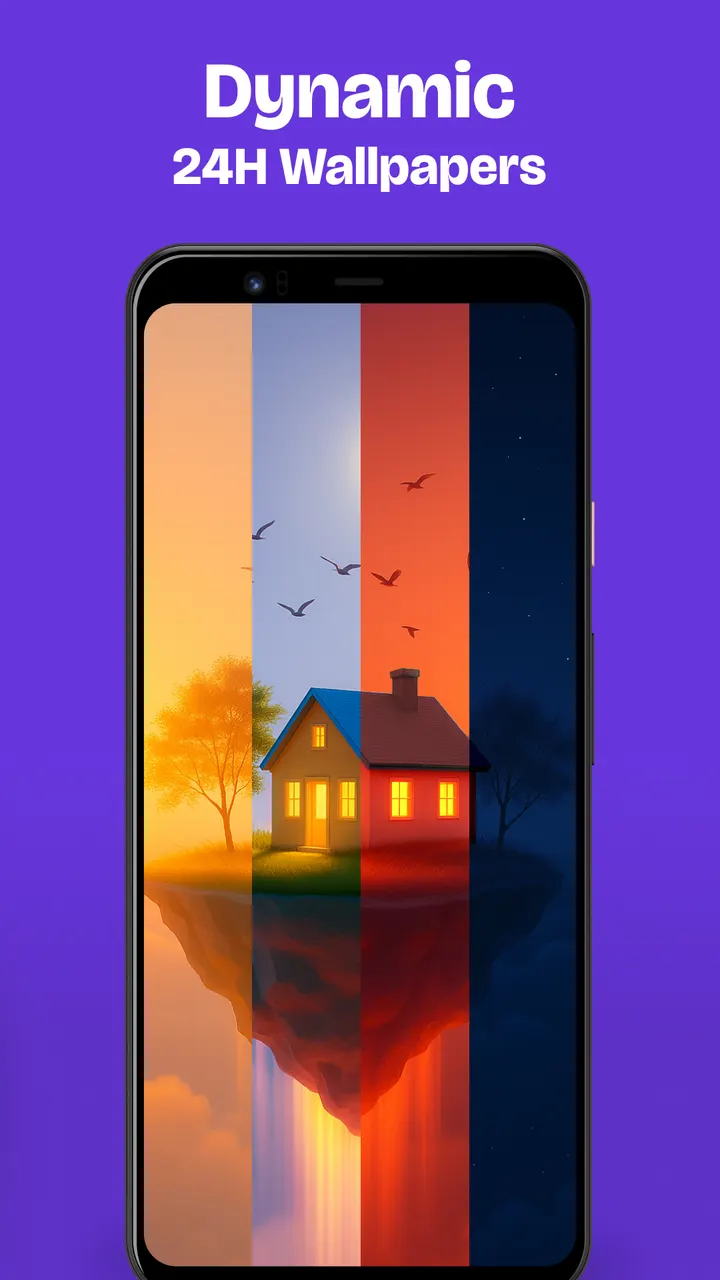
A few extras go beyond static images: Parallax Wallpapers add a 3D depth effect, Dynamic 24H Wallpapers shift through morning, midday, evening and night with your local time, and an AI tool lets you make your own. The app is free, with a Teen content rating.
How a session with wallpapers, AI and sounds goes
A typical visit starts with a search or a collection. You pick a wallpaper, optionally add filters and stickers, and set it on the lock screen, the home screen, or both. Dual Wallpapers set a matching lock and home pair with one tap, and backgrounds can also rotate at chosen intervals.
Some wallpaper types change how the screen behaves. Parallax Wallpapers add a 3D depth effect, and Dynamic 24H Wallpapers shift through morning, midday, evening and night based on local time. Live wallpapers are described as playing once when the home screen turns on, which the listing presents as easy on the battery.
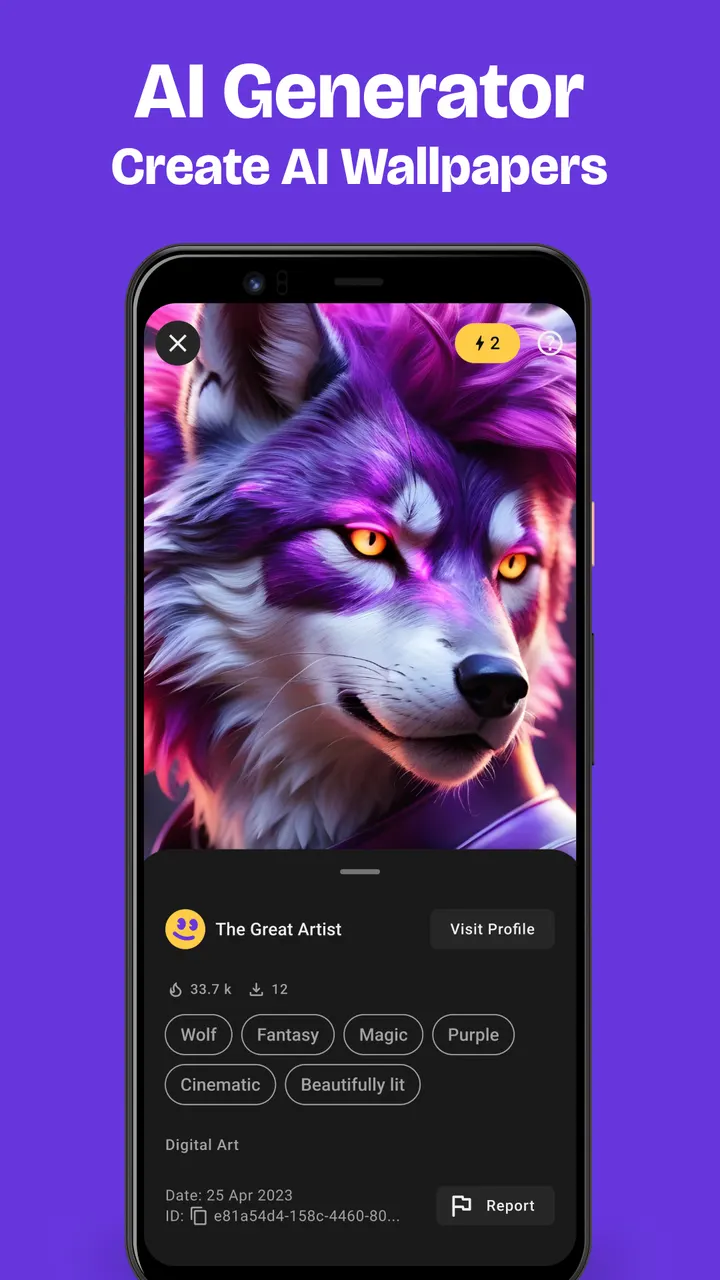
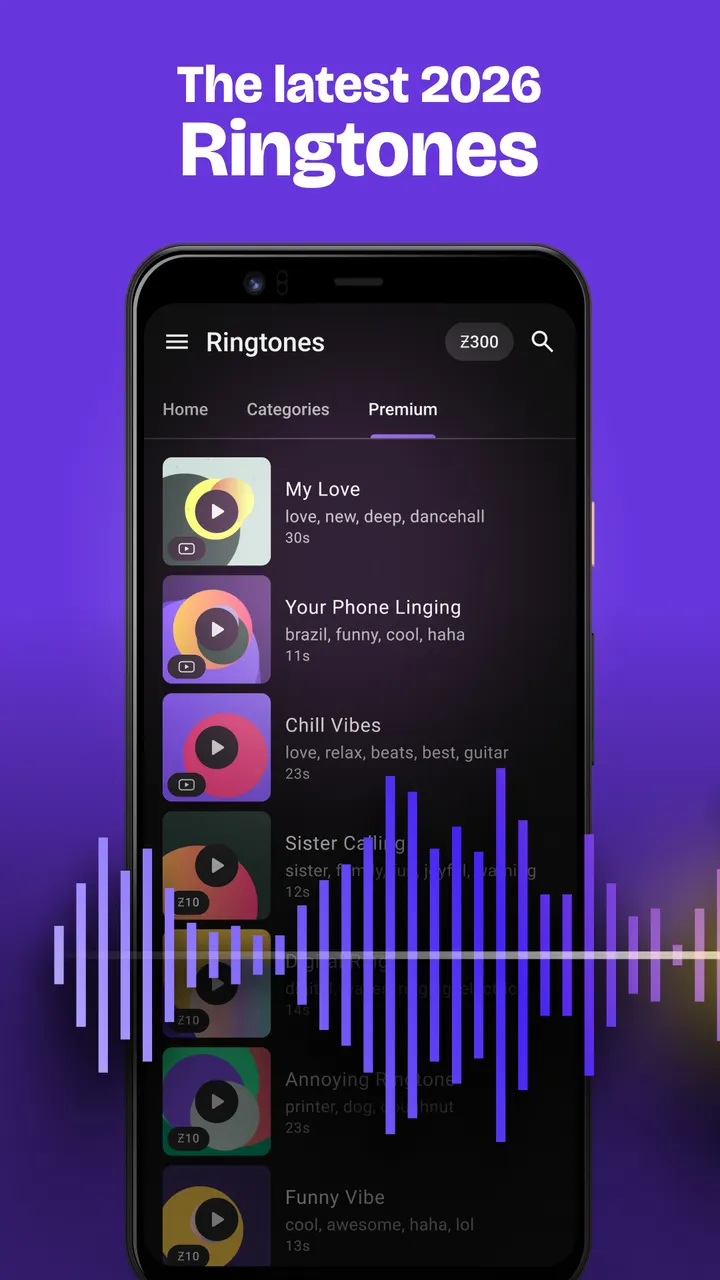
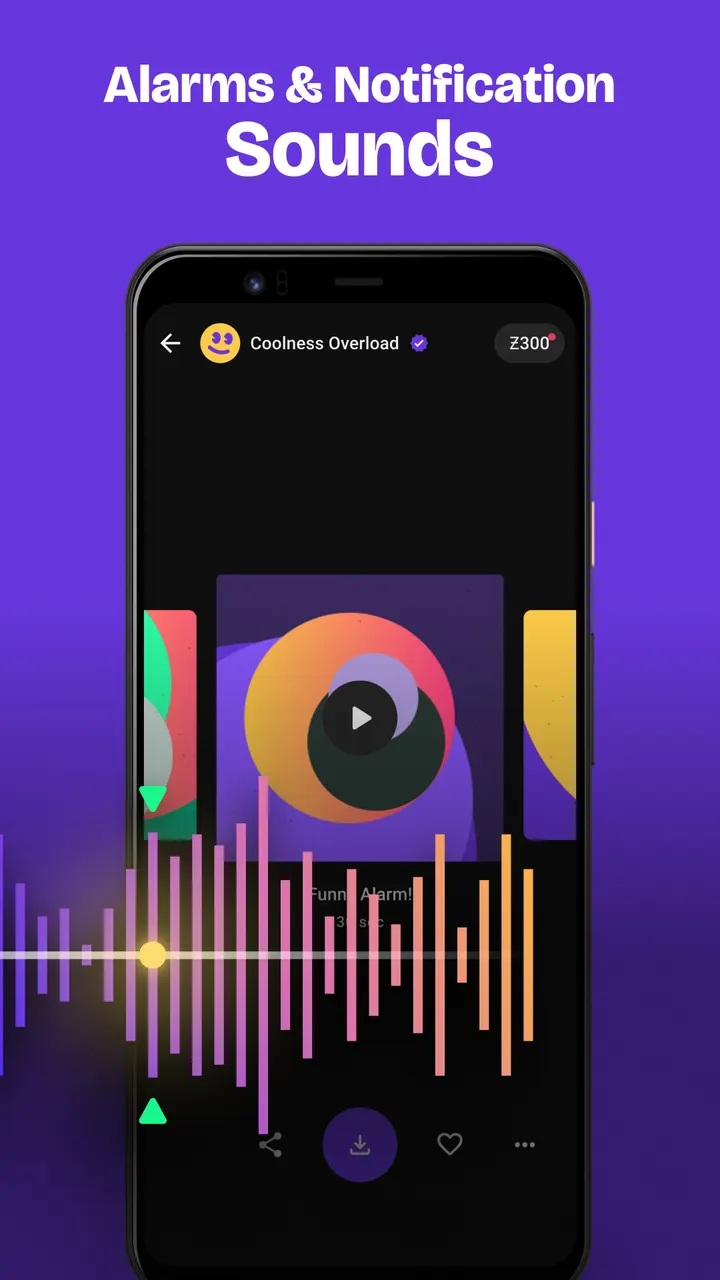
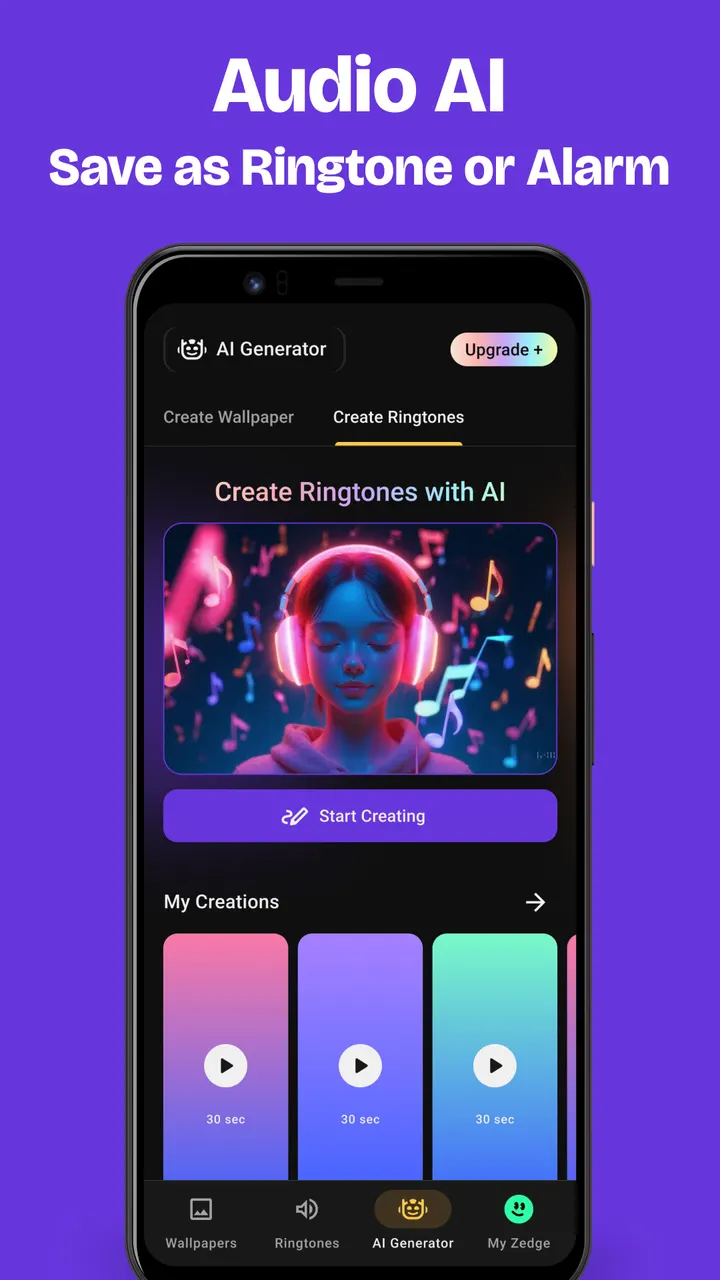
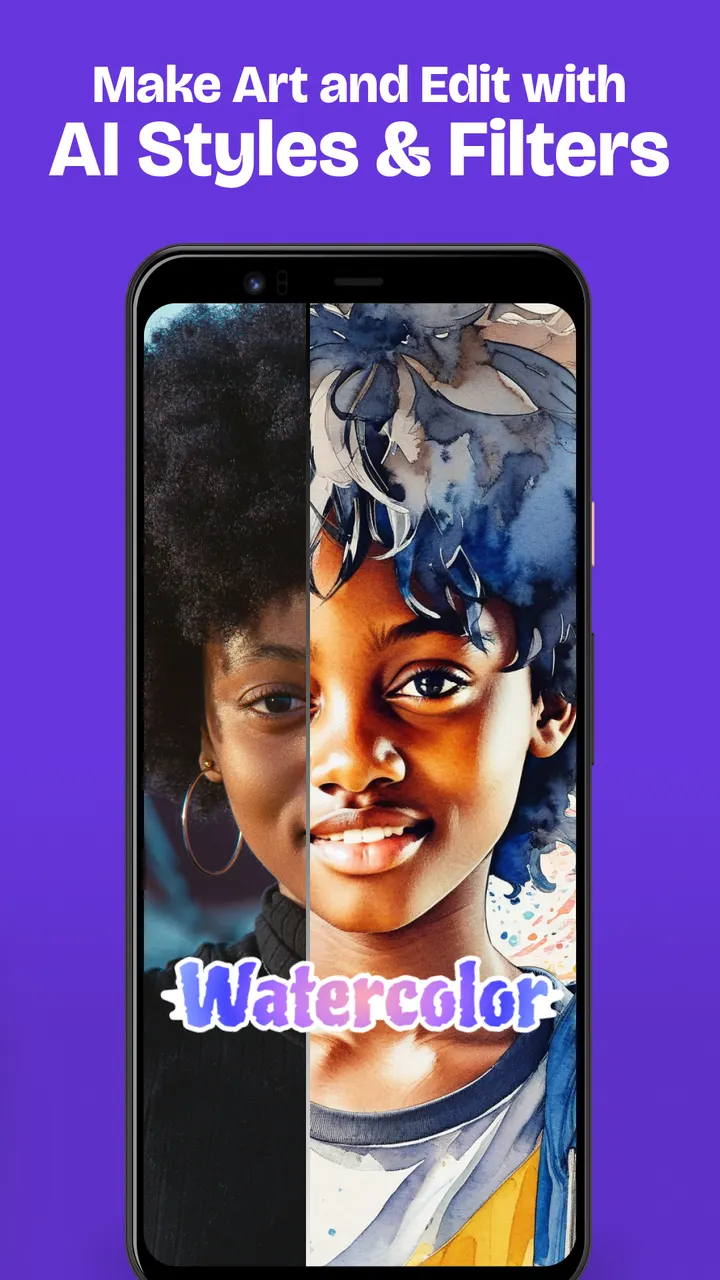
The AI side has three parts: a wallpaper maker driven by a text description, photo filters and styles such as Anime, Comic and Watercolor, and Audio AI. Audio AI builds ringtones and notification sounds from a typed prompt, and you can save the result as a ringtone, alarm or notification. Ringtones can also be set per contact.
Zedge against the ringtone maker apps
The alternatives, including Ringtone Maker, Music ringtones for android and Android Ringtone Songs, concentrate on sound. Zedge covers ringtones too, but it adds wallpapers, live wallpapers and AI image tools in the same app. That breadth is the main difference.
The trade-off is focus. If you only want to trim a song you already own, a dedicated cutter is the more direct choice.
Zedge Wallpapers & Ringtones pros and cons
Pros
- Millions of wallpapers and ringtones in one free app
- Full HD and 4K wallpapers, plus Parallax and Dynamic 24H types
- Audio AI turns typed prompts into ringtones, alarms and notification sounds
- Per-contact ringtones and a rotating wallpaper option
- Rated 4.7 on Google Play from over 18 million ratings
Cons
- Contains ads
- Offers in-app purchases
- Rated Teen, so it may not suit younger children
- Ads and in-app purchases are part of the app
Is Zedge Wallpapers & Ringtones safe?
Zedge is published by the developer Zedge (zedge.net). Its Teen content rating, ad placements and in-app purchases make it a better match for older kids than for young children. Because it offers AI creation of wallpapers and ringtones alongside huge libraries of shared artwork and sounds, it is sensible to read the permissions and privacy details on its store page first.
How to install Zedge Wallpapers & Ringtones
- Press the Google Play button on this page.
- Check the listing in the Play Store and press Install.
- Open Zedge Wallpapers & Ringtones when the install finishes. Updates arrive through Google Play.


