

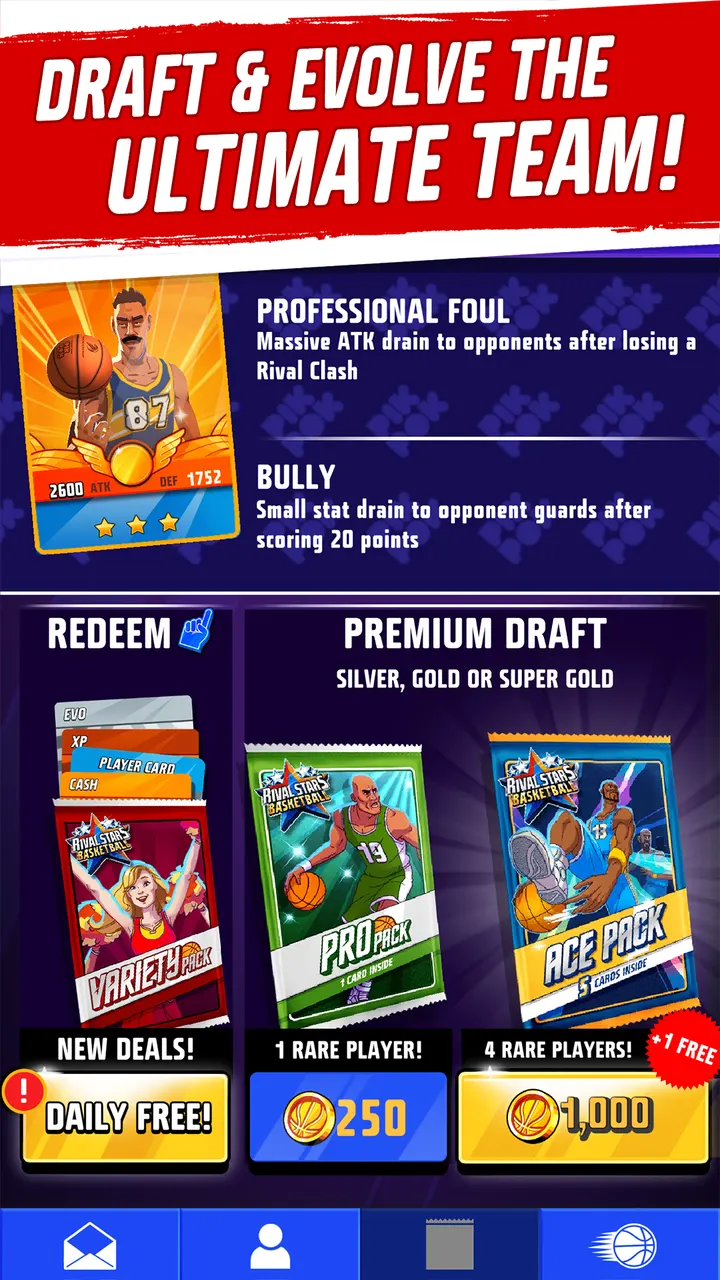
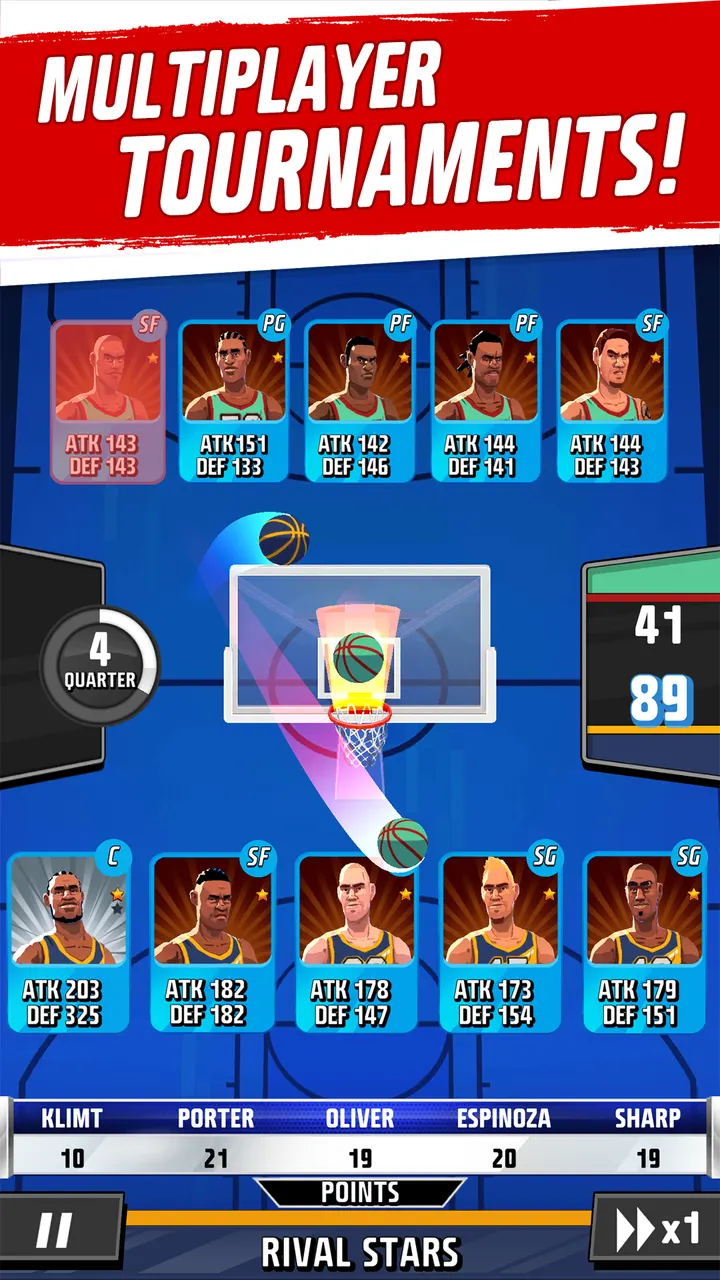
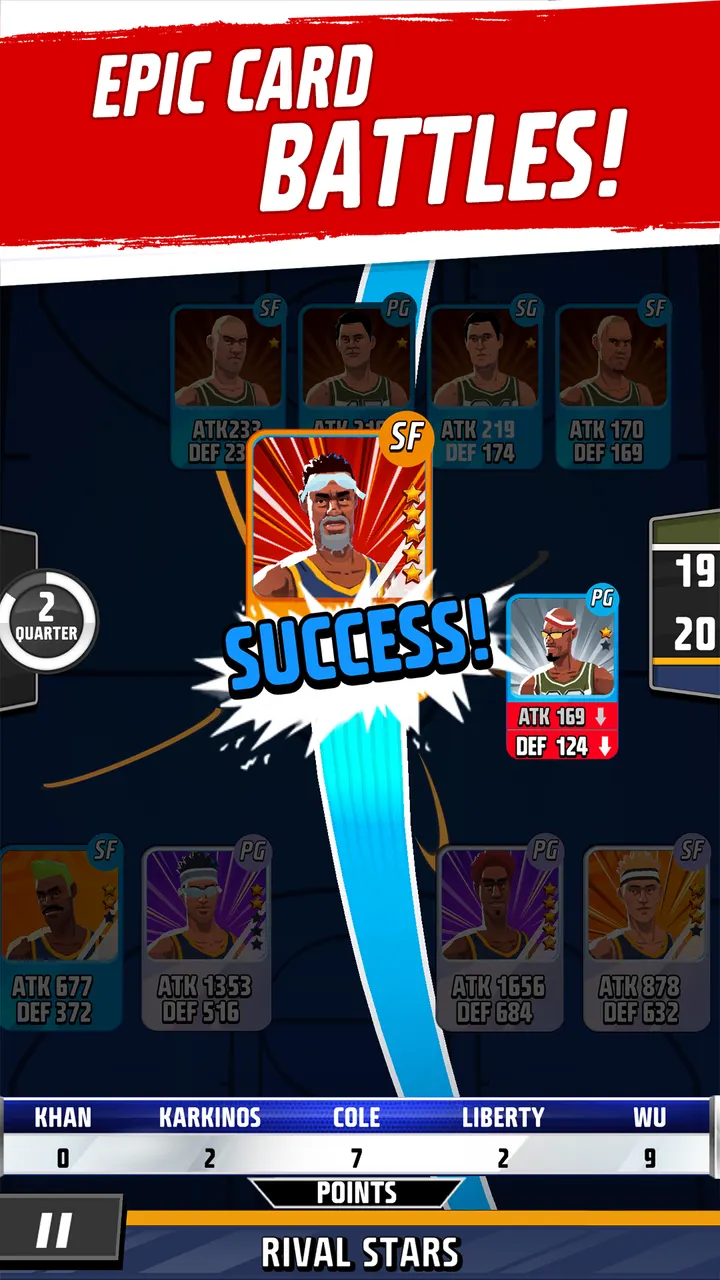
Rival Stars Basketball suits Android players who like managing a team more than steering one with a thumbstick. PIKPOK released it on October 21, 2014, and it costs nothing to play. You draft player cards, pick plays like a pass or a 3-pointer, and then watch the key moments unfold in 3D on court action against other players.
Basketball without a joystick: the card-management idea
Most mobile basketball games ask for fast taps and aim. This one replaces that with a fantasy-style manager role. You draft a team from player cards, then make calls during the match.
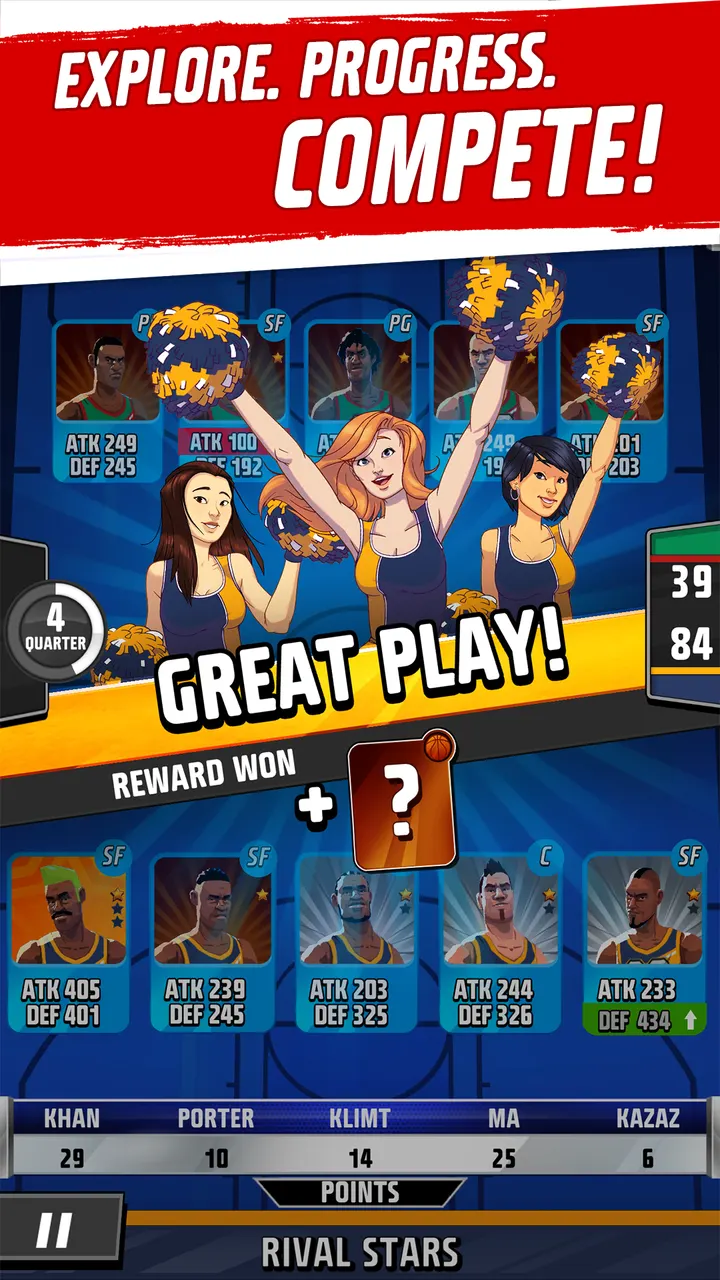
The store text describes pass-or-shoot decisions and choosing which players attack and which defend. It also says some moments cut to 3D on-court action, such as steals, shots and slam dunks. An auto play option lets the AI make the calls if you prefer to watch.
Drafting hundreds of 3D players and entering live tournaments
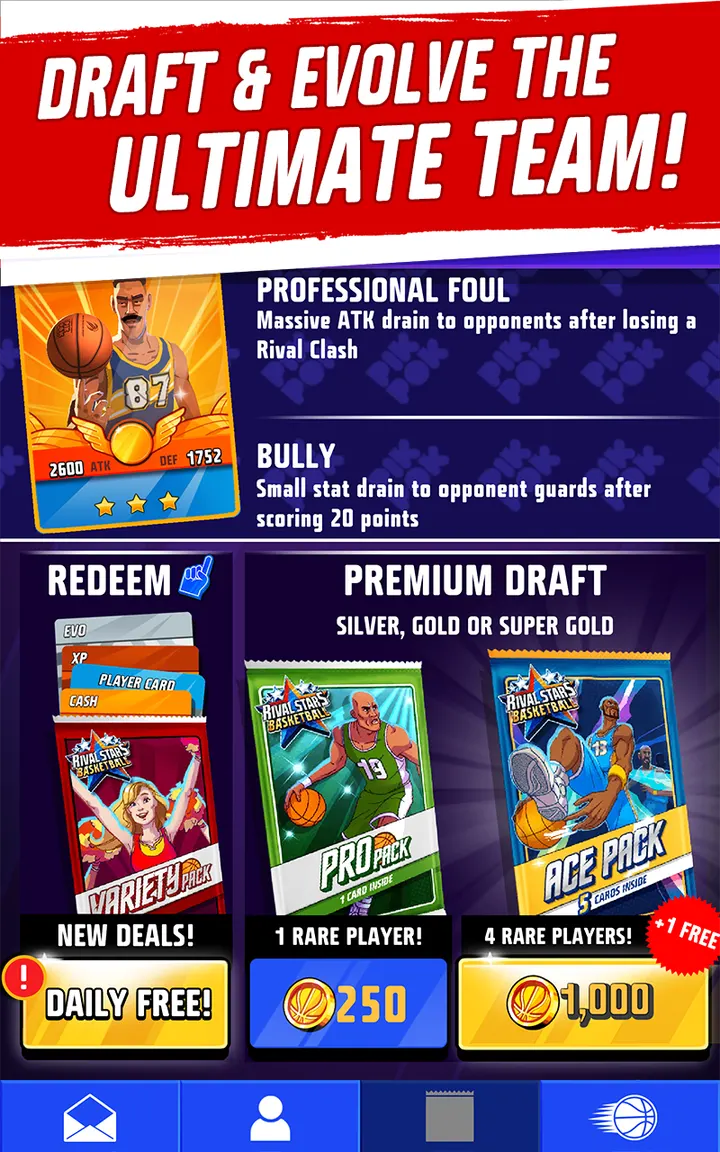
The card collection is the core loop. The game features hundreds of unique star players, all shown as animated 3D models. Cards can be evolved, and skills and bonuses can be added to strengthen them.
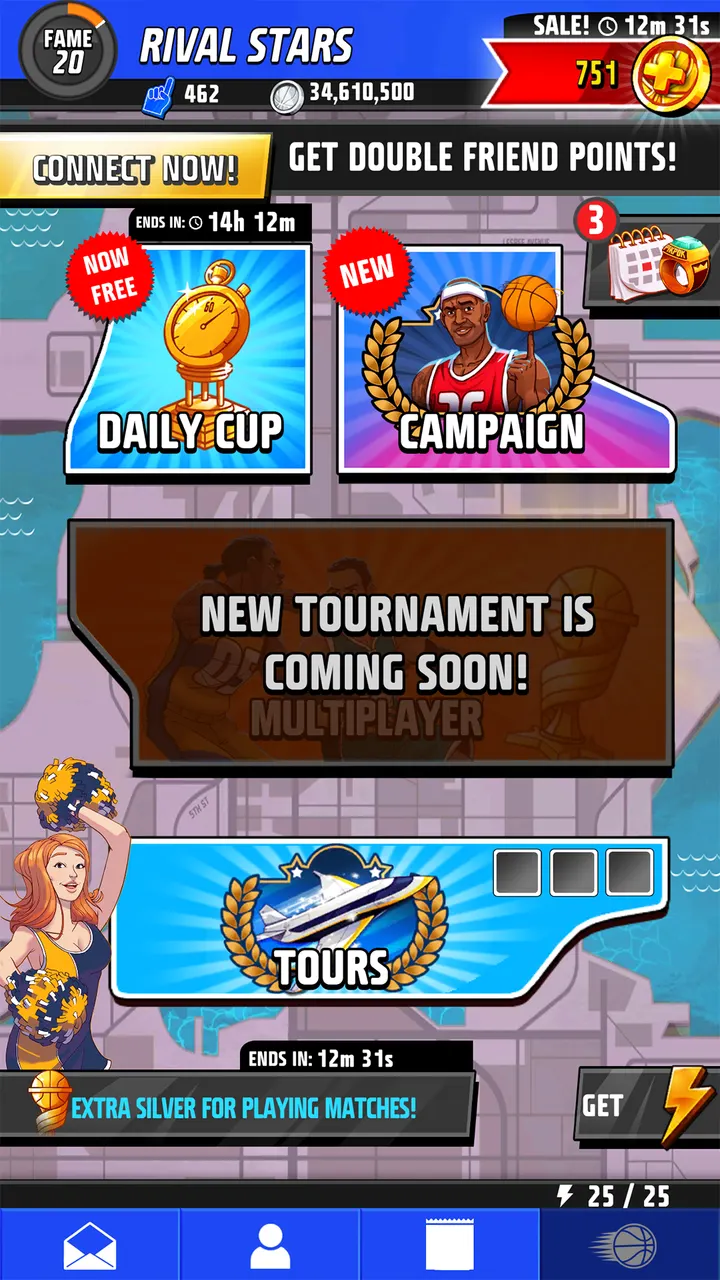
Competition comes in two forms. There are multiplayer battles against other players, and live global tournaments where you climb ranks for bigger rewards.
Ads, purchases and permissions to check on Google Play
Rival Stars Basketball costs nothing to start, though it carries ads and in-app purchases that use real money. Push notifications are optional, so you can decline them.
It needs Android 7.0 or higher and is rated Everyone.
What's new in 2.10.5
Version 2.10.5 is the current build, updated on November 19, 2025.
Rival Stars Basketball pros and cons
Pros
- Free to download, with a card-draft approach that differs from action basketball games
- Hundreds of collectible 3D animated players
- Auto play lets the AI call plays for you
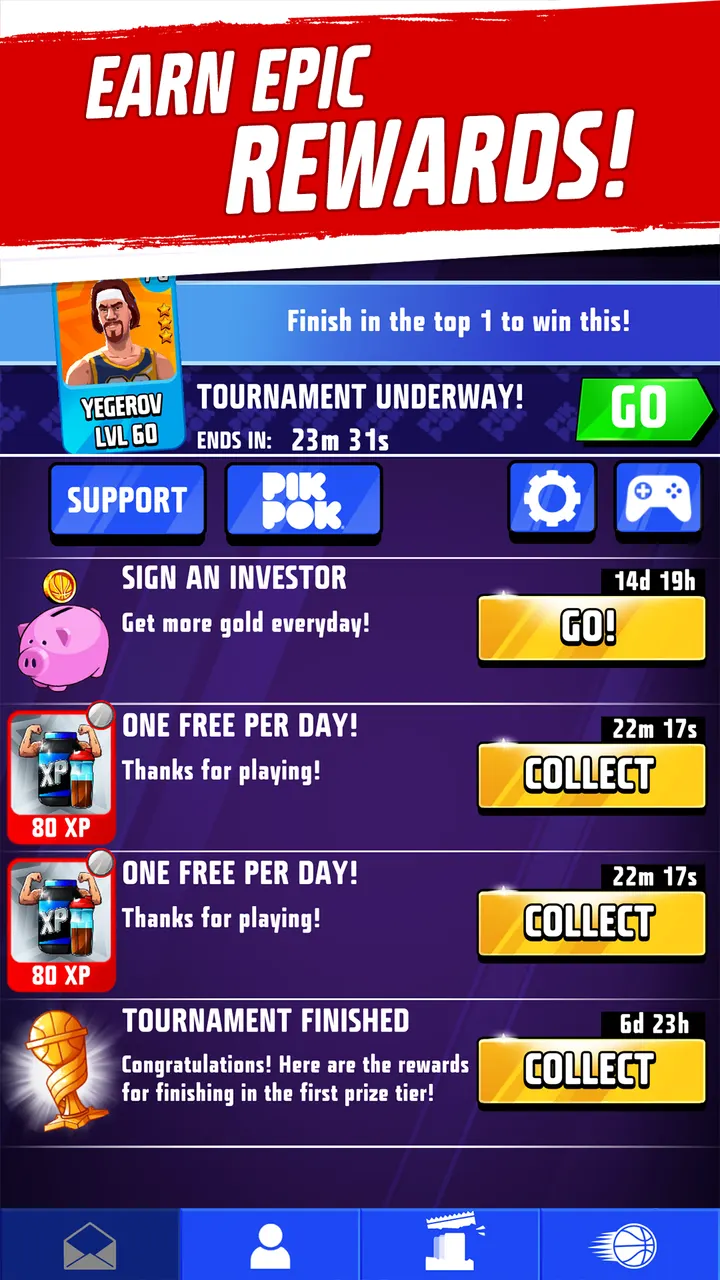
- Live global tournaments with ranked progression
- Rated 4.4 on Google Play across 168.8 thousand ratings
Cons
- Contains ads, including third-party ads
- In-app purchases cost real money
- Requests two storage permissions
- Needs Android 7.0 or newer
Is Rival Stars Basketball safe?
PIKPOK publishes the game under package ID com.pikpok.bbl.play, and its website is pikpok.com. Ads appear, and in-app purchases cost real money, so spending on extras for your card-drafted team is up to you. Push notifications about new content only arrive if you accept them. The content rating is Everyone.
How to install Rival Stars Basketball
- Press the Google Play button on this page.
- Check the listing in the Play Store and press Install.
- Open Rival Stars Basketball when the install finishes. Updates arrive through Google Play.


