

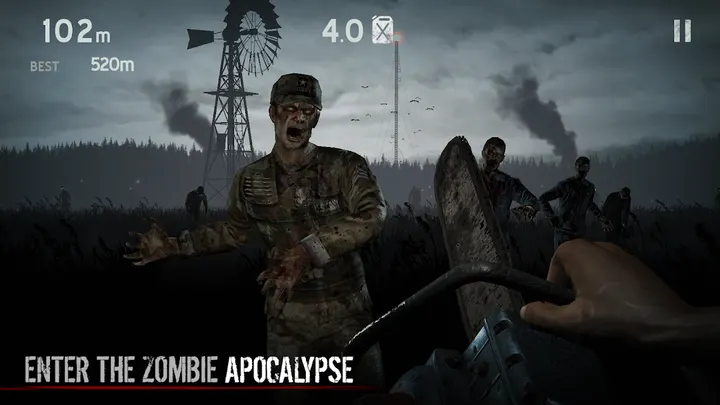
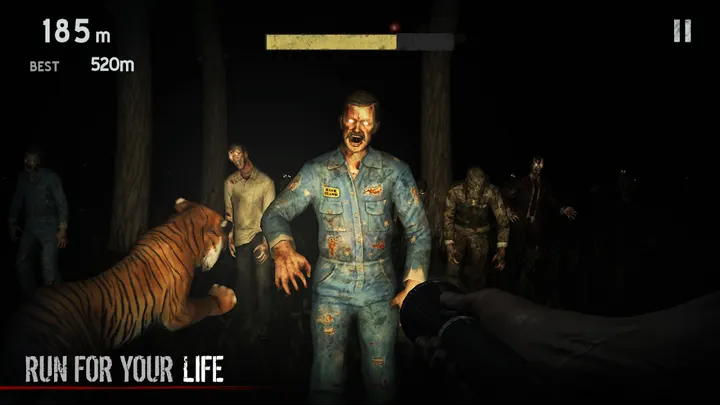

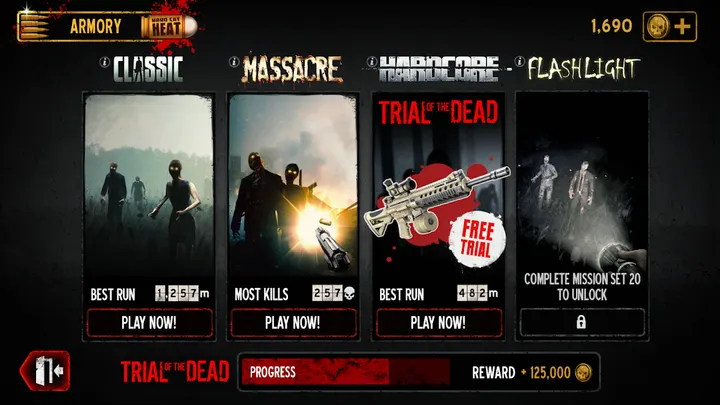
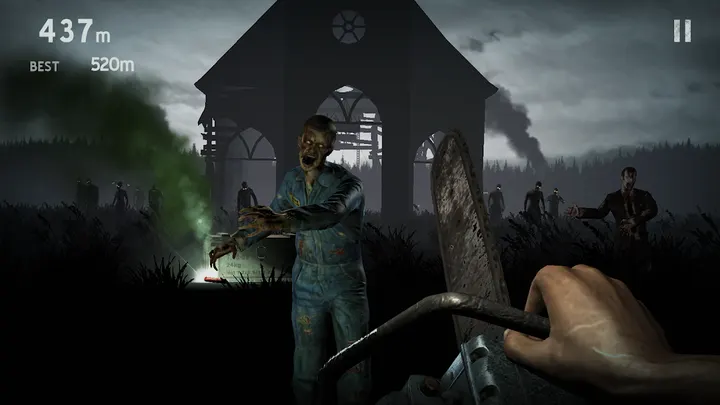
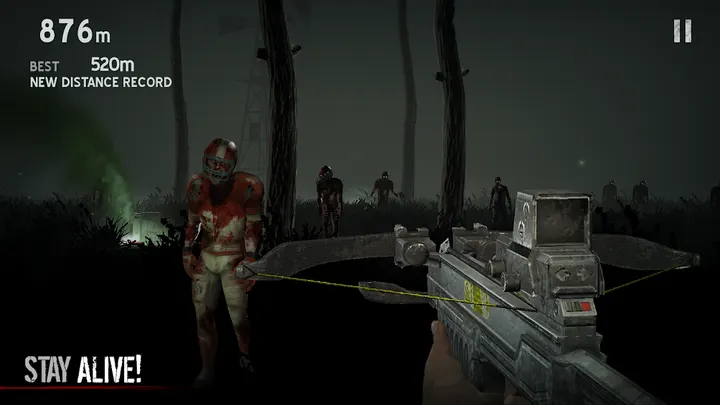
Into the Dead is a free horror action game from PIKPOK about running through a zombie apocalypse where there are no second chances. You keep moving, unlock weapons and perks, work through missions and minigoals, and try to beat your friends' high scores on a phone or tablet.
PIKPOK and a 2013 release that still gets updates
The developer is PIKPOK, whose site is pikpok.com. The game first appeared on March 26, 2013, and the latest version is 2.9.5, updated on September 30, 2026.
That is more than a decade of support for one title. The store text also says updates bring new modes, features and content.
Weapons, perks and missions in a zombie apocalypse
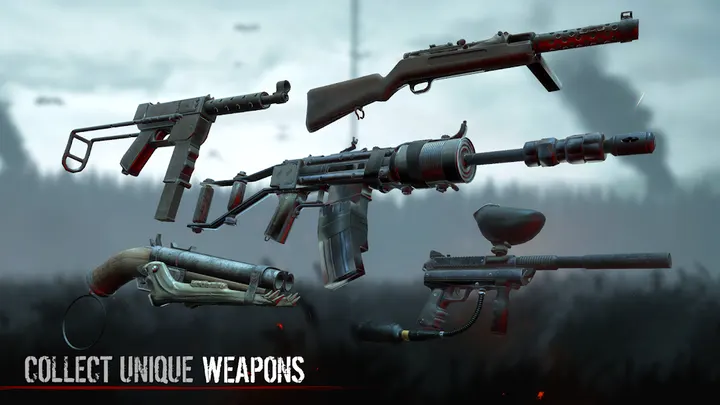
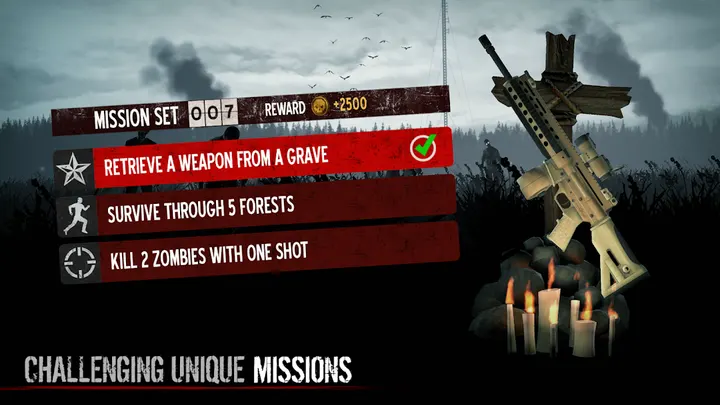
The premise is survival in a world overrun by the dead, and the store text stresses keeping on the move. You unlock weapons and perks to stay alive, and missions and minigoals set extra challenges along the way.
The game promises detailed visuals and sound for the grim setting. You can challenge friends to beat your high scores, which suits the short-session design.
The game sits in the horror and action-adventure categories, with an action tag.
Android 7.0, tablets and storage permissions
Into the Dead needs Android 7.0 or later, and tablets are supported. The package ID is com.sidheinteractive.sif.DR.
The game asks for storage access to save player progress. The two permissions are reading and modifying the contents of USB storage. The content rating is Teen.
Into the Dead pros and cons
Pros
- Free to install
- Google Play shows a 4.5 rating across 1.7 million ratings
- Weapons, perks, missions and minigoals give progression goals
- Tablets are supported
- Updated as recently as September 30, 2026
Cons
- Contains ads
- Includes in-app purchases
- Rated Teen because of its zombie horror theme
- Requires storage permissions to save progress
Is Into the Dead safe?
Into the Dead comes from PIKPOK and costs nothing, though it carries ads and in-app purchases. The Teen rating reflects its grim zombie apocalypse setting, so it fits older players better than young children. Check the permissions listed on the store page before you install.
How to install Into the Dead
- Press the Google Play button on this page.
- Check the listing in the Play Store and press Install.
- Open Into the Dead when the install finishes. Updates arrive through Google Play.


