

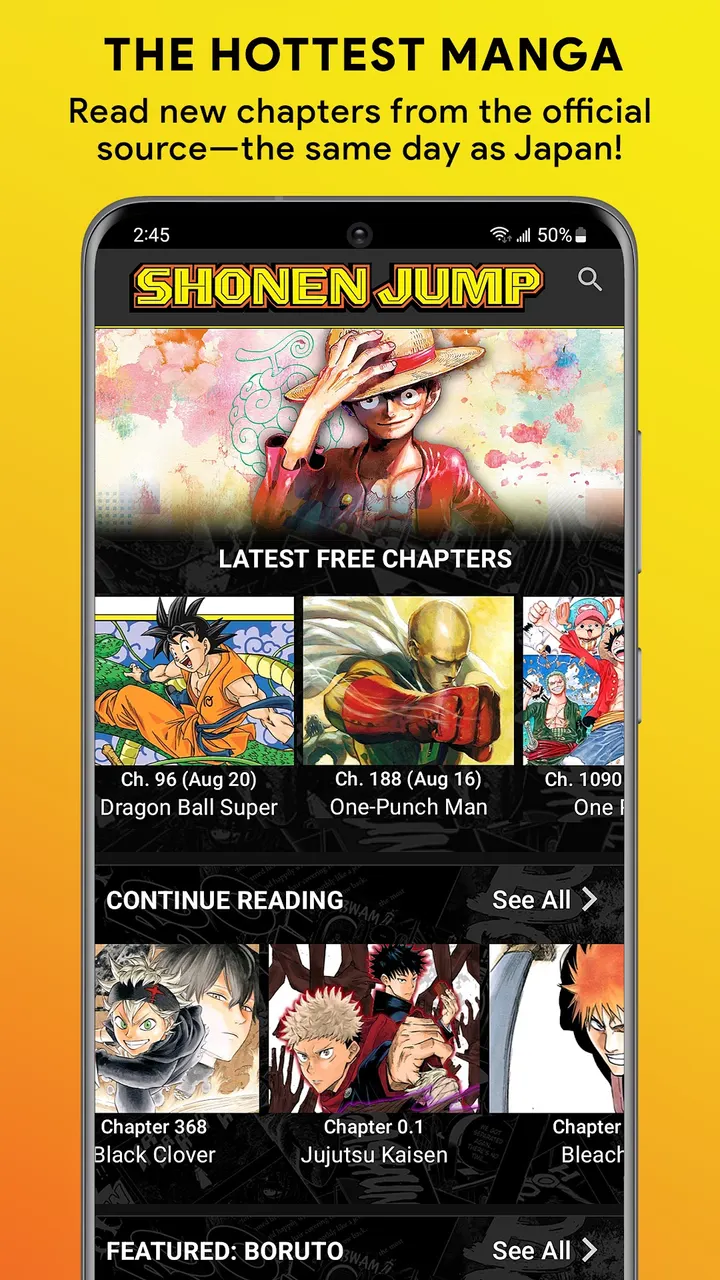

Shonen Jump Manga & Comics is Viz Media's official manga reader for Android phones and tablets. It carries series such as One Piece, Jujutsu Kaisen, Chainsaw Man and Spy x Family, with the latest chapters free and no ads. Landscape mode shows two-page spreads as drawn, and an account syncs your place across devices.
Free chapters and the paid vault
Installing costs nothing and the app shows no ads. The latest chapters are free, with new ones weekly and fresh series added from time to time.
Older chapters need a membership, and the app declares in-app purchases for that. Check the current price and trial terms on the Google Play page, since they can change with your local currency.
Reader, offline mode and account sync
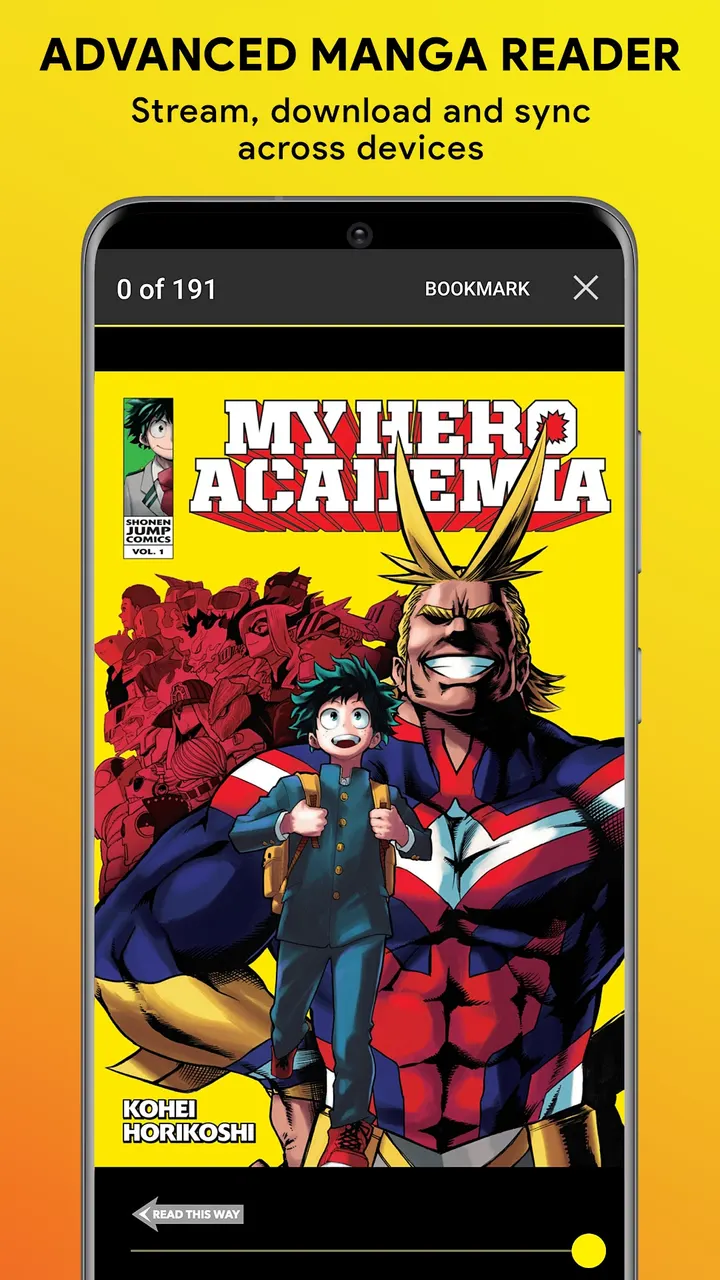
The reader supports landscape mode so two-page spreads display as drawn. Light and dark themes are included. You can download chapters to read offline.
An account syncs reading progress across devices, so you can continue on another phone or tablet. The catalog covers series such as One Piece, Naruto, Jujutsu Kaisen, Spy x Family and Chainsaw Man. The developer describes the content as official and sourced from Japan.
Version 4.14.6 and its age
Version 4.14.6 arrived on October 14, 2026, and it needs Android 6.0 or newer. Viz Media first released the reader on August 20, 2013, so it has been maintained for well over a decade. The Teen content rating is worth checking if younger readers will pick up series like Chainsaw Man or Jujutsu Kaisen on the same device.
Shonen Jump Manga & Comics pros and cons
Pros
- No ads, as stated in the listing data
- Latest chapters are free, with new ones weekly
- Offline downloads and cross-device progress sync
- Landscape mode for two-page spreads
- Rated 4.8 on Google Play across 88.3 thousand ratings
Cons
- Full library access needs a paid membership at $3.99 a month in USD
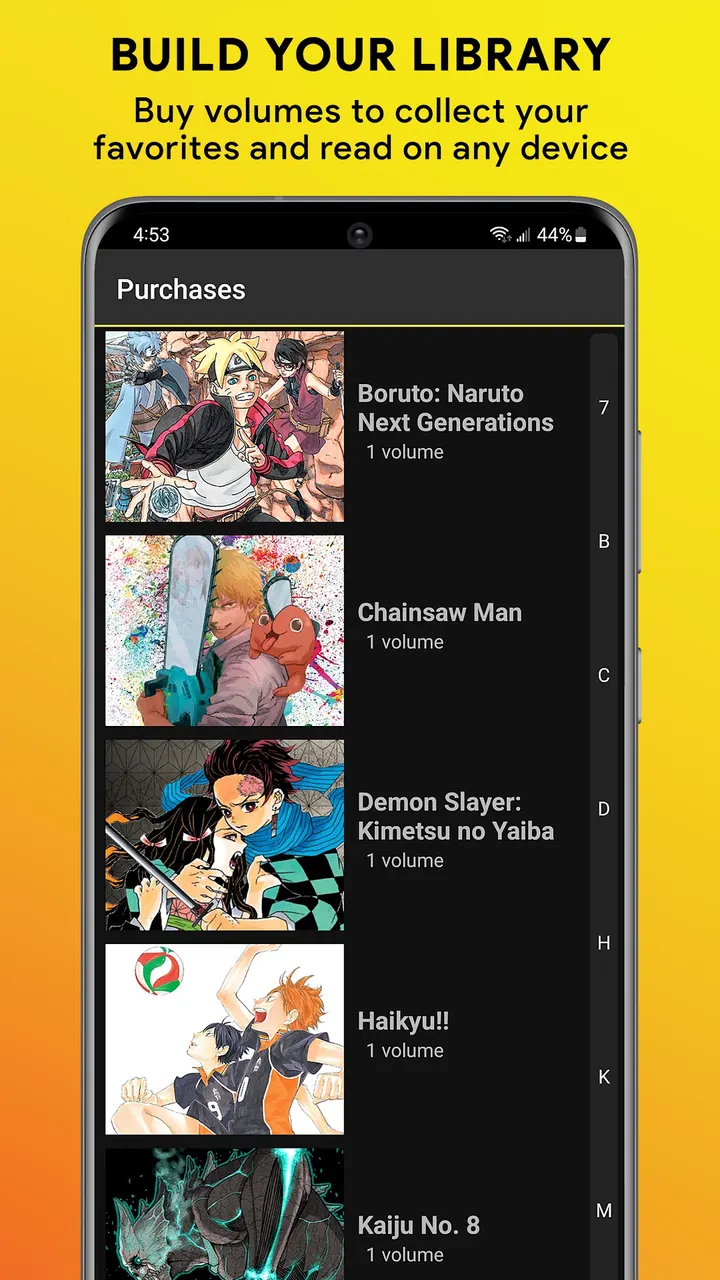
- In-app purchases are present, including paid volumes
- Teen content rating, so it is not aimed at young children
- Version 4.14.6 comes without release notes
Is Shonen Jump Manga & Comics safe?
The developer is Viz Media, whose website is viz.com. The app declares no ads and carries a Teen content rating. Before installing, look over the permissions shown on its Google Play page.
How to install Shonen Jump Manga & Comics
- Press the Google Play button on this page.
- Check the listing in the Play Store and press Install.
- Open Shonen Jump Manga & Comics when the install finishes. Updates arrive through Google Play.


