

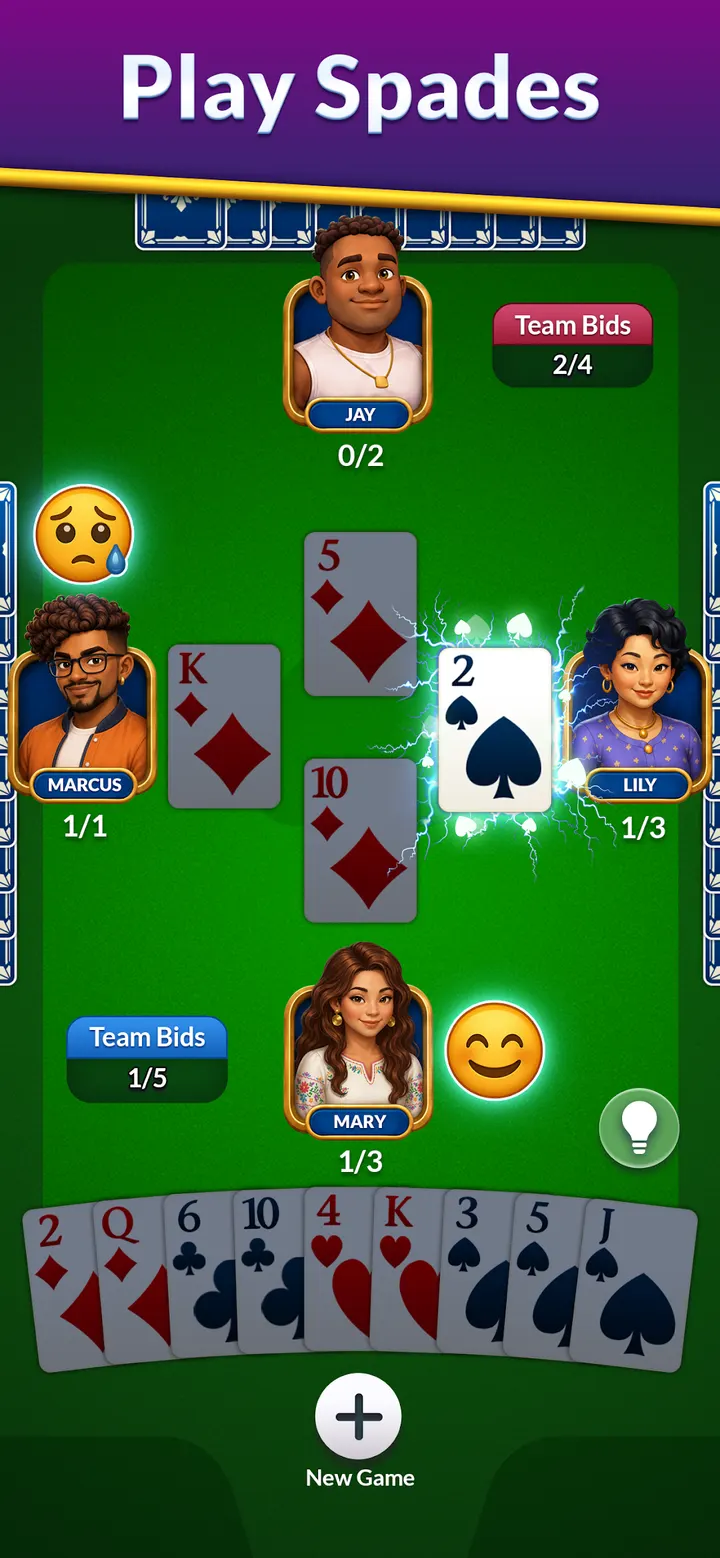
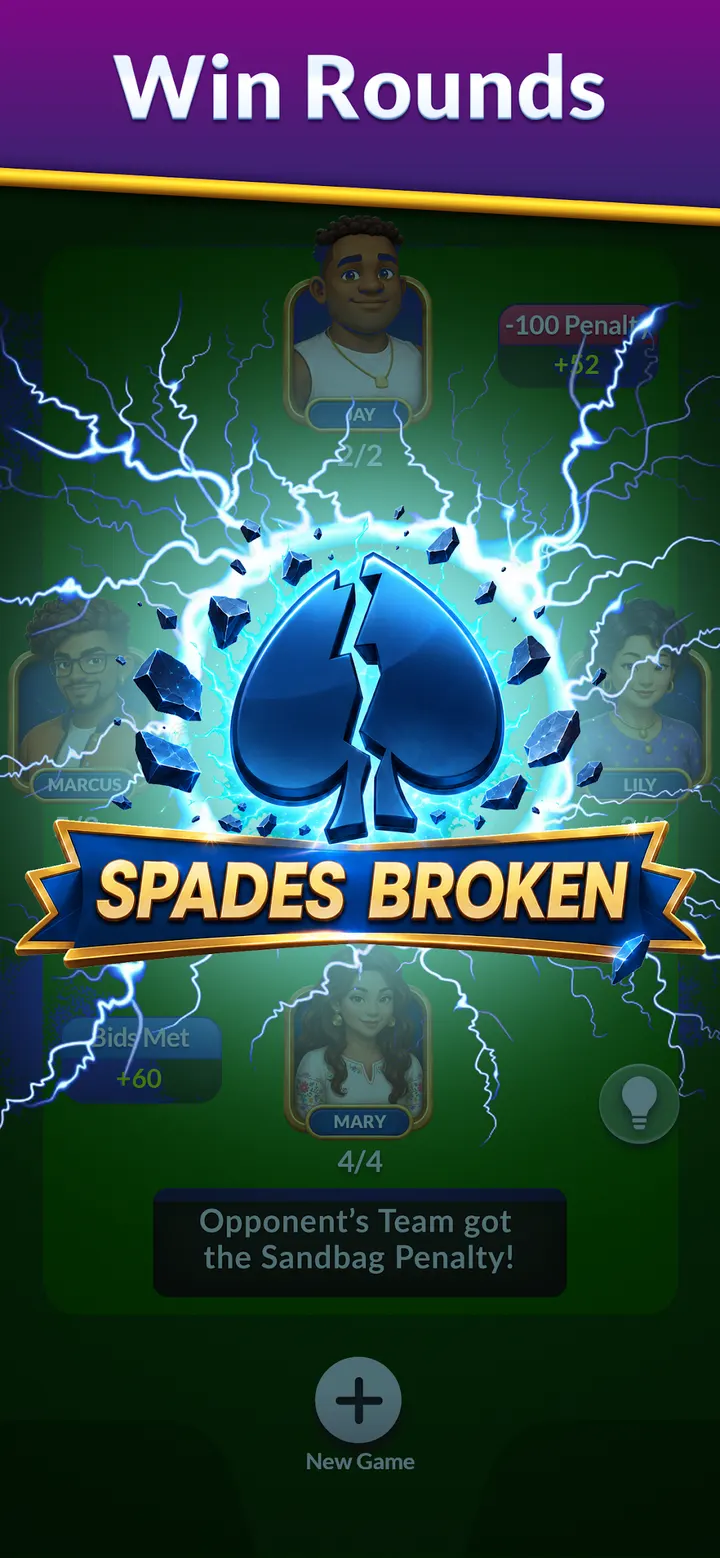
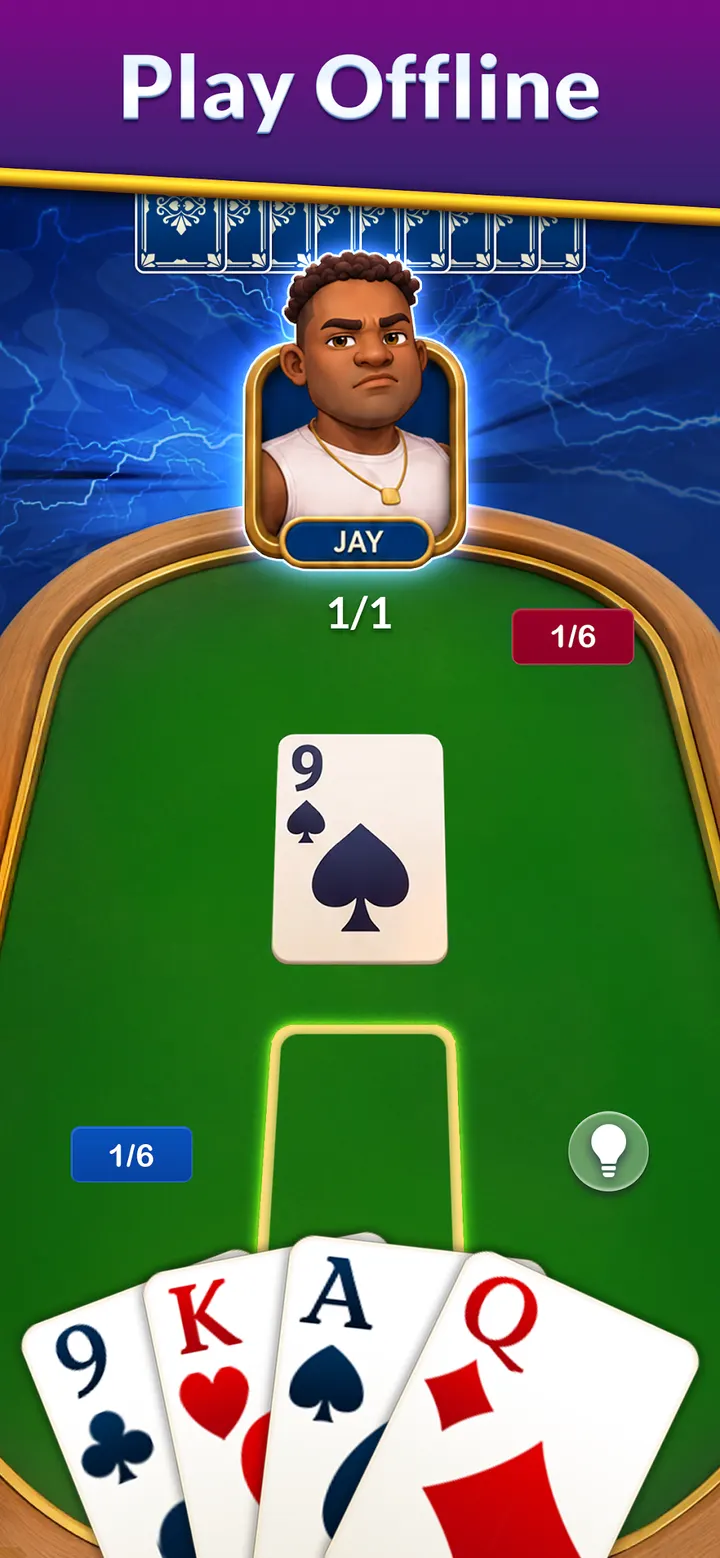
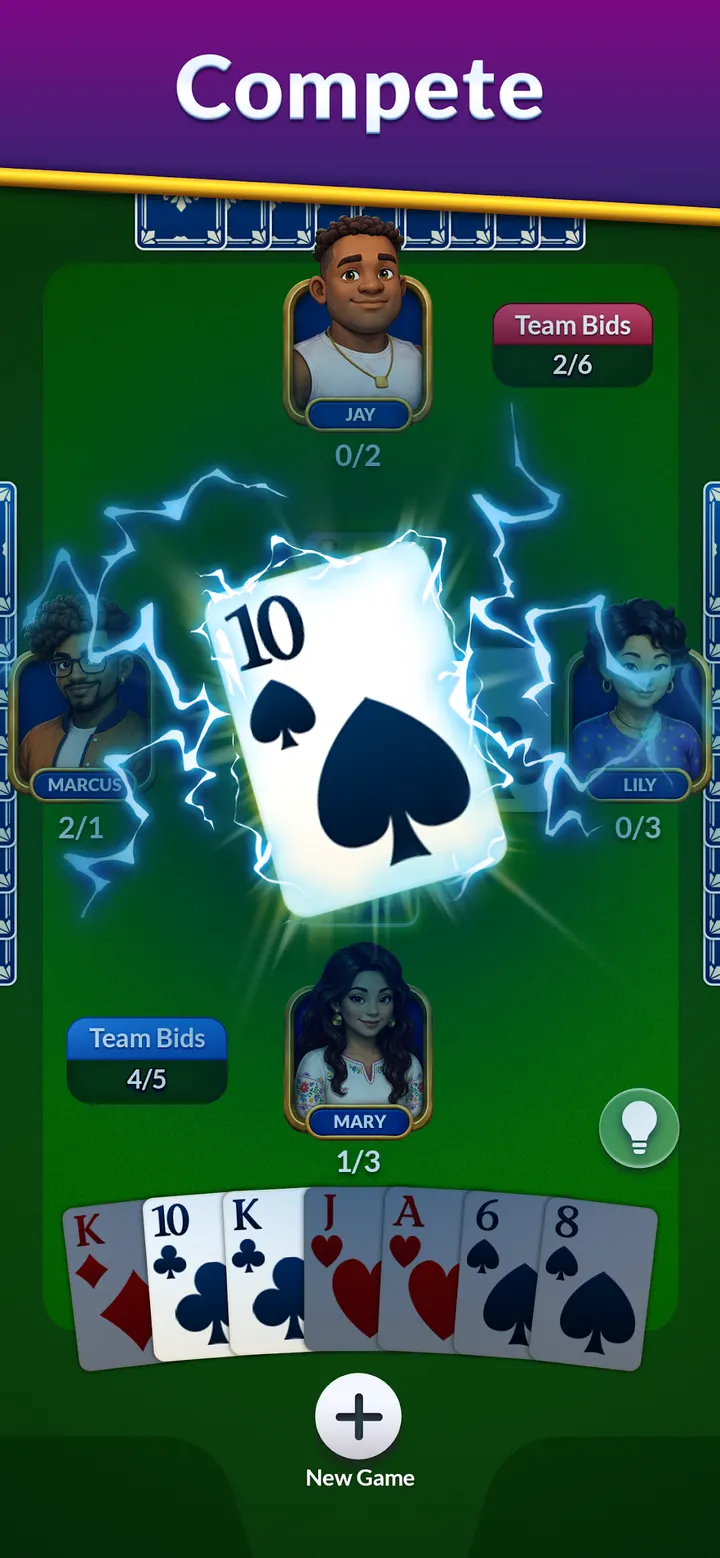

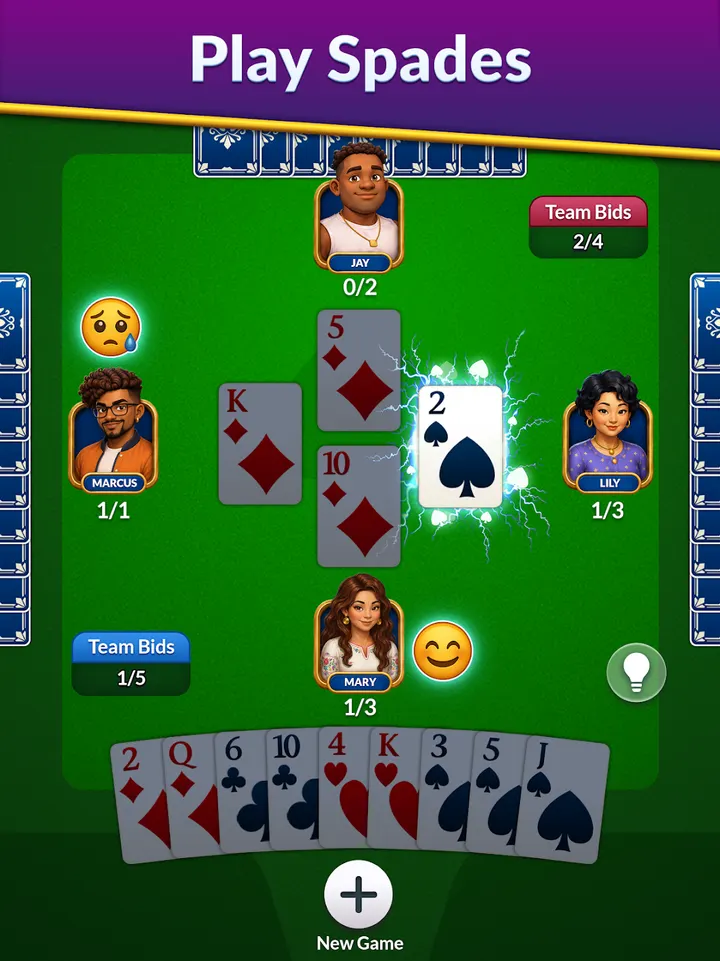
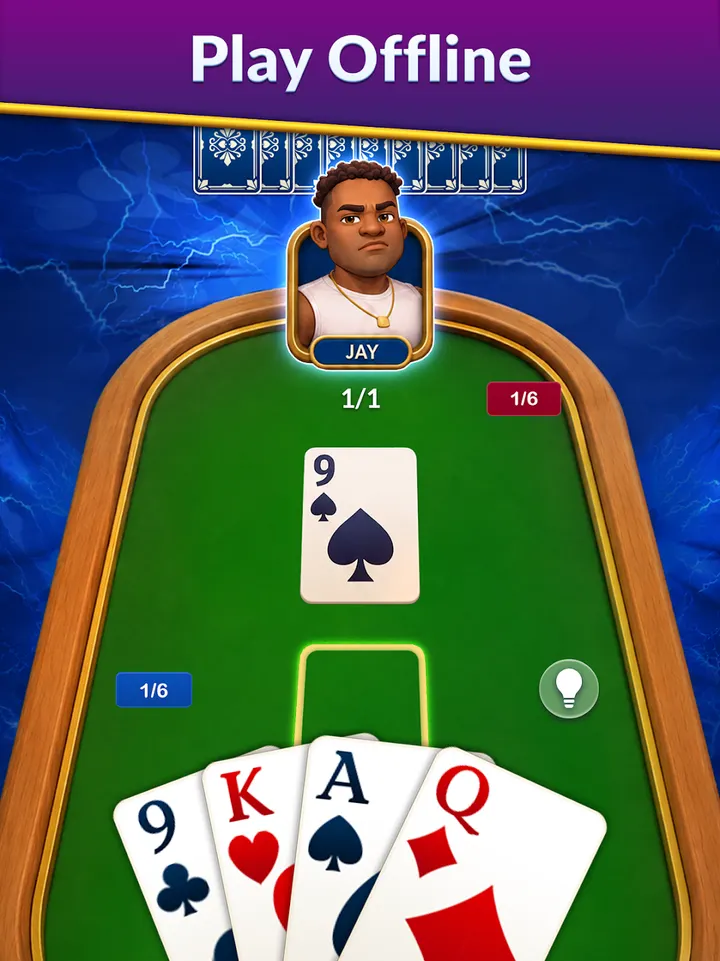
You have ten minutes on a train and no signal, and you want a hand of cards. Spades from Tripledot Studios Limited is built for that moment, with an offline mode that lets you play anywhere. It is a free Android card game that Google Play rates 4.8 from over 55.1 thousand ratings.
Tripledot Studios and the road to over 1 million installs
Spades comes from Tripledot Studios Limited, a developer that runs its own site at tripledotstudios.com. The game first appeared on August 22, 2024, and the current version is 1.16.00, updated on September 8, 2026.
Google Play shows over 1 million installs. The game carries an Everyone content rating and is filed under card games.
Hints, undos and auto-save at the table
The game covers the classic trick-taking format with several difficulty levels, so a beginner and an experienced player can both find a fitting setting. Hints and undos are unlimited, which makes it easy to learn why a bid or a play went wrong.
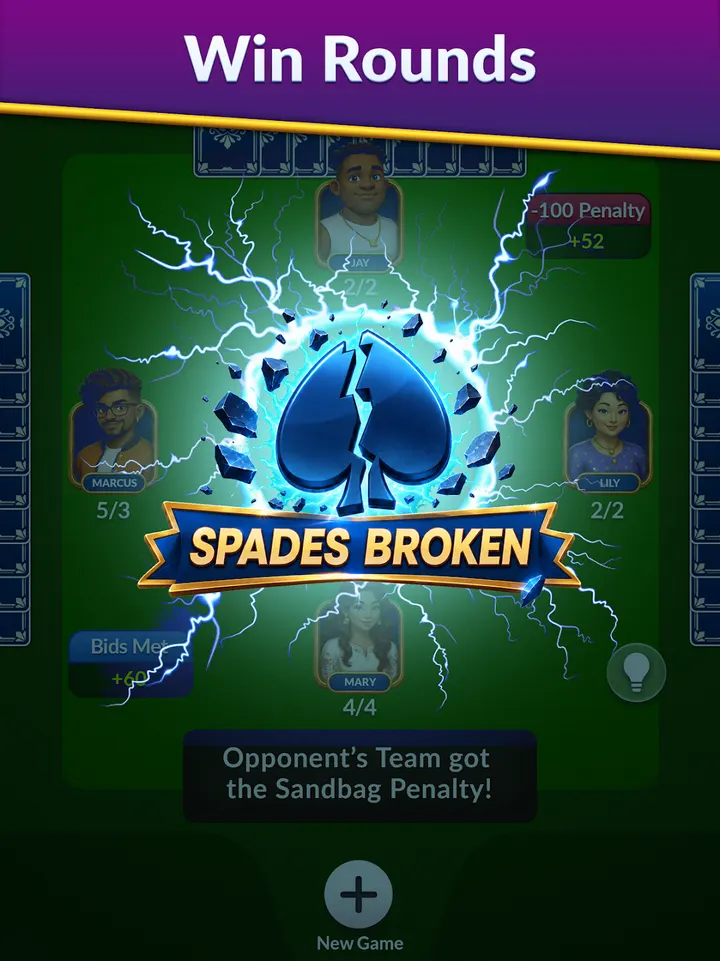
Auto-save keeps a hand in progress, so you can close the app and return to the same spot later. Offline play works without a connection, and the game also supports online play. Eight screenshots on the store page show the card designs and table layout.
Android 7.1 and newer, free with ads
Spades needs Android 7.1 or later, which leaves room for older phones and tablets. The download is free, and the game includes ads and in-app purchases.
The package name is com.tripledot.spades, which is useful for confirming you are looking at the right listing on Google Play.
Spades pros and cons
Pros
- Free to install, with a 4.8 rating on Google Play
- Unlimited hints and undos help new players learn
- Offline mode works without a connection
- Auto-save keeps a hand in progress
- Runs on Android 7.1 and later
Cons
- Contains ads
- Includes in-app purchases
- Focused on one card game, so there is little variety beyond Spades
Is Spades safe?
Spades is published by Tripledot Studios Limited and is distributed through Google Play. It has an Everyone content rating. The game shows ads and sells in-app purchases, so check purchase settings on shared devices.
How to install Spades
- Press the Google Play button on this page.
- Check the listing in the Play Store and press Install.
- Open Spades when the install finishes. Updates arrive through Google Play.


