

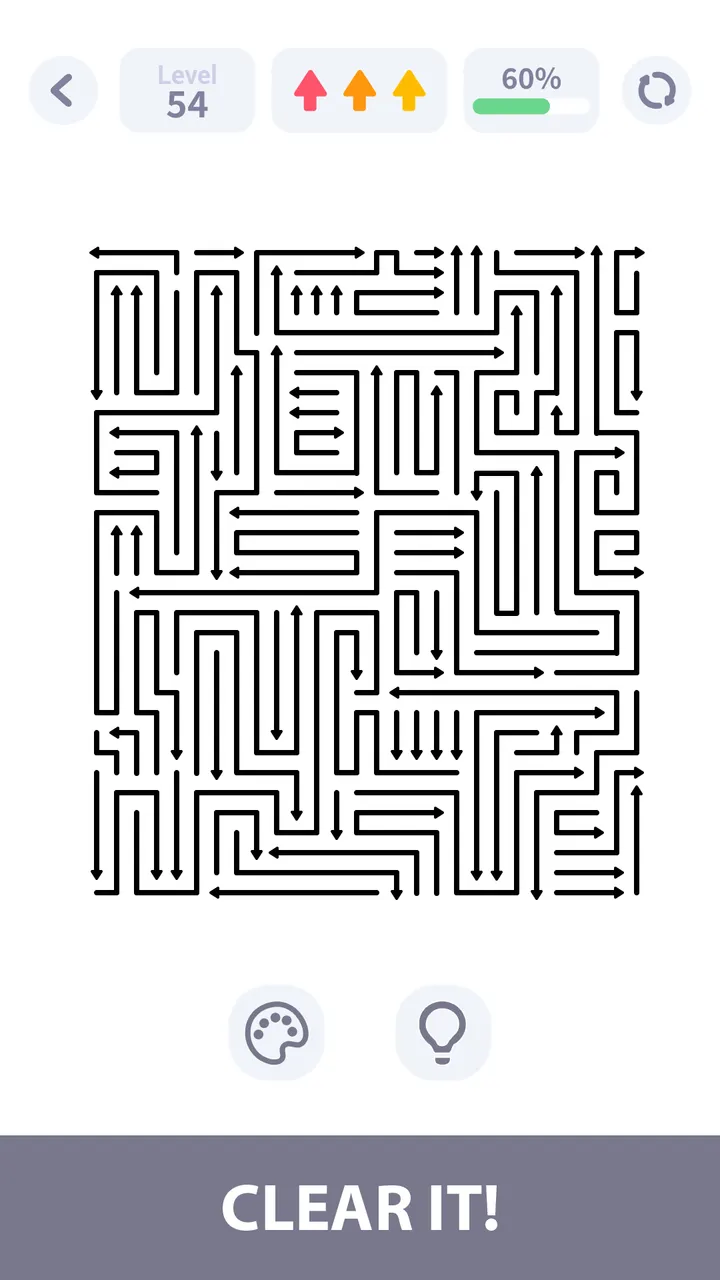
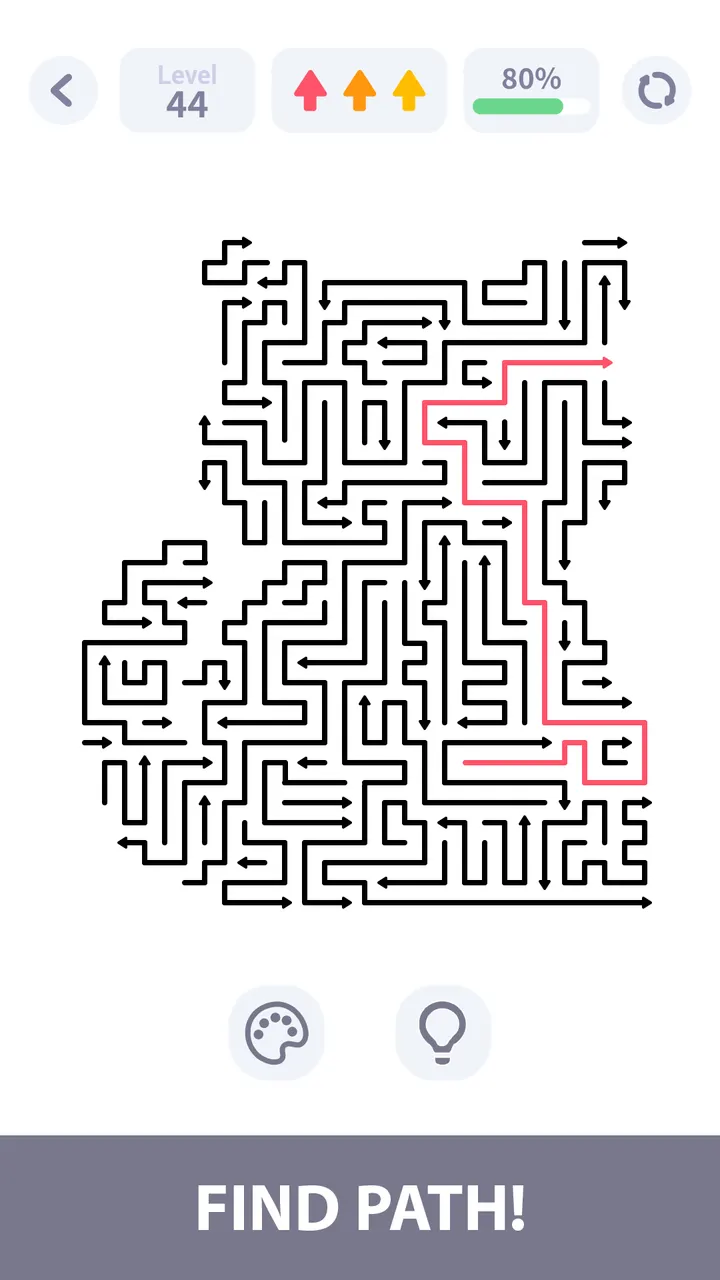
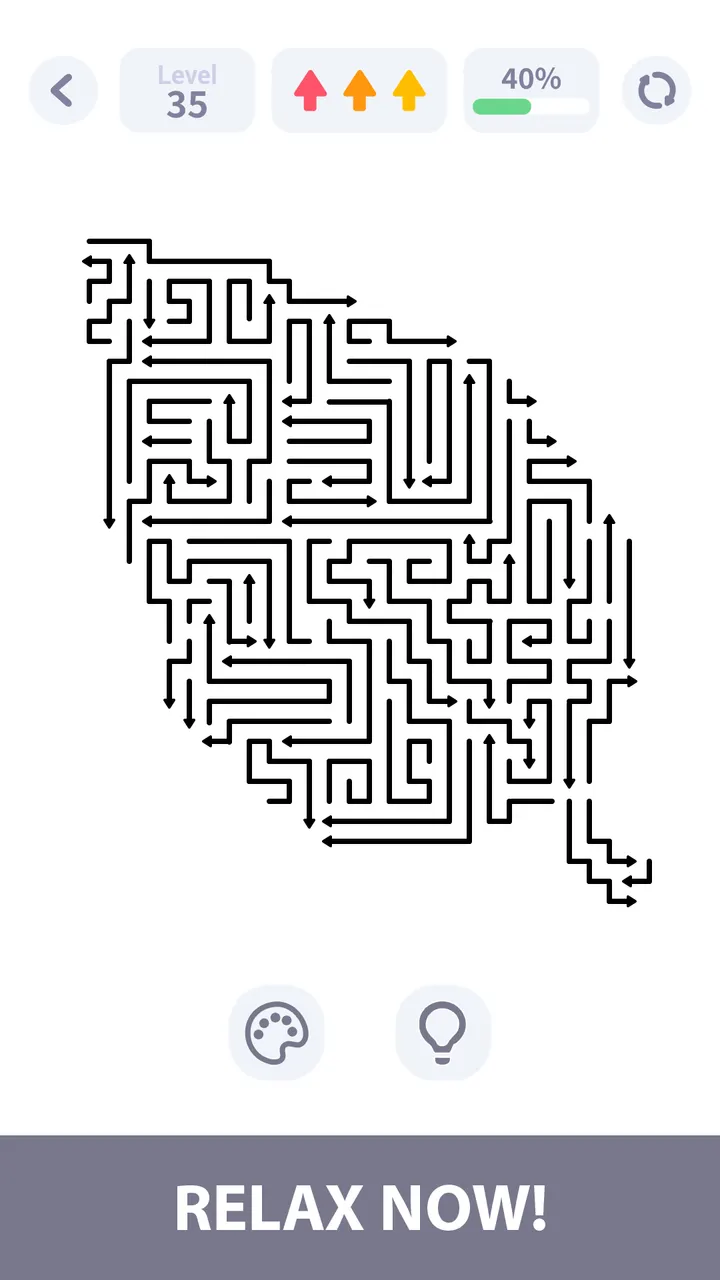
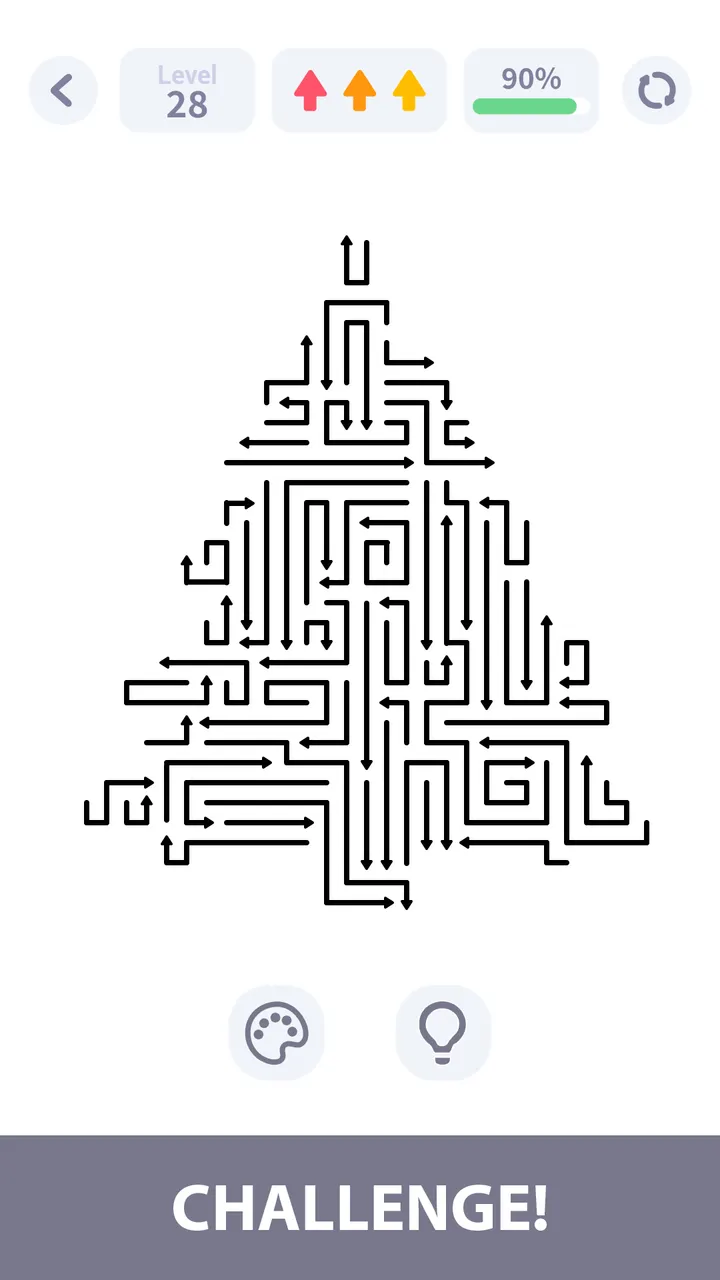
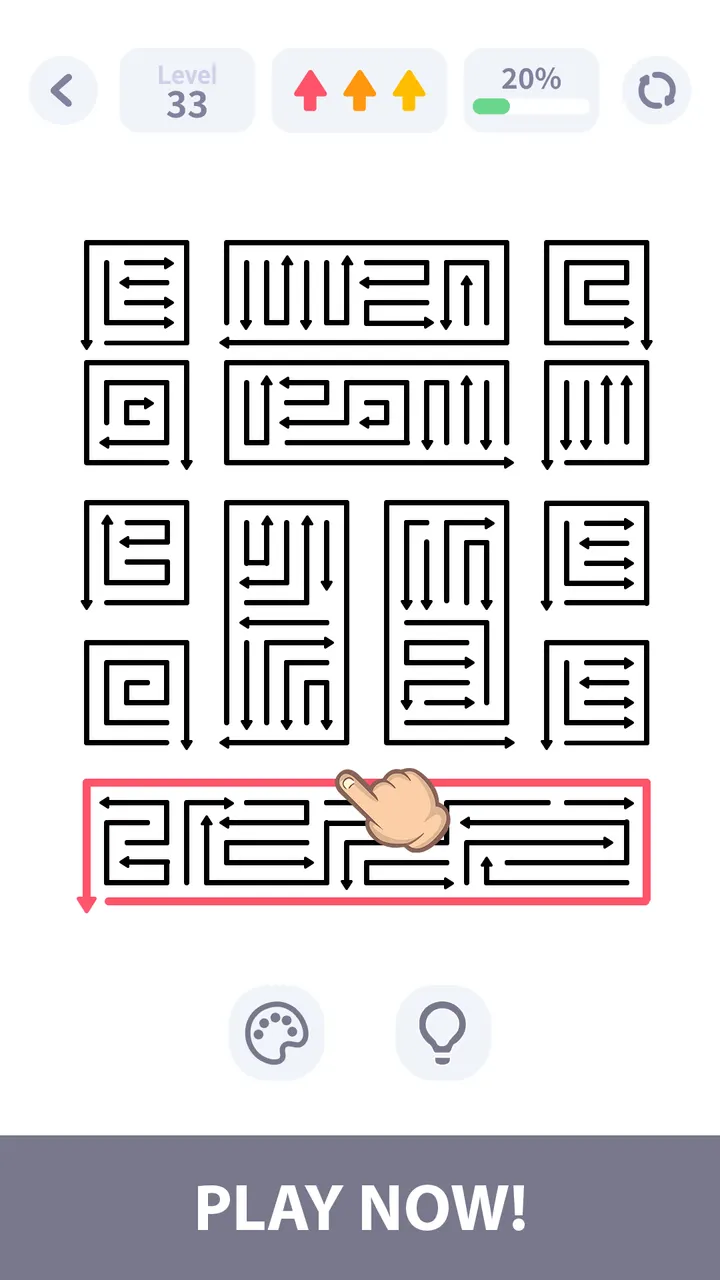
GOGO! Blast suits players who want a quiet puzzle game with no clock running. It is a free Android title from Nebula Studio, released on April 23, 2026, and rated Everyone. Google Play lists over 1 million installs and a 4.8 rating from 69.4 thousand ratings.
A puzzle for people who dislike time pressure
Many puzzle games push speed, countdowns or move limits. GOGO! Blast drops all of that. You play at your own pace, and a wrong guess costs nothing but a moment of thought.
The pitch is gentle logic. It is aimed at players who want something simple to pick up and relaxing to finish, and the Everyone rating fits that tone.
How the arrow-clearing rules work
Every arrow moves only in the direction it points. Your task is to tap them in the right order so none is blocked, clearing the board step by step.
Each level is a small sequencing problem. You look for the arrow with a free path, remove it, and see which paths that opens. Levels bring new layouts and logic patterns, and difficulty rises gradually from easy boards to harder ones.
The game also runs fully offline, so it works on a commute or without a connection.
What to check before installing
The game needs Android 7.1 or newer, and the current version is 1.4.1, updated on November 5, 2026. It is free and has no in-app purchases, but it does show ads, which may interrupt a game built around calm.
The game is distributed on Google Play, so install it from there. Check that your device meets the Android requirement first.
GOGO! Blast pros and cons
Pros
- Free, with no in-app purchases
- No timers, so you set the pace
- Works fully offline
- Gradually rising difficulty across many levels
- Rated 4.8 on Google Play by 69.4 thousand people
Cons
- Contains ads
- Needs Android 7.1 or newer
- One core mechanic, so variety comes only from level layouts
Is GOGO! Blast safe?
GOGO! Blast is published by Nebula Studio and distributed through Google Play, which is the place to install it. It is rated Everyone and carries no in-app purchases, though it does include ads. Review the permissions shown on the store page before installing.
How to install GOGO! Blast
- Press the Google Play button on this page.
- Check the listing in the Play Store and press Install.
- Open GOGO! Blast when the install finishes. Updates arrive through Google Play.


