

Titan Rush suits players who like strategy games with base building and squad tactics, and who are comfortable with a Teen content rating. It is an Android game from RATING GAME, distributed through Google Play, and it needs Android 7.0 or newer.
Free to install, with ads and in-app purchases
Titan Rush costs nothing to download. It contains ads and sells in-app purchases, so spending is optional but built into the game. Google Play lists over 1 million installs and a 4.6 rating from 35.4 thousand ratings.
The game is rated Teen and carries the strategy tag.
Mechs, commanders and a flooded shelter
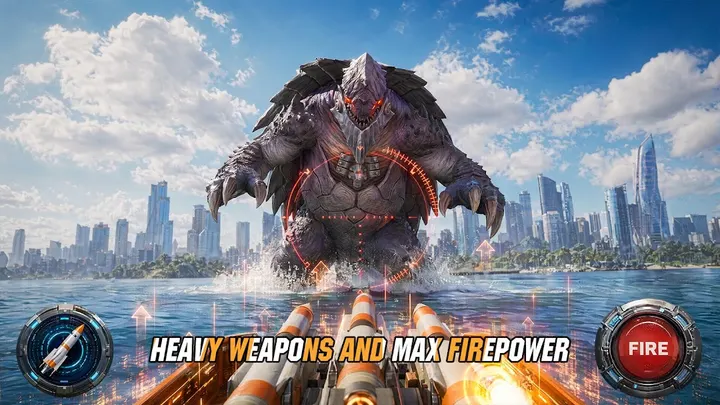
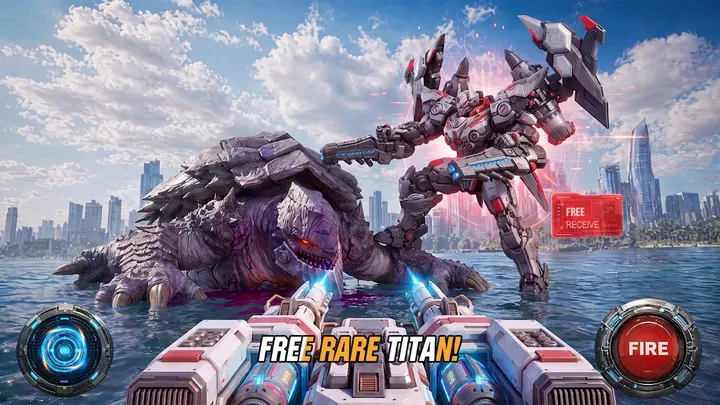
You assemble a mech piece by piece, from head and torso to weapon attachments. Rare components unlock through combat, and different builds suit melee, firepower suppression or targeted airstrikes.
Commanders each bring passive and active skills, and pairing them with Titans triggers synergy bonuses. Between fights you run a shelter with hydro farms, desalination plants, refineries and power plants, and you assign survivors to production, research or defense.
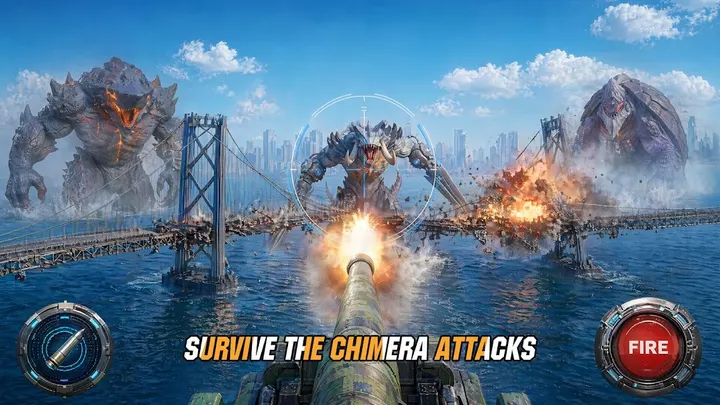
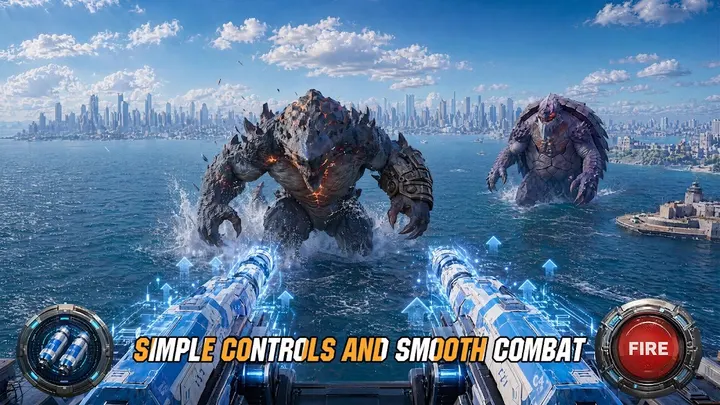
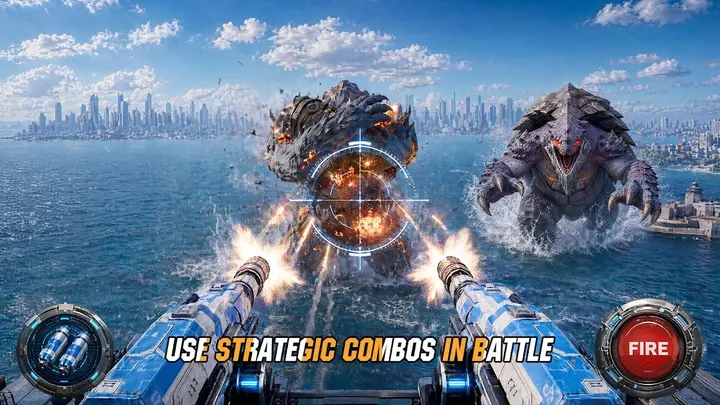
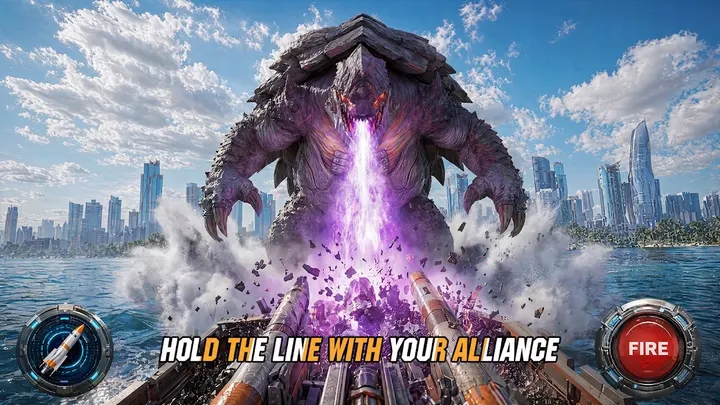
Battles take place in half-submerged skyscrapers and abandoned subway tunnels against the Chimera. Story choices, such as raiding a hive or holding back to defend the shelter, shape what follows. Alliances let players share resources, trade blueprints, build outposts and work through an Alliance tech tree.
Version 4.10.0 and upkeep
The current build is version 4.10.0, updated on November 5, 2026. The game first appeared on March 11, 2026, so it has been receiving updates within its first year. Eight screenshots are on its store page.
Titan Rush pros and cons
Pros
- Free to download
- Mech customization from head to weapon attachments
- Commander and Titan synergy adds tactical depth
- Alliance features with shared resources and a tech tree
- Rated 4.6 on Google Play from 35.4 thousand ratings
Cons
- Contains ads
- Sells in-app purchases
- Requires Android 7.0 or newer
Is Titan Rush safe?
Titan Rush is distributed through Google Play under the package name com.ratinghope.gplay, published by RATING GAME. It is rated Teen and discloses ads and in-app purchases. Install it only from the official store page, and review the permissions shown there before installing.
How to install Titan Rush
- Press the Google Play button on this page.
- Check the listing in the Play Store and press Install.
- Open Titan Rush when the install finishes. Updates arrive through Google Play.


