



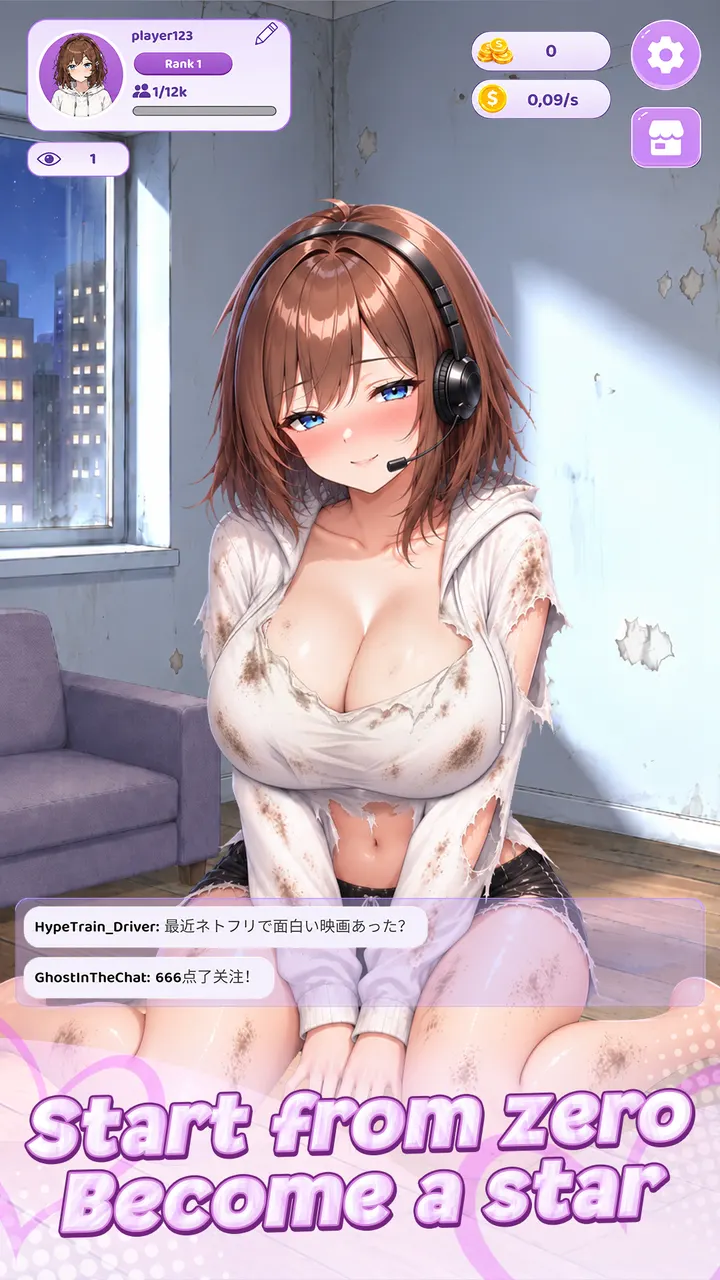
Waiting for a bus with a few minutes to spare suits Viral Streamer well: open it, tap a few times, spend the coins on an upgrade and close it again. This anime-inspired simulation from CSCMobi Studios puts you in a small bedroom with a camera and a handful of viewers. Google Play lists it for Android 7.0 and up.
Free to play, with ads and optional purchases
The game costs nothing to install. It contains ads and in-app purchases, so some boosts or shortcuts may be sold for real money, though the game also hands out coins and boosts through normal play.
Google Play rates the content Everyone 10+. The game is distributed through Google Play, and it has passed 1 million installs there.
Tapping, donations and a growing channel
Progress runs on simple taps. Each tap speeds up earnings, and virtual donations from your in-game audience become coins that you spend on upgrades to viewers, income and rank.
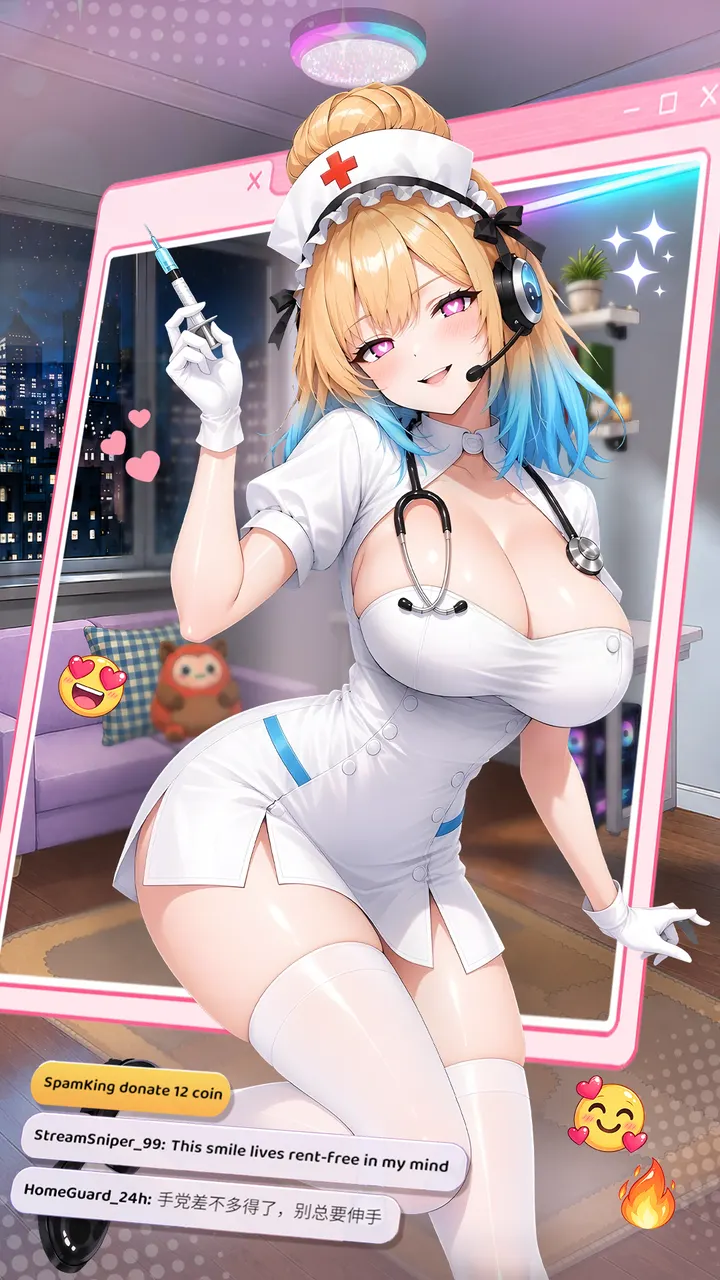
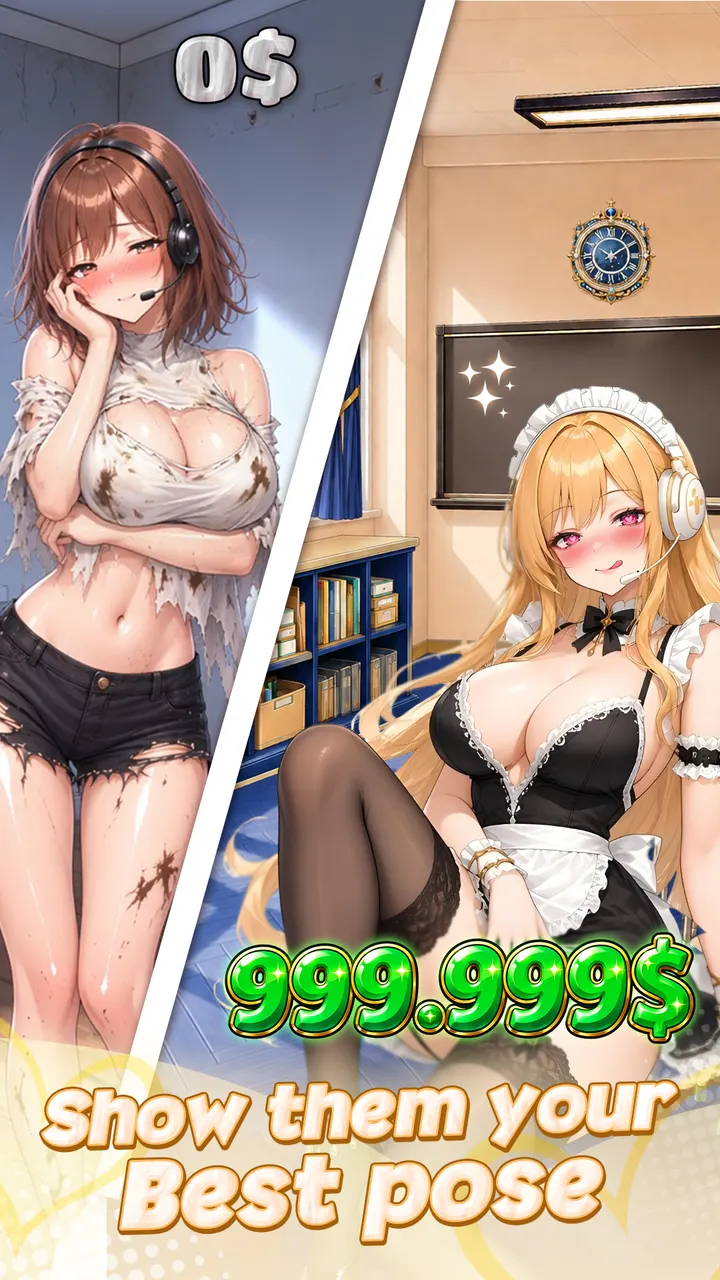
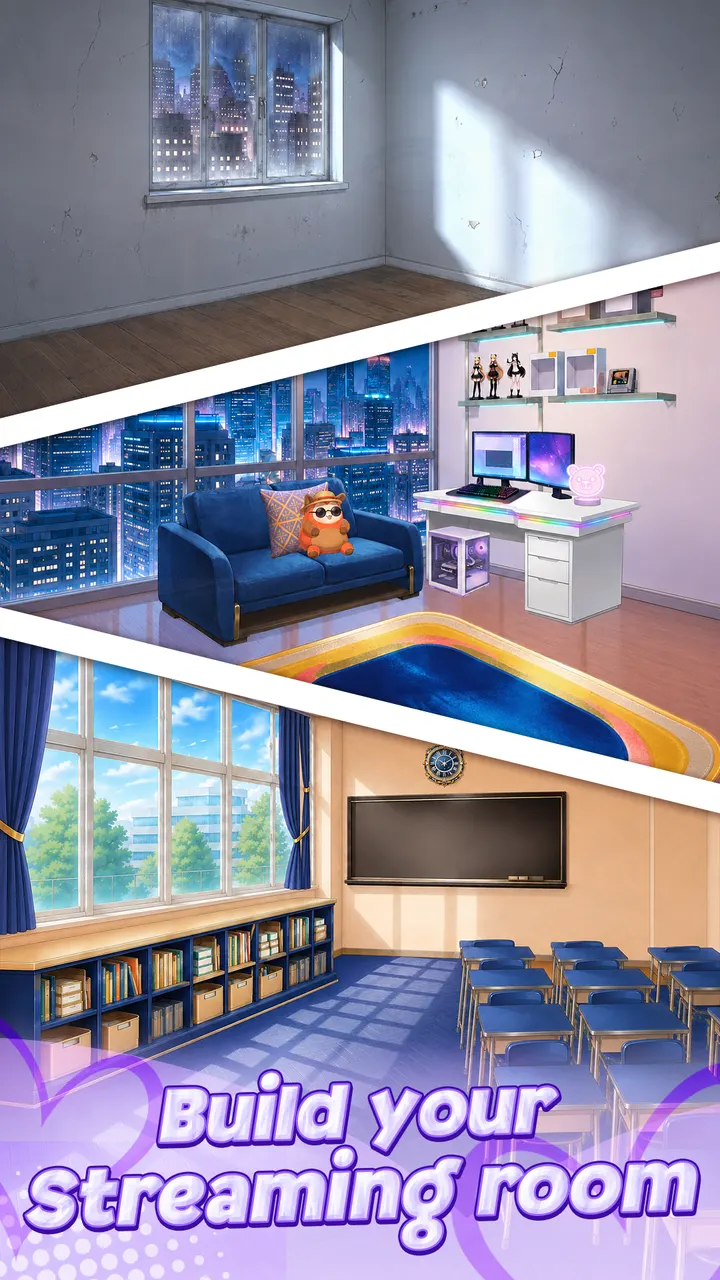
Outfits are the main way to personalize the streamer, and you can unlock and equip them to change the look. The room improves too: furniture, equipment and decorations turn a basic space into a polished studio. Goals stay clear, so you always know which rank comes next.
Version 1.1.58 and recent upkeep
The current build is version 1.1.58, updated on October 28, 2026. The game first appeared on September 10, 2026, so it is a recent release that already receives regular updates.
Google Play shows a 4.5 rating from about 19.1 thousand ratings.
Viral Streamer pros and cons
Pros
- Free to install, with no upfront cost
- Simple tap controls and clear rank goals
- Outfit collection and room upgrades give coins a visible use
- Rated 4.5 on Google Play from about 19.1 thousand ratings
- Updated on October 28, 2026
Cons
- Contains ads
- In-app purchases are available
- Idle clicker loop may feel repetitive over long sessions
Is Viral Streamer safe?
The game is distributed through Google Play, which is the place to install it. The publisher is CSCMobi Studios, and the developer site is friday2game.com. It carries an Everyone 10+ rating and includes ads and in-app purchases, so check purchase settings on shared devices.
How to install Viral Streamer
- Press the Google Play button on this page.
- Check the listing in the Play Store and press Install.
- Open Viral Streamer when the install finishes. Updates arrive through Google Play.


