
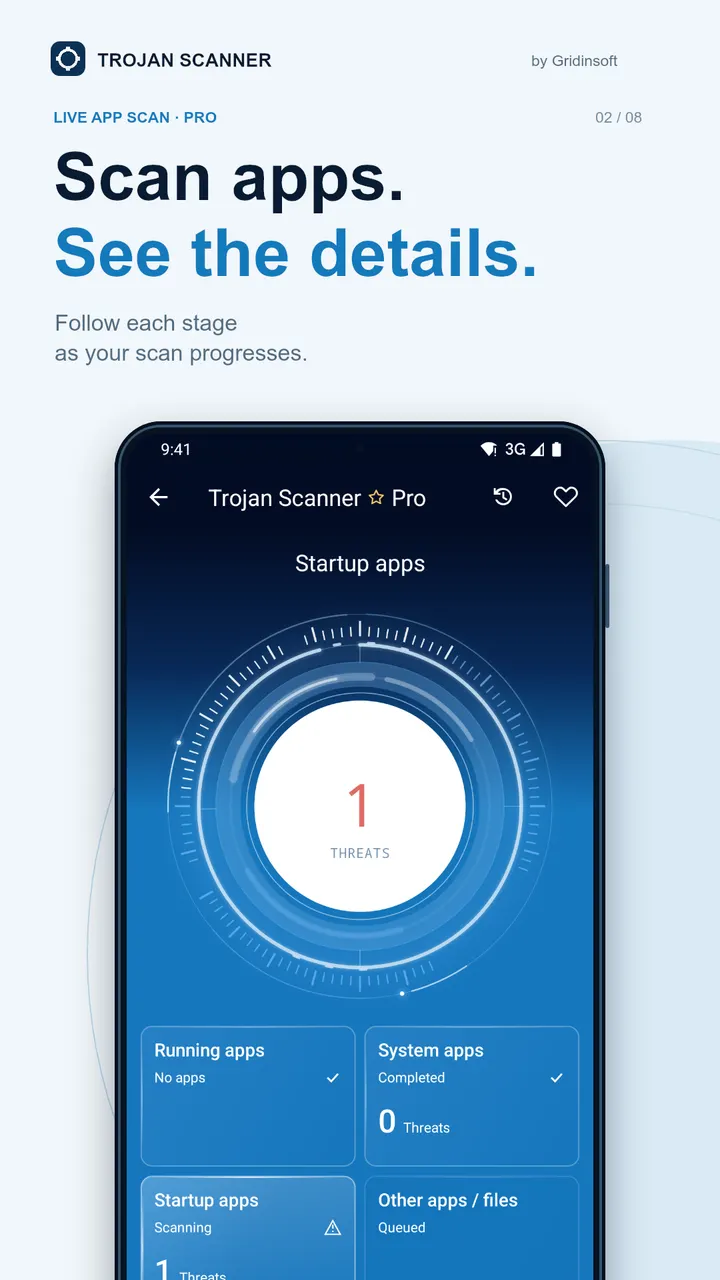
Trojan Scanner is a free Android antivirus from Gridinsoft, LLC that checks apps for malware and spyware without showing ads. The download goes to the official server at gridinsoft.com, and we do not host the file. Google Play shows over 500 thousand installs and a 4.2 rating from about 4.9 thousand ratings.
Free to install, no ads, with in-app purchases
The app costs nothing to install and carries no advertising. It does include in-app purchases, so some functions may sit behind a payment. The data does not specify which ones.
The content rating is Everyone, and the package ID is com.gridinsoft.trojanscanner. The APK is 6.1 MB, light for a security tool, and it needs Android 6.0 or newer.
Anti Spy, pre-install scans and cloud checks
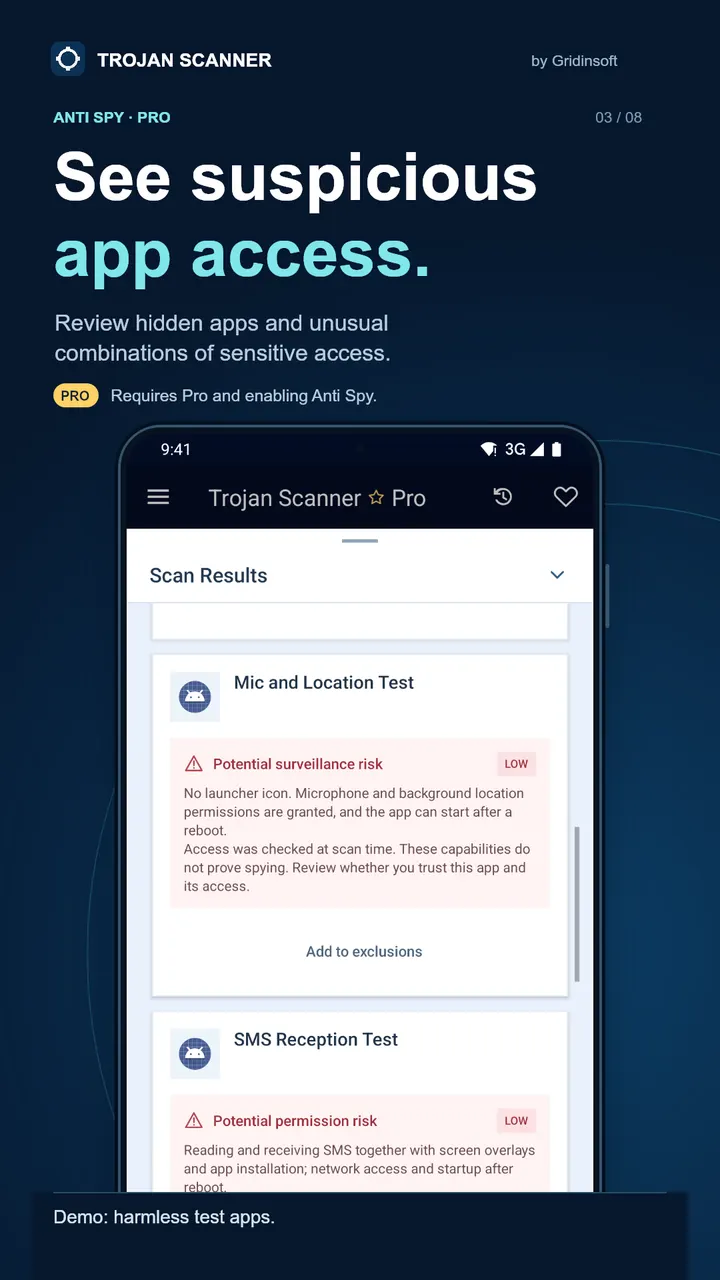
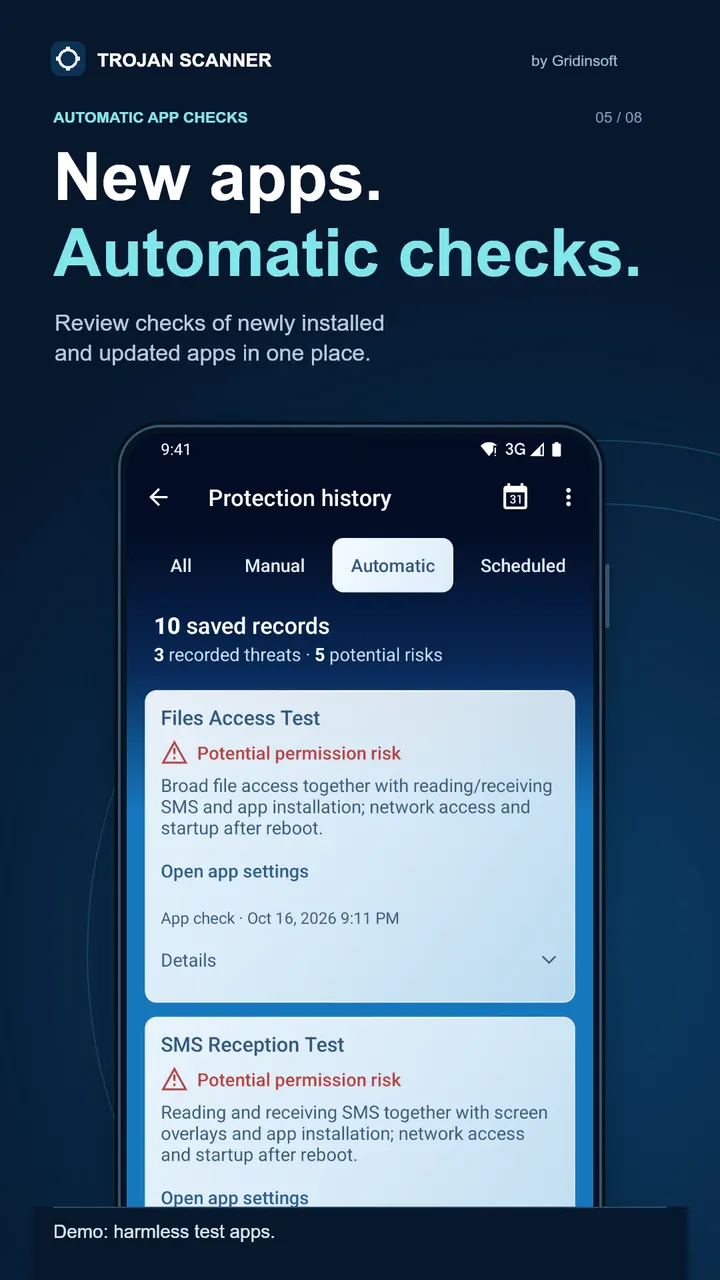
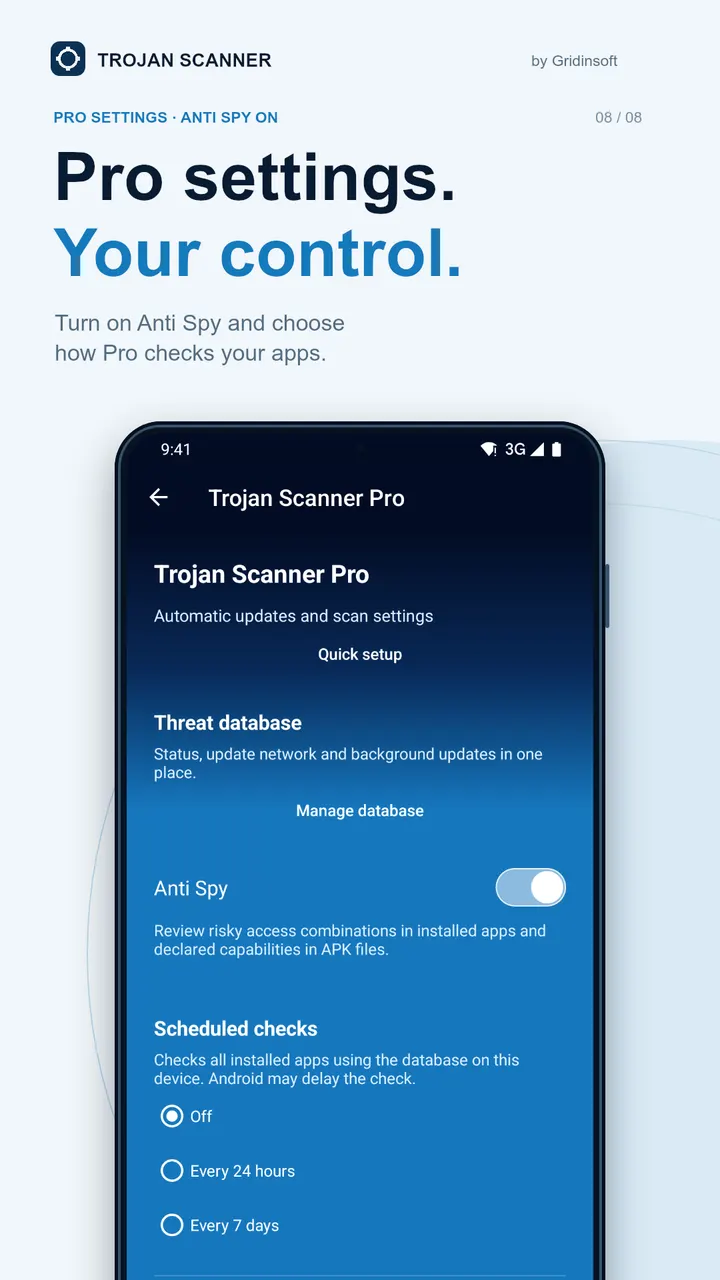
Anti Spy looks for apps that may watch your messages, microphone or location, including ones hidden from the app screen. You can scan a file from a website, a chat or a shared download before installing it. Apps already on the phone can be checked too, and new or updated apps are scanned automatically.
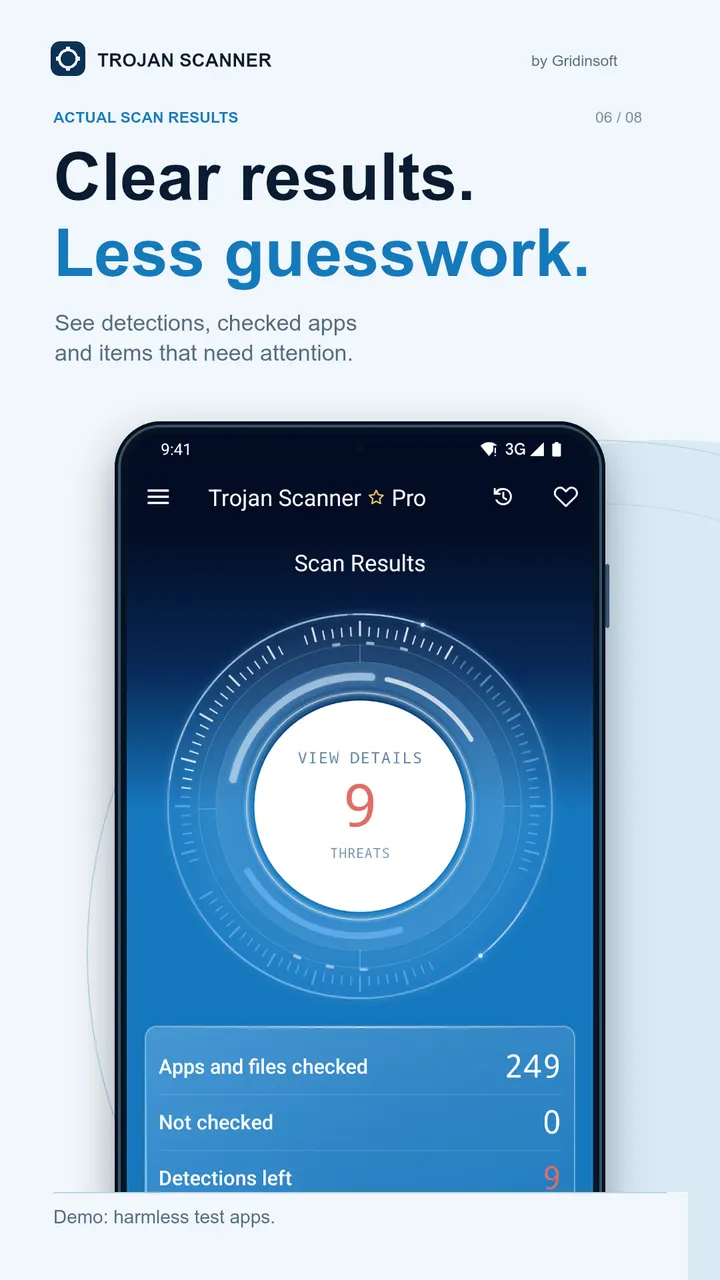
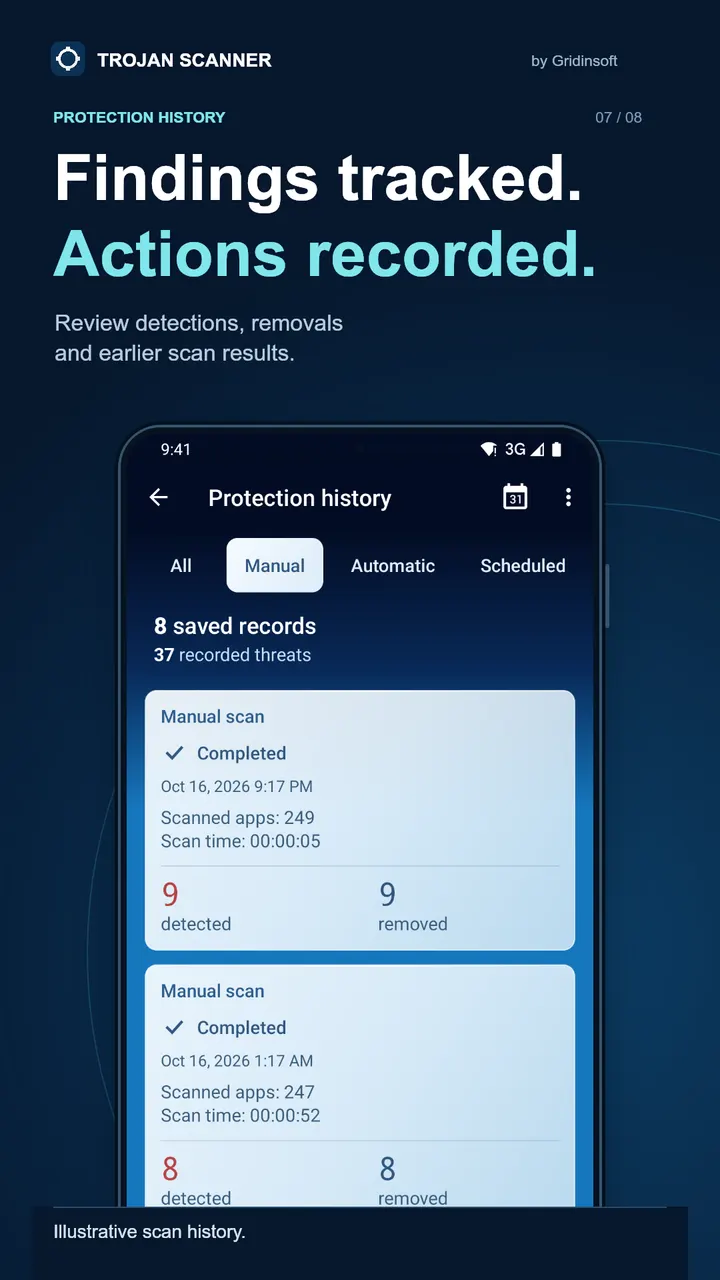
Detection runs on Gridinsoft technology, with optional cloud checks as a second source when a download looks suspicious. Local scans work without an account, and app files stay on the device even when cloud checks are added. Results show what was found and why it matters, and scan history helps you decide which apps to remove.
Scheduled scans and maintenance since 2017
Scans and threat-database updates can be scheduled, so checks happen without you starting them. The app first appeared on June 7, 2017, and the current version, 1.5.1.0, was updated on October 27, 2026. Nearly a decade of releases suggests ongoing upkeep.
Trojan Scanner pros and cons
Pros
- Free to install with no ads
- Local scans work without an account
- Scans a file before it is installed
- Small 6.1 MB package
- Scheduled scans and database updates
Cons
- In-app purchases are present, and which features they cover is not clear
- Needs Android 6.0 or newer
- Cloud checks involve online lookups, though app files are said to stay on the device
Is Trojan Scanner safe?
The file is delivered from Gridinsoft's official host, gridinsoft.com, and the publisher is Gridinsoft, LLC. The app is built to scan for malware, and it runs local scans without an account. Still, download only from the official source and keep the app updated.
How to install Trojan Scanner
- Press the download button to get the official file.
- Save the APK from that server to your phone.
- Open the file and allow installs from this source when Android asks.
- Finish the install, then open Trojan Scanner from your app drawer.


