

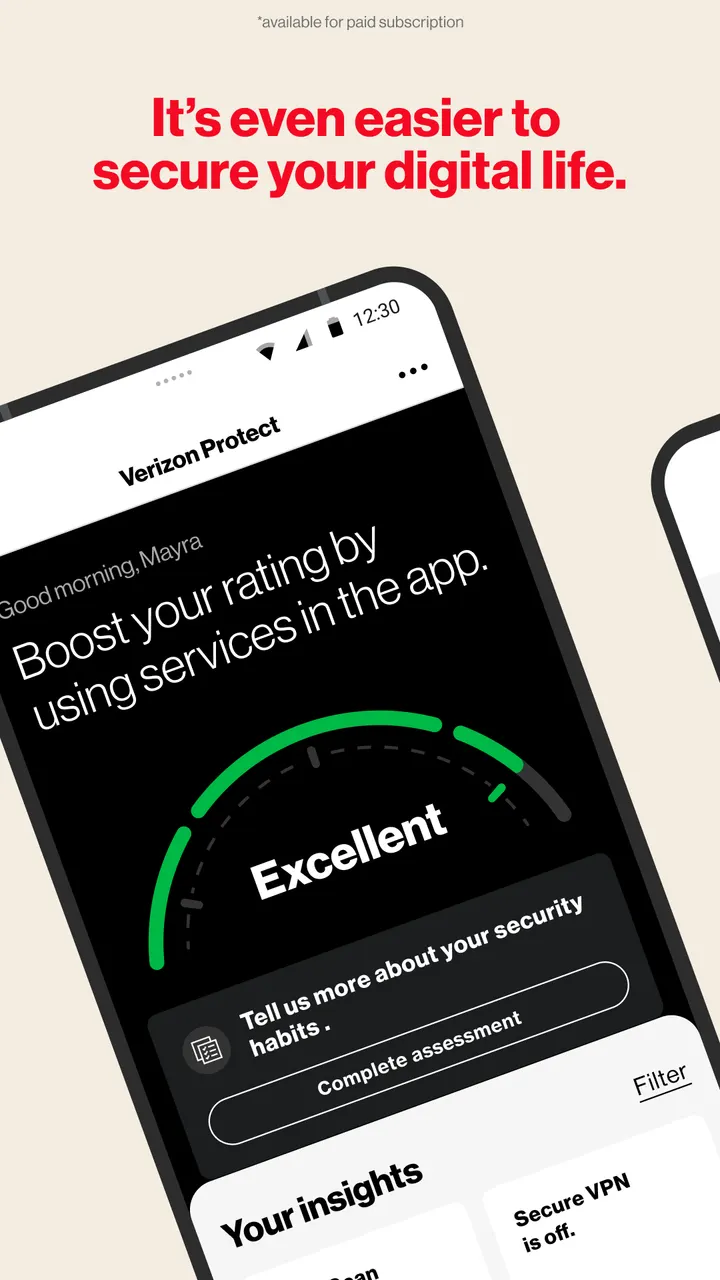
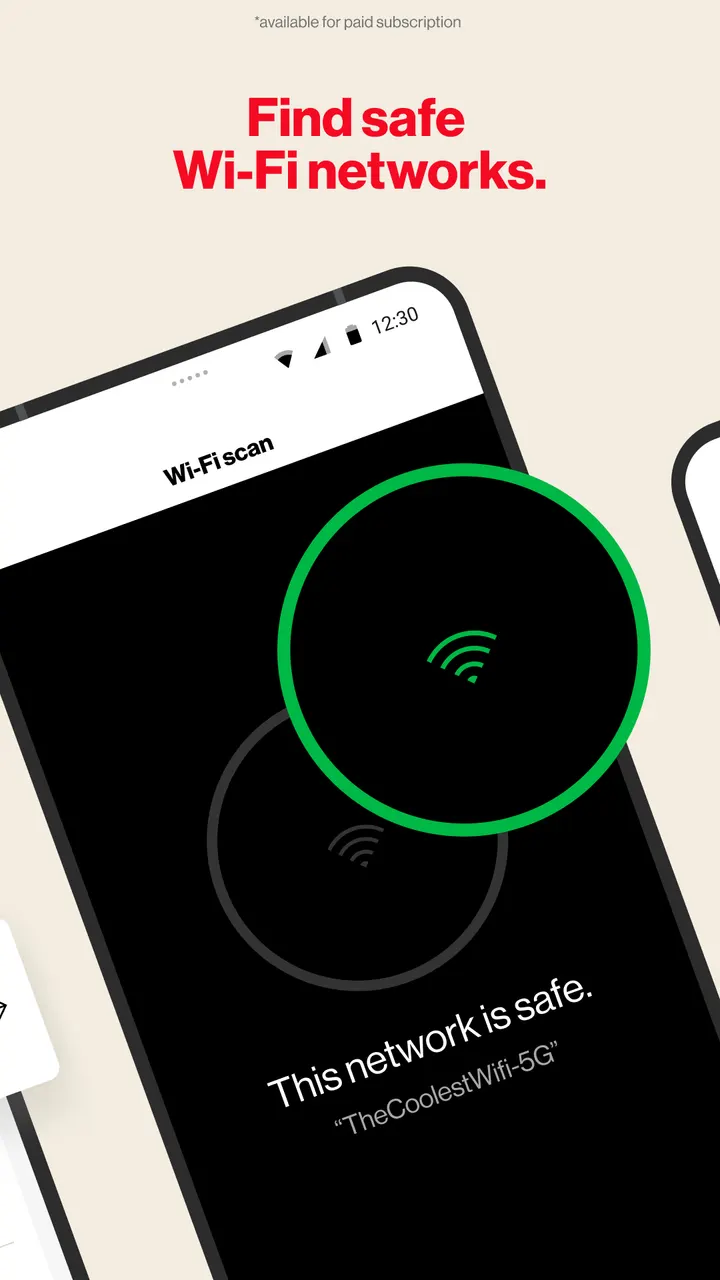
You are waiting on café Wi-Fi and want to check the network before logging in to your bank. Verizon Protect, published by Verizon Consumer Group, includes a Wi-Fi scanner for that moment. It also adds a VPN and dark web monitoring for your personal details.
Risky networks and exposed personal data
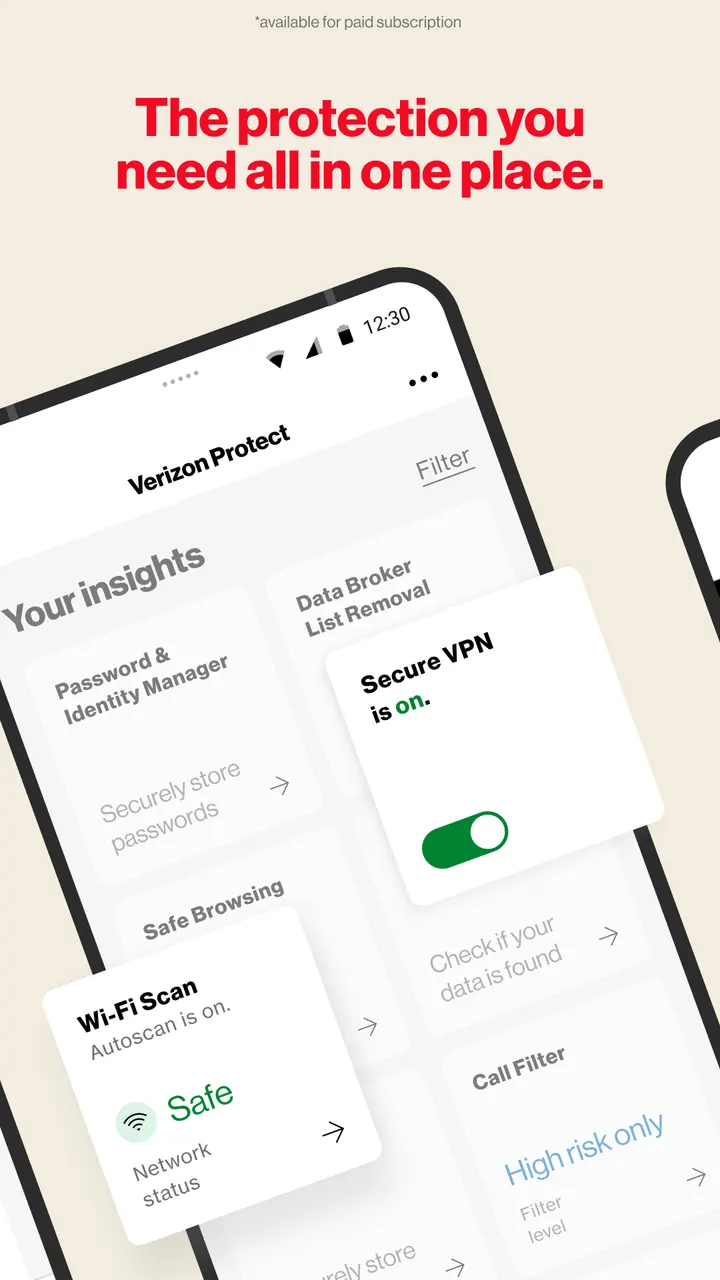
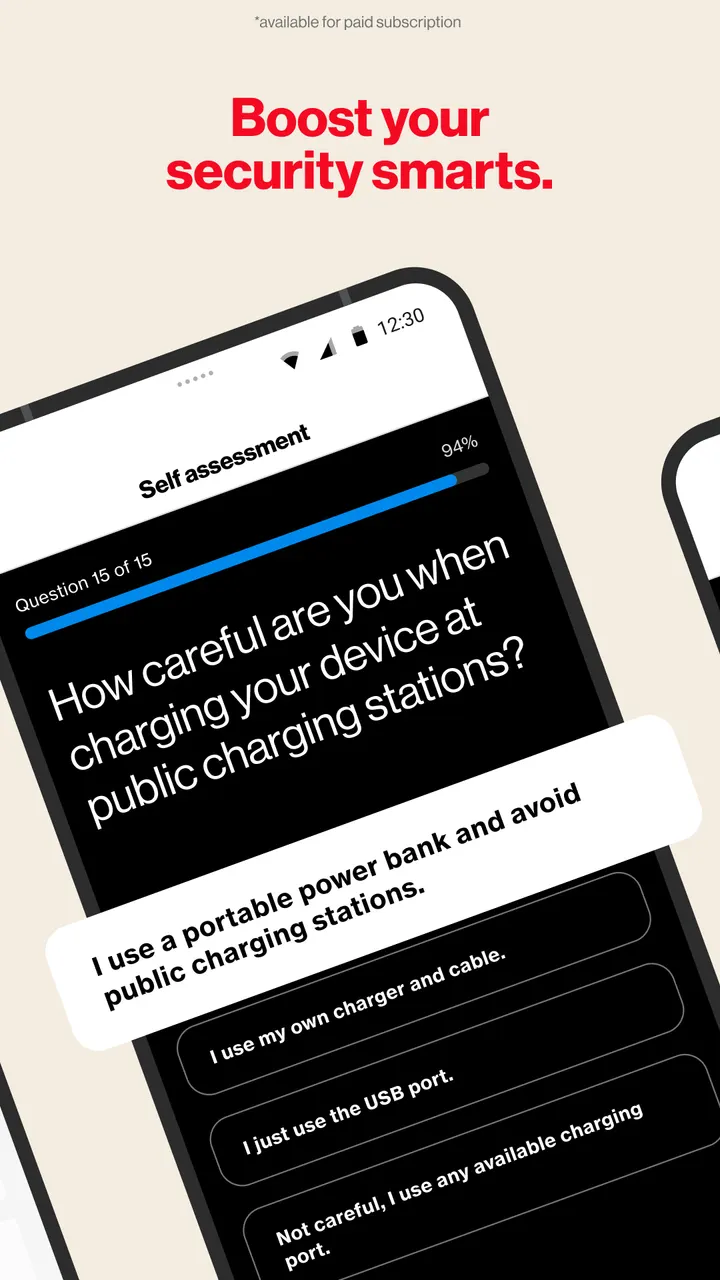
The app targets two worries: unsafe connections and leaked identity details. The Wi-Fi Scan checks whether a network is encrypted and safe, while Malware Scan looks for viruses and suspicious software in photos, media and other files on the device.
Safe Browsing reads website addresses typed into third-party browsers to warn about threats. This relies on the AccessibilityService API running in the background.
Digital Secure and Identity Secure tiers
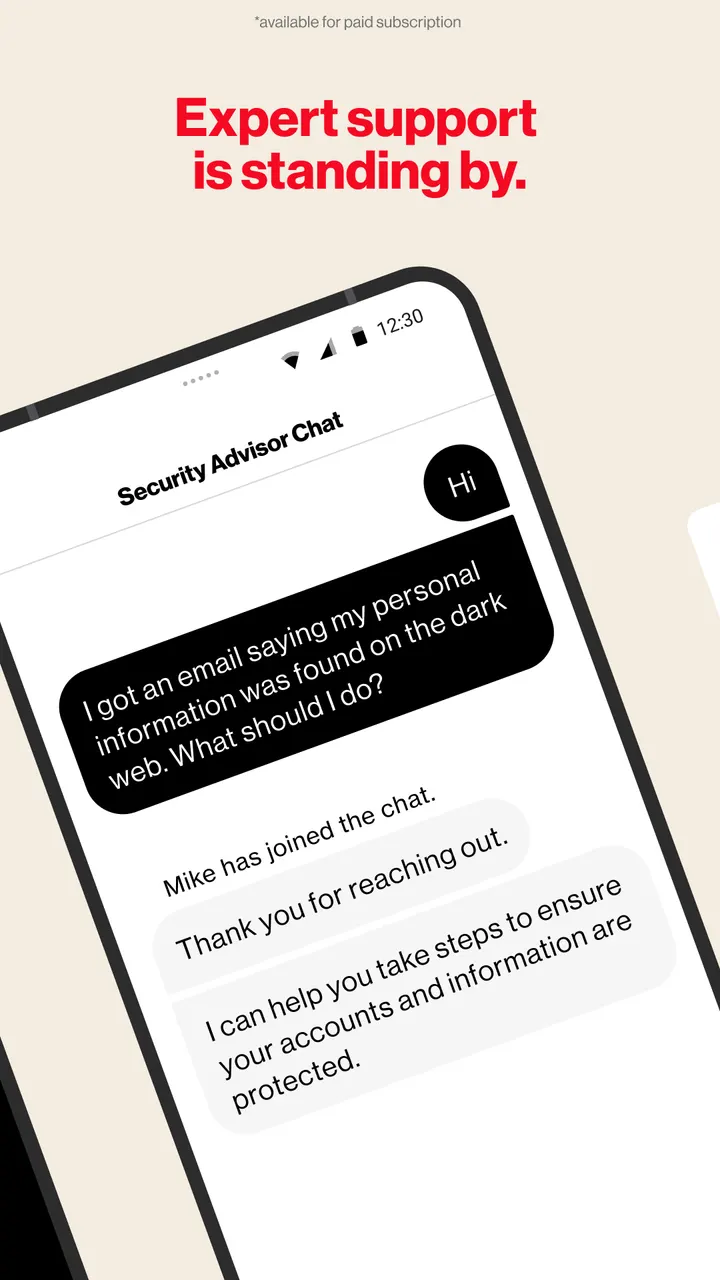
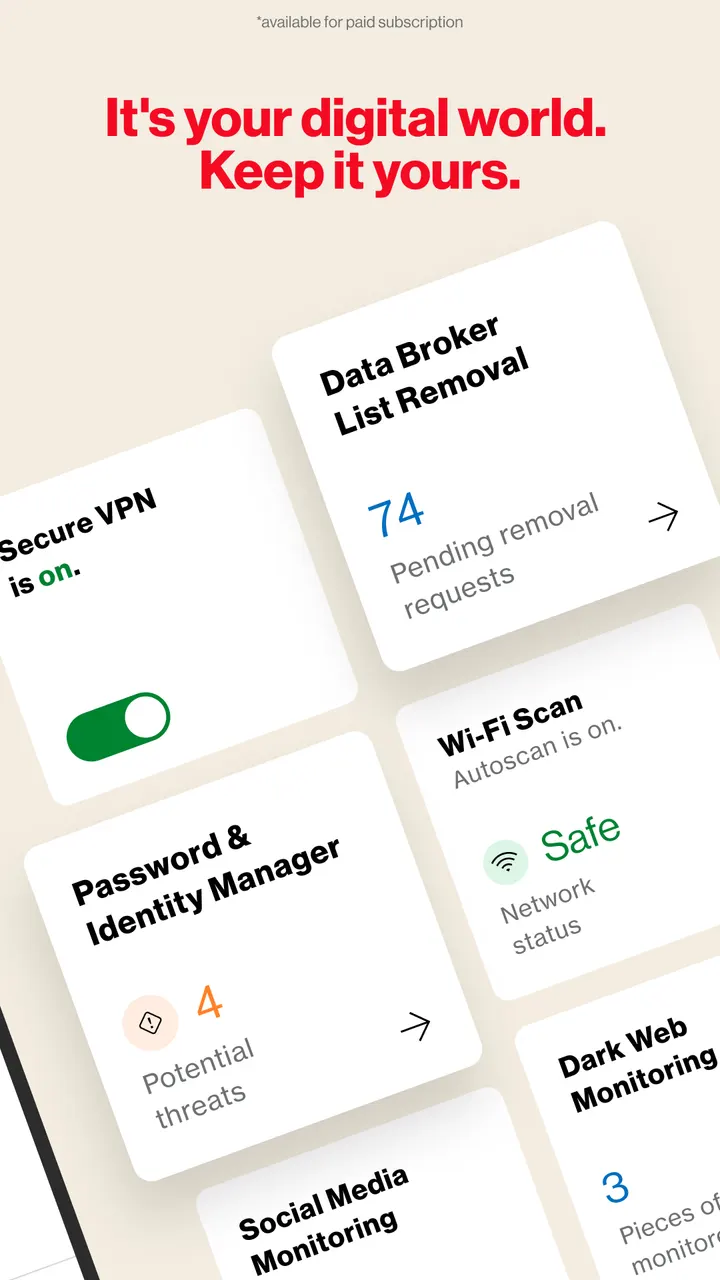
Beyond scanning, the app is split into two paid bundles. Digital Secure Premium adds a Secure VPN, Dark Web Monitoring, a Security Advisor chat available 24/7, and protection for Mac and Windows computers.
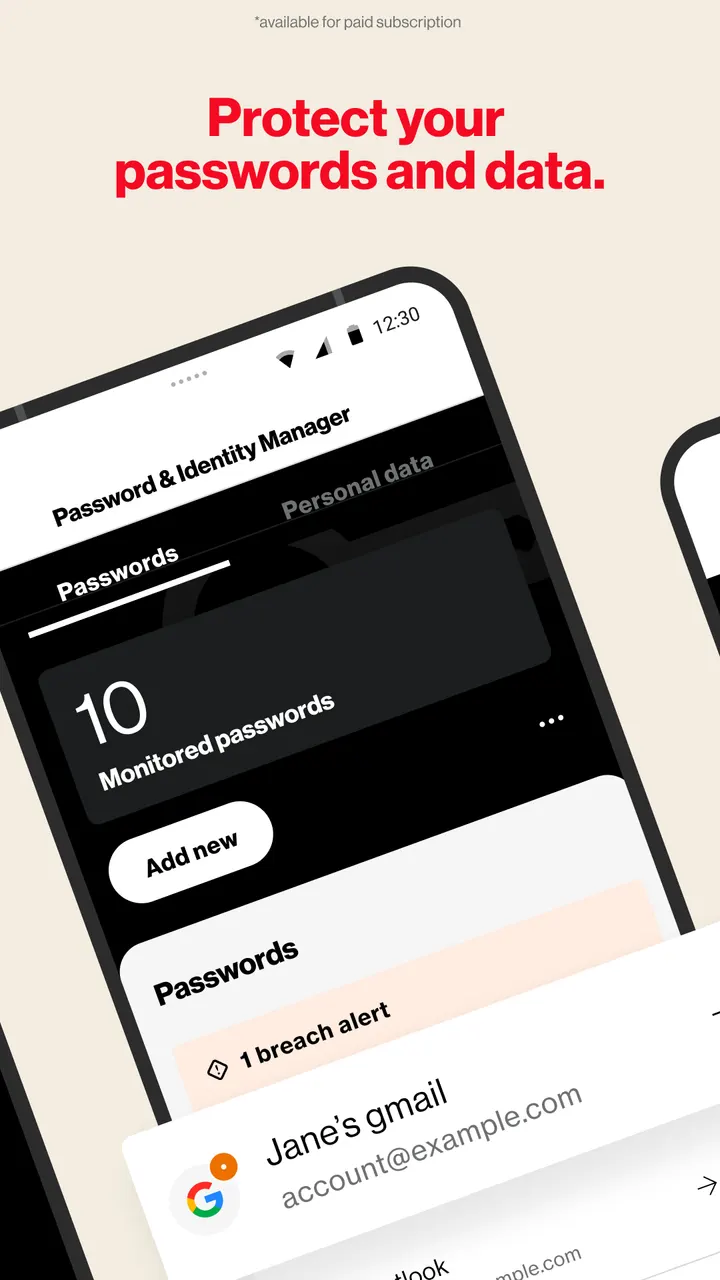
Identity Secure covers a password and identity manager, data broker list removal, social media monitoring, and a Locked Folder protected by a 6-digit pin. It also lists Identity Restoration Services with 24/7 access to experts.
What to check before installing
The app is free to download, with no ads and no in-app purchases. Digital Secure and Identity Secure, the two protection bundles, are paid subscriptions that you add through the app or My Verizon Online, so check the subscription pricing before you sign up.
It runs on Android 10 or later and carries a content rating of Everyone. Safe Browsing relies on the AccessibilityService API to read website addresses typed into other browsers, so consider if granting that permission suits you.
What's new in 9.2.0-24
Version 9.2.0-24 was updated on November 3, 2026.
Verizon Protect pros and cons
Pros
- Over 100 million installs on Google Play with a 4.7 rating
- Wi-Fi Scan checks whether a network is encrypted
- Covers malware, dark web alerts and data broker removal in one app
- No ads in the listing
- Premium plan extends to Mac and Windows computers
Cons
- VPN, dark web monitoring and identity tools require paid subscriptions
- Safe Browsing depends on the AccessibilityService permission
- Subscription prices are not published in the app listing
- Requires Android 10 or later
Is Verizon Protect safe?
Verizon Protect comes from Verizon Consumer Group and has been listed since May 30, 2017. It shows no ads and no in-app purchases. Review the permissions it requests, especially accessibility access, which Safe Browsing uses to read web addresses, before you install.
How to install Verizon Protect
- Press the Google Play button on this page.
- Check the listing in the Play Store and press Install.
- Open Verizon Protect when the install finishes. Updates arrive through Google Play.


